10 Best Online Gallery for Photographers in 2026

You've finished editing a wedding, and the couple needs to choose images for their album. Across town, an event organizer has a different problem: hundreds of attendees want their own pictures, but nobody wants to scroll through the entire reception, awards ceremony, and sponsor wall.
Both jobs need an online gallery. They don't need the same workflow.
For the wedding, favorites, proofing, download permissions, and print ordering matter most. For the event, the practical question is how to share event photos with attendees without turning the photographer into a search desk. A polished cover image won't fix a confusing selection process or help a guest locate a photograph buried deep in an album.
The best online gallery for photographers is the one that fits the delivery job. That includes who receives the images, what they're allowed to do with them, how purchases work, and whether sensitive information is processed along the way.
- Client proofing: Prioritize clear selections, feedback, and controlled delivery.
- Print-store sales: Examine product setup, fulfillment, fees, and the buying experience.
- High-volume distribution: Look for repeatable organization and access workflows.
- Attendee discovery: Make finding personal photos straightforward, with appropriate privacy controls.
The platforms below serve different combinations of those jobs. Choose by the handoff you need to complete, not by which demo gallery looks most like your portfolio.
1. Saucial
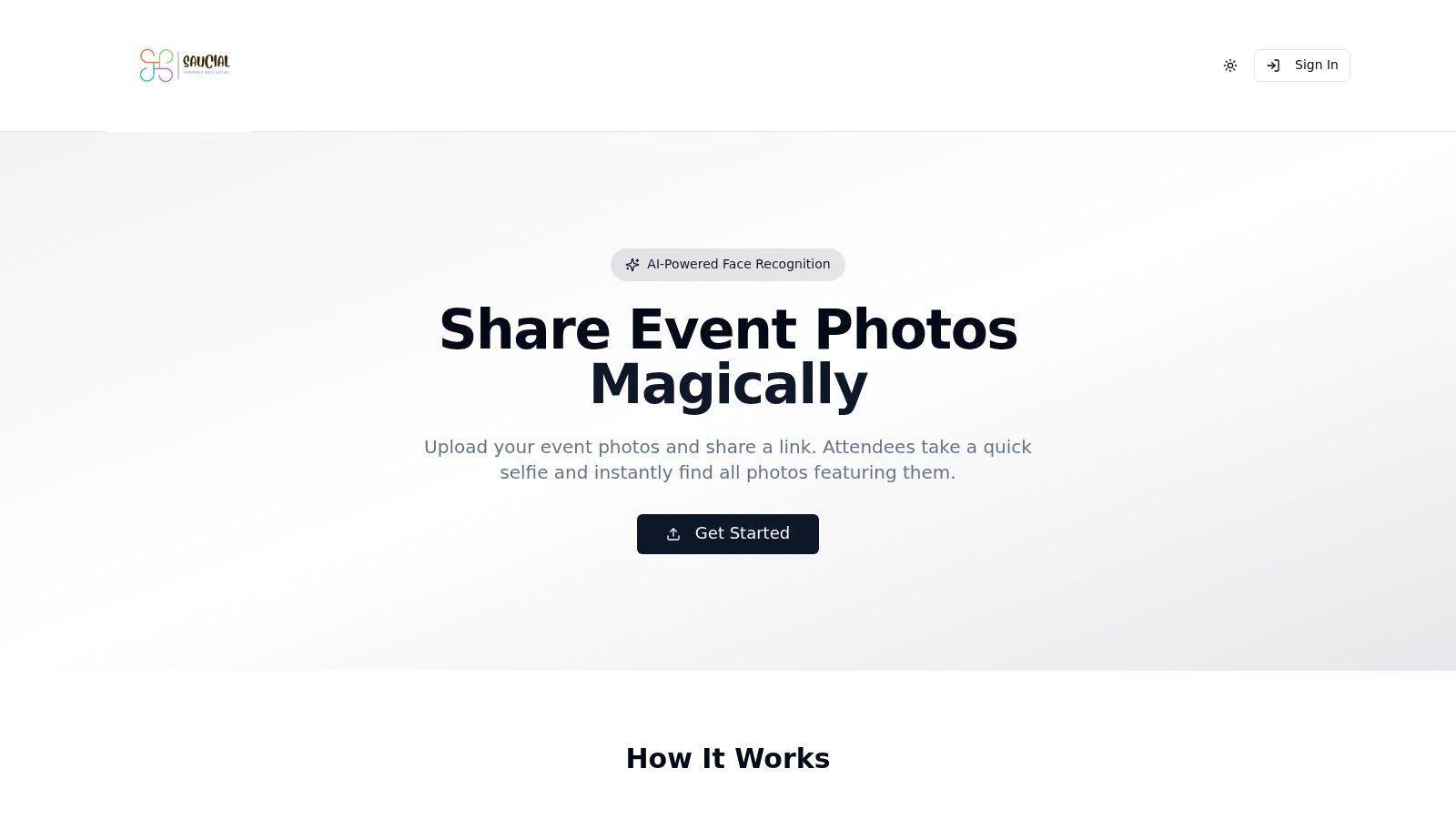
Best for attendee self-service discovery at high-sharing events. A gala fundraiser photo gallery needs more than an attractive grid when guests mainly want photographs featuring themselves.
Our workflow starts with organizers dragging and dropping event images into the platform. AI processes faces in the background, and organizers receive a unique event photo sharing link they can distribute through their preferred channels. Attendees take a selfie and instantly see the photos featuring them.
An optional QR code photo gallery gives organizers another distribution route through signage or event communications. Guests don't need an app and typically don't need an account, making the workflow suitable for alumni dinners, festivals, sports tournaments, and trade shows.
Discovery comes with responsibilities
Selfie photo matching handles a different job from client proofing: it helps attendees locate images rather than choose an album layout. Organizers control what gets shared and which guest experiences are available, including optional attendee offers.
- Advantages: Personal photo retrieval can reduce manual searching and follow-up requests.
- Commercial possibilities: Event-approved print sales, digital downloads, premium edits, curated sets, or branded content can support photographer upsell to attendees.
- Limitations: Pricing, specific sales availability, retention terms, and detailed privacy safeguards need confirmation before deployment.
A face recognition event gallery also requires a deliberate consent process. The New Zealand Privacy Commissioner's biometric guidance emphasizes necessity, proportionality, safeguards, transparency, and purpose when processing biometric information.
Before publishing, establish clear notices, retention expectations, deletion procedures, and a non-biometric way to request photos. A photo release shouldn't be treated as automatic permission for every subsequent use of someone's face.
2. Pixieset
For wedding and portrait photographers, Pixieset belongs on the shortlist when client presentation and delivery are the main jobs. Its client galleries sit alongside website, store, mobile gallery, and studio-management products.
Say a couple needs to review their wedding photographs, share the collection with relatives, and order prints. That's a client-gallery workflow with a clear primary recipient, even when the audience later expands.
Pixieset's appeal is that you can keep those activities within a broader photography-business setup. The trade-off is deciding how much of that setup you need.
Buy for the client handoff
- What works: Branded presentation, photo sharing, and a gallery storefront suit relationship-led assignments.
- What to watch: The free offering has storage limits and sales commission; paid branding and domain options depend on the plan.
- Where it fits less well: It isn't a built-in selfie-based event photo finder.
Test a complete assignment rather than an empty demo gallery. Upload the edited collection, send it to someone unfamiliar with the platform, and ask them to make a selection and locate download options without coaching.
Also separate the gallery decision from the website decision. If your current website and booking system already work, moving everything isn't necessarily an improvement. Choose the broader suite only when it removes work, not merely because the products share a dashboard.
3. ShootProof
ShootProof suits photographers who want proofing, delivery, print sales, and client-business tools together. Contracts and invoices can make it relevant beyond the final gallery handoff.
That distinction matters because delivery friction often starts before upload. In a HoneyBook survey of U.S.-based professional photographers, 51.1% manually copied client information from a CRM into gallery software, according to the HoneyBook survey announcement.
Combining functions can help, but only if the connections match your actual process. A contract feature you never use doesn't compensate for awkward image selection.
Practical rule: Trace the client's name, email, gallery access, selection, and order through the workflow. Count every place you have to enter the same information again.
ShootProof offers galleries, slideshows, video hosting, and lab-fulfilled print sales. Its broader business functions are most useful when you're prepared to adopt them rather than maintain parallel systems.
The limitation is audience discovery. Sending attendees a gallery isn't the same as helping each person retrieve their own photographs. For that separate job, you can sign in to explore an attendee-discovery workflow.
Before choosing, verify the storage allowance against your delivery volume and test a print order through fulfillment. Pay particular attention to crop approval, delivery charges, and who handles an unhappy buyer. Those details affect your client relationship even when a lab produces the order.
4. SmugMug
A substantial image library and a public sales presence are different requirements from a temporary delivery gallery. SmugMug combines photo hosting, portfolio presentation, access controls, and print or digital sales.
It's worth considering when you want ongoing galleries rather than a disposable handoff. Its listed plans emphasize unlimited full-resolution JPEG storage, but that shouldn't be confused with unrestricted storage for every file type.
Storage doesn't solve discovery
A photographer covering recurring tournaments might organize galleries by event, team, and match. That structure can make an archive usable, but attendees still need a sensible path into the right collection.
- Strength: Hosting and presentation can live alongside print and digital-download selling.
- Plan consideration: Client favoriting, download limits, and custom price lists depend on the tier.
- Storage caveat: RAW storage costs extra, so separate your delivery-library requirements from your master-file backup strategy.
SmugMug also offers QR-code generation for delivery. That's useful for opening a gallery, but a QR code identifies a destination, not the person viewing it.
Test your proposed gallery hierarchy on a phone before committing. Ask someone to find a specific match or portrait, download an allowed file, and identify whether they're buying a digital image or a physical print.
For photographers who value a lasting library, the organizing work can be worthwhile. For a public event where guests expect immediate personal retrieval, storage capacity alone won't address the main problem.
5. Zenfolio
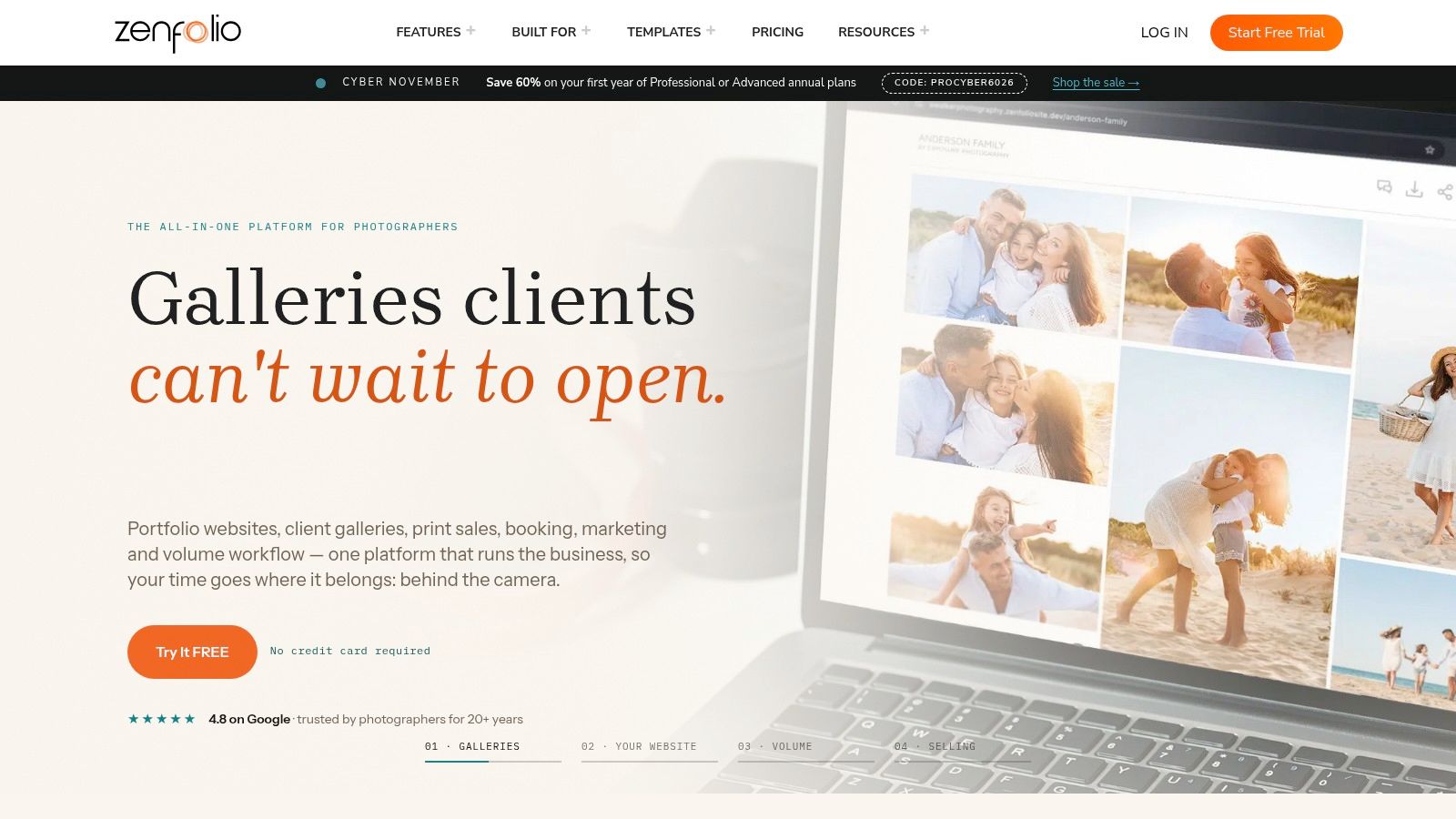
School portraits and organized sports introduce a different delivery problem: keeping subjects, access, and orders correctly associated throughout the job. Zenfolio is relevant here because its offering includes volume-photography tools and QR workflows on qualifying plans.
Its broader platform combines websites, client galleries, proofing, commerce, and business tools. Favorites and comments support client review, while selling plans connect print and digital orders with lab fulfillment.
For sports tournament photo sales, start with the structure of the assignment. Scheduled team portraits and roaming action coverage may require different organization even when they happen at the same venue.
- Good fit: Repeatable volume jobs where you can define subjects and delivery groups before shooting.
- Commercial caution: Selling-related fees affect margins, so examine the current fee schedule alongside fulfillment costs.
- Feature caution: Volume tools aren't available across every plan, and QR workflows aren't automatic selfie retrieval.
Access settings deserve particular attention for school and youth photography. Before distribution, review who can see a collection, whether links can be forwarded, and how correction or removal requests will be handled.
For attendee-led events, separately review the organizer settings available in your chosen distribution workflow. Don't assume that a convenient access method provides the privacy configuration you need.
Choose Zenfolio for a defined volume process, not because the event produces a large quantity of photographs. Volume organization and personal discovery are related, but they're not interchangeable.
6. Pic-Time
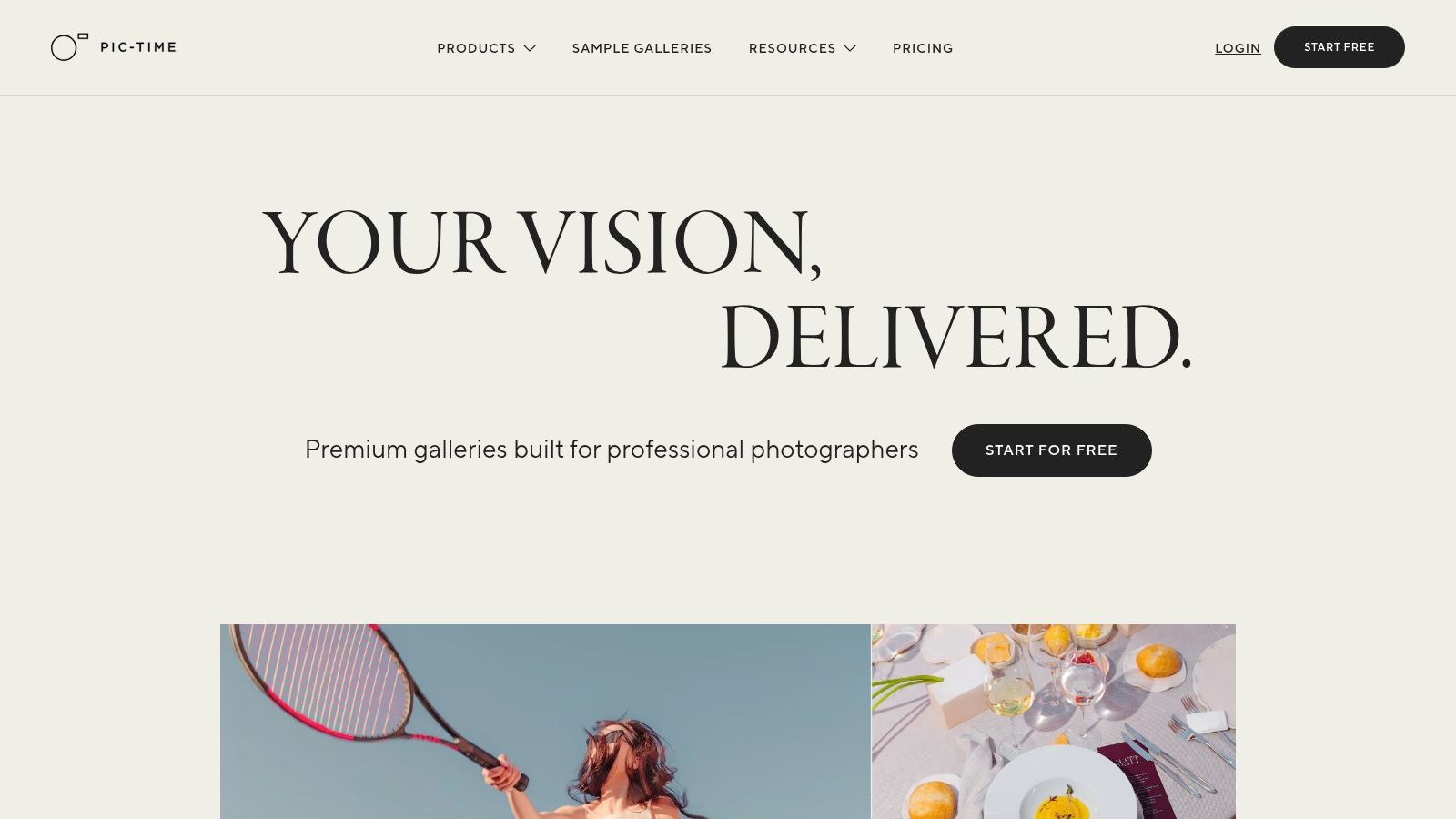
If your delivery email is also the beginning of a print-sales conversation, Pic-Time deserves attention. Its emphasis is client galleries, print stores, and marketing automation, rather than file transfer alone.
That makes sense for wedding and portrait work where clients may want wall art or albums after receiving their photographs. The photographer still needs to curate the offering, set appropriate prices, and decide when promotional messages are welcome.
Treat the store as part of the assignment
Check the buying experience with photographs that expose practical problems: a wide family group, a tightly framed portrait, and an image with important detail near the edge. Product previews and crop decisions matter more than an impressive store landing page.
A print store isn't finished when products appear. It's finished when a client can confidently choose a product, understand the crop, and complete the order.
Pic-Time also lists album-building tools and additional presentation features on selected plans. Search and image-filtering capabilities need the same scrutiny as sales tools: establish what clients can search for and how the feature behaves with your photographs.
Don't equate client search with universal attendee matching. A tool useful to a couple reviewing their wedding may not provide the discovery process needed by a festival audience.
Storage, store eligibility, and marketing features vary by tier. Choose based on the sales process you intend to run, including client permissions and follow-up messaging, rather than assuming every available automation should be enabled.
7. CloudSpot
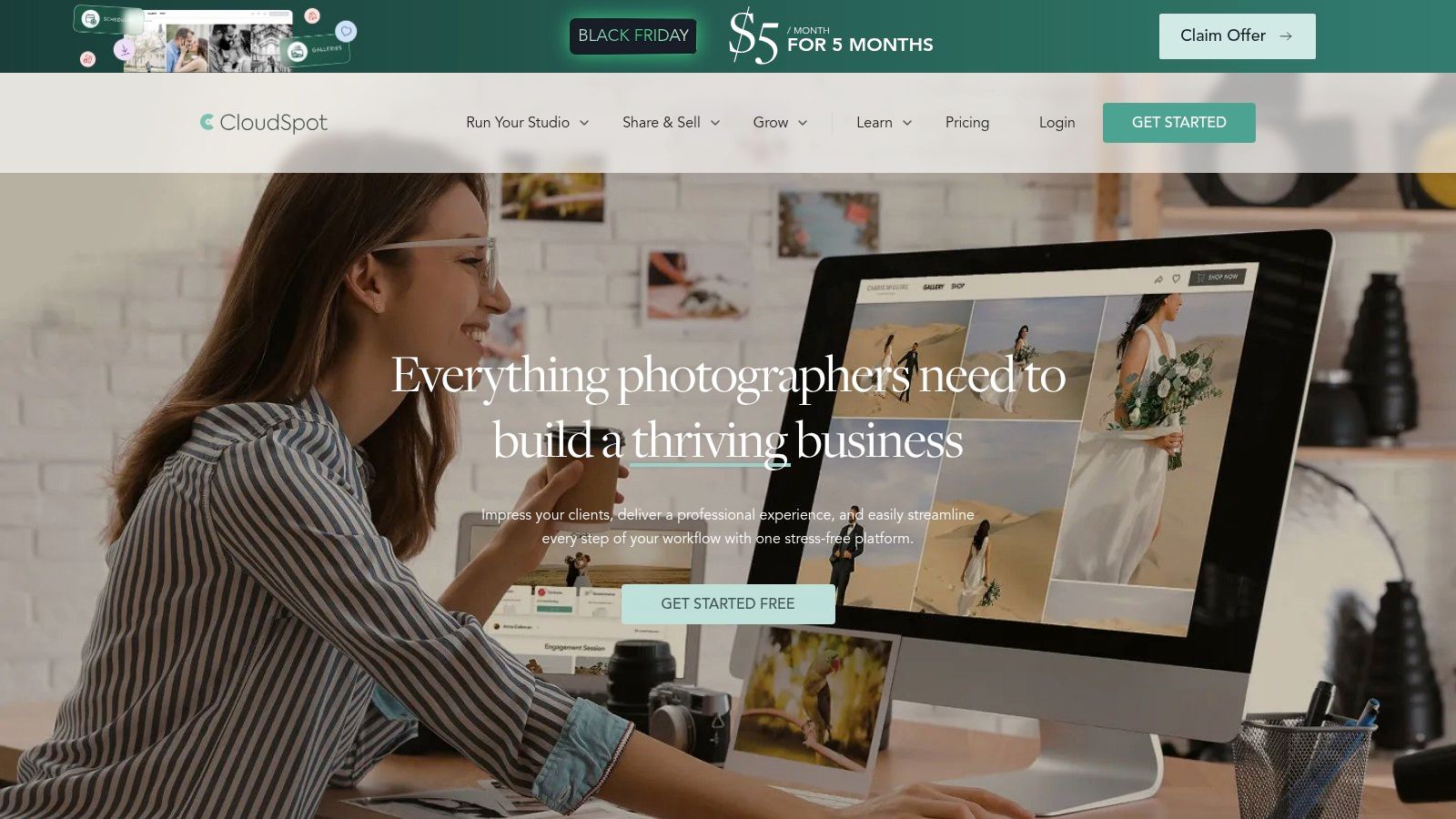
Not every photographer wants to replace their business software to improve photo delivery. CloudSpot offers gallery-only choices alongside a broader business suite, making that distinction useful at the buying stage.
A portrait photographer with an established contract and scheduling system can evaluate the gallery on its own. Someone starting a studio may instead value contracts, scheduling, and client-management tools in the same service.
The free offering provides an entry point for testing, but storage, gallery-count, and file-type limits make it unsuitable as an assumption-free long-term plan.
- Choose gallery-only when: Your existing business systems work and you mainly need client delivery and a print store.
- Consider the suite when: You have a clear plan to move administrative tasks rather than duplicate them.
- Check before paying: Confirm renewal pricing, supported file types, and the storage required by your normal assignments.
A practical trial should include both photographer and client tasks. Build a gallery, revise an image after upload, send access instructions, and ask a test client to find their selections and download the correct files.
CloudSpot isn't specifically designed around public event-attendee face matching. For a conference or festival, decide whether recipients will browse manageable collections or expect personal retrieval.
Its strongest fit is controlled client delivery with room to expand the business workflow. Don't pay for that expansion until you know which existing task it will replace.
8. picdrop
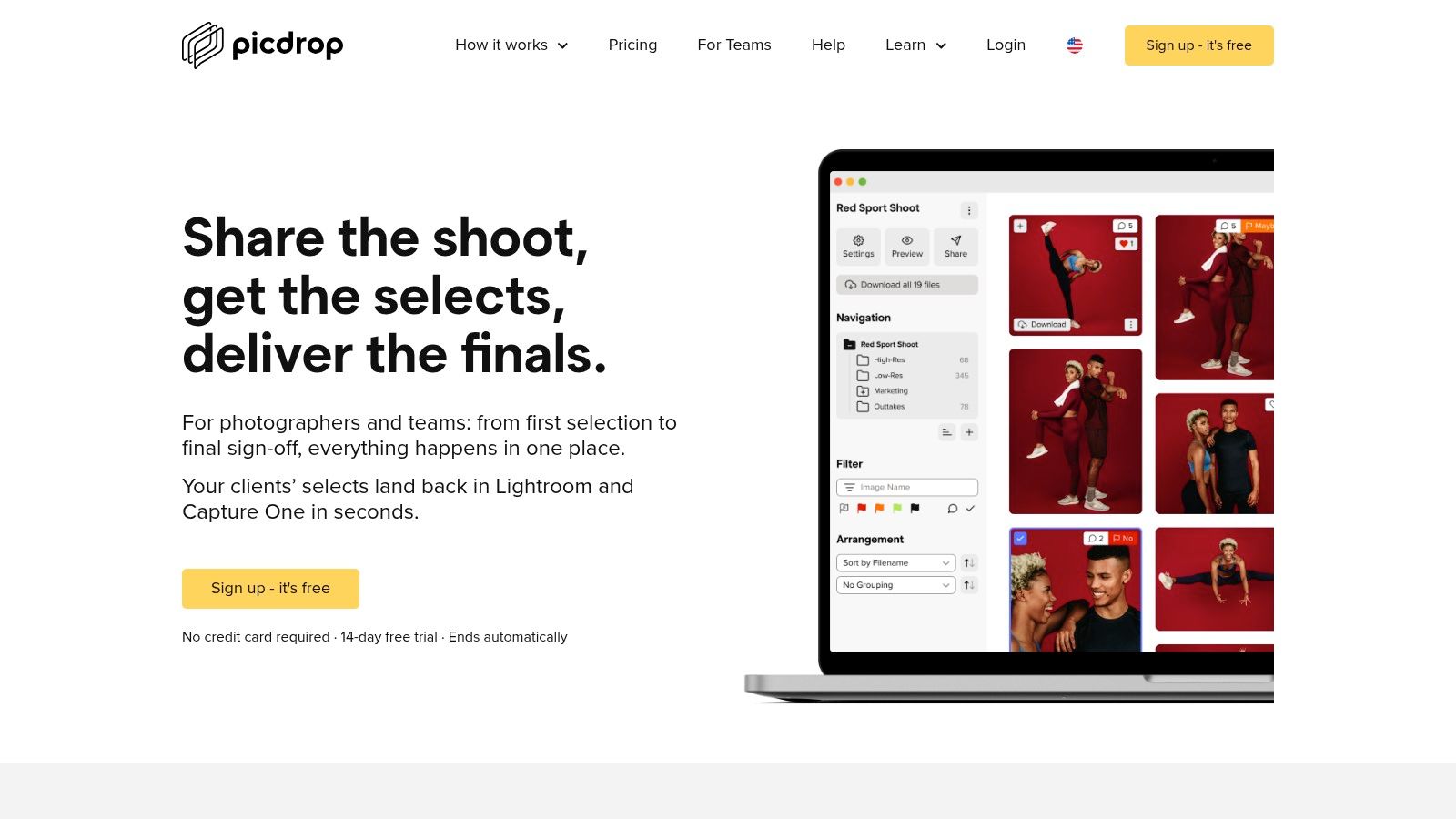
An art director choosing campaign images needs a review workspace, not a souvenir gallery. picdrop focuses on professional collaboration, selections, and delivery, including support for RAW files and other image and video formats.
For commercial or editorial assignments, the critical handoff often happens before final retouching. The client needs to communicate which frames should proceed, and the photographer needs to connect those choices with the editing catalog.
Make selections actionable
picdrop supports selection export to Lightroom and Capture One. That's relevant when a client's choices must become an editing task rather than remain a separate email thread full of filenames.
- What works: Review, selection, secure sharing, and client uploads support collaborative production.
- What to verify: Team access, branding, storage, and the exact formats required by the job.
- Where it doesn't fit: Its core purpose isn't public event distribution or an attendee-facing print shop.
Keep previews and deliverables distinct in your own process. Name files consistently, explain what a selection means, and make clear whether clients are approving a frame, a retouch, or a final export.
Privacy also extends beyond passwords. The provider states that gallery content isn't used for AI training; assess that statement alongside your client's contractual requirements and the applicable service terms.
Choose picdrop when feedback needs to turn into production decisions. If the main objective is guest sharing or automated product sales, evaluate those requirements separately rather than forcing a collaboration workspace to serve as an event portal.
9. Format
A photographer whose website is the main route to bookings may prefer Format for portfolio presentation with client-facing workflow tools. Its offering brings website building together with password-protected client galleries and related project tools.
That's a sensible starting point for a portrait or commercial photographer who wants public work and private delivery under a consistent brand. It's a less obvious fit when the main challenge is distributing a large event collection to unfamiliar attendees.
Separate portfolio appeal from delivery ability
Your portfolio needs editing, sequencing, and visual clarity. Your client gallery needs understandable access, selection, and download instructions, and those functions deserve their own test.
- Advantage: Public presentation and private client galleries can sit within the same broader setup.
- Trade-off: Gallery, store, and workflow availability varies across plans and products.
- Boundary: A polished portfolio doesn't establish that the platform can handle your volume-event process.
Build a sample assignment alongside a portfolio page during evaluation. Ask a test client to move from the delivery email to the private gallery without accidentally landing in public work or becoming confused about which files are final.
Password protection is useful, but it doesn't answer every access question. Decide how passwords are distributed, whether recipients may share them, and when a delivered gallery should be retired.
Format makes the most sense when the website and client experience are joint priorities. If you already have a website you like, judge whether moving it would produce enough operational benefit to justify the migration.
10. PhotoShelter
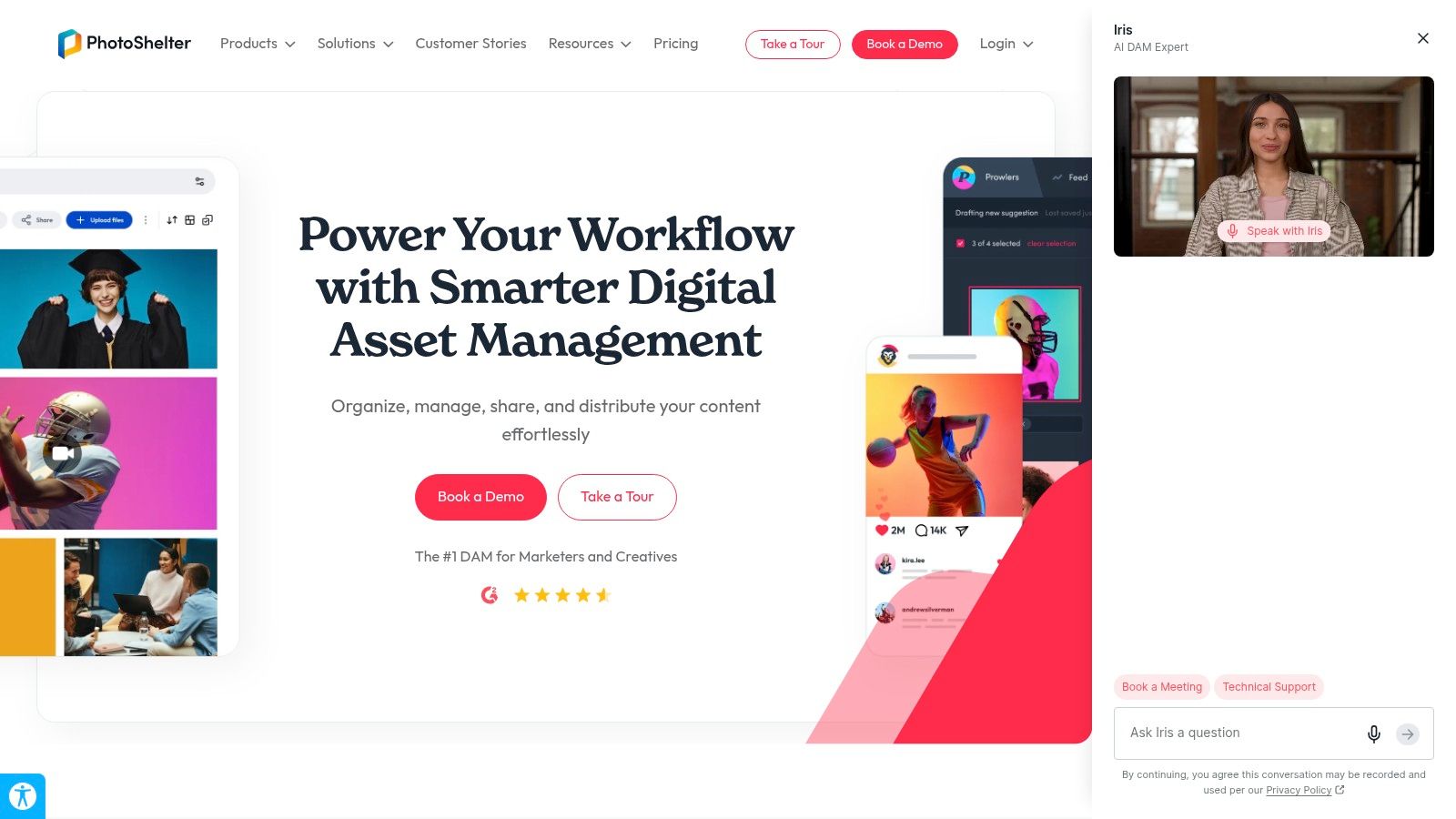
A university communications team searching past events has different needs from a couple downloading wedding photographs. PhotoShelter is particularly relevant to managed image libraries, controlled distribution, and licensing.
Its offering includes digital asset management, workspaces, public-facing portals, and search capabilities. For teams maintaining an archive, metadata and permissions deserve as much attention as gallery appearance.
A searchable library is only useful when contributors apply a consistent structure. Define event names, subjects, usage restrictions, and approval status before importing a backlog.
Archive advice: Keep an image's availability separate from its permitted use. Someone finding a photograph doesn't mean they're authorized to publish it everywhere.
PhotoShelter's team-oriented approach can suit organizations with multiple contributors and recurring requests. Reporting, analytics, and advanced search depend on the offering, and published pricing may require a sales conversation.
The trade-off is system overhead. A solo photographer delivering straightforward portrait sessions may not need a managed archive with organizational controls.
When testing, include a search task involving an older image and a distribution task involving restricted material. For an event-first comparison, you can also open the attendee-delivery upload workflow and distinguish publishing a current event from maintaining a long-term library.
Choose PhotoShelter when people need to retrieve and reuse approved assets over time. Choose a simpler gallery when the job ends with a clear client handoff.
How the Top Online Galleries Compare for Photographers
Read this table by delivery job, not by looks. Client proofing, print-store sales, volume event distribution, and attendee self-service discovery are different workflows, and a platform that handles one well can be average at another. Plan tiers and trial terms change often, so treat the third column as a prompt to confirm current terms before committing.
| Item | Best for | Plan entry | Sales options | Attendee selfie matching |
|---|---|---|---|---|
| Saucial | High-sharing events needing fast attendee photo discovery | Organizer-controlled; check current terms | Optional prints, digital downloads, premium edits, curated sets, or branded frames | Yes; attendees take a selfie and see only the photos featuring them |
| Pixieset | Photographers wanting branded galleries and business tools | Free tier or trial available; check current terms | Digital downloads and print sales | No; discovery is gallery browsing |
| ShootProof | Photographers combining galleries, print sales, and business tools | Free tier or trial available; check current terms | Print sales with lab fulfillment | No; discovery is gallery-based |
| SmugMug | Photographers with large libraries and client sales needs | Free tier or trial available; check current terms | Print and digital sales with fulfillment options | No; attendees browse the gallery |
| Zenfolio | School, sports, and other volume photography jobs | Free tier or trial available; check current terms | Print and digital sales with lab fulfillment on selling plans | No; QR workflows exist without selfie matching |
| Pic-Time | Photographers focused on gallery presentation and marketing | Free tier or trial available; check current terms | Print-store integration and sales features | No; galleries are shared by link and browsed |
| CloudSpot | Photographers wanting flexible gallery-only or business-suite plans | Free tier or trial available; check current terms | Print store | No; not designed for attendee face matching |
| picdrop | Commercial and editorial client review and delivery | Free tier or trial available; check current terms | Proofing and delivery rather than a built-in storefront | No; focused on client collaboration |
| Format | Photographers combining a branded portfolio and client galleries | Free tier or trial available; check current terms | Online store on eligible paid plans | No; galleries are browsed by link |
| PhotoShelter | Organizations managing searchable image libraries and licensing | Published pricing may require a sales conversation | Image licensing tools | No; built for archive search rather than attendee matching |
The last column is where event work splits from client work. Most of these platforms assume the recipient opens a link and scrolls a full gallery; Saucial inverts that by letting each guest pull only the images they appear in, which removes the manual "can you find my photos?" requests that eat post-event hours. If your shoots end at a single client handoff, weigh the proofing and sales columns first. If the audience is the client, test attendee matching before anything else.
Matching Your Gallery to Your Shoot Type and Client Expectations
Start with the person receiving the photographs and the action they need to complete. Proofing, purchasing, browsing an archive, and finding personal event photos are separate jobs, even when a platform supports several of them.
For weddings and portraits, shortlist Pixieset, ShootProof, CloudSpot, or Pic-Time according to your proofing and sales requirements. Consider Format when the public portfolio is equally important, and picdrop when selections need to feed a commercial editing workflow.
Follow the delivery job
- Client proofing: Test favorites, feedback, selection handoff, and download permissions.
- Print sales: Compare fulfillment, crop handling, selling fees, and responsibility for customer support.
- Volume photography: Evaluate Zenfolio's qualifying volume tools against the way subjects and orders are organized.
- Libraries and archives: Consider SmugMug for hosting and presentation, or PhotoShelter for a more structured organizational archive.
- Attendee discovery: Use selfie-based retrieval when guests primarily need photographs featuring themselves, with appropriate consent and an alternative request route.
For event delivery, don't stop at whether a gallery opens. AxioBench's gallery benchmarking guidance recommends comparing first-image display and navigation under consistent conditions, including realistic concurrent use.
Run your own trial on a phone using the connection attendees are likely to have. Open the gallery from its QR code, browse, search where available, inspect an image, and complete a download or purchase. Test the entire journey, not just the upload screen.
Measure what happens after delivery
For trade show photo sharing, a useful outcome might be approved branded sharing. A sports organizer may prioritize personal retrieval and purchases, while an alumni team may care more about repeat visits and community participation.
Saucial's event activation guidance discusses QR-led distribution, but distributing a code isn't proof of successful post-event engagement. Track successful searches, downloads, repeat visits, sharing, and purchases where your platform supports them, without collecting unnecessary personal information.
Before committing, confirm storage allowances, renewal terms, sales fees, privacy settings, and consent requirements. For biometric features, document the purpose, retention arrangements, deletion process, and fallback for guests who don't want to submit a selfie.
Use a real project for the trial. Ask someone who didn't configure the gallery to complete the intended task without assistance, then fix every confusing step before inviting clients or attendees. The right platform is the one that completes that handoff reliably, not the one with the longest feature list.
Saucial offers event photo delivery through a shareable link or QR code, with selfie matching that helps attendees find photographs featuring them. If your next assignment needs attendee discovery rather than another crowded folder, visit Saucial to explore the workflow and assess it against your event's privacy and delivery requirements.