User Generated Content Tools for Events: 10 Picks for 2026

Monday after a gala, you're staring at 1,200 photos in a shared drive nobody can search. A dozen guests have already emailed asking for their picture from the auction, your photographer is manually tagging tables, and your communications lead wants shareable images for social before attention moves on. Most event photo plans fail in that gap between capture and discovery.
The user generated content tools below solve different parts of that problem, and the label hides important differences. Some collect guest uploads, some help attendees retrieve professional photos with a selfie, and some exist mainly to sell downloads or prints. I judge each pick by the workflow it supports, plus the consent and moderation work it creates for your team. That second part matters as much as the first: a tool that collects guest images without release language or a review queue hands you a legal problem along with the content.
Attendees judge and share experiences through real images, the same way buyers lean on customer photos and reviews when deciding what to purchase. For events, a guest's photo is visual proof they attended, belonged, and had a moment worth posting. If that photo sits buried in a folder, you lose the share, the sponsor loses the exposure, and the photographer loses the sale.
A searchable event photo sharing link or QR code photo gallery turns delivery into distribution. It only works when guests understand what they're agreeing to and you control what gets published, so treat consent and moderation as selection criteria, not footnotes.
1. Saucial
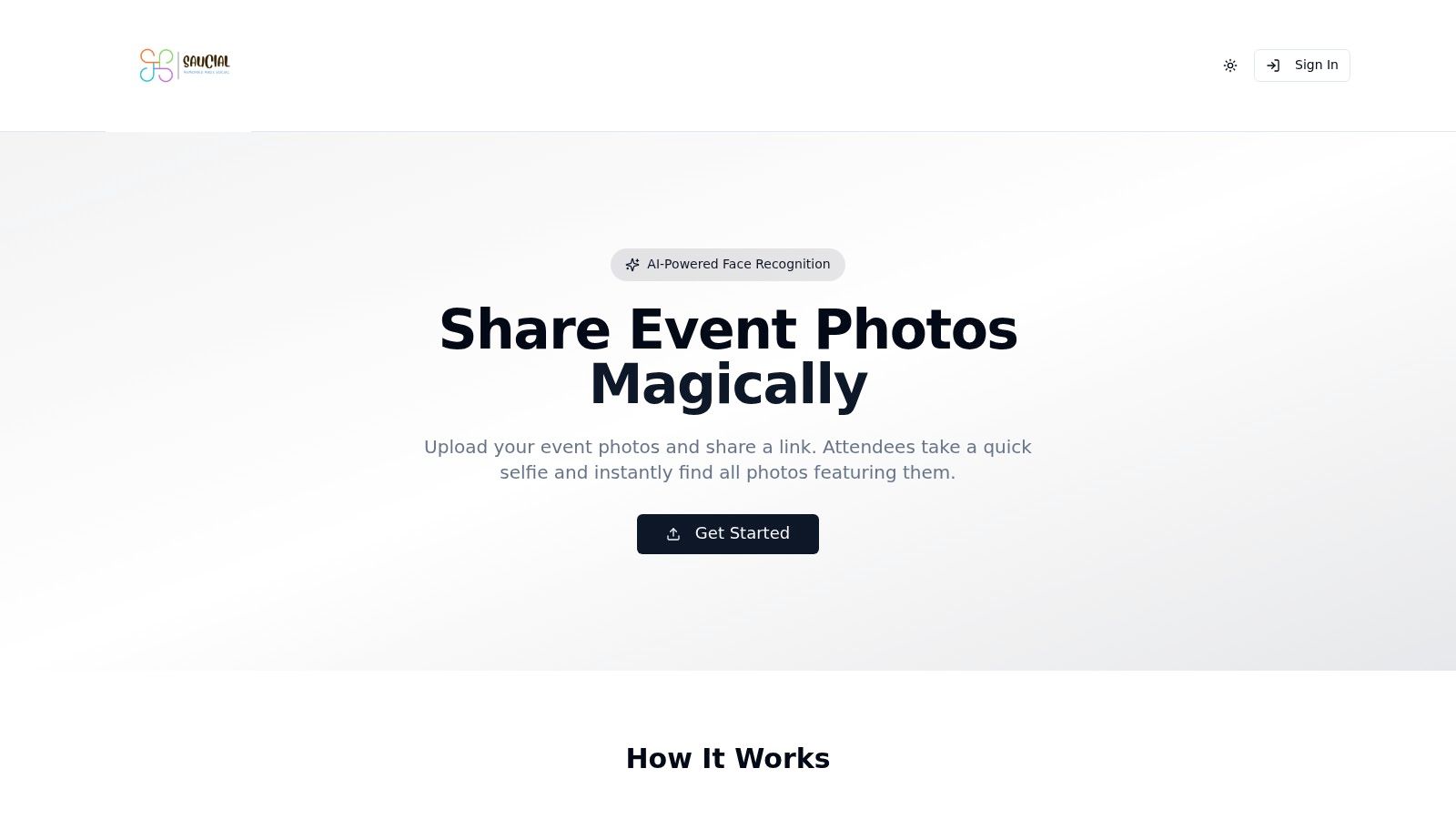
Saucial is built around one job: giving attendees a find my photos experience instead of a full gallery to scroll. Organizers or photographers upload event photos by drag and drop, Saucial's AI processes faces in the background, and you share a unique link by email, SMS, signage, or QR code. Guests take a selfie and instantly see only the photos they appear in, with no app download and typically no account required.
That fits galas, fundraisers, alumni dinners, festivals, sports tournaments, trade shows, and brand activations where guests want their own moment fast. It also cuts the "can you find my photos?" requests that normally land on event staff after doors close.
Where the workflow pays off
- Fast retrieval: A selfie search replaces browsing hundreds of near identical reception shots.
- Organizer control: You decide what's shared, how it's distributed, whether access is free, and which guest experiences (paid upgrades, curated sets) are enabled.
- Photographer revenue options: Delivery becomes a direct-to-attendee channel, with optional print sales, digital downloads, premium edits, featured sets, or event-approved branded frames.
- Post-event engagement: A guest who finds a flattering photo in seconds is far more likely to save and share it the same night.
The trade-off is governance, not technology. Selfie photo matching involves biometric style data, so you need clear consent language at sign-up, a non-selfie alternative for guests who decline, retention rules for the uploaded images, and a written policy on reuse in marketing. Face matching is not a feature you switch on without notice.
Saucial doesn't publish pricing, reviews, or certifications in the information available here, so plan for a direct conversation to get budget and terms before you commit. Start at Saucial and confirm consent handling, data retention, and sales terms against your event type, especially for schools, minors, and sponsor funded activations.
2. SpotMyPhotos
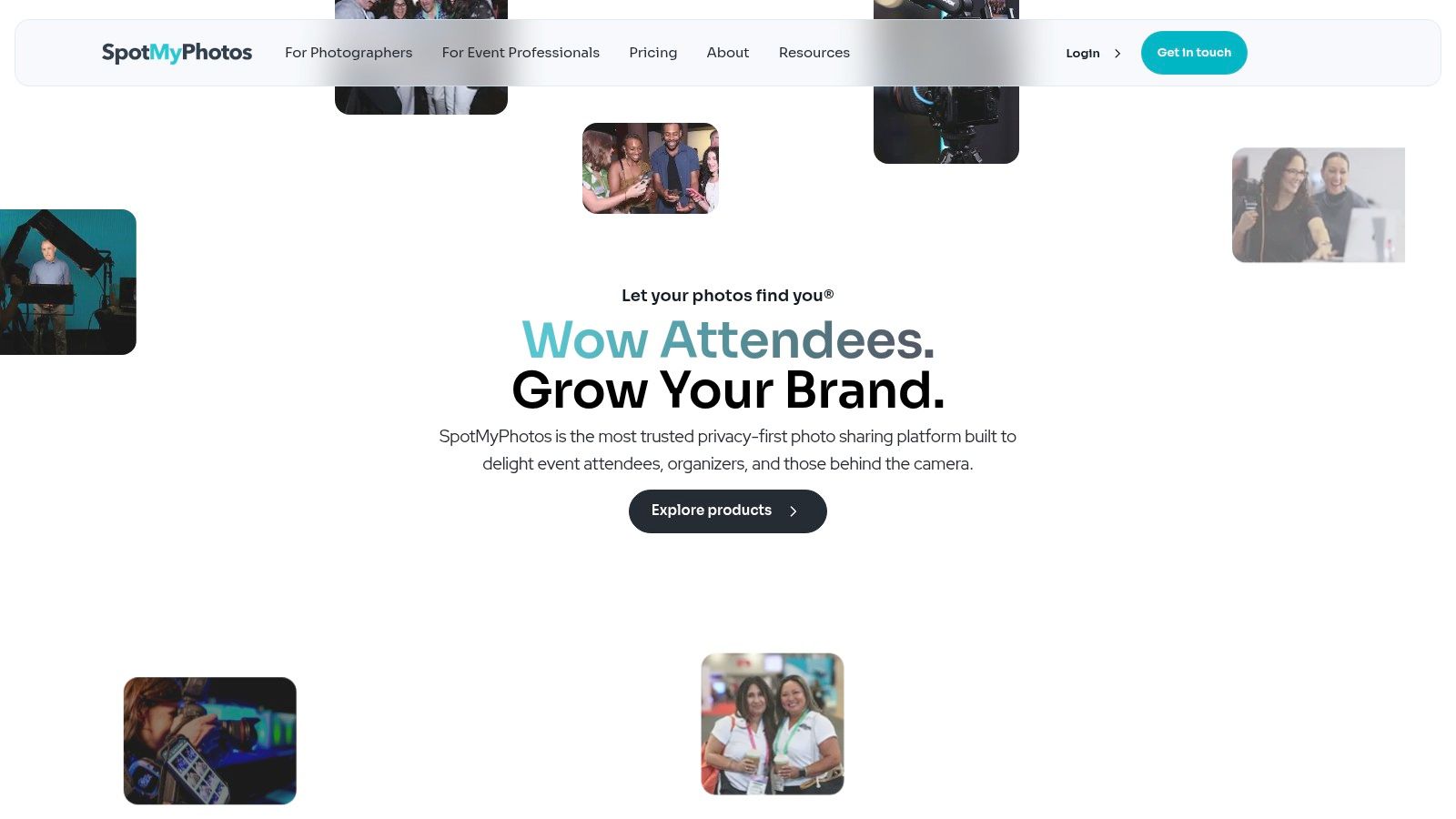
Choose SpotMyPhotos when professional delivery is the operation, not an afterthought. Attendees register, often by QR code and selfie, then receive photos they appear in through private delivery, potentially while the event is still running. It's aimed at photographers, event teams, and brands running repeatable workflows.
SpotMyPhotos Go is listed at $69 per event for post-event sharing, while Pro is listed at $195 per month. Confirm current limits before you quote a client.
What works in practice
Registration can run through QR codes, links, or staff assisted sign-up, and delivery can go out by SMS, email, or WhatsApp. Branded galleries, analytics, and data collection help when a sponsor or client wants proof the gallery was used, not just published.
The platform also supports photographers, photo booths, and school or sports photography, which matters if you're standardizing delivery across many dates.
Attendee level delivery only works if registration happens before the first posed photo. Staff the sign-up point, don't just print a QR code and hope.
It's more involved than a simple guest upload gallery, and that setup cost is real for a one-off dinner. Facial matching can also miss turned heads, hats, and poor light, so you still need a manual browse option and a help path for guests who opt out.
3. FindMyPhotos
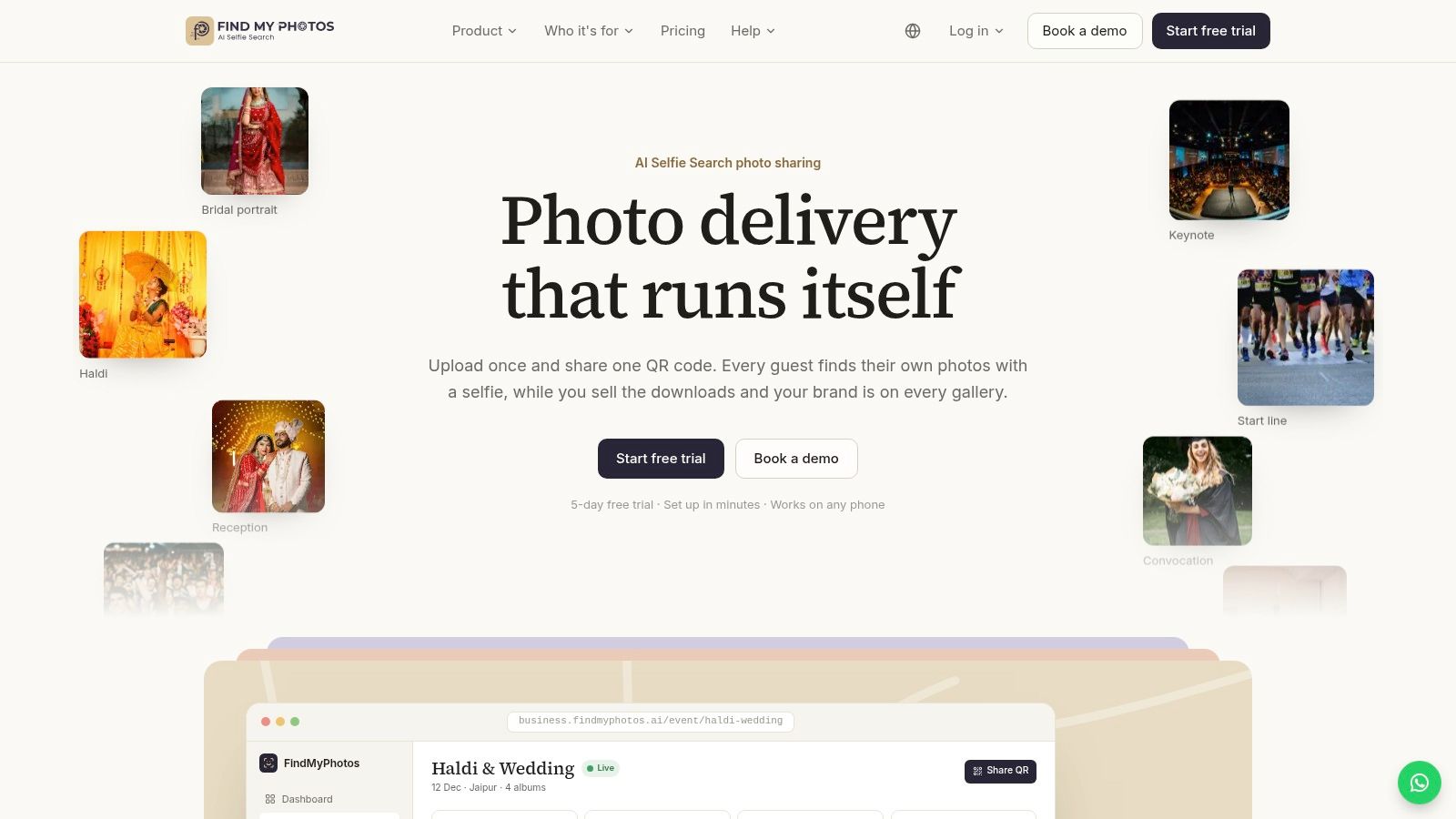
A photographer shooting a tournament final doesn't want parents texting all week for one action shot. FindMyPhotos combines selfie search with optional paid downloads, so discovery and sales sit in the same gallery.
Supported Canon, Nikon, Sony, and Fujifilm cameras can upload live, alongside phone and desktop uploads. Images can appear during the event rather than days later, which helps while excitement is still high and buying intent hasn't cooled.
Guests enter through a browser link or QR code without installing an app. You can offer free downloads, or charge for individual images, bundles, or whole event access. That flexibility suits a mixed model, for example free low resolution shares for marketing reach and paid full files for families.
The service advertises a five-day free trial. Check subscription pricing and photo or storage limits at signup, because a multi-day festival can burn through allowances quickly.
Watch two friction points. Search quality depends on face visibility and image quality, so profile shots and obscured faces will frustrate some attendees. Google or email sign-in may also add a step for guests who expected instant access. Test the full flow on a mid-range phone over venue Wi-Fi before you rely on live delivery.
4. faces.to
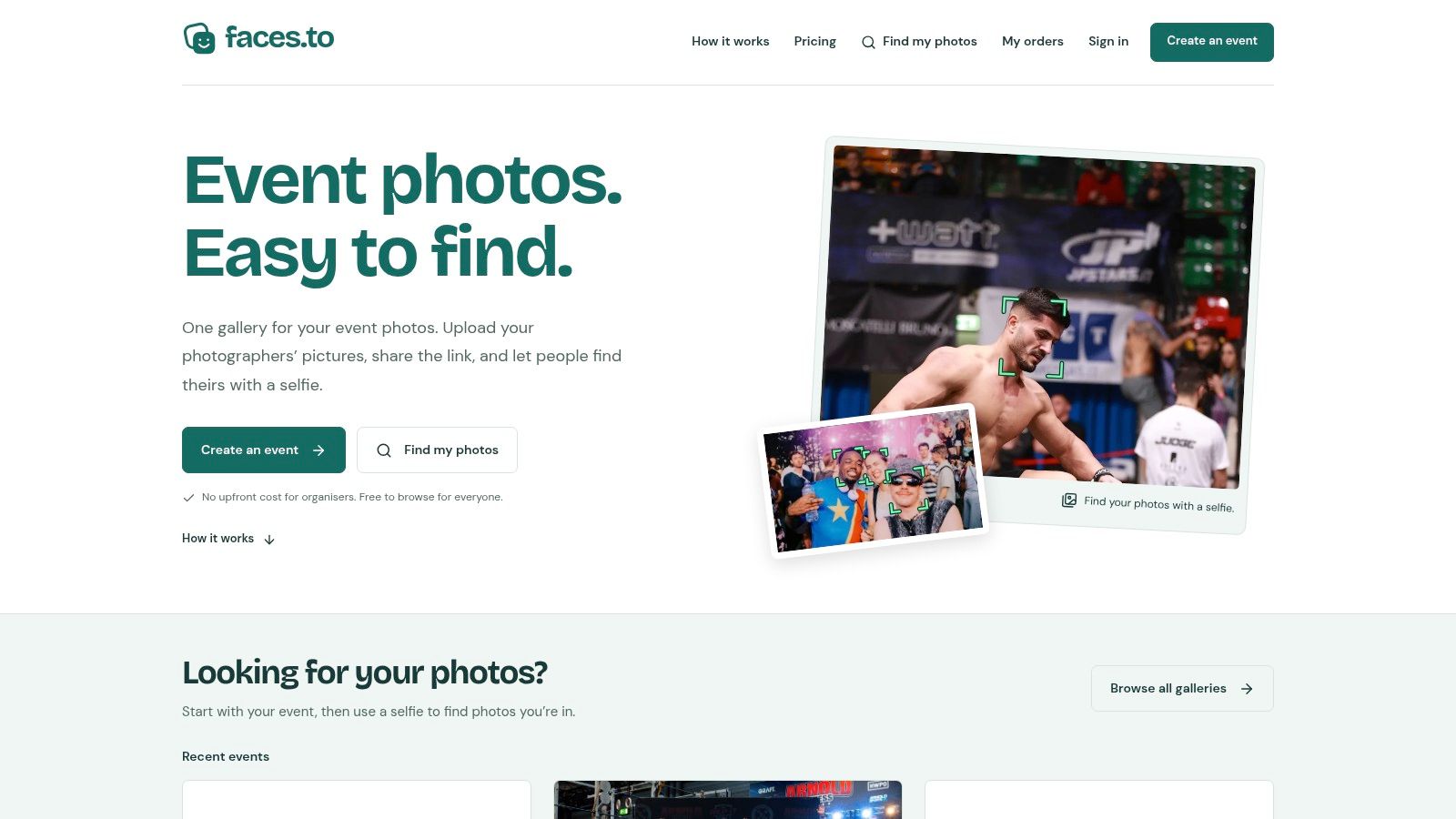
If you're selling event photos and don't want an upfront organizer fee, faces.to is structured for that conversation. The service says there's no upfront organizer fee, it takes 10% of photo sales, and a separate buyer service fee applies at checkout.
Photographers get their own upload links, which helps when you're coordinating second shooters who shouldn't share one login. Galleries carry event branding, shareable links, and QR codes, while protected previews keep full resolution files behind payment at organizer set prices.
Attendees aren't forced into face search. They can browse manually as well as use a selfie, and that fallback matters for guests who decline biometric matching or whose faces aren't clear enough for a match.
The cost is margin and conversion risk. That platform share reduces photographer revenue on every sale, and income still depends on attendees finding images they value enough to buy. Price for impulse purchase on a phone, not for a framed print decision they'll postpone.
Account access and permissions deserve the same attention as pricing in any face recognition event gallery. If you're comparing sign-in flows, review how a dedicated event photo account login separates organizer control from guest retrieval before you publish a public link.
5. Waldo Photos
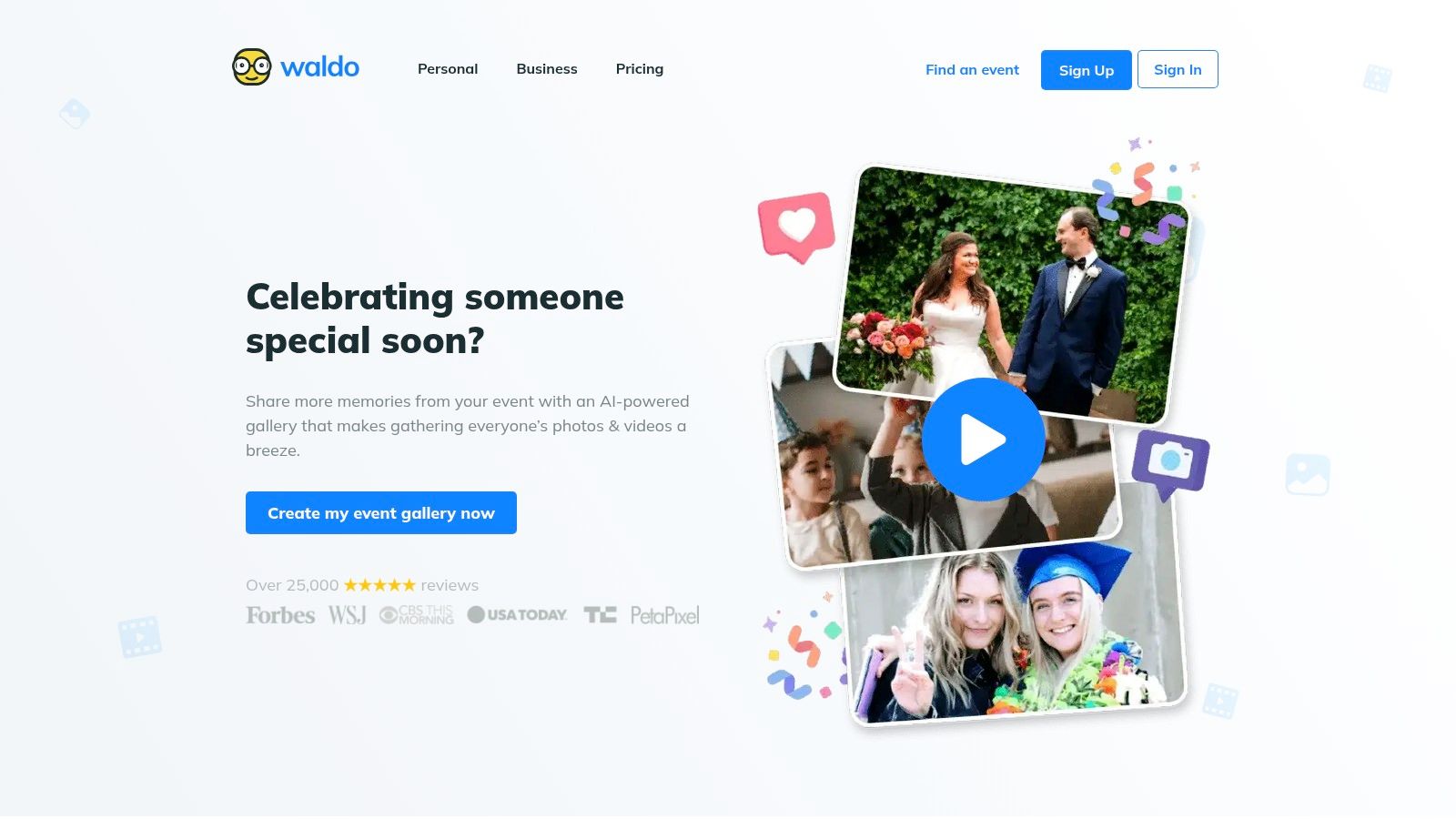
Waldo Photos sits between personal retrieval and a shared album. Its AI face tagging surfaces photos matching a guest, while the wider album still preserves the group memory of the day. For weddings, reunions, and community celebrations, that combination often matches how guests behave.
Its special event page lists a $49.99 Gold event option. Confirm current package details and which features are included before you budget.
Optional features include QR based guest uploads, slideshows, and video messages. Used sparingly, a slideshow gives a venue screen something live to show. Used without moderation, it can also put an unflattering or inappropriate upload in front of the whole room.
- Personal matches: Guests find their own photos without opening every table shot.
- Shared memories: The full album still serves hosts who want everything in one place.
- Guest contributions: QR uploads add phone photos the official photographer never saw.
It's more consumer event oriented than a professional photo sales or brand activation platform, so photographers who need strong commerce should look elsewhere. Face tagging won't find every image either, and some advanced features are paid add-ons. Set expectations in your signage, calling it a fast way to find likely matches, not a guarantee.
6. Fotify
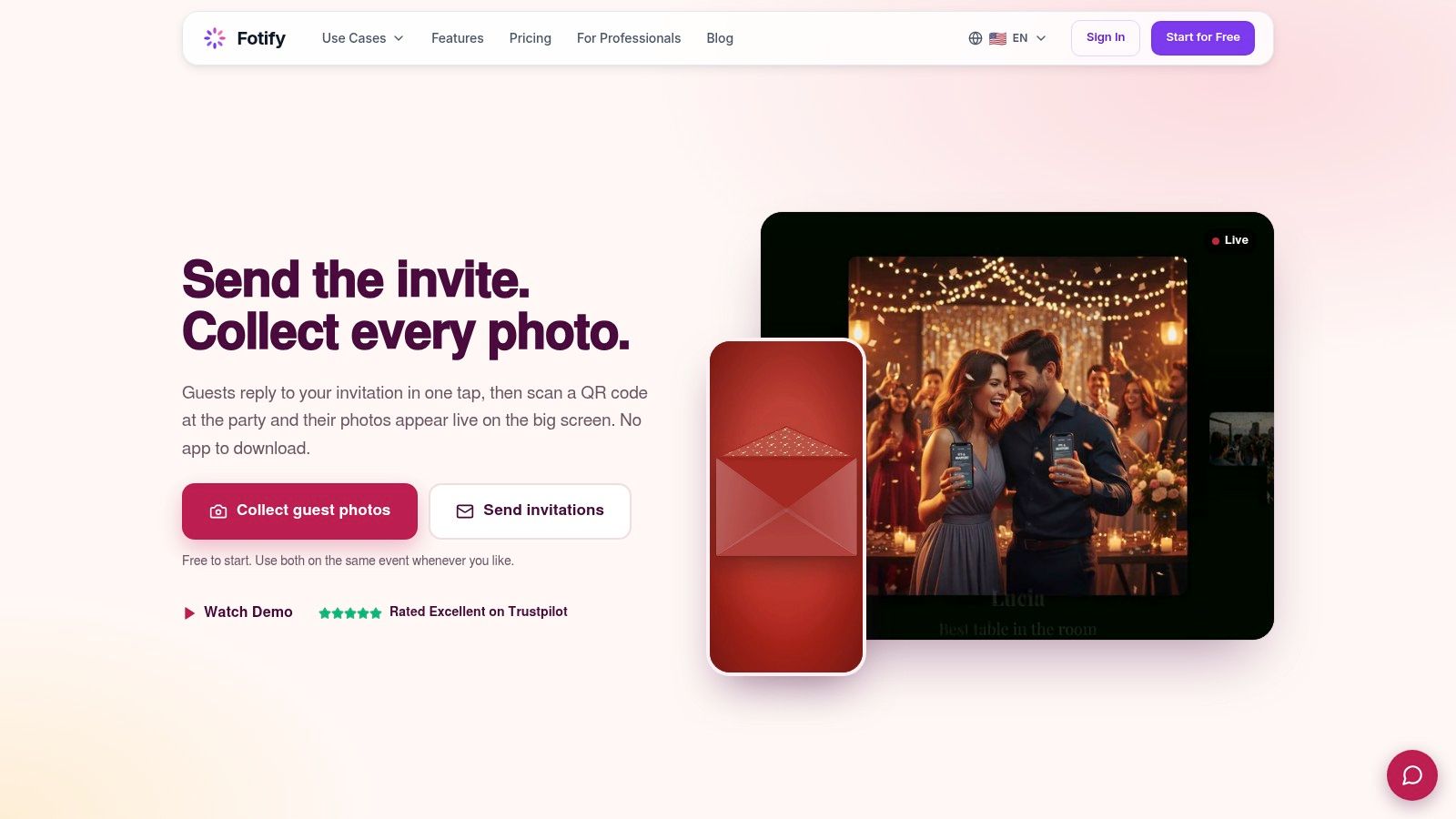
Fotify bundles guest photo sharing with event administration, including digital RSVP invitations. That makes sense when one small team is handling invitations, guest lists, and the photo album, and doesn't want three separate tools to reconcile after the event.
Its optional Face Search lets guests use a selfie in the public album to find photos they appear in. Face Search is included with the Professional plan or listed as a $9.99 add-on on other paid plans. Check current plan pricing and restrictions before use.
The optional design is the point. You can run a normal guest album, then enable face search only when your audience and jurisdiction make it appropriate. Fotify also documents how search selfies and face data are deleted, which gives you language to adapt for your own guest notice.
Jurisdiction check: Face Search is unavailable for events or searches in Illinois, according to Fotify. Confirm where your guests are searching from, not just where the venue sits.
Other limits are practical. Face Search works on photos, not videos, private albums are excluded, and results can miss images or return incorrect matches. If privacy for a school or corporate event requires a private album, don't plan your whole retrieval workflow around this feature.
7. GuestCam
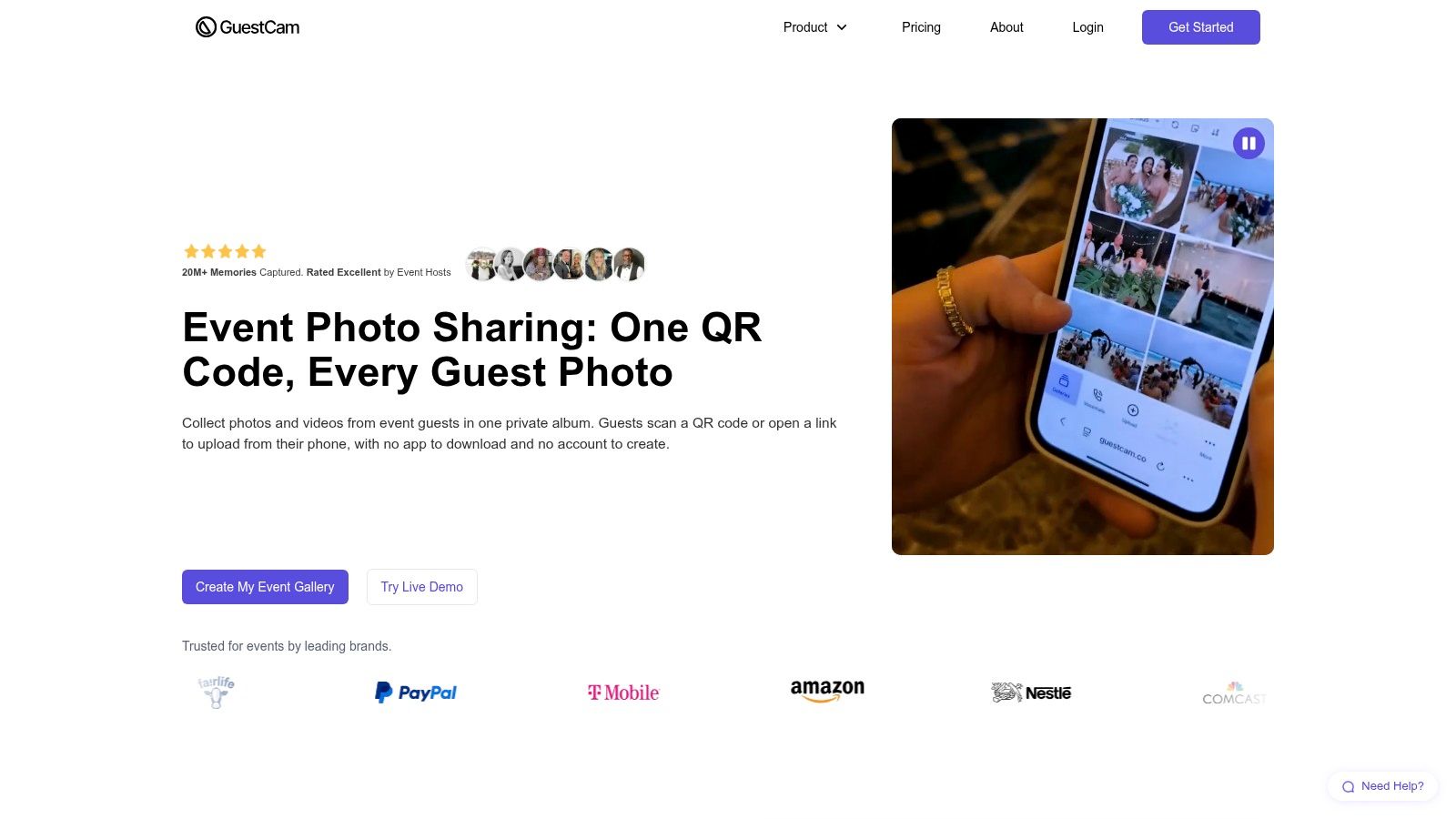
At a wedding or birthday party, the best candid shots sit on guests' phones and never reach the host. GuestCam is a private gallery built for that narrower job: collecting guests' own photos and videos. Guests join by QR code or link with no app or account, which removes the two drop-off points that kill participation.
The service lists one-time event fees of $55 for Standard and $110 for Premium, with no per guest charge. That pricing is easy to explain to a couple or a small nonprofit.
Hosts control upload and viewing permissions, media is kept at original quality, and moderation tools let you review contributions before they spread. A one-click ZIP download helps the host leave with the files instead of renting access to them forever.
Permission settings are where hosts get careless, opening uploads to everyone and viewing to anyone with the link, so decide before the event who can upload, who can view, and who can download originals.
GuestCam won't match professional photos to attendees, and upload or storage windows vary by plan. Buy it for guest created memories. If the workflow you need is selfie retrieval, where attendees find only the photos they appear in, a face recognition event gallery is the right category, and it's worth checking how the organizer controls what's shared before you commit.
8. GUESTPIX
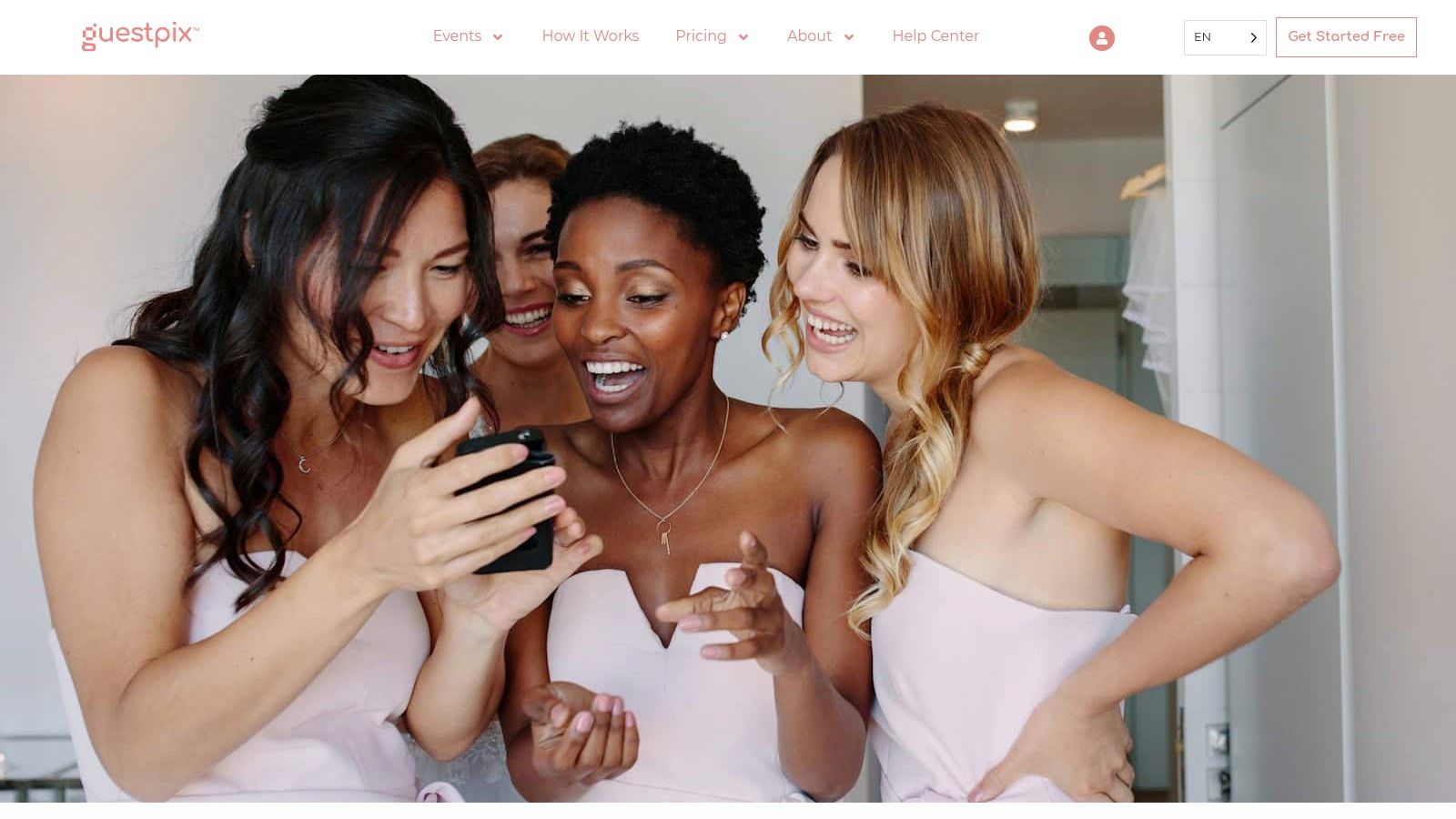
GUESTPIX builds a private gallery around guest uploads, then adds invitations, RSVP tools, guestbooks, and live slideshows. Guests contribute by QR code or link without registration, and editable QR templates help your signage look intentional rather than taped on at the last minute.
Its official USD wedding pricing page lists one-time packages of $49 Classic, $89 Signature, and $119 Luxe. Package details can vary by event type, so don't assume a corporate event includes the same windows.
Good for hosts who want more than uploads
Written or video guestbook features give older relatives and remote guests a way to contribute when they don't have photos to share. Some packages support contributions before or after the event, which suits engagement parties, rehearsal dinners, and multi-day celebrations. Moderation and downloadable gallery files keep the host in control.
The live slideshow needs a named moderator. Assign one person to approve or hide uploads during the reception, because a screen at the bar will show whatever the system allows.
This is guest shot media, not selfie matching for a professional photographer's archive. Longer upload windows and multiple galleries need higher tiers, so map your event timeline to the package before printing QR codes.
9. Kululu
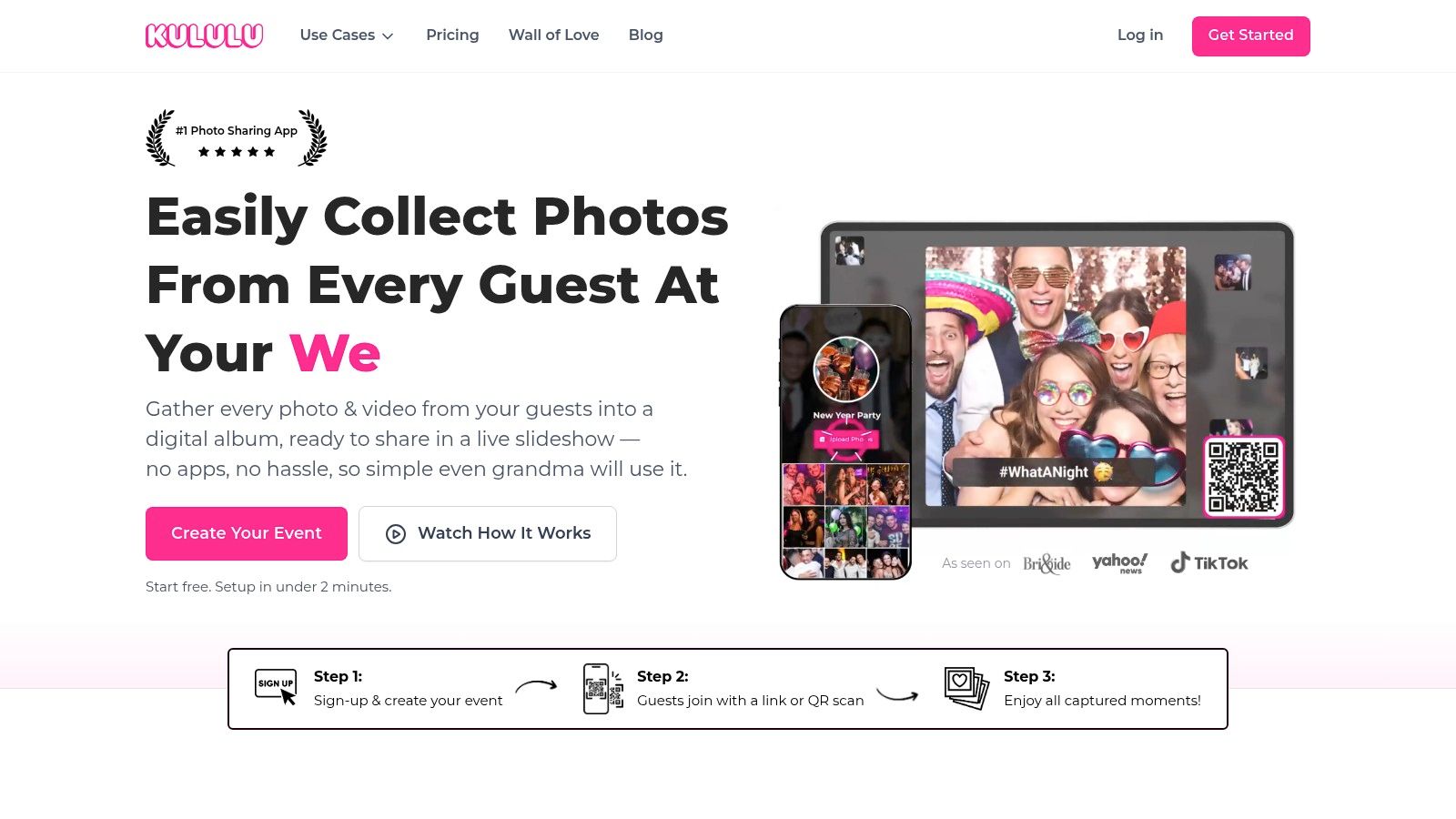
Kululu keeps the proposition simple, collect and display guest submitted photos and videos through a gallery, QR code, or link. For a birthday, school celebration, or community gathering where the goal is gathering memories, that simplicity beats a heavyweight platform nobody on site knows how to run.
There's a free plan, and its active upload window is listed as 24 hours. Paid options extend the upload period, so the main buying question is timing, not features.
That short free window is the main trap. Guests often remember their best photo on the drive home or the next morning, and multi-day events run straight past a single day of uploads. If your audience includes people who'll contribute late, budget for a paid tier from the start instead of apologizing in a follow-up message.
Kululu is best for gathering attendee media, not delivering or selling professional photos. There's no selfie search workflow to manage, which also means no biometric consent conversation, but your photographer will still need a separate delivery route if professional images matter.
Check current plan limits for large events, including storage and guest counts, and test upload speed with video files. A gallery that handles photos smoothly can stall when twenty guests upload ceremony clips at once.
10. WedUploader
WedUploader routes guest photos and videos straight to the owner's Google Drive. For couples and organizers who already live in Drive, that familiar destination is the selling point. You control the storage, you can organize folders your way, and you aren't dependent on a gallery service to export your own memories later.
Guests contribute through a QR code or link. The service also offers fullscreen slideshow capability and written memories or messages alongside media, so a guest who didn't take photos can still leave something.
Check the current pricing page for package prices and included features before you commit.
The operational work shifts to you. The account owner must connect and manage Google Drive, watch storage space, sort duplicates, and decide sharing permissions folder by folder. That is manageable for a wedding, and it can become messy for a conference with several staff members uploading under different accounts.
There's no face based retrieval here, so guests who want their professional photos still need another route. Compare that manual sorting burden with a structured event photo upload workflow when you're deciding who, on your team, will process hundreds of files after the event.
How the 10 event UGC and photo-sharing tools compare
| Item | Best for | Selfie matching | Listed pricing |
|---|---|---|---|
| Saucial (recommended) | Event photo delivery and attendee engagement | Yes | Not listed |
| SpotMyPhotos | Professional event photography and photo delivery | Yes | $69 per event (Go); $195/month (Pro) |
| FindMyPhotos | Selfie-search galleries and photo sales | Yes | Five-day free trial; plans not listed |
| faces.to | Event photo galleries with sales-based pricing | Yes | No upfront organizer fee; 10% of photo sales plus buyer fee |
| Waldo Photos | Shared event albums and guest photo discovery | Yes | $49.99 Gold event option |
| Fotify | Guest photo sharing and event management | Optional | Included with Professional; $9.99 add-on on other paid plans |
| GuestCam | Private guest photo and video collection | No | $55 Standard; $110 Premium |
| GUESTPIX | Guest-uploaded event media and guestbooks | No | $49 Classic; $89 Signature; $119 Luxe |
| Kululu | Collecting guest photos and videos | No | Free plan; paid options available |
| WedUploader | Guest uploads saved to Google Drive | No | Not listed |
Matching the Tool to Your Consent and Delivery Workflow
Start with the job, not the feature list. Guest upload galleries like GuestCam, GUESTPIX, Kululu, and WedUploader collect memories guests created themselves. Selfie retrieval tools help attendees find professional photos they're in. Sales focused galleries add protected previews, bundles, and checkout. Picking the wrong category gives you a polished tool that still leaves guests emailing you on Monday.
Consent is a selection criterion, not legal fine print you add later. An NPR report on biometric privacy laws notes that 23 U.S. states have passed or expanded laws restricting biometric-data collection, while Illinois generally requires written permission and Colorado's newer rules require consent for facial or voice recognition and prohibit selling the data.
That means your checklist starts before doors open. Post a clear notice at check-in and at the QR code, explain what a selfie is used for, offer a non-selfie browse or staff assisted option, and set rules for minors, retention, deletion, and promotional reuse. A guest who declines face matching shouldn't lose access to the event's photos entirely.
Trust also depends on how you present the content. A 2023 meta-analysis in the Journal of the Academy of Marketing Science, synthesizing 128 effects across 19 online platforms, found that account verification features increased UGC's impact on firm performance by reducing uncertainty about creator identity, while content enhancement features such as filters weakened the effect when they raised suspicion of manipulation.
In event terms, keep provenance visible. Credit the photographer, disclose sponsor frames or edits, and don't present an enhanced image as an unaltered attendee moment. Moderation protects that trust too. Decide in advance what gets published to a slideshow, what stays private to the matched guest, and who can remove an image on request.
Measuring whether it worked
Don't report gallery visits and call it engagement. Sprout Social's 2023 Content Benchmarks Report, analyzing more than 523 million messages from 729,000 public social profiles, found that 66% of consumers considered short-form video engaging and 61% said the same for static images, and treated publishing actions such as comments and reposts as engagement rather than passive likes.
Track active steps instead. Measure QR scan to photo view rate, photo view to share rate, downloads, repeat visits, sponsor frame interactions, and share to purchase conversion. For photographers, that funnel is the difference between a delivery link that looks busy and sports tournament photo sales or gala print orders that pay.
- Scan: Did signage and announcements get guests into the gallery?
- Match and view: Did attendees find photos of themselves, or abandon the search?
- Save and share: Did the photo leave the gallery and reach their network?
- Buy or act: Did anyone purchase, donate, register, or click a sponsor offer?
Finally, test the full flow with a small group before doors open. Use real venue lighting, a mid-range phone, a guest wearing glasses, and one person who declines the selfie. Confirm pricing, upload windows, and storage limits against your event size, then brief one named staff member to handle photo questions on site. The right user generated content tools make that person's job smaller, not bigger.
If your priority is getting professional event photos into each attendee's hands without a shared folder, a manual tagging marathon, or a guest app download, that's the workflow Saucial is built for, with drag and drop uploads, a shareable link or QR code, and selfie based retrieval guests can complete on their own phones. Visit the site to review how organizer controlled sharing, free access, and photographer upsells would fit your next gala, tournament, festival, or trade show, and test the find my photos flow before your next event.