Photo Booth Software: Top Picks and Buyer Guide
The event ended two days ago. The booth captured hundreds of polished images, the organizer has a folder in Drive, and attendees are already asking, “Where can I find my photo?” Someone sends a shared link. Guests scroll through a crowded gallery, miss their own images, and move on.
That workflow captures the central problem with modern photo booth software. The shutter click is only the beginning. The better buying question is whether the platform can move an image from camera to attendee, with minimal friction, while giving organizers control over branding, consent, delivery, and retention.
Why Photo Booth Software Matters Beyond the Booth
Most product comparisons begin with filters, templates, DSLR compatibility, prints, and AI effects. Those features matter, but they rarely determine whether an event photo produces value after the guest leaves. A booth can create excellent images and still fail if the audience can't retrieve them quickly.
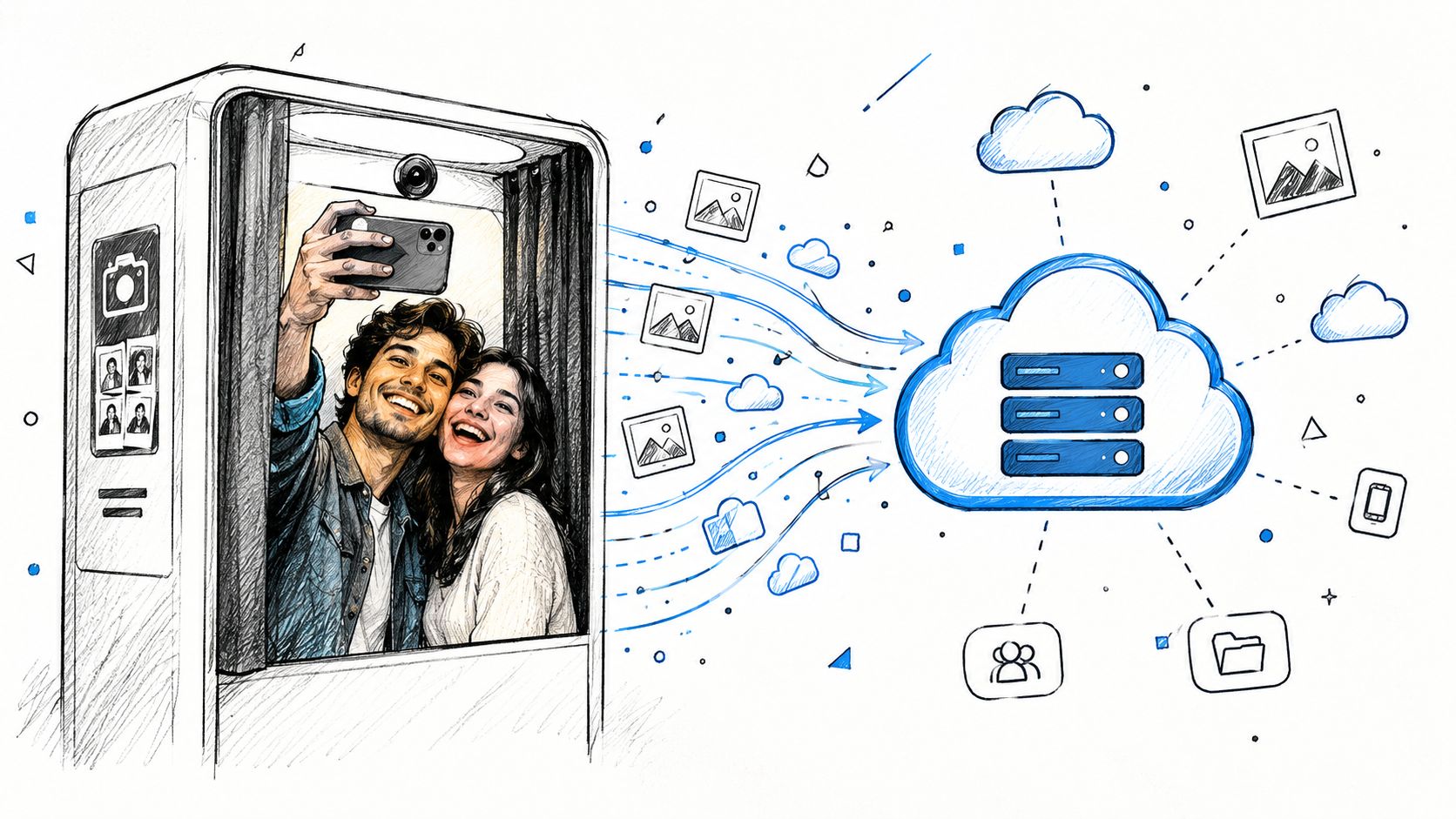
A folder forces attendees to search. A useful event photo sharing link gives them a direct path to the gallery, while a QR code photo gallery lets guests access that path without typing a long URL. The strongest experience goes further by offering a “find my photos” flow, where an attendee takes a selfie and sees the images they appear in instead of browsing every capture.
Practical rule: If guests need an explanation from staff before they can retrieve a photo, the delivery workflow is too complicated.
Sharing behavior changes by event type. In a historical 15-month analysis of 2,398 live events, average social-share rates reached 53% for concerts, 51% for fundraisers, 50% for bar events, and 50% for recreational activities, while conferences and expos recorded 22%. The dataset is older, but its operational lesson remains useful: audience intent differs sharply, so delivery friction matters most in high-energy environments where guests are already inclined to share. (Historical event photo-sharing analysis)
Capture software evolved from a booth-side utility into part of a broader distribution system. Operators now need cloud upload, mobile galleries, QR access, branded links, optional email or messaging delivery, and a controlled way to handle attendee retrieval. For photographers, the gallery can also become a direct channel for digital downloads, prints, premium edits, or event-approved sponsored frames.
The practical evaluation order should therefore be:
- Delivery speed: Can images reach guests during the event or soon afterward?
- Retrieval quality: Can attendees find their own images without searching a full gallery?
- Organizer control: Can the team decide what is public, private, branded, downloadable, or retained?
- Operational fit: Does the workflow work with the camera, operating system, printer, and staffing model already in use?
A great filter won't compensate for a broken handoff. In real deployments, the attendee experience after capture often determines whether the booth becomes a memorable event touchpoint or just another folder nobody opens.
The Photo Booth Software Market in 2026
The category has moved well beyond the small niche of standalone event hardware. Market estimates place photo booth software at roughly USD 385 million in 2024 to 2025, with projections reaching approximately USD 837.36 million or USD 1.2 billion by 2033, depending on the report and methodology. Those projections imply CAGR estimates of around 10.2% between 2026 and 2033. (Photo booth software market analysis)
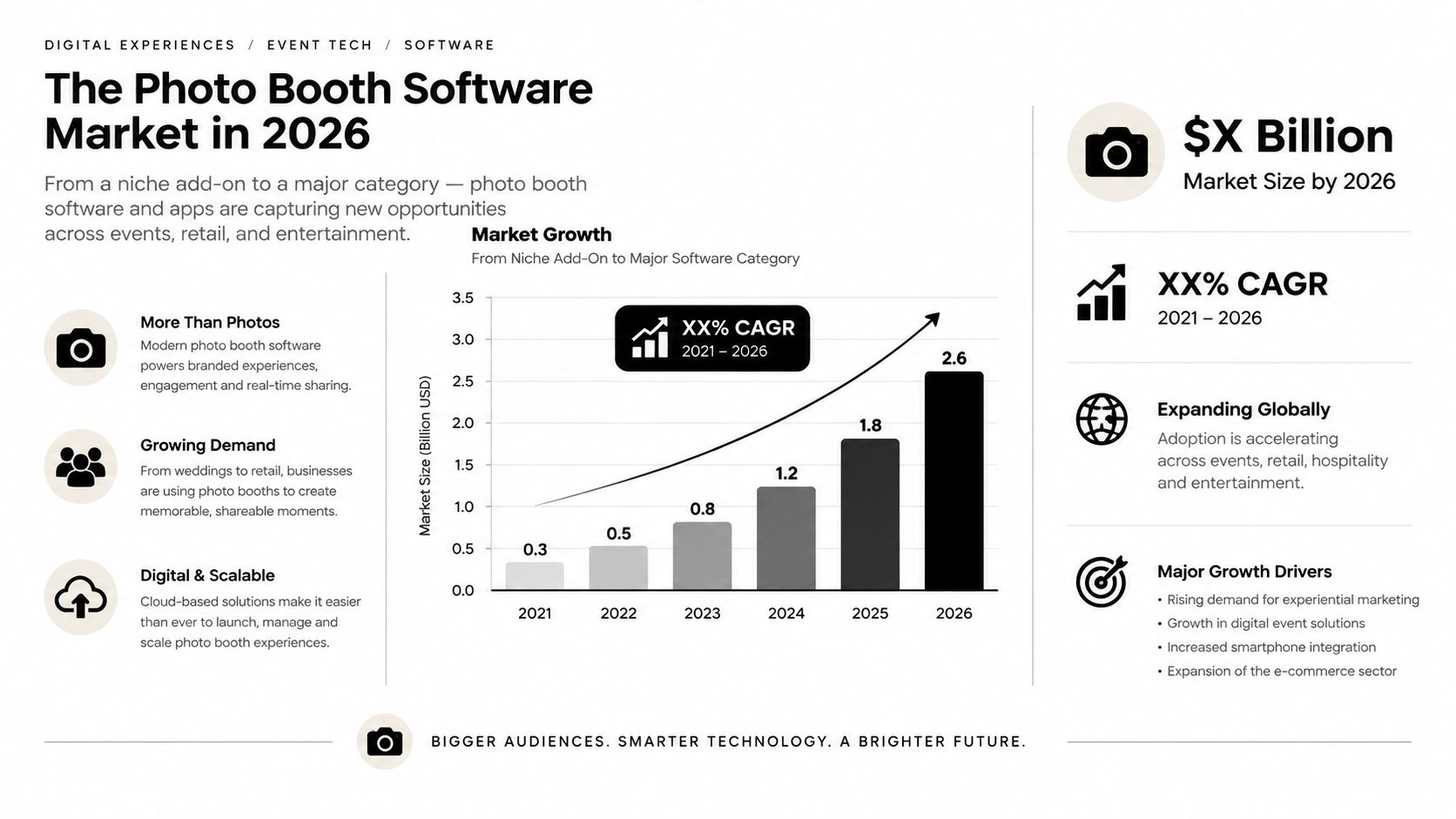
The exact forecast varies, but the direction is consistent. Buyers increasingly expect software to connect capture, cloud storage, galleries, sharing, analytics, and multiple booth configurations. Corporate events are identified as a leading application segment, which makes sense operationally. Corporate teams often need branded templates, lead capture, controlled distribution, reporting, and consistent experiences across more than one activation.
Cloud deployment changes the buying decision
One market report attributes 58.2% of deployment share to cloud-based software. (Photo booth software market analysis) Cloud deployment is not just a technical preference. It affects whether an operator can create a remote gallery, manage several booths, upload images away from the venue, and give attendees access from their phones.
Legacy desktop tools can still be the right choice for a Windows DSLR rig or a print-heavy installation. They often provide deeper camera and printer control, and some operators prefer software that keeps working when venue connectivity is unreliable. The trade-off is that remote administration and post-event distribution may require additional services or manual work.
Feature breadth now matters more than novelty
Independent 2026 comparison guidance places product differentiation around platform breadth, camera support, ease of use, value, cloud sync, and AI capabilities, with Sparkbooth, LumaBooth, and Snappic appearing among the stronger systems evaluated across those categories. (2026 photo booth software comparison)
AI effects are useful for brand activations and entertainment-led experiences, but they're no longer enough to define a platform. The buyer should ask whether AI output travels through the same reliable delivery path as a standard photo. If the effect is impressive but the guest still has to wait for a manual upload or search a generic gallery, the software has solved the visible part of the workflow while leaving the commercial problem intact.
Comparing Top Photo Booth Software Platforms
There isn't one universal winner because booth hardware and event operations vary. A Windows operator with a tethered DSLR has different needs from a team running iPads at a trade show, while a cross-platform agency may value centralized administration more than a single-booth specialist.
The comparison below uses the practical categories operators usually evaluate: camera support, cloud synchronization, AI effects, operating-system breadth, and QR sharing. Availability and depth can vary by plan, deployment, or integration, so treat this as a screening tool rather than a substitute for a live test.
Photo Booth Software Feature Comparison
| Platform | DSLR Support | Cloud Sync | AI Effects | Cross-Platform | QR Sharing |
|---|---|---|---|---|---|
| Sparkbooth | Strong Windows and Mac DSLR workflows | Available in supported workflows | Limited compared with AI-first tools | Windows and Mac focus | Available through digital delivery workflows |
| LumaBooth | Strong DSLR support, especially for Windows operators | Strong cloud-sync orientation | Available, including AI portrait-style features | Windows, iPad, iPhone, and Mac options | Available through sharing and cloud gallery workflows |
| Snappic | Camera support depends on setup and plan | Strong event and campaign workflow | AI effects and filters | Primarily iPad-centered, with specialty booth support | Strong sharing orientation |
| Simple Booth HALO | iPad camera workflow rather than DSLR tethering | Cloud-connected event management | AI enhancement and effects | iPad-centered | Available through digital sharing |
| Cross-platform AI tools | Varies by product | Usually central to the workflow | Often a major selling point | Varies widely | Should be verified before purchase |
Sparkbooth suits operators who want a straightforward Windows or Mac setup and don't need an advanced AI layer. LumaBooth is a stronger fit for professional DSLR teams that want capture, editing, sharing, and cloud synchronization tied together. Snappic is attractive for iPad operators, specialty rigs, social campaigns, and teams that value branded activations.
Simple Booth HALO is a polished choice when the operator wants a tightly integrated iPad experience and quick setup. Its limitation is also its defining trade-off: teams with existing DSLR hardware or a mixed operating-system fleet may find the hardware model restrictive.
Evaluate the delivery layer separately
A platform can score well on camera control and still underperform on retrieval. During a product trial, test the complete path:
- Capture a photo.
- Confirm that the image uploads without operator intervention.
- Scan the QR code using a guest's phone.
- Open the gallery on a mobile connection.
- Test whether an attendee can locate their image quickly.
- Check what the organizer can edit, hide, delete, or download.
For teams that need a separate attendee retrieval layer, Saucial's event photo-sharing workflow provides upload, shareable access, and selfie-based retrieval as a distinct part of the distribution experience. That can be useful when the booth software handles capture well but its gallery search isn't designed around “find my photos.”
Don't buy on the strength of a feature checklist alone. A platform with fewer effects but a dependable mobile retrieval flow may produce a better event outcome than a visually richer tool that leaves guests searching through every image.
Building a Post-Event Photo Delivery Workflow
A reliable workflow begins before the first guest approaches the booth. The operator needs a delivery path that works on-site, during the event, and after the venue closes.
Start with the access point
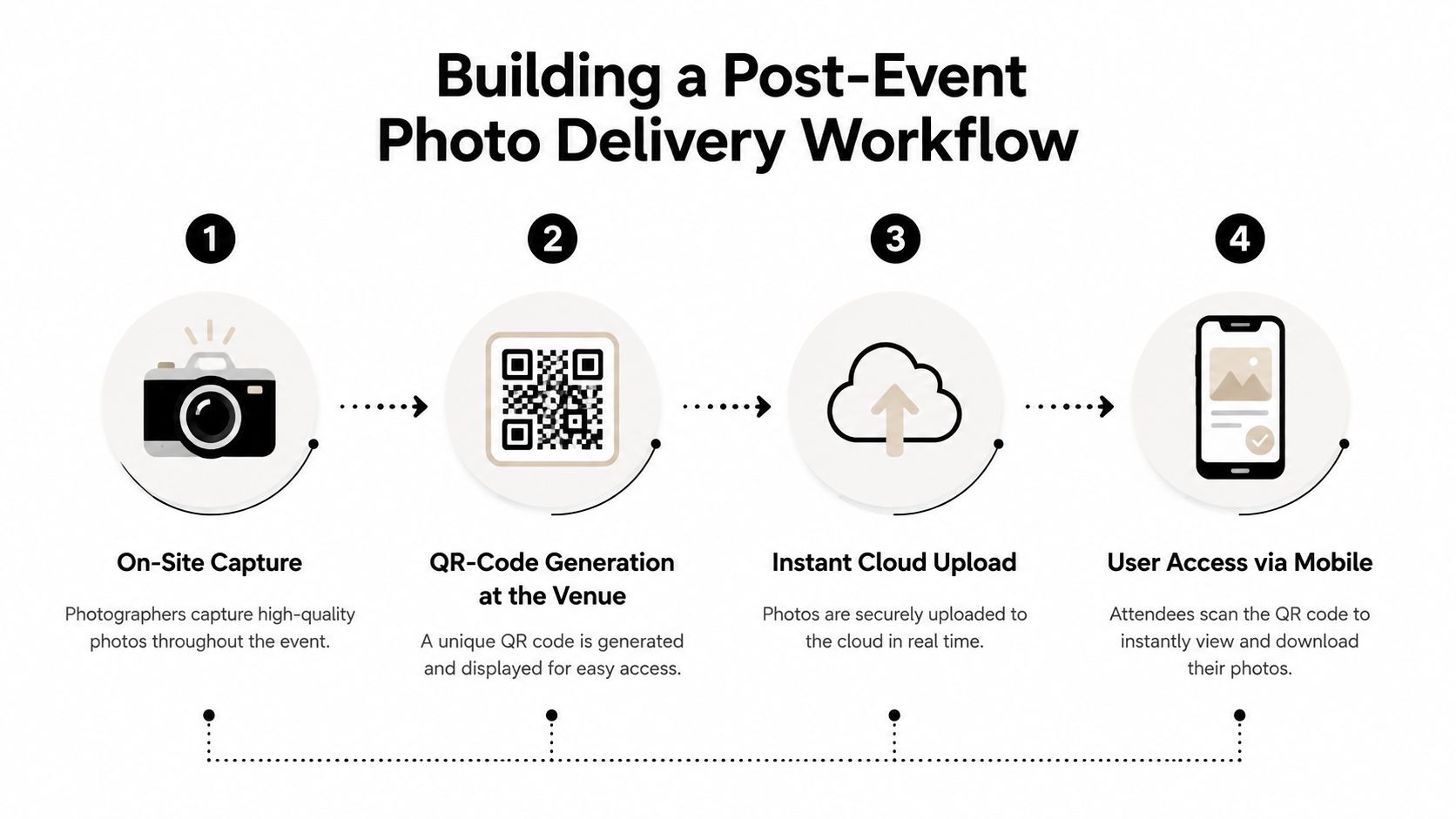
Create the event gallery and its shareable link before doors open. Turn that link into a QR code and place it where guests naturally pause, such as the booth enclosure, registration desk, exit, sponsor wall, or printed takeaway. The code should lead to a mobile page, not a desktop-style folder that requires several taps to move through.
Use the same destination in email, WhatsApp, SMS, the event website, and social posts. Consistent access reduces staff questions and gives the organizer one place to update branding or gallery rules.
Connect capture to upload
Configure automatic cloud upload whenever the venue's network can support it, then run a connectivity test with the actual camera, kiosk, and gallery. Keep a local backup for resilience, but don't make manual export the normal path. The operator should be able to confirm that a captured image is available from a separate phone without stopping the booth.
A useful workflow separates two destinations:
- Personal retrieval: Attendees see the images they appear in.
- Public event gallery: Organizers can choose whether a broader collection is available for browsing.
That distinction protects the attendee experience. A guest who wants one photo shouldn't have to browse a full event album.
The next stage is selfie-based photo matching. Attendees open the gallery, provide a selfie where the workflow allows it, and receive matched images. This eliminates much of the manual tagging burden and reduces the recurring “can you find my photos?” queue that appears after galas, tournaments, and trade shows.
For an upload-first distribution workflow, teams can also review Saucial's photo upload process as an example of separating image intake from attendee retrieval.
Design for same-day action
Independent event-photography coverage reports that most guests share within the first two hours, while delivery delays of two to three days can push sharing below 30%. The same coverage says more than 80% of guests view photos on a phone, and identifies QR access as a preferred discovery method at live events. (Event photography statistics and delivery guidance)
Those findings support a simple operating target: publish usable images while the event still has social energy. For a fundraiser, that may mean a branded gallery during the reception. For a sports tournament, it may mean publishing each match or field as it is processed. For a trade show, it may mean sending the link before attendees leave the venue.
Add organizer controls before launch. Decide whether guests can download originals, whether images require approval, how long galleries remain active, and whether photographers can offer prints or premium edits. Test the workflow with someone who didn't configure it. If they can't complete retrieval without guidance, revise the experience before opening the doors.
The video below provides a visual reference for the type of mobile-first retrieval experience teams should test during implementation.
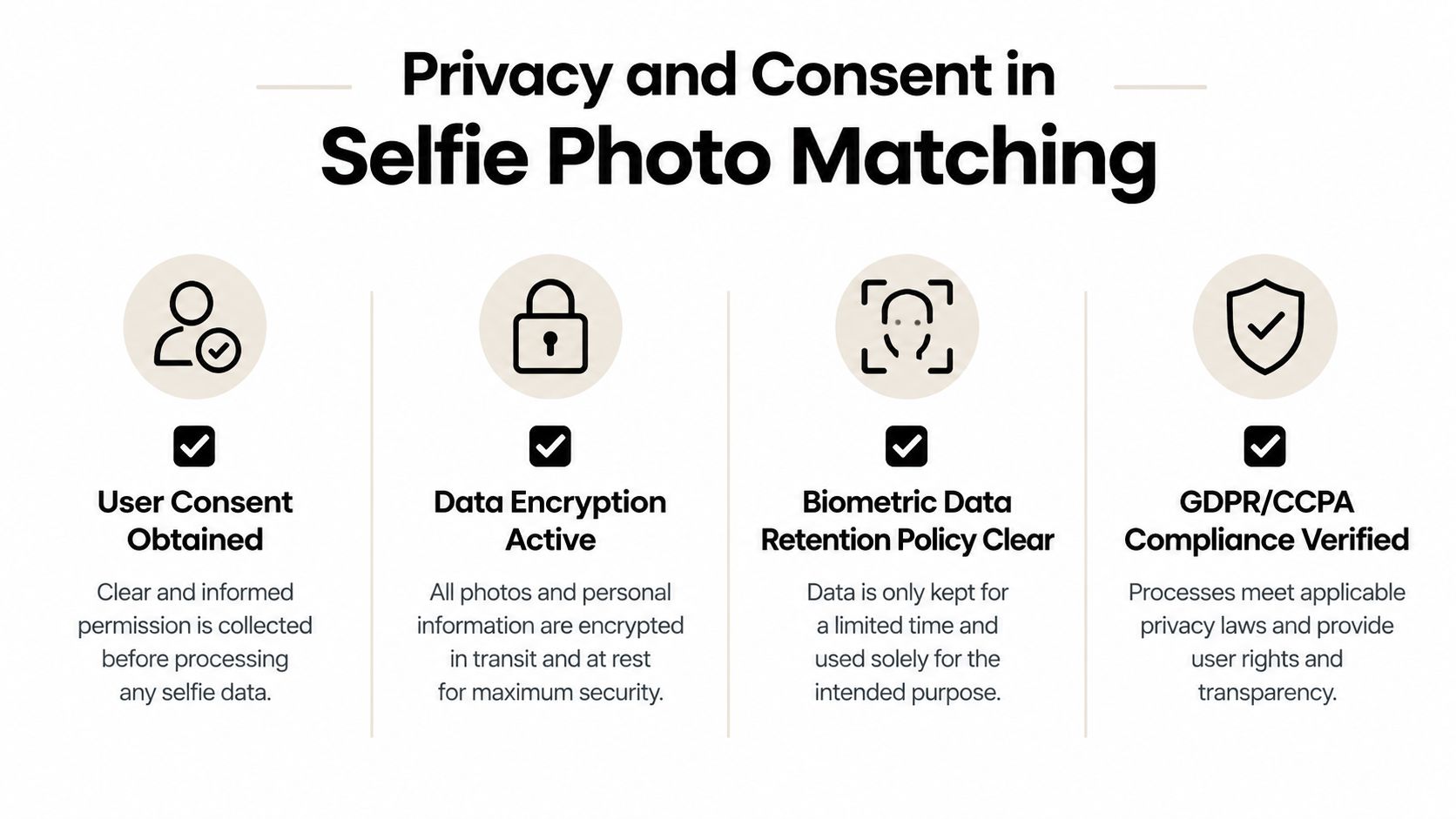
Privacy and Consent in Selfie Photo Matching
Selfie matching isn't just another gallery filter. Depending on how a system processes facial information, the workflow can raise biometric privacy obligations that don't usually apply to ordinary event photography. The difference depends on the technology, the jurisdiction, the purpose of processing, and how the organizer handles consent.
Standard photography and biometric-style face matching shouldn't be treated as interchangeable. Independent privacy guidance warns that face matching can trigger legal obligations in stricter jurisdictions, while ordinary photography generally doesn't carry the same classification. (Facial recognition and biometric privacy guidance)
Build consent into the attendee journey
Consent should appear before the selfie is submitted, not after a guest has already entered the matching process. Use plain language to explain what the system does, why the selfie is needed, how long matching data is retained, whether the image is stored, and whether the data is used for model training.
The consent screen should also provide a meaningful alternative. Guests who decline should still be able to access a standard gallery or request help from staff, subject to the organizer's privacy policy.
A responsible checklist includes:
- Purpose limitation: Use matching to locate event images, not for unrelated profiling.
- Retention control: Set a clear deletion schedule for selfies, matching templates, and uploaded images.
- Training restrictions: State whether event images or selfies are excluded from model training.
- Geographic controls: Enable matching only for events and locations where the workflow has been reviewed.
- Access control: Limit administrative access to authorized organizers and photographers.
- Guest choice: Offer a non-biometric route wherever practical.
Consent should be a product feature, not a paragraph hidden in the footer.
Cross-border events make this more important because privacy rules differ between markets. An international agency shouldn't activate selfie matching globally by default. It should review the destination, confirm the applicable obligations, and configure the event accordingly.
A platform may provide the technical tools, but the organizer still needs a documented operating policy. Review the consent wording, test deletion, confirm who can access galleries, and verify that the system doesn't expose private images through predictable links. Teams implementing authentication and attendee access can examine Saucial's event access workflow as one example of how access controls fit into the broader retrieval experience.
The safest approach isn't maximum AI. It's deliberate AI, with explicit permission and a clear off switch.
Choosing the Right Software for Your Event Type
Event type should influence the delivery design more than the novelty of the booth effect. The historical event-sharing dataset cited earlier shows strong variation, from 53% average sharing at concerts to 22% at conferences and expos. (Historical event photo-sharing analysis) That difference means an operator shouldn't use the same gallery strategy for every audience.
High-energy public events
Concerts, festivals, fundraisers, and sporting events benefit from fast QR access and personal retrieval. Guests are moving, using phones, and responding to moments in real time. Put the QR code in visible circulation areas, publish photos in batches, and make selfie matching available only when consent has been properly configured.
For sports tournaments, separate galleries by team, field, match, or age group. That structure helps families and participants find relevant images without wading through an entire day's coverage. It also supports a photographer upsell to attendees, such as prints or curated digital sets, when the organizer permits sales.
Brand activations and trade shows
Brand activations need a stronger connection between capture and marketing. Use branded overlays, controlled downloads, opt-in lead capture where appropriate, and a mobile page that makes social sharing easy. AI effects can support a campaign theme, but the output should still enter a dependable distribution workflow.
Trade shows often require a different balance. Attendees may have limited time and may not want to browse a public gallery. A direct retrieval page, simple QR signage, and a short consent flow can work better than a large social wall.
Conferences and formal gatherings
Conferences and expos recorded the lowest average sharing rate in the historical dataset, so organizers should not assume that a generic gallery will create engagement. A curated selection, speaker or sponsor tagging, and direct links to an attendee's own images can make retrieval more relevant.
Full galleries can create unnecessary browsing. Independent event-photo coverage reports that guests who receive only their own photos interact 3.1 times more than guests browsing a full gallery. (Event photography statistics and delivery guidance) That finding supports a practical design choice: personalize the first screen, then offer broader browsing as an optional path.
Before launch, define the event's sharing profile and configure the platform accordingly. A settings review should cover gallery visibility, QR behavior, downloads, retention, consent, branding, and photographer sales options. Teams can use Saucial's event settings workflow as a reference point for the kinds of controls that belong in this pre-event checklist.
Final Recommendations for Organizers and Photographers
Organizers should choose photo booth software by starting at the attendee's phone, then working backward to the booth. Confirm that the platform can generate a usable QR code, deliver a fast mobile gallery, support personal retrieval, preserve event branding, and give the team control over consent, downloads, retention, and public visibility.
Photographers should evaluate the gallery as part of their commercial workflow. A delivery system can reduce manual tagging and search requests while creating optional paths for print sales, digital downloads, premium edits, curated sets, or sponsored frames approved by the event organizer. That matters for gala fundraiser photo galleries, sports tournament photo sales, alumni events, and brand activations where attendees already have a reason to revisit their images.
The market is also moving toward broader event workflows that combine automated print and digital delivery. AI effects and vertical social formatting are increasingly expected, so they shouldn't distract from the less glamorous fundamentals: reliable upload, fast retrieval, mobile usability, clear permissions, and a distribution path that works after the booth operator packs up.
Run a complete test before committing. Capture, upload, scan, retrieve, share, delete, and review the attendee experience on a real phone. The platform that makes those steps dependable will usually outperform the one with the longest feature list.
Saucial provides a distribution-first workflow for event photos, including uploads, shareable galleries, QR access, and selfie-based “find my photos” retrieval. Visit Saucial to see how organizers and photographers can turn post-event delivery into a faster attendee experience and a more flexible photo sales channel.



