Free Client Gallery for Photographers: 10 Options Compared

The gallery link goes out before you've even had a chance to breathe, and that's the moment the job changes. The client wants a clean place to view proofs, the couple wants family to find their favorites, the event organizer wants attendee engagement, and you want a gallery that loads fast, looks professional, and doesn't turn into a support nightmare. A free client gallery for photographers can absolutely do that, but the free tier always costs something, whether that's branding on the page, a storage cap that forces cleanup, a commission on sales, or the time you spend maintaining your own server.
This list is built around those real trade-offs, not a spec sheet. I'm judging each option by delivery ease, branding control, download and pricing rules, and whether it can handle event-specific workflows like a find my photos link, QR code photo gallery distribution, or selfie photo matching for attendees who don't want to scroll through hundreds of images. If you deliver weddings, portraits, galas, sports tournaments, conferences, or community events, the right free gallery isn't the one with the longest feature list, it's the one that costs you the least in time and friction.
1. Saucial
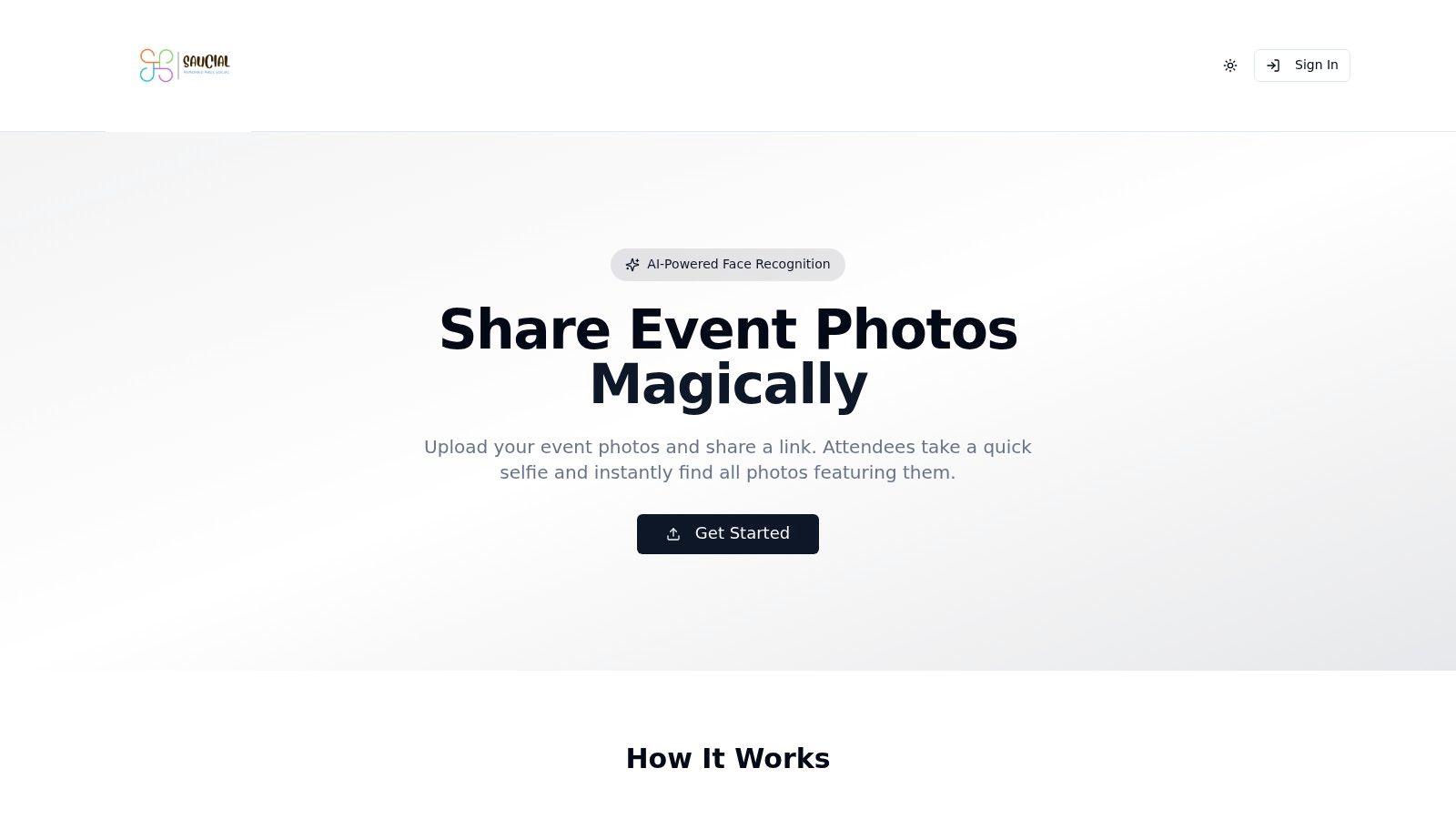
Saucial is the strongest fit when your real problem isn't storage, it's post-event retrieval. A guest scans one event photo sharing link, takes a selfie, and gets only the images they appear in, which is a much cleaner experience than forcing people to hunt through a drive folder or a chronological album. That matters for galas, fundraisers, sports tournaments, trade shows, and brand activations, where the gallery isn't just a delivery box, it's part of the event itself.
For photographers, the cost here is less about software and more about governance. Biometric workflows trigger privacy obligations, and that's not an edge case. The Dutch Data Protection Authority says biometric data used to uniquely identify a person falls into a special category under GDPR, and consent has to be freely given, informed, specific, active, and demonstrable, with a clear alternative for people who opt out as outlined by the Dutch Data Protection Authority. That means Saucial makes the most sense when the organizer is willing to handle permissions properly, explain the matching process in plain language, and keep control over what gets shared.
Practical rule: use selfie matching only when you can also offer a non-biometric route for guests who don't want it.
The upside is real. One link can be shared through email, WhatsApp, SMS, the event website, or on-site signage, and the workflow is built for speed instead of manual tagging. If you want a direct upload path, the upload flow is the right place to start. Photographers who care about attendee upsells, print sales, premium downloads, or sponsored frames will get more mileage here than from a generic gallery. Saucial's site doesn't list public pricing, so you're trading transparency for a workflow that's built around actual event delivery.
Best for: event photographers, organizers, and teams that want quick-find retrieval and measurable post-event engagement.
Avoid if: you need a simple archive with no privacy review, or the venue won't allow facial-matching workflows.
2. Pixieset
A client expects a clean gallery, a simple download path, and no confusion about where to find the files. Pixieset handles that well for small portrait jobs, proofing rounds, and modest deliveries, because the free plan gives you unlimited galleries but only 3 GB of storage Pixieset. In practice, that means the tier stays useful only if you stay on top of cleanup and keep each delivery tight.
Where Pixieset charges you is at checkout. The free plan also takes a 15% commission on store sales, so the free tier stops feeling free the moment print or download orders start coming in. That trade-off is acceptable for occasional sales, but it is a poor fit if you expect the gallery to act as a steady revenue channel.
Where Pixieset works
It works well when the client experience matters more than custom control. Password protection, favorites, and basic downloads are easy for non-technical clients to understand, which cuts down the back-and-forth that comes with email attachments or generic file links. The platform also gives you a path into a wider studio workflow if you later want a website, studio manager, or mobile app.
A classic proofing round is where Pixieset feels dependable. A high-volume event is where the storage cap starts to feel like housekeeping, because every delivery forces you to decide what stays online and what gets cleared out.
Best for: wedding and portrait photographers who want a clean proofing flow and may later sell prints.
Avoid if: you expect lots of sales on the free tier, or you shoot enough volume that 3 GB disappears fast.
3. ShootProof
A real ShootProof trial makes sense when you need a gallery that behaves like a sales tool, not just a place to dump files. The free plan gives you 3 GB and photos only, so it can handle a small session or a test delivery, but it runs out of room fast for event work or mixed media ShootProof. That limit is easy to ignore until a busy job fills the space and you start pruning galleries just to keep things online.
ShootProof still feels built for client delivery. Public and private galleries, passwords, and lab ordering are part of the platform, so the free tier suits photographers who want proofing and print sales in one place. If print fulfillment matters more than a polished brand front end, that matters in practice.
The trade-off shows up in the way the free version pushes you toward a fuller paid workflow. You can test the process, but the stronger automation sits behind the paywall, so the free plan is more of a staging area than a forever setup. That is workable for one-off jobs or a client who only needs a proofing round, and less workable if you want a no-cost system you can keep using without rebuilding later.
Compared with Saucial, ShootProof fits a different delivery style. ShootProof works better when the client already knows what they want and may order prints later. Saucial is better when attendees need to find themselves first and buy afterward, especially in event-heavy workflows that depend on quick-find and selfie matching rather than classic album proofing.
Best for: small sessions, proofing tests, and photographers who already think in print sales.
Avoid if: you need video, high-volume event delivery, or a long-term no-cost plan.
4. CloudSpot
CloudSpot is the free gallery I reach for when I need mobile-friendly delivery and can live with visible branding. The free plan supports up to 3 active galleries and 5 GB of storage, so it gives more room than some tighter starter tiers CloudSpot. That is enough for test jobs, small proofing sets, or a few active clients at once without much setup friction.
What you give up on the free plan is the white-label finish. Free galleries carry a Powered by CloudSpot badge, so client-facing work will not look fully studio-owned. For low-stakes delivery, that trade-off is acceptable. For a venue handoff, a planner, or a corporate client who notices branding, it is a real mismatch.
CloudSpot stays simple in use. Clients can favorite images, share galleries, and browse comfortably on mobile, which cuts down on support questions during delivery. The platform works when you want the gallery to stay out of the way and let the photos carry the job.
If your business depends on polished presentation, the branding badge will stand out. If your priority is getting galleries live quickly, it may not matter.
CloudSpot is weaker than Saucial for event retrieval because it still asks guests to browse like clients. For weddings and portraits, that is usually fine. For attendee workflows where people need to find themselves fast, Saucial's event retrieval flow is a better fit.
Best for: light proofing workflows and photographers who prioritize mobile-friendly client viewing.
Avoid if: unbranded delivery matters, or you need more than a few active galleries at once.
5. Picflow
A client approves selects on a laptop, another leaves notes from a phone, and a third wants to revisit the same gallery later. Picflow fits that kind of review work. The free plan gives you unlimited galleries but only 2 GB of cloud storage, so it is flexible on structure and tight on space Picflow. That works for single-event delivery links, short review cycles, or projects where comments matter more than volume.
The practical value is in the proofing tools. Comments, annotations, favorites, and visitor tracking make it easier to see where clients are engaged and where they slow down. If feedback usually arrives through texts, emails, and calls, having it inside one gallery saves back-and-forth.
The trade-off
Picflow stays focused on review, not on event retrieval. If your job depends on quick-find workflows, selfie matching, or a find my photos flow, I would steer that traffic to a Saucial-style setup such as Saucial settings instead. Picflow handles selection and discussion well, but it asks people to review what you already shared.
For operational proofing, it is a good fit. For branded delivery, the free tier feels limited. If you need a client page that disappears into your studio identity, or a gallery built around attendee search, this is not the easiest place to start. For editorial review, brand approvals, or a one-off delivery that needs comments more than commerce, it does the job cleanly.
Best for: review-heavy projects, collaborative selection, and small proofing sets.
Avoid if: you need a branded storefront or event-specific attendee search.
6. Zonerama
Zonerama is the free option that feels almost stubbornly simple. It offers unlimited photo and video hosting, and that alone makes it unusual among free gallery tools Zonerama. If your immediate need is to publish a clean album link without worrying about storage caps or recurring fees, it solves the problem directly.
That said, the cost is paid in presentation and sales capability. Zonerama leans public-facing, and it doesn't give you the storefront or proofing depth that photographers often want when delivery is part of the business model. If you're mostly showcasing personal work, internal event albums, or straightforward sharing, that may not matter.
Where it fits
It's useful when you want to get something online fast and don't need the gallery to sell. It's also appealing if you dislike the idea of hitting a storage wall every time you add a new client. For schools, families, or small community events, unlimited hosting can be a relief.
A free gallery with no storage ceiling sounds ideal until you need sales, controls, or a client-facing workflow. Then the missing pieces become the cost.
Compared with Saucial, Zonerama is the opposite end of the spectrum. Zonerama is about hosting. Saucial is about retrieval, engagement, and controlled attendee access.
Best for: simple public albums and no-cost hosting without a lot of selling pressure.
Avoid if: you need advanced proofing, branding, or attendee-level event workflows.
7. Flickr Free
A client sends a gallery link and expects a clean handoff. Flickr Free can do that if the job is simple and the audience already knows the platform. Free accounts can store up to 1,000 public or safe items, and the platform supports privacy controls plus shareable guest links Flickr. For low-budget deliveries, internal sharing, or a private album for someone who does not want another login, that is enough.
The trade-off shows up fast. Ads and Flickr branding remain part of the free experience, and the service is not built around print sales or advanced proofing. That makes it a sharing tool first, a client-delivery tool second.
Flickr says “shared album,” not “professional delivery,” and clients notice that difference. The free tier also costs you in presentation, since the page does not feel white-label or sales-ready. I would use it for internal teams, volunteer groups, or budget-sensitive event coverage where familiarity matters more than polish.
Best for: low-budget sharing, quick private albums, and clients who value familiarity.
Avoid if: you want a storefront, white-label presentation, or event retrieval tools.
8. Piwigo
Piwigo is the strongest choice here for photographers and institutions that care about ownership. It's open-source, self-hostable, and built around granular access control, albums, tags, and plugins Piwigo. If you want to keep the archive under your own roof rather than inside a SaaS account, that control is the point.
The cost is operational, not monthly. You need your own server or hosting, and you're the one responsible for upkeep. That's manageable if you're comfortable with hosting and backups, but it's a poor fit if you want gallery delivery to be frictionless on a deadline.
Practical use cases
Piwigo works well for schools, universities, archives, and photographers who want a flexible library structure with strong permissions. It can scale nicely across many albums, which makes it useful when your work isn't a single proofing round but a growing catalog.
Self-hosted control is valuable only if you'll actually maintain it. If updates and backups feel like chores, a managed platform is cheaper in practice.
Piwigo isn't the easiest route for event photo sharing, and it doesn't come with built-in sales tools. Still, if privacy and structure matter more than speed, it's one of the more serious free options.
Best for: data ownership, flexible permissions, and long-term archives.
Avoid if: you don't want server upkeep or external sales tools.
9. Lychee
Lychee is the lightweight self-hosted gallery for photographers who want something clean and uncomplicated. It runs on standard PHP/MySQL hosting and gives you public, private, and passworded albums from a simple web UI Lychee. That makes it a solid choice when you want a brand-clean client album without the clutter of a bigger platform.
The cost, again, is maintenance. You own the hosting, the backups, and the updates. If you're already comfortable managing web space, that's not a dealbreaker. If you want a gallery to behave like a utility, it can become one more system competing for attention.
Lychee is best when the gallery itself should stay out of the way. It's easy for clients to understand, and that's worth a lot when you're delivering to people who don't want to learn a new interface. What it doesn't give you is a built-in store or advanced proofing, so it's not the right choice for photographers who rely on upsells inside the gallery.
Best for: minimal, self-hosted delivery with clean branding.
Avoid if: you need sales, built-in proofing, or managed hosting.
10. Immich
Immich feels more like a private cloud than a gallery product, and that's exactly why some photographers like it. It offers mobile apps with automatic backup, a web interface, link sharing, face recognition, and advanced search Immich. For privacy-first teams or photographers who want a fast private library with strong search, that combination is attractive.
The cost is complexity. You need your own server, storage, and updates, and there's no built-in storefront for sales. So if your business model depends on prints or downloads inside the gallery, you'll need external tools.
Where it shines
Immich is strongest for personal archives, collaborative private delivery, and teams that care more about finding images quickly than selling them. The face clustering and search tools make retrieval easier, which is valuable when you're dealing with a large event library or a busy working archive.
Immich is great at keeping your photos findable. It is not built to help you close a sale.
For event work, Immich can be a useful private backend, but it's not a replacement for a purpose-built attendee delivery flow. If the job is about trade show photo sharing or immediate audience engagement, Saucial is the better fit. If the job is a private archive with strong search and control, Immich earns its place.
Best for: privacy-first photographers, private archives, and fast search.
Avoid if: you need a client storefront or a no-maintenance hosted service.
Top 10 Free Client Galleries Comparison
| Product | Core features | UX ★ | Value & Pricing 💰 | Target 👥 | Unique / USP ✨ |
|---|---|---|---|---|---|
| Saucial 🏆 | Drag‑&‑drop upload, background face processing, event photo sharing link + QR code, selfie photo matching | ★★★★☆ (fast, no‑app access) | 💰 Contact sales; organizer‑controlled monetization; boosts post‑event engagement & sales | 👥 Event organizers & photographers (galas, fundraisers, festivals, sports, trade shows) | ✨ "Find my photos" selfie matching, no app/account required, organizer privacy controls, photographer upsell paths |
| Pixieset | Client galleries, password protection, integrated store & lab fulfillment, website/studio tools | ★★★★☆ (familiar UX) | 💰 Free tier (3 GB); 15% store commission on free plan; paid plans for more features | 👥 Wedding & portrait photographers | ✨ Integrated lab fulfillment; all‑in‑one growth suite |
| ShootProof | Client galleries, print/digital sales, lab integrations, automated emails & archiving | ★★★★☆ (reliable delivery) | 💰 Free plan (3 GB); paid tiers unlock pro workflows | 👥 Pro photographers selling prints & proofs | ✨ Proven e‑commerce + lab fulfillment tooling |
| CloudSpot | Mobile apps, client galleries, storefront, mobile‑optimized delivery | ★★★★☆ (mobile‑first) | 💰 Free 5 GB, branding on free galleries; paid upgrades for business features | 👥 Mobile‑focused photographers & event teams | ✨ Strong mobile viewing & simple store |
| Picflow | Unlimited free galleries, proofing tools, comments/annotations, Lightroom/Capture One links | ★★★★☆ (fast proofing) | 💰 Free unlimited galleries w/2 GB storage; paid for branding/custom domain | 👥 Photographers needing quick proofing & feedback | ✨ Unlimited reviewers, fast minimal UX for selection/annotations |
| Zonerama | Unlimited photo/video hosting, album organization, simple link sharing | ★★★★☆ (basic public gallery) | 💰 Truly free & unlimited hosting; no storefront/proofing fees | 👥 Casual users, quick public showcases, low‑budget events | ✨ Free unlimited storage for fast publishing |
| Flickr (Free) | Private albums, guest pass sharing, mobile apps, basic organization | ★★★★☆ (familiar community UX) | 💰 Free up to ~1,000 items; ads/branding on free accounts | 👥 Low‑budget/internal event delivery & community sharing | ✨ Widely known platform with simple private‑album flows |
| Piwigo | Self‑hosted galleries, granular access control, plugin ecosystem, mobile apps | ★★★★☆ (configurable, admin‑centric) | 💰 Free self‑hosted; optional paid hosting; full data ownership | 👥 Institutions, schools, photographers needing ownership/control | ✨ Open‑source flexibility, strong permission controls |
| Lychee | Self‑hosted web UI, passworded/public albums, lightweight PHP/MySQL deployment | ★★★★☆ (minimal client UX) | 💰 Free self‑hosted; no built‑in store (add‑ons needed) | 👥 Users wanting simple, brand‑clean client albums | ✨ Minimal interface, full URL/branding control |
| Immich | Mobile auto‑backup, web UI, face recognition/cluster search, shareable galleries | ★★★★☆ (fast private cloud) | 💰 Free self‑hosted (open source); no native storefront | 👥 Privacy‑first teams & rapid mobile ingestion for events | ✨ Mobile auto‑backup + face clustering for quick attendee finds |
Match the Gallery to the Job, Then Test It With One Real Delivery
The best free gallery is the one that costs you the least after delivery starts. If you're sending a single proofing round, pick a platform with decent branding and simple downloads. If you're handling a sales-led workflow, look hard at commissions and storefront limits. If you're doing event work, the right question is whether guests can find themselves without you doing manual labor for days after the shoot.
That's why I'd always test one real delivery before committing. Open the gallery on a phone, not just on your desktop. Check how fast it loads, what branding appears, how the download flow feels, and whether the free tier's storage, gallery, or sales rules will push you into cleanup or an upgrade sooner than you expected. If you're comparing event workflows, test the path from QR scan to search result, because that's where friction shows up first.
For photographers who deliver a lot of attendees, the practical winner may not be the most familiar gallery at all. A free client gallery for photographers should support the way you work, not the way a feature list looks in a browser tab. In some jobs that means classic proofing. In others it means direct attendee retrieval, cleaner support, and better post-event engagement.
If you're delivering galas, festivals, sports tournaments, or brand activations, Saucial is built for that exact handoff. It turns photo delivery into a find my photos experience with link-based sharing, QR access, and selfie matching that keeps the process organized for both attendees and photographers. Visit Saucial if you want a gallery workflow that's designed for event distribution, attendee retrieval, and the kind of engagement that comes back as sales and referrals.