10 Event Marketing Tools for Smarter Events
A gala team may need branded invitations, donation collection, guest-list control, and a private photo experience. A conference team may need registration, session scheduling, networking, sponsor reporting, and post-event nurture. A festival team may care more about discovery, ticketing, messaging, and fast sharing from the venue.
Those teams aren't looking for the same platform, even when they use the same phrase, event marketing tools. The right choice starts with the work your team must complete before, during, and after the event, not with the longest feature list. Event-led growth already has a strong role in marketing planning. A 2024 survey found that 83% of marketers considered events critical to business growth, while 77% called events their company's most effective marketing channel (Splash event marketing statistics).
This comparison focuses on workflow fit: event type, distribution channels, attendee engagement, analytics, integrations, privacy controls, setup effort, and pricing transparency. Some platforms are designed to run an entire enterprise event portfolio. Others solve one high-value job, such as public ticketing, webinar content reuse, or attendee photo discovery. The strongest stack is the one that makes the attendee journey easier to execute and easier to measure.
1. Saucial
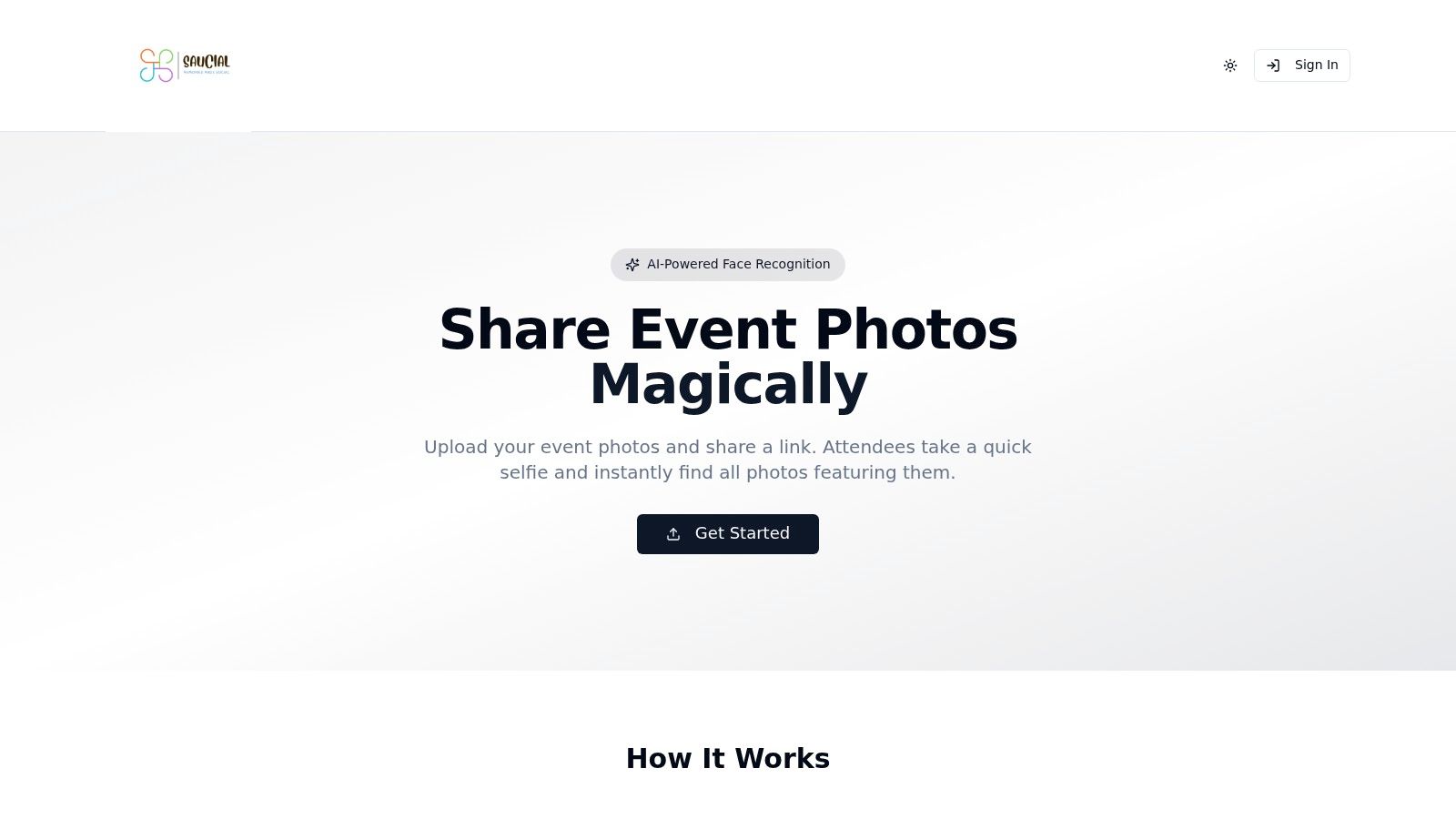
Saucial is built for the part of event marketing that many registration platforms leave unfinished: helping attendees find, receive, and share the content created around them. It suits galas, alumni dinners, fundraisers, community festivals, sports tournaments, trade shows, and brand activations where photos are part of the experience rather than an afterthought.
An organizer or photographer uploads images through a drag-and-drop workflow. Background face processing then supports a focused find my photos experience. Guests open an event photo sharing link from Saucial, scan a QR code, take a quick selfie, and see the images they appear in. They don't need an app, and they typically don't need to create a guest account. That is a much better distribution model than sending everyone to a cluttered Drive folder and asking them to scroll.
Where the workflow fits
The strongest use case is immediate or near-immediate post-event engagement. Teams can share one gallery through email, WhatsApp, SMS, event websites, LinkedIn, Instagram, or signage at the venue. A QR code photo gallery works especially well at registration desks, sponsor walls, table cards, venue exits, and sports-tournament signage. One survey reported that 43% of marketers use QR codes for events, making the format a practical bridge between a physical venue and a mobile experience (QR code event statistics).
Photographers also get more than a delivery folder. Saucial can support a photographer upsell to attendees through prints, digital downloads, premium edits, featured sets, or branded frames. That turns delivery into a direct-to-attendee channel and reduces repetitive requests to locate individual images.
Trade-offs and controls
Selfie photo matching won't identify every image perfectly. Low light, face coverings, obstructions, unusual angles, and dense crowds can require manual help or an alternative search method. Organizers should also treat a face recognition event gallery as a governed workflow, not a novelty. Permission messaging, opt-in retrieval, access rules, retention limits, and deletion procedures should be clear before launch. Current event-technology guidance identifies privacy as a foundational requirement because expectations and legal requirements vary across markets (Cvent event technology trends).
Saucial's public site doesn't list pricing or display third-party awards, certifications, or customer testimonials on the referenced pages. Teams should request a demo and confirm pricing, permissions, retention, support, and any required integrations before committing.
Practical rule: Use Saucial when photo discovery and sharing are central to the attendee journey. Pair it with a registration or ticketing platform when you also need complex event administration.
2. Cvent
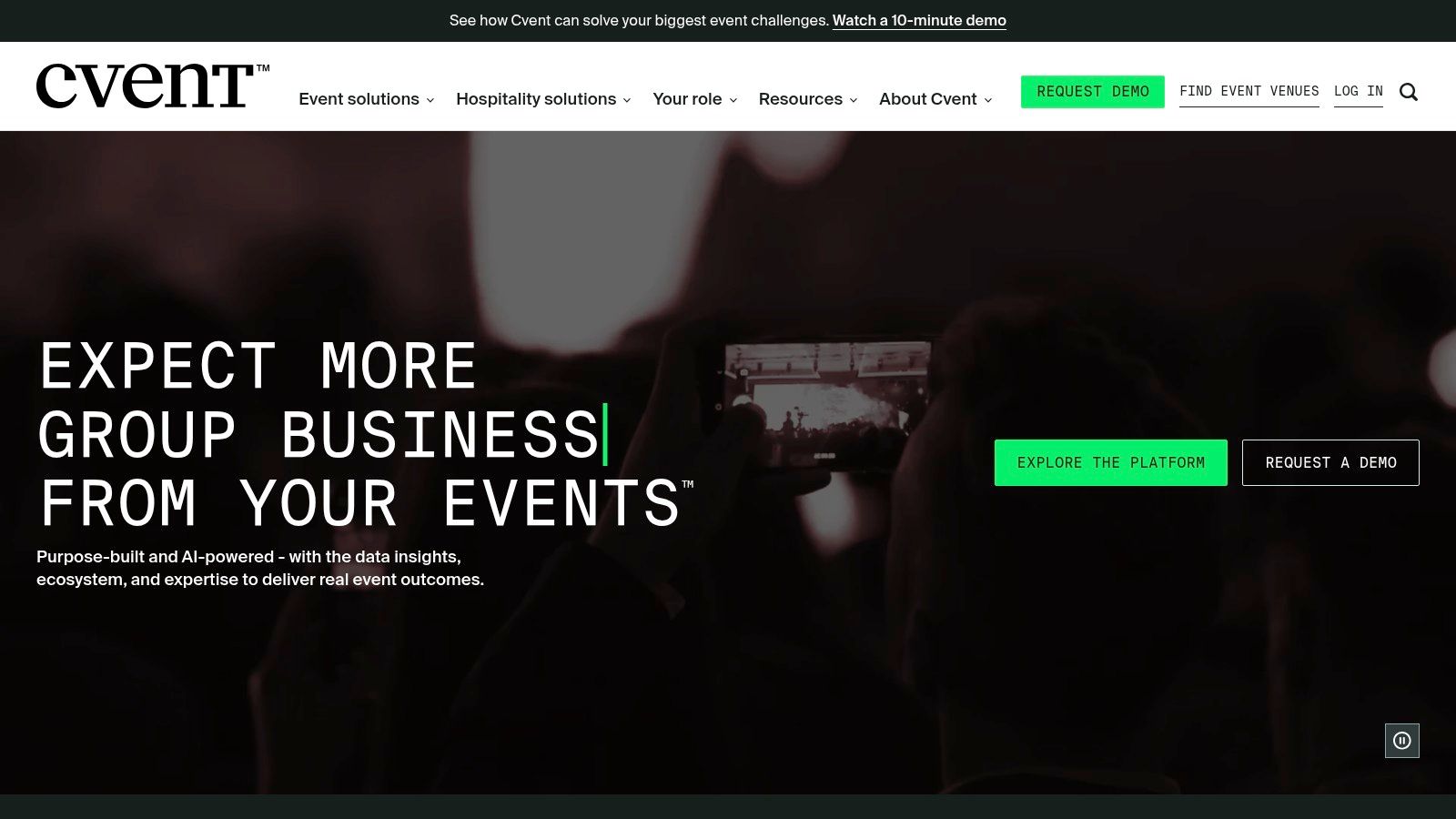
Cvent is the safer choice for a large organization that needs one governed environment for registration, promotion, onsite operations, mobile engagement, and reporting. It supports branded event websites, landing pages, email campaigns, promotional tools, audience segmentation, attendee journeys, onsite technology, mobile apps, and post-event analytics.
The platform is particularly strong when a marketing operations team has to manage a portfolio rather than a single event. CRM and marketing-automation integrations can connect registration and engagement data with broader campaign reporting. CventIQ also adds AI-supported content generation, attendee-to-session recommendations, and predictive reporting. These capabilities are useful when the team has enough data and process maturity to act on the recommendations.
Best fit and implementation reality
Cvent fits enterprise conferences, customer programs, association events, and complex multi-event calendars. The platform gives marketing, event operations, sales, and finance a shared system for attendee records and reporting. It also offers the governance that distributed teams need when local teams create events but central leadership controls brand, data, and approval standards.
The trade-off is weight. A small gala team may spend more time configuring the system than it would spend using a lightweight registration tool. Quote-based pricing can also make early comparison difficult, particularly when modules, user access, services, and integrations affect the final scope.
Cvent handles the core event lifecycle, but it may not be the ideal specialist layer for a gala fundraiser photo gallery or a private attendee photo search. A team could use Cvent for registration and onsite operations, then connect the post-event photo workflow through Saucial's event platform. That division keeps the enterprise system focused on governance while giving guests a simpler route to their images.
Choose Cvent when centralized reporting, integrations, and portfolio governance justify the implementation effort. Don't choose it solely because it has more features than a smaller event requires.
3. Bizzabo
Bizzabo positions itself as an Event Experience OS, and that framing matters for teams trying to consolidate separate tools. It brings registration, event websites, email, virtual production, onsite apps, badging, attendee engagement, and analytics into one broader operating environment.
The platform suits mid-market and enterprise teams that run a mix of webinars, field events, conferences, and hybrid programs. Its open API and CRM or marketing-automation connections help event and marketing teams work from a more consistent data layer. Portfolio-level reporting is useful when leadership wants to compare event programs rather than review each event in isolation.
The operational advantage
Bizzabo is strongest when the main problem is fragmentation. A team that currently moves data between a registration system, webinar platform, email tool, badge provider, and reporting spreadsheet may value a more unified workflow. Virtual production features and audience reaction tools also support events where the digital experience is part of the product, not merely a broadcast feed.
Sponsor and exhibitor ROI tooling adds another practical layer. Exhibitors typically need evidence of engagement, leads, and interactions, while organizers need a report that supports renewal conversations. Bizzabo gives teams a path to connect those activities with the wider event record.
The weakness is procurement effort. Pricing isn't publicly listed, so buyers have to spend time scoping attendees, event types, integrations, production requirements, and reporting needs with sales. That isn't automatically a problem for enterprise purchasing, but it makes lightweight comparison harder.
For a team that wants to keep the core event system in Bizzabo while adding specialist photo distribution, Saucial's upload workflow can sit alongside the event experience. The important question is whether the handoff preserves consent, campaign tracking, and usable engagement data. Bizzabo is a consolidation play. It isn't necessarily the best answer for every specialist attendee interaction.
4. Eventbrite
Eventbrite is a practical choice when the event needs public discovery and fast ticketing more than enterprise governance. Its marketplace can help people discover classes, festivals, shows, workshops, and community events. Organizers can create event pages, sell tickets, issue promo codes, offer add-ons and donations, message attendees, and review built-in analytics.
The self-serve setup is the main attraction. A small team can publish a public event without building a full registration infrastructure or managing a complicated implementation project. Optional Eventbrite Ads can extend promotion when the organizer needs additional reach beyond its existing audience.
What to watch before choosing
Eventbrite's marketplace orientation is useful for public events, but less suitable for a closed B2B conference, private donor event, or account-based customer gathering. Organizers may also find that per-ticket fees become less attractive as ticket prices or volume rise. The US fee schedule is more transparent than the quote-based models used by several enterprise platforms, but buyers should still review current regional terms before publishing.
Eventbrite isn't designed to be a specialist content-distribution system. If your festival or community event creates a large volume of attendee photos, pair ticketing with a dedicated how to share event photos with attendees workflow. An event team can use Saucial's attendee access to direct guests to a no-app photo experience after the event, rather than adding a gallery link to a long post-event email and hoping people use it.
Choose Eventbrite when discovery, checkout, and speed are the priority. Don't expect it to replace a CRM-centered event program, a sponsor reporting system, or a permission-aware photo delivery platform.
5. Splash
Splash is a strong fit for marketing teams that care about brand consistency across a repeatable event program. It focuses on branded invitations, landing pages, guest-list management, check-in, attendee data collection, and program-level analytics.
The platform works well for field marketing, customer events, community programs, and distributed teams. Local event managers can create polished pages and emails from approved templates, while central marketing teams retain control over brand standards, approvals, and reporting. That balance matters when a company runs many events that should feel distinct without becoming visually or operationally inconsistent.
The advantage of governed repetition
Splash is less about running every possible event format and more about making branded event execution repeatable. CRM and marketing-automation integrations help connect registrations and attendee activity to the wider demand-generation workflow. Program-level reporting can also show which event series, regions, or campaign sources deserve more investment.
The trade-off is scope and cost. Pricing is not fully public and the platform generally targets mid-market and enterprise buyers. A team running one small private event may not need its governance model, templates, or program reporting. It should compare the time saved through repeatability against the implementation and procurement effort.
Splash also won't automatically solve every post-event engagement problem. If the event produces photos that attendees need to discover and share, add a specialist layer and define the handoff clearly. Saucial's organizer settings can support a separate photo workflow where the organizer controls which sets are shared, how guests access them, and whether paid upgrades or curated collections are enabled.
Splash is a good choice when the event itself is a branded marketing asset. It is less compelling when the primary need is low-cost ticketing or specialist content retrieval.
6. RingCentral Events
RingCentral Events, formerly Hopin, is built for virtual and hybrid event production. It combines registration, session management, chat, Q&A, networking, production tools, analytics, and an app marketplace with open APIs.
The platform makes sense for teams that need more than a webinar room. Virtual stages, session experiences, networking areas, and audience interaction can support conferences where remote attendees need a structured digital venue. LinkedIn features on confirmation pages can also help organizers turn registrants into followers and encourage social sharing after registration.
A virtual-first decision
The key trade-off is format. RingCentral Events is most useful when virtual or hybrid production is central to the program. A primarily in-person gala, tournament, or trade show may get less value from its production environment than from a platform focused on ticketing, onsite check-in, sponsor management, or physical attendee engagement.
Public pricing plans are available after the RingCentral acquisition, which may make early evaluation easier than a fully sales-led platform. Even so, teams should test the production workflow with the actual number of stages, moderators, speakers, networking requirements, and support responsibilities involved.
Post-event distribution needs separate planning. Session recordings, follow-up messages, and social sharing can extend the digital experience, while an event photo sharing link can serve the in-person audience. Don't assume that a virtual event platform will automatically provide a good find my photos experience for physical attendees. Select RingCentral Events when the event must feel like a live digital venue, not merely because it includes registration.
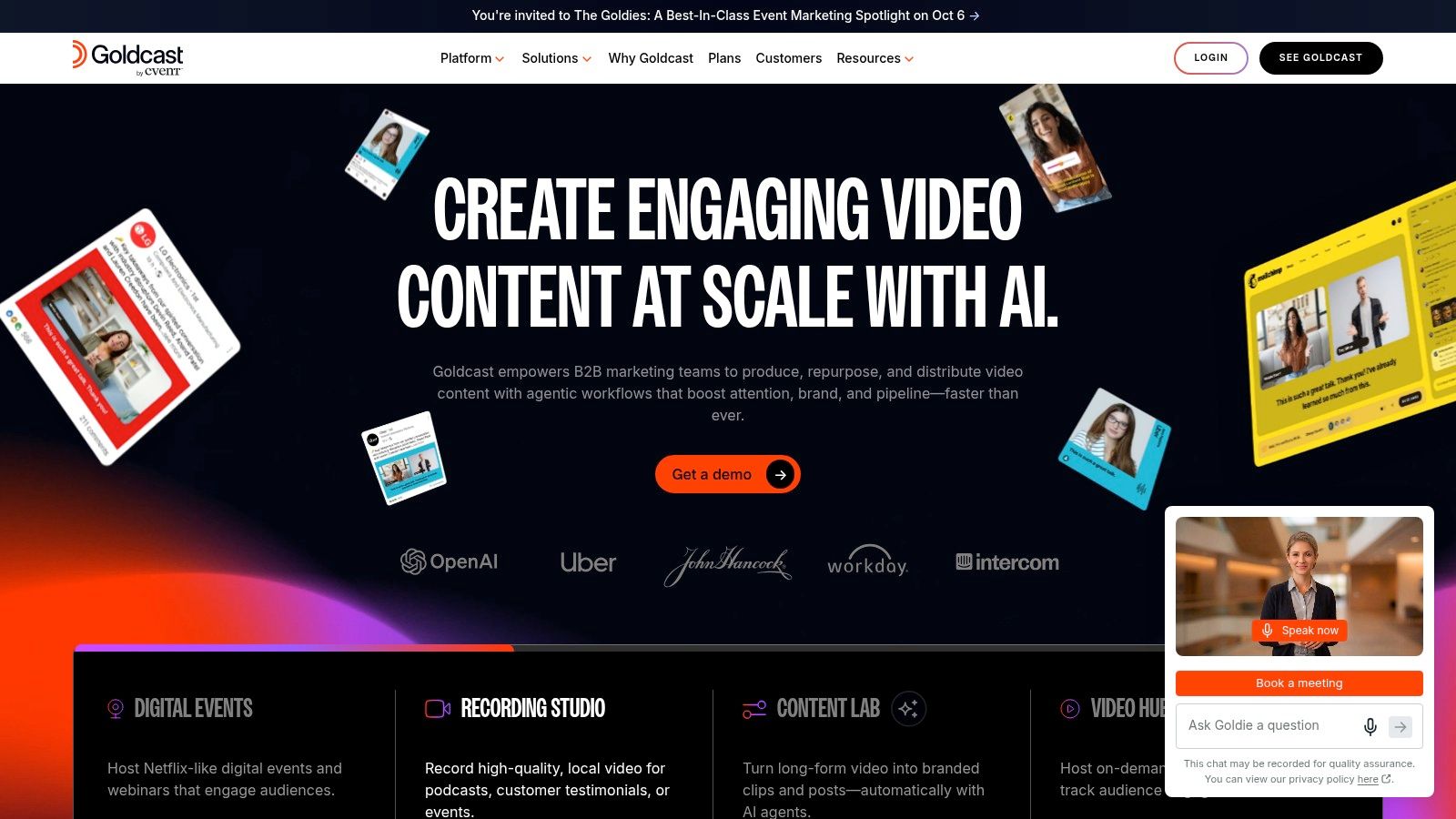
7. Goldcast
Goldcast is designed for B2B demand-generation teams that want to turn webinars and digital events into a larger content and pipeline program. It combines event execution with CRM and marketing-automation integrations, audience engagement, and post-event content production.
Its standout capability is Content Lab. Teams can search recordings, create clips, produce branded assets, and develop social posts or blog drafts from event footage. That addresses a common operational failure: a team invests in a strong session, then leaves the recording unused because nobody has time to edit and distribute it.
Content reuse versus live logistics
Goldcast is a good fit when the event's value continues through clips, nurture campaigns, sales enablement, and on-demand viewing. Marketing teams can create a clearer connection between what happened on screen and what the campaign publishes afterward. That makes it more appropriate for B2B webinars and digital programs than for an outdoor festival or a ticketed community event.
The trade-off is plan complexity. Pricing varies by company size and usage, and advanced Content Lab capabilities may require higher tiers or additional content seats. Buyers should ask which editing, branding, search, export, and user permissions are included in the proposed plan.
Goldcast also highlights an important distinction in event marketing tools. Content reuse is not the same as attendee personalization. A team may use Goldcast to repurpose a keynote into social content, then use a separate event photo sharing workflow to help in-person guests retrieve images of themselves. Goldcast is strongest for turning recorded event content into campaign assets. It isn't the natural first choice for sports tournament photo sales or private selfie retrieval.
8. Airmeet
Airmeet supports virtual and hybrid event programs with event pages, branding, ticketing, email, social streaming, Q&A, polls, networking lounges, sponsor booths, and lead access. Its broader Event-led Growth Suite adds portfolio analytics, CRM integrations, studio production, content repurposing, and AirIntel reporting.
The platform stands out when interaction matters. Networking lounges and speed networking give organizers more structure than a standard broadcast, while booths and sponsor tools create opportunities for exhibitors to engage attendees and receive lead information. Those features suit B2B conferences, community programs, and hybrid experiences where the team wants attendees to do more than watch.
Choose it for participation
Airmeet is strongest when the event team can design an active digital journey. Polls, Q&A, lounges, booths, and sponsor interactions all need moderation and follow-up. Buying the platform won't create engagement by itself. Someone must prepare prompts, brief sponsors, manage sessions, and decide how behavioral data reaches sales or marketing.
Pricing varies by plan and event size, and advanced features may sit behind higher tiers. The full suite may require a sales conversation for a custom plan, so buyers should compare the cost of interactivity against the number and type of events they run.
For a hybrid conference, Airmeet can manage the digital experience while a dedicated QR code photo gallery handles physical-event content. That separation can be sensible. One platform doesn't need to own every attendee interaction if the systems have a clear operational handoff and the team can measure visits, searches, shares, and downstream actions.
Choose Airmeet when networking and live participation are central. Choose something simpler when the audience primarily needs registration, ticketing, or one-way content access.
9. Hubilo
Hubilo is webinar-first and marketer-friendly. It provides no-code landing pages, automated email journeys, engagement features such as contests, surveys, leaderboards, and activity feeds, plus analytics for recurring virtual events.
The platform's practical value comes from connecting attendee behavior with follow-up. Intent signals and behavioral insights can support lead scoring, giving sales and business development teams more context than a basic attendee export. A person who attended a session, answered a survey, joined a contest, and returned for a later segment should not receive the same message as someone who registered but never engaged.
A recurring webinar workhorse
Hubilo fits teams that run regular webinars and need a repeatable campaign workflow. No-code pages and automated messages reduce dependence on developers, while engagement features give marketers ways to make a webinar feel less passive. Content repurposing can also extend the life of sessions beyond the live broadcast.
Buyers should verify current pricing, tiers, feature availability, and contractual terms because those offers can change over time. Some capabilities may require confirmation with sales. That makes a hands-on trial and a clear use-case checklist important before purchase.
Hubilo is less suitable as the primary system for a complex onsite conference, a gala fundraiser, or a festival with ticketing and physical logistics. It can still be part of a wider stack. For example, Hubilo could manage a post-event webinar nurture series while a separate UGC from events workflow handles attendee photos and social sharing. The best fit is a marketing team that values behavioral signals and recurring digital delivery more than broad onsite operations.
10. Stova
Stova is an all-in-one event technology platform for high-volume corporate programs. Its capabilities span registration, branded websites, payment tools, multi-language workflows, self-service check-in, badging, travel and hotel management, mobile apps, virtual options, session recordings, onsite support, venue sourcing, and event services.
That breadth makes Stova appropriate for repeatable corporate portfolios where logistics are as important as promotion. A team organizing multiple conferences, meetings, incentives, or hybrid programs can benefit from having registration, travel, check-in, mobile engagement, and services coordinated through one enterprise-oriented provider.
Scale comes with procurement
Stova's advantage is operational coverage. Multi-language registration, payments, onsite capabilities, and self-service check-in matter when a program has varied audiences and repeatable delivery requirements. Services-backed implementation can also help teams that don't want to assemble venue, travel, technology, and onsite vendors themselves.
The trade-off is procurement speed. Pricing isn't public and contracts are typically bespoke. Sales-led implementation can extend the buying cycle, especially when the team needs to define services, integrations, event volume, and support levels before comparing proposals.
Stova isn't a specialist photo-sharing platform, so teams should map photo delivery separately if images are important to the attendee experience. A conference can use Stova for registration, check-in, and event operations, then add a trade show photo sharing workflow for sponsor activations and attendee portraits. Stova is the better choice when the organization needs a broad, services-backed event infrastructure. Smaller teams may find that infrastructure more than they need.
Top 10 Event Marketing Tools Comparison
| Product | Core features (✨) | Experience & quality (★) | Pricing & value (💰) | Target audience (👥) | Standout USP (🏆 / ✨) |
|---|---|---|---|---|---|
| Saucial 🏆 | ✨ Selfie photo matching, QR‑code photo gallery, drag‑&‑drop upload, background face‑match | ★★★★☆, fast retrieval, low guest friction | 💰 Contact for pricing; high ROI for photographers (prints/downloads/upsells) | 👥 Organizers & photographers at galas, festivals, sports, fundraisers | 🏆 Recommended, “find my photos” workflow, organizer controls, photographer monetization, privacy‑conscious |
| Cvent | ✨ Registration, event sites, onsite tech, CventIQ AI for recommendations | ★★★★☆, enterprise‑grade governance & analytics | 💰 Quote‑based; premium for large programs | 👥 Enterprises running complex portfolios | Robust integrations, centralized reporting for large programs |
| Bizzabo | ✨ End‑to‑end OS: registration, virtual production, sponsor ROI | ★★★★☆, studio quality + portfolio reporting | 💰 Sales‑led pricing; scales with portfolio | 👥 Mid‑market & enterprise event teams | Consolidates tools/data; sponsor/exhibitor ROI tooling |
| Eventbrite | ✨ Event pages, checkout, marketplace discovery, ads | ★★★☆☆, fast consumer UX, broad reach | 💰 Transparent per‑ticket fees (US); fees can add up | 👥 Public/community events, festivals, classes | Large consumer marketplace + quick self‑serve setup |
| Splash | ✨ Branded pages, guest lists, check‑in, governance | ★★★★☆, design flexibility & repeatability | 💰 Quote/private pricing; mid‑market focus | 👥 Marketing teams running repeatable field events | Strong brand control and program governance |
| RingCentral Events | ✨ Virtual/hybrid studio, session mgmt, LinkedIn integration | ★★★★☆, modern virtual UX, production tools | 💰 Public plans available post‑acquisition | 👥 Teams prioritizing virtual/hybrid production | LinkedIn growth levers on confirmation pages; native studio |
| Goldcast | ✨ Webinars + Content Lab (auto‑clipping, branded assets) | ★★★★☆, high‑quality webinar & content repurposing | 💰 Tiered plans; add‑ons for content seats | 👥 B2B demand‑gen & revenue teams | AI repurposing of event footage into multi‑channel content |
| Airmeet | ✨ Ticketing, lounges, RTMP, AirIntel analytics & studio | ★★★★☆, strong interactivity & networking UX | 💰 Plan‑based; free trial; advanced features on higher tiers | 👥 B2B marketers & community events | Networking lounges, studio production, content repurposing |
| Hubilo | ✨ No‑code pages, engagement apps, intent scoring | ★★★★☆, marketer‑friendly for webinars | 💰 Variable tiers; verify current offers | 👥 Webinar/virtual event marketers & SDR/BDR teams | Behavioral intent signals and lead scoring for pipeline handoff |
| Stova | ✨ Registration, travel/hotel mgmt, check‑in, services | ★★★★☆, enterprise repeatable workflows | 💰 Bespoke pricing/contracts for high volume | 👥 Large corporate portfolios & repeatable programs | End‑to‑end services + enterprise operational support |
Build the Stack Around the Attendee Journey
The best event marketing tools don't win because they have the most modules. They win because they remove friction at the moments that matter. A registration page should make it easy to commit. An onsite workflow should help people check in, attend, connect, donate, buy, or participate. A post-event workflow should deliver useful content quickly and give the team a way to understand what happened next.
Start by writing the journey in plain language. For a conference, that might be promotion, registration, session selection, networking, sponsor interaction, content access, sales follow-up, and reporting. For a gala, it could be invitation, RSVP, donation, guest permissions, private photo access, sharing, and donor nurture. For a festival, it might be discovery, ticketing, venue messaging, photo retrieval, social sharing, and repeat attendance.
Then assign ownership to each platform. Eventbrite is the practical choice for fast public discovery and ticketing. Splash fits governed, branded programs where distributed teams need templates and approvals. Cvent or Stova makes more sense for complex enterprise portfolios with demanding registration, onsite, travel, reporting, and integration requirements. Bizzabo suits teams that want to consolidate event operations across virtual, hybrid, and in-person formats.
For virtual and hybrid engagement, RingCentral Events, Goldcast, Airmeet, and Hubilo each have a different center of gravity. RingCentral Events is strongest around digital venue and production workflows. Goldcast is compelling when B2B content reuse and demand generation drive the program. Airmeet emphasizes interaction, networking, and sponsor participation. Hubilo fits recurring webinars where behavioral signals and lead scoring support follow-up.
Saucial belongs in the stack when photo distribution and attendee sharing are central. It isn't a replacement for enterprise registration, travel management, or a CRM. Its role is more specific and more useful: help attendees retrieve the images they appear in, share those moments, and continue engaging with the event after they leave.
Measurement should follow the same journey. Registration, opportunities, attendance, and revenue attribution remain important, but many teams still track them unevenly. One survey reported that 54% of marketers tracked registrations, 53% tracked opportunities created, and 40% tracked attendance rates, while 20% couldn't directly attribute events to company revenue (event measurement benchmarks from Splash). That gap is why integration readiness matters. Ask whether the tool can export usable engagement data, connect with the CRM or marketing automation system, and preserve campaign or channel context.
Post-event photo engagement deserves its own measurement chain. Track gallery visits, successful selfie photo matching searches, downloads, shares, tagged UGC, sponsor exposure, donations, inquiries, and photographer upsells. Raw gallery views can look impressive while telling you little about whether guests found their images or took a meaningful next step. A useful platform makes those actions visible without forcing guests through an app or an unnecessarily complex account process.
Privacy belongs in the purchase decision from the start. If a workflow uses face recognition or selfie retrieval, explain the purpose, request appropriate permission, provide alternatives where needed, control access, set retention rules, and give organizers a way to remove content. The most durable personalization is optional, understandable, and reversible.
Finally, compare quotes only after documenting the operational requirements. Ask about setup effort, implementation support, user permissions, integrations, data exports, regional availability, support coverage, pricing changes, and what happens when the event ends. The right tool isn't the one that looks impressive in a demo. It's the one your team can deploy reliably, your attendees can use without assistance, and your leadership can connect to a measurable outcome.
Saucial gives organizers and photographers a guest-friendly find my photos workflow with drag-and-drop uploads, selfie photo matching, shareable event links, and QR code photo galleries. If attendee photo discovery and post-event engagement are part of your event plan, visit Saucial to explore a faster, permission-conscious way to distribute event images and create photographer upsell opportunities.