7 Best Free Photo Sharing Platforms for Events in 2026
Free tools work until guests start asking where their photos are. The gala ends, the DJ is already packing up, and the shared folder is still uploading while people keep asking for the link. The best free photo sharing platform depends on the job you need it to do, not on storage alone. Some tools are fine for broad distribution, some are better for originals handoff, and a purpose-built event flow like Saucial takes over when guests need to find my photos instead of digging through a gallery.
1. Google Photos
Google Photos is a practical free choice when you need one event link quickly and most guests already know how to use it. It handles a shared album, simple uploads, and viewing on phones or browsers without much setup. That lowers the amount of explaining an organizer has to do.
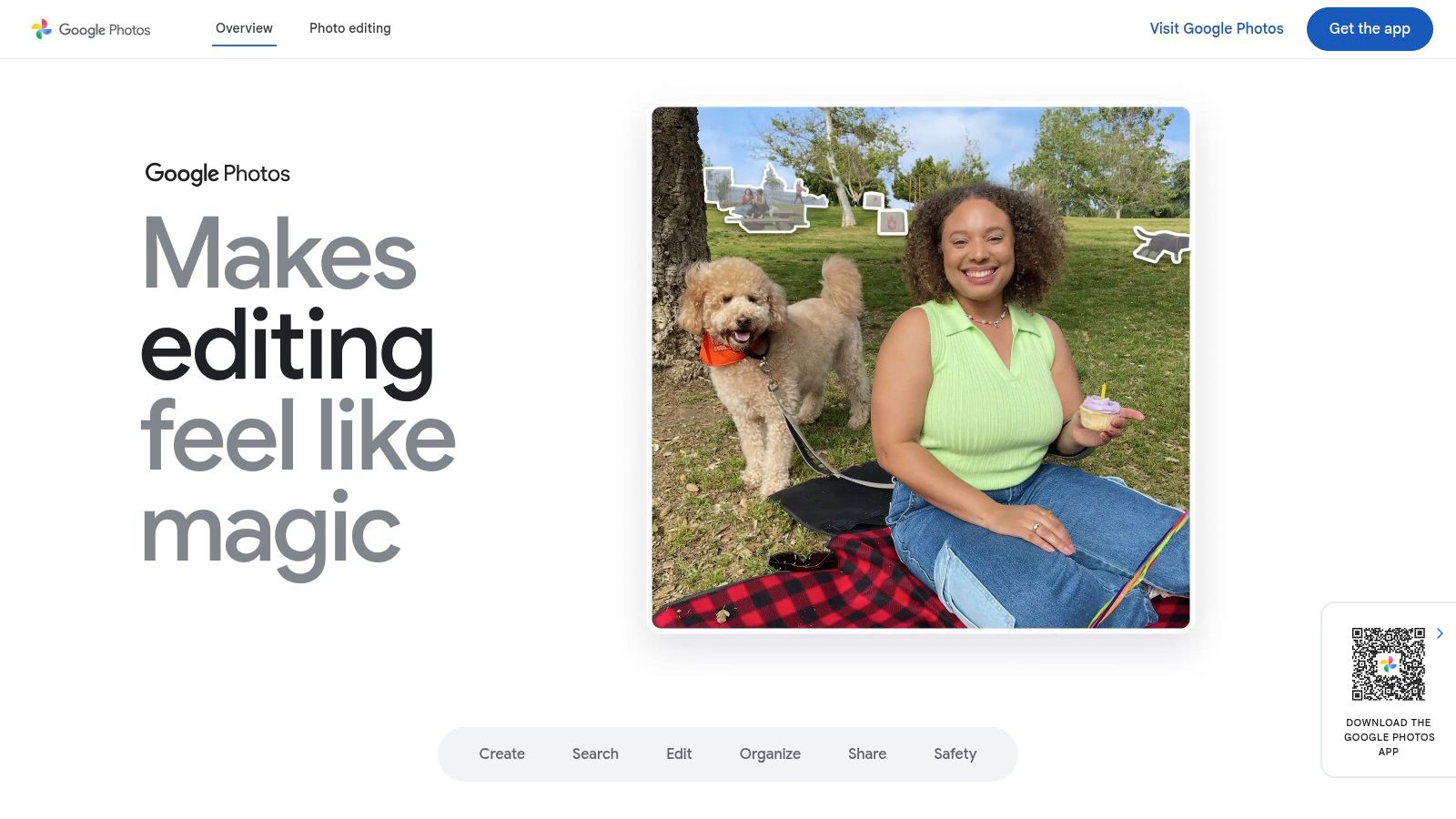
For event delivery, the trade-off shows up fast. Guests can open the album and scroll, but there is no attendee-facing self-retrieval flow, so people still have to hunt for their own shots. That makes Google Photos better for recap delivery than for events where guests expect fast personal discovery.
Practical rule: use Google Photos when the job is “everyone can view the album,” not when the job is “each guest can quickly pull up their own photos.”
Storage is the other constraint. Google's free tier gives you 15 GB shared across Photos, Drive, and Gmail, and full event files can use that up quickly (Pew Research on photos as social currency). That is fine for a smaller event or a tight highlight set. It gets weaker once you are handling original-resolution files, larger galleries, or longer access windows.
Google Photos makes sense as a first free test when you want low setup overhead. It stops being enough once guests start asking where the pictures of them are. For a selfie-based retrieval flow, see Saucial's sign-in and gallery access.
2. Apple Photos Shared Albums
Apple Photos Shared Albums make the most sense when the crowd is heavily iPhone-first and you want a native feel with minimal setup. The workflow is simple, create the album, share the link or invite Apple IDs, and let people add from their camera rolls. For Apple-heavy events, that ease matters because it reduces the number of steps between capture and sharing.
Apple's Shared Albums guide is useful here because it shows how tightly the experience stays inside Apple's ecosystem. That's a strength and a weakness at the same time. It's smooth for iPhone, iPad, and Mac users, but it's less natural for mixed audiences that include Android or Windows guests.
A workable event pattern is to use Apple Photos for a family gathering, alumni dinner, or private club event where most attendees already live in Apple's world. It's also a good fit when you want contributors to add directly from their phones without teaching them a new system. The trade-off is that it doesn't solve attendee-level search. Guests still need to browse the album, and there's no built-in face-based retrieval flow for saying, “show me only the photos where I appear.”
Apple Photos is strongest when the event itself is already Apple-native. It's weaker when you need broad guest access across devices.
One more thing matters for planners. As upgraded shared albums in iOS 27 count against the owner's iCloud storage, the free convenience can start to look less free once volume grows. That makes Apple Photos a good native sharing layer, not a complete event delivery stack. If your audience is mixed, or if privacy and guest self-discovery are central, you'll outgrow it quickly.
3. Flickr Free Plan
Flickr works better than a basic cloud album when the job is presentation. It gives you albums, tagging, comments, and a crowd that already expects a curated photo set. That makes it useful for highlight galleries, press recaps, and smaller events where the gallery itself needs to feel organized.
Flickr's reported photo volume milestones show why it still comes up in this category. The service launched in 2004, reached 6 billion hosted images in 2011, and was later reported at 10 billion shared photos in 2024, with roughly 25 million photos accepted per day. Those figures point to a platform built for large visual libraries and sorting, not just casual sharing.
For event work, the free plan fits best when you are curating a selection rather than handing over a full archive. It can handle a public recap album, a photographer's showcase, or a polished set of sponsor-friendly images. It is weaker when attendees need private retrieval, because Flickr is still more about viewing and community interaction than getting each guest to the right photo fast.
Use Flickr for curation, not attendee self-service. A good-looking gallery still leaves guests to browse for themselves.
The other limit is practical. Free accounts are constrained by item count, and larger event galleries can get unwieldy as upload volume grows. That is a poor fit for a sports tournament, trade show, or festival where guests need controlled access and original-file handoff. If guests need to find themselves instead of browse the whole archive, Flickr's presentation strengths stop solving the core problem. That gap is where Saucial's event flow is built to take over.
4. Imgur
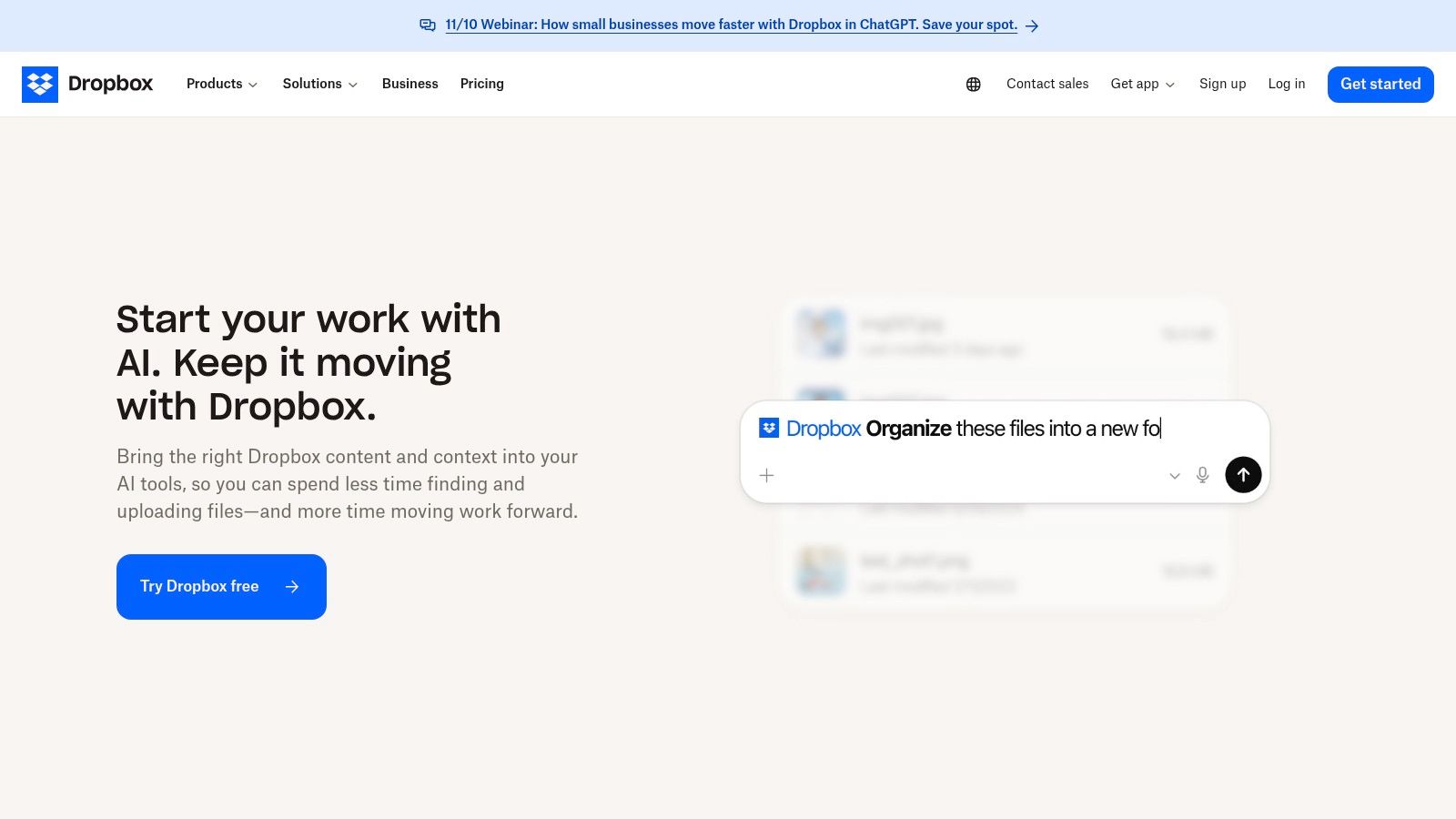
A public recap can live on Imgur when you want viewers to open it fast and you do not need an event system wrapped around it. It is light, familiar, and easy to access without an account, which suits press kits, quick highlights, or a temporary gallery for a public event.
Imgur's website keeps the path simple for viewers who just need to open a gallery and look through it. That makes it useful for a small set of public images or a media share where private guest discovery is not part of the job. For that use case, the setup stays minimal.
The trade-off is control and staying power. Imgur is not built as a long-term event archive, and anonymous or inactive content can be a risk if you expect the gallery to remain available over time. It also does not give you the attendee-level flow that private events need, so it is a weak fit for galas, schools, or any event where access has to stay selective.
Use Imgur for public-facing recap work, not for private attendee delivery.
It works for sponsor proof, a short-lived media gallery, or a public album where people browse the whole set. It breaks down when the job is to match guests to their own photos and keep access controlled. If the goal is to find the right guest photo and keep access controlled, a more event-specific tool makes more sense, and you can upload an event set and test the retrieval flow in minutes.
5. Dropbox Shared Links
Dropbox works well when the deliverable is the original file, not the gallery experience. Photographers use it for client handoff, press delivery, and sponsor materials because recipients can open a shared folder in-browser and download without creating an account. That makes it one of the cleanest free-ish routes for originals distribution.
Dropbox is strongest when you need stable file delivery and predictable access. The folder preview is polished, the download flow is familiar, and the recipient experience is simple. For a media partner or event client, that's enough. You're not trying to entertain the guest, you're trying to hand off files cleanly.
The problem is that Dropbox is still a file system. It doesn't behave like an attendee gallery, so it's weak for discovery and storytelling. If you dump 1,000 event photos into a folder, guests are left to browse directory names and thumbnails instead of finding their own moments. That's a real difference when you're fielding post-event requests.
Practical rule: use Dropbox for originals handoff, not for guest browsing.
The free storage ceiling can also get tight fast on event-sized sets. That makes it better for a press folder, a sponsor download package, or a limited client handoff than for a full attendee-delivery workflow. If your job is to send original files to specific people, Dropbox is solid. If your job is to let people self-discover their own images, it's the wrong tool.
6. Microsoft OneDrive
OneDrive fits event teams that already work inside Microsoft 365 and need controlled sharing, not a public gallery. It gives clean web viewing, folder sharing, link expiry, and password protection, which helps when you are sending photos to vendors, speakers, or staff.
OneDrive's sharing options keep it in the running for controlled delivery. If you need company-only access or links that stop working after a set period, OneDrive handles that better than a basic consumer album. It also supports automatic camera uploads for contributors, which helps when several staff members are collecting images during the same event.
The trade-off is clear. OneDrive behaves like cloud storage first and an event gallery second. Free storage is limited, albums can become hard to scan, and there is no built-in attendee photo matching. Guests can open the link, but they still have to find their own images. That works for internal teams and partner delivery, not for guest self-discovery.
OneDrive makes sense when the audience expects a secure link and the team wants tight access control. It is weaker when people need to spot only the photos that include them. For a conference folder, sponsor delivery, or staff archive, it works. If you want to cut down on “can you find my photos” messages after a gala, Saucial's organizer controls cover what is shared and who sees it.
7. Amazon Photos
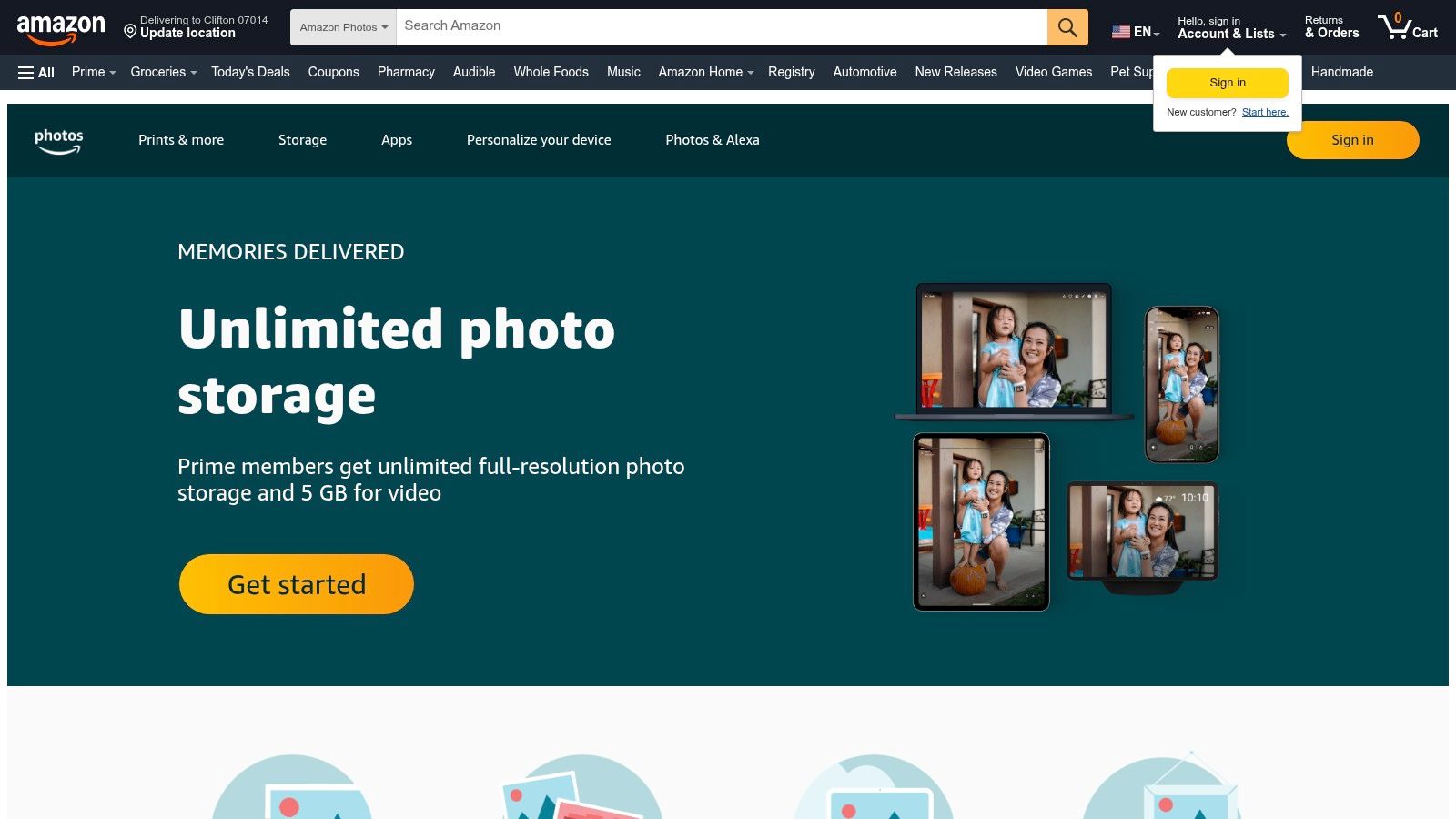
Amazon Photos is a familiar consumer choice that works best when your audience already lives inside Amazon accounts. It offers basic albums, link sharing, and cross-platform access across web and mobile devices. For family events, community groups, or consumer audiences, that familiarity can lower the barrier to opening a shared set.
Amazon Photos has a straightforward appeal, especially for Prime members who get a stronger storage benefit than free accounts. For non-Prime users, the free limit is tighter, so it's not the right place to dump a large event archive. The consumer-first design also shows in the workflow, which feels better for personal sharing than for organized event delivery.
That matters because event teams need something more intentional than a consumer album. Amazon Photos can host a set and let people see it, but it doesn't solve retrieval, controlled discovery, or organizer-specific sharing logic. It's fine for a family reunion or a small community group that already uses Amazon, but it doesn't give you the separation you want for guests, sponsors, and staff.
The main trade-off is simple. Amazon Photos can hold and share images, but it doesn't behave like an event gallery designed around attendee self-service. If the crowd already uses Amazon and the use case is personal, it can work. If the event needs a sharper workflow, it's not the strongest option.
Top 7 Free Photo-Sharing Platforms Comparison
| Platform | Implementation complexity 🔄 | Resource requirements ⚡ | Expected outcomes ⭐ | Ideal use cases 📊 | Key advantages / Tips 💡 |
|---|---|---|---|---|---|
| Google Photos | Very low, create shared or Live Album; cross‑platform links | 15 GB free per Google account (shared across services); guests may need Google account for collaboration | ⭐⭐⭐⭐, fast distribution, high guest familiarity | Quick event recaps, broad attendee link sharing, continuous uploads via Live Albums | Familiar UX; use Live Albums to auto‑add photos; restrict link for privacy |
| Apple Photos – Shared Albums | Low for Apple users; enable shared album or public iCloud link | Upgraded shared albums count against owner's iCloud; per‑album limits (~5,000) | ⭐⭐⭐⭐, seamless within Apple ecosystem | Apple‑heavy audiences, direct camera‑roll sharing, personal events | Native experience on iOS/macOS; enable web view for non‑Apple guests |
| Flickr (Free plan) | Low–moderate, create albums, tag, embed galleries | Free plan capped by item count (~1,000); Pro removes limits | ⭐⭐⭐, attractive gallery presentation for photo‑savvy audiences | Curated highlights, public recap albums, press/portfolio galleries | Good presentation; upgrade for larger events or original access |
| Imgur | Very low, instant uploads and unlisted/public links | No viewer account required; file size limits and removal policies for anonymous uploads | ⭐⭐⭐, instant, low‑friction access; not ideal for long‑term storage | Casual recaps, one‑click public galleries, media kits | Fast setup and sharing; avoid for sensitive or archival needs |
| Dropbox (shared links) | Low, upload folders and share read‑only links; polished previews | Free storage limited; paid plans recommended for many high‑res originals | ⭐⭐⭐⭐, reliable delivery of originals for clients/press | B2B deliverables, client handoffs, press and partner distribution | Predictable originals delivery; provide zipped folders for easy downloads |
| Microsoft OneDrive | Low–moderate, create albums/folders and configure link policies | 5 GB free; better with Microsoft 365 for more storage and org controls | ⭐⭐⭐, secure, policy‑friendly sharing for teams | Teams, vendors, and enterprise stakeholders requiring link controls | Use expiry/password and org‑scoped links for sensitive shares |
| Amazon Photos | Low, create albums and share links; Prime expands benefits | 5 GB free for non‑Prime; Prime members get unlimited photo storage (videos limited) | ⭐⭐⭐, good for consumer/Prime audiences | Families or communities in Amazon ecosystem; personal archives | Prime offers best value for unlimited photos; check commercial use terms |
Pick the Free Tool for the Job, Then Decide What to Upgrade
The decision is easier when you separate distribution from retrieval. Use a link-first tool like Google Photos, Apple Photos, or Amazon Photos when you just need to share broadly. Use Dropbox or OneDrive when the job is originals handoff for press, sponsors, or internal teams. Use Flickr or Imgur when the goal is public presentation, not private attendee search.
Paid upgrades usually buy you one of four things, storage, original files, branding control, or privacy controls. The time cost is what people forget. Manual sorting, private link requests, and repeated “can you find my photos” messages eat into the post-event window fast, especially for galas, schools, fundraisers, and trade shows. A free gallery can look economical until your team starts acting like customer support for the archive.
The practical next step is simple. Write down the event's must-have criteria, test one free option with a small photo set, and see how long it takes a guest to find a relevant image without help. If they still can't self-serve, move to a workflow built for attendee discovery. That's where Saucial's Find My Photos flow fits, using a shareable link or QR code photo gallery with selfie photo matching, no app, and typically no guest account.
If you're trying to stop the post-event photo chase, Saucial gives you a practical find my photos flow built for events, not just storage. It uses a shareable link or QR code photo gallery, then lets guests see only the photos they appear in, which cuts down the browsing work after a gala, tournament, or fundraiser.