Best Client Gallery for Photographers: 7 Picks for 2026

You deliver a gala's edited photographs in a Drive folder. The organizer forwards it, guests open a screen full of thumbnails, and your inbox starts filling with requests to find their pictures. You've finished the photography, but you're still doing the delivery work.
That's the distinction that matters when choosing the best client gallery for photographers. A wedding couple needs private access, album selections, and clear downloads. A gala guest needs to find their own face without browsing everyone else's evening. A school photographer needs organized orders and reliable fulfillment.
A QR code opens a gallery. It doesn't necessarily help someone find their photos. Likewise, a polished print store won't fix attendee discovery, and face matching won't replace a proper client-proofing workflow.
These seven options serve different jobs. Saucial focuses on attendee retrieval. Pic-Time emphasizes presentation and sales. Pixieset handles general client delivery. Zenfolio suits organized volume work. ShootProof combines galleries with business tools, CloudSpot adds engagement analytics, and SmugMug pairs delivery with a long-term archive. Compare their free tiers, paid-plan restrictions, and selling costs against the work you deliver.
1. Saucial
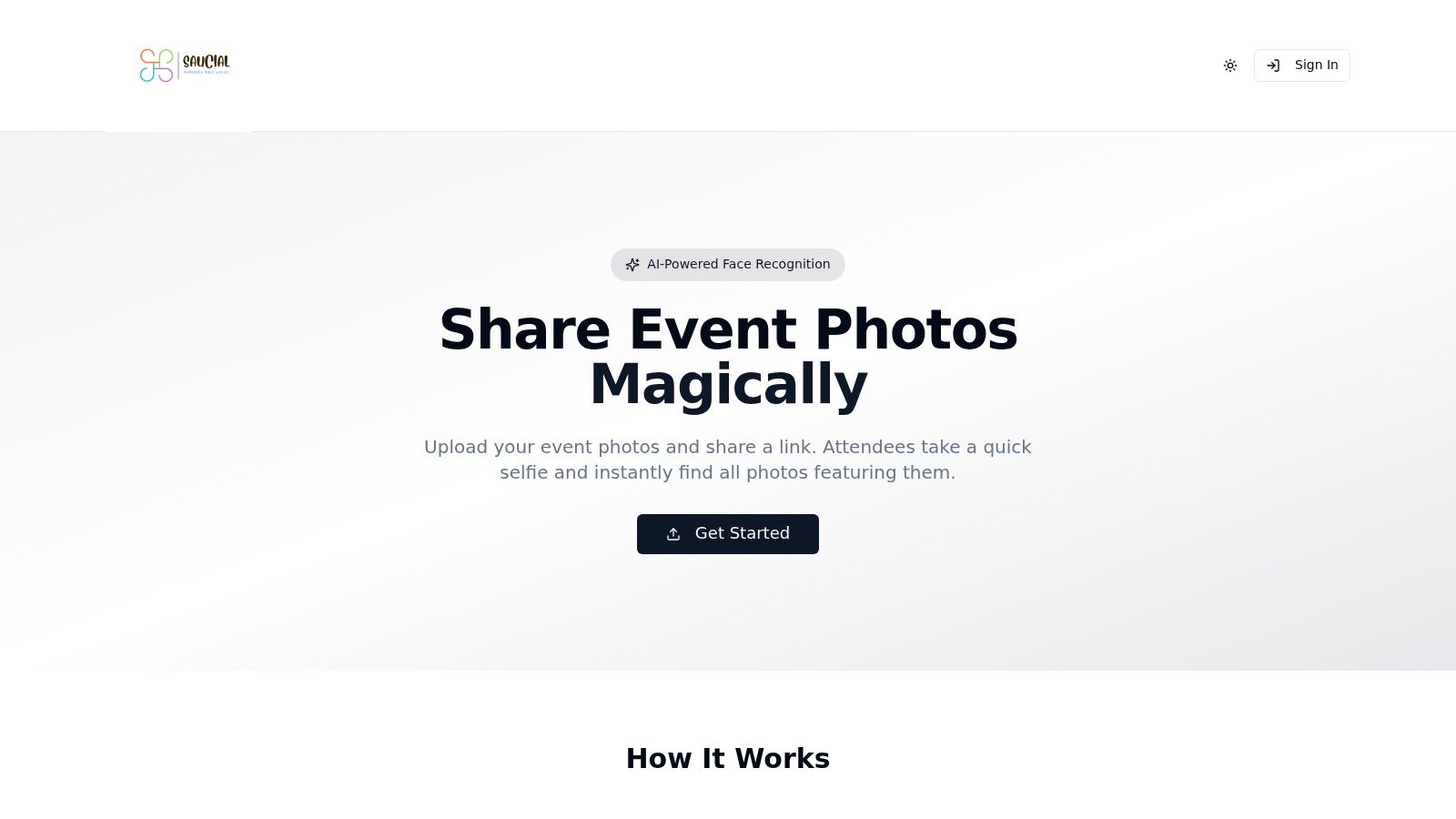
Choose Saucial for events where each guest needs their own photographs, rather than access to an undifferentiated archive. That includes galas, alumni gatherings, fundraisers, festivals, trade shows, and sports tournaments.
Our workflow starts with drag-and-drop uploads. AI processes faces in the background, and attendees take a selfie to instantly see the photographs featuring them. You distribute an event photo sharing link or QR code, guests use their browser, and they typically don't need an account or app.
Attendee Discovery Comes First
For a gala fundraiser photo gallery, the organizer can curate what's shared before distributing access. For trade show photo sharing, the same approach gives attendees a direct route to their pictures without asking the photographer to search manually.
- Distribution: Share access through event emails, messages, social channels, or venue signage.
- Organizer control: Decide what's published and which guest experiences are enabled.
- Attendee upgrades: Optional downloads, prints, premium edits, or sponsored frames can support a photographer upsell to attendees, subject to the event's arrangements.
Start with a representative event set through our photo upload workflow. Test recognizable portraits, group pictures, and difficult lighting rather than judging matching from a carefully selected headshot.
Privacy rule: Treat selfie photo matching as a separate consent decision, not simply another gallery setting.
Evokly's photographer privacy guidance explains that facial matching can involve biometric processing and recommends informed consent, a non-biometric alternative, defined retention, and deletion procedures. Before using a face recognition event gallery, establish who handles consent, guest requests, and organizer approval.
The trade-off is commercial transparency. Public pricing, a free-tier allowance, processing limits, and detailed sales terms aren't specified in the available product information. Confirm those terms before committing an event, and don't assume optional monetization includes a particular lab, payment arrangement, or refund service.
2. Pic-Time
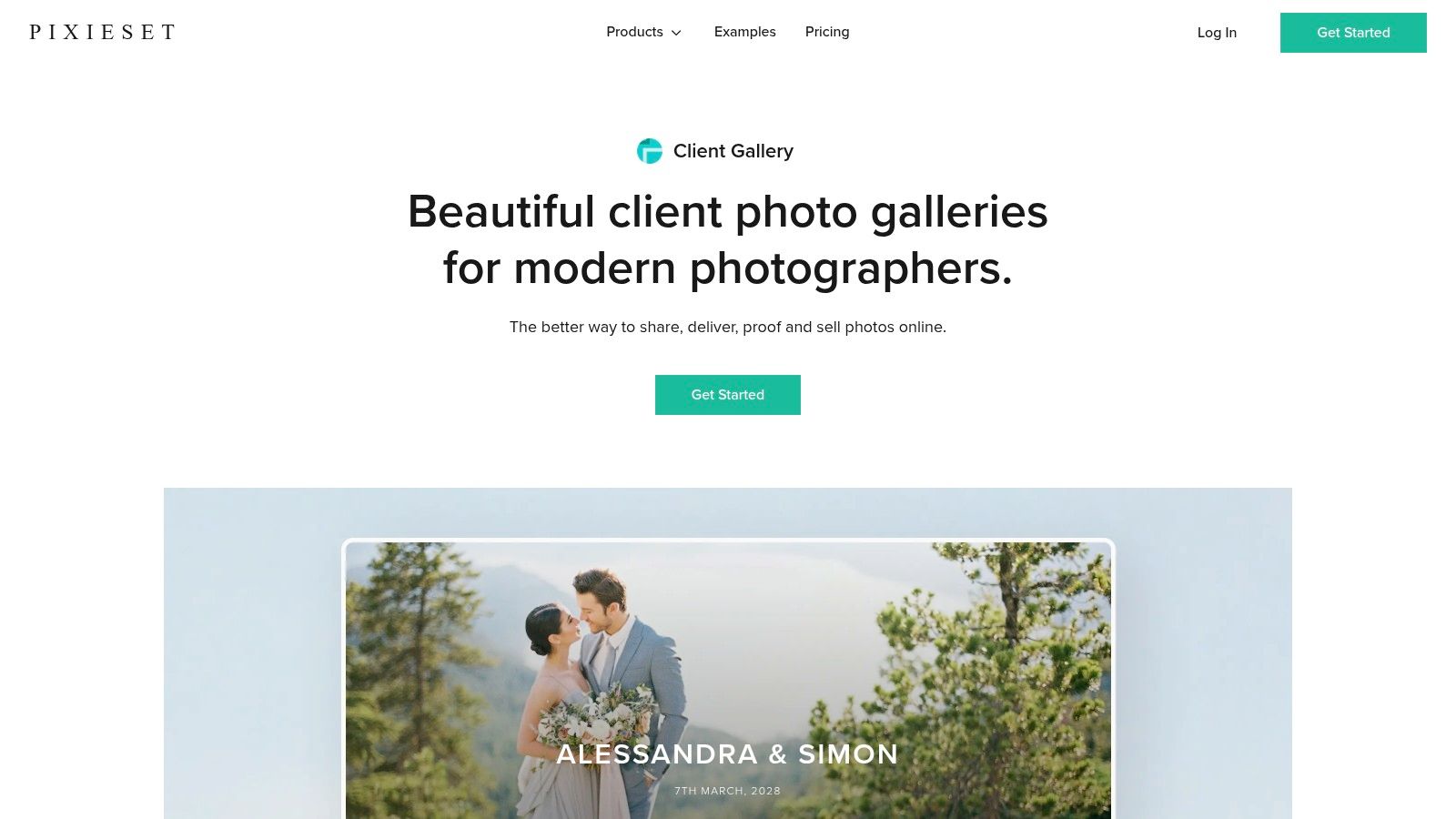
A wedding gallery shouldn't become a dead end after the couple downloads it. Pic-Time is the pick for photographers who want presentation, albums, and repeat print orders in the same workflow.
Its storytelling-style galleries support photographs and video. The store connects delivery to lab fulfillment, while marketing campaigns, coupons, and gift cards give you ways to invite clients back without writing every follow-up from scratch.
Buy for the Sales Workflow
Pic-Time offers a free plan, with paid plans starting at $7/month billed annually. Don't choose solely on that entry price. Smart Image Search, including people and selfie search, is listed on Professional and Advanced, so the cheapest subscription isn't the relevant comparison if guest discovery is your priority.
For album-led weddings, assess the selection and album-building experience alongside the store. For portraits, build the actual product range you intend to sell before sending a gallery. An attractive storefront still needs sensible pricing, appropriate labs, and clear delivery expectations.
- Strong fit: Wedding and portrait photographers who actively sell prints and albums.
- Useful distinction: Higher-tier people search makes this more relevant to large guest lists than a browsing-only gallery.
- Main restriction: Search, sales, and automation capabilities depend on the plan and store configuration.
Test private invitations and event-wide sharing separately. A gallery designed around a commissioning couple can require different permissions from an event opened by guests through a shared QR code.
Choose Pic-Time when selling finished photographs is part of your service. If you only need a private proof and a download button, you'll spend time configuring sales features you won't use.
3. Pixieset
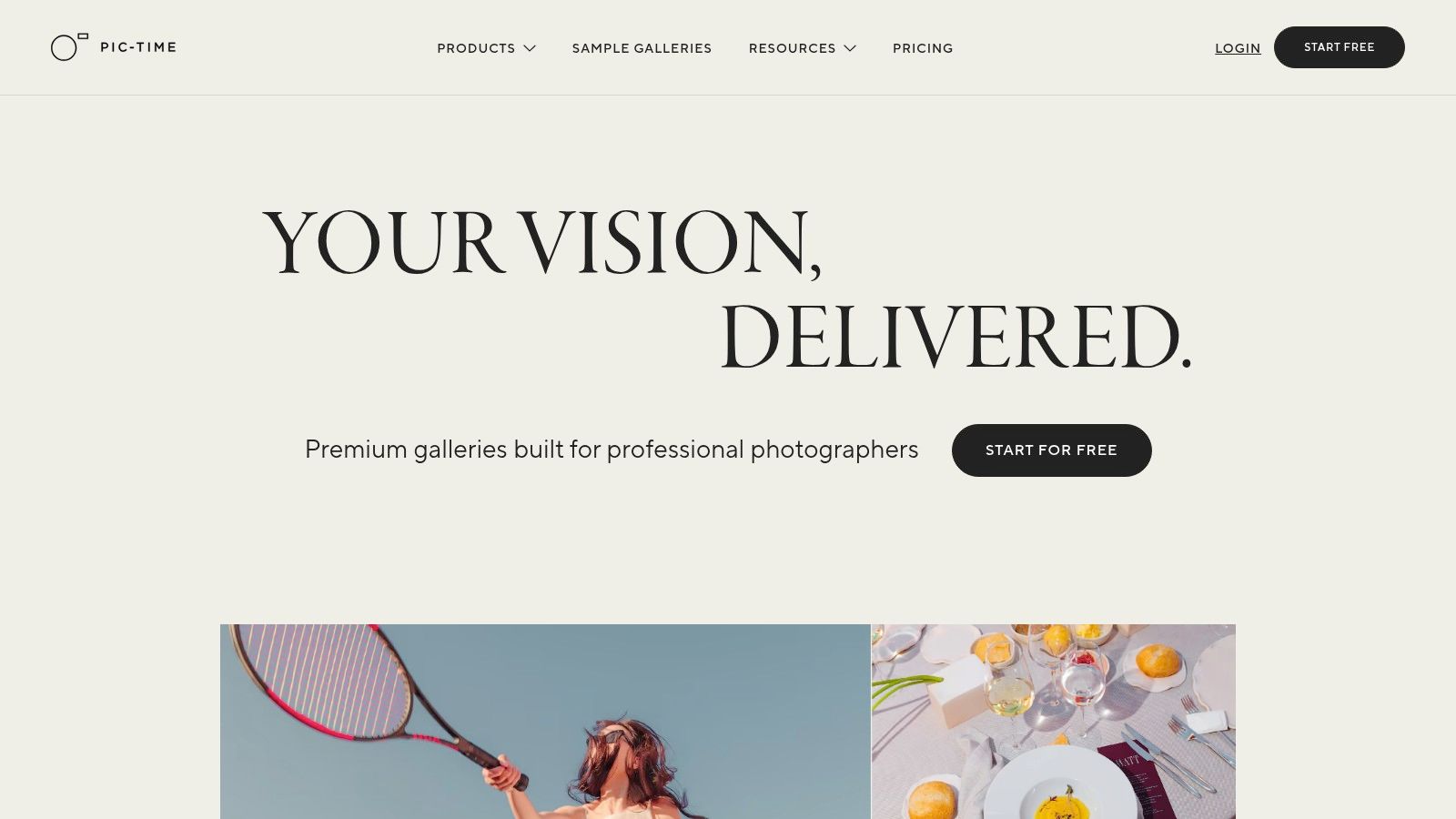
Pixieset is the straightforward recommendation for wedding, portrait, and family photographers who need client proofing and delivery. Clients can browse, favorite images, leave selection notes, and download according to your settings. You can also sell prints and digital files through the gallery.
The important distinction is between client and guest permissions. A couple may need access to the complete collection while guests receive a more limited experience. Configure those roles before sending invitations, rather than treating everyone who opens the gallery as the same recipient.
The Free Plan Has a Selling Cost
Pixieset Client Gallery offers 3 GB free, with paid plans starting at $8/month billed annually, while free-plan store sales carry a 15% commission. Payment processing and lab costs may also apply.
That makes the free tier useful for testing, not automatically the cheapest choice for a working print business. Upload a complete finished job and inspect its storage footprint before deciding whether the allowance fits your archive policy.
A shareable gallery and a searchable attendee experience solve different problems. Don't buy the first expecting the second.
Pixieset supports link, email, and QR-code sharing, plus mobile gallery apps. It doesn't automatically match attendees to the photographs they appear in.
For a private wedding delivery, that's often an acceptable trade-off. For a tournament gallery, organize sets by team, match, or session so parents have a practical route through the collection.
Choose it for polished proofing and conventional delivery. Choose an attendee-matching workflow when finding individual guests is the main support burden.
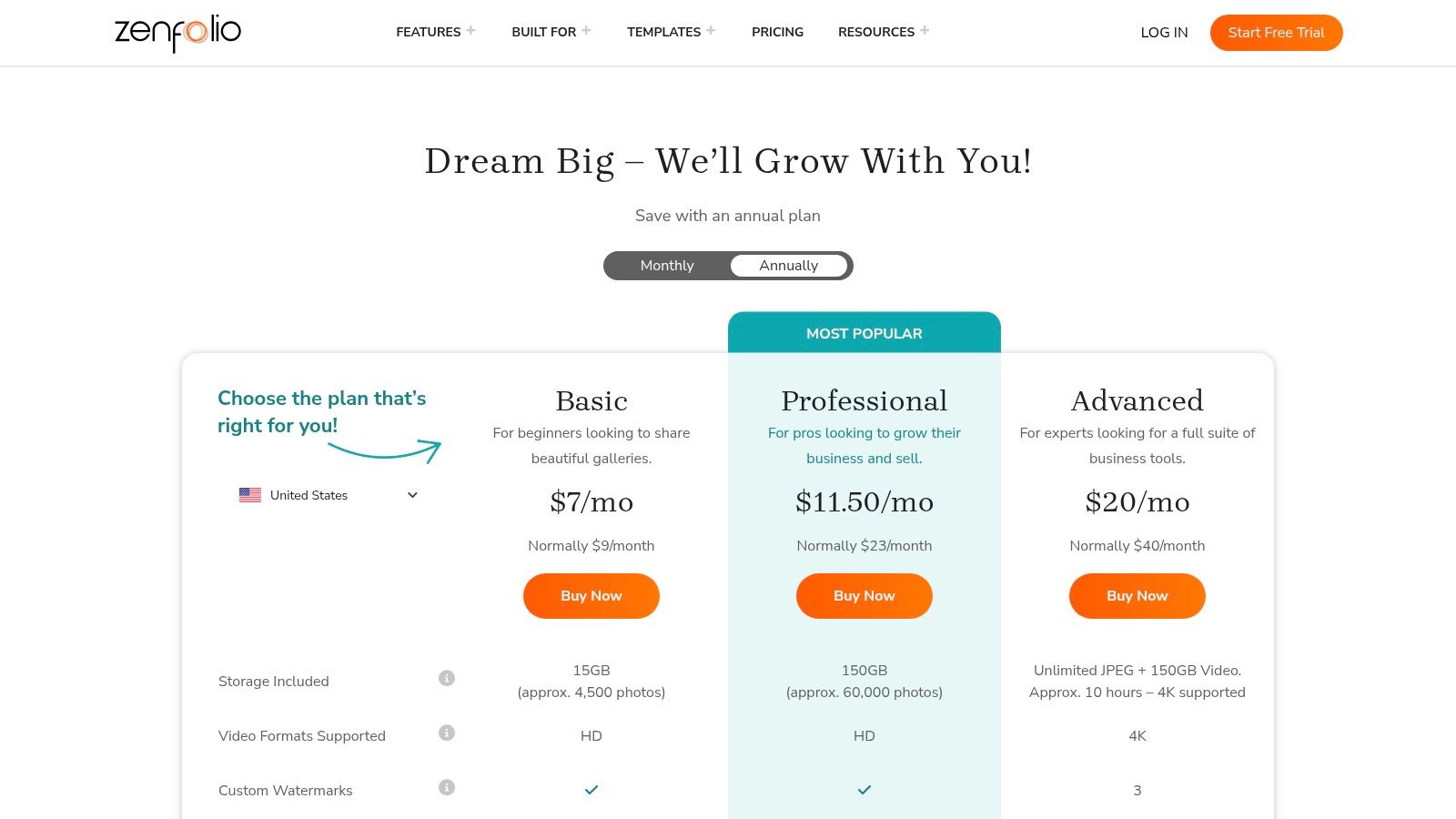
4. Zenfolio
School picture days and structured sports sessions need more than a beautiful gallery cover. You need to keep subjects, groups, access, and orders organized. Zenfolio is the strongest fit here when volume workflow matters more than attendee selfie search.
Its Volume Wizard and QR workflows are relevant to school, sports, and event jobs. The broader platform combines a photographer website, client galleries, proofing, and selling tools, which suits businesses that want fewer separate systems.
Match the Plan to the Job
Zenfolio's plans list Basic at $7/month, Professional at $11.50/month, and Advanced at $20/month, billed annually, with a 7% commerce fee on Professional. Volume tools, QR capabilities, and integrated selling depend on plan eligibility, so confirm the required workflow rather than assuming Basic includes it.
- For school sessions: Test how subjects are assigned to the correct gallery and how families receive access.
- For sports tournament photo sales: Organize the job around teams and sessions, then test the parent's ordering route.
- For an all-in-one business: Assess the website and store together, including domain setup and lab fulfillment.
The main trade-off is configuration. Combining your website, proofing, store, and volume workflow can reduce separate subscriptions, but it also gives you more settings to establish before delivery.
QR distribution isn't selfie matching. These tools help organize and distribute galleries; they don't automatically identify each attendee from a submitted selfie.
Choose Zenfolio for structured volume photography, especially when you control the capture process and subject organization. For roaming coverage at a fundraiser or festival, attendee photo matching addresses a different problem.
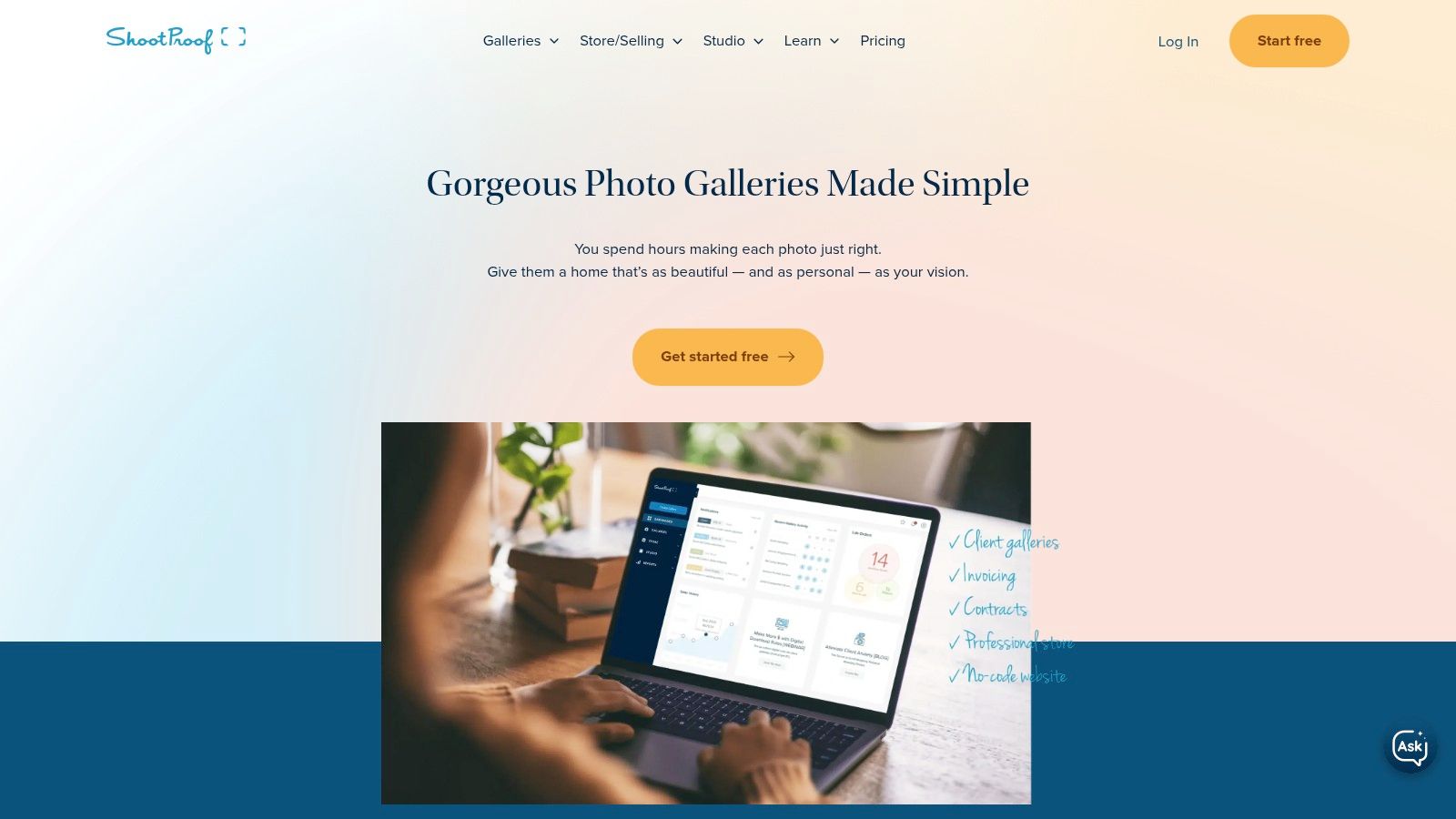
5. ShootProof
Choose ShootProof when the paperwork around the gallery creates as much work as delivery itself. Alongside proofing and downloads, the platform offers contracts, invoicing, booking, email marketing, and sales reporting.
That combination suits portrait studios and photographers managing repeat client jobs. Favorites and labels help organize selections, while password protection, branding, watermarking, and download controls let you adapt delivery to the assignment.
Storage, Not Gallery Count
ShootProof lists U.S. Starter pricing at $9.99/month or $99.99/year for 20 GB, offers a free plan limited to 100 photos, and states that it charges no sales commission. Its paid gallery approach allows unlimited client galleries within the total storage allowance.
That distinction matters if you deliver frequent smaller sessions. You don't need to consolidate unrelated clients into a shared gallery just to manage gallery count. You still need an archive policy, because keeping finished jobs online consumes storage.
Cost check: No platform sales commission doesn't mean no selling expenses. Include payment processing, lab production, shipping, and your own order-support time.
Before adopting the wider business tools, create a sample client journey from contract to invoice to delivered gallery. Check whether client information carries through cleanly and whether your delivery email makes download rights clear.
The limitation for event teams is straightforward. ShootProof primarily supports browsing, proofing, and delivery, not selfie-based attendee retrieval. A branded link can deliver the collection, but guests still need useful organization to find themselves.
Pick it for studio administration and client sales. Don't add its broader toolset solely to replace a simple event-sharing page.
6. CloudSpot
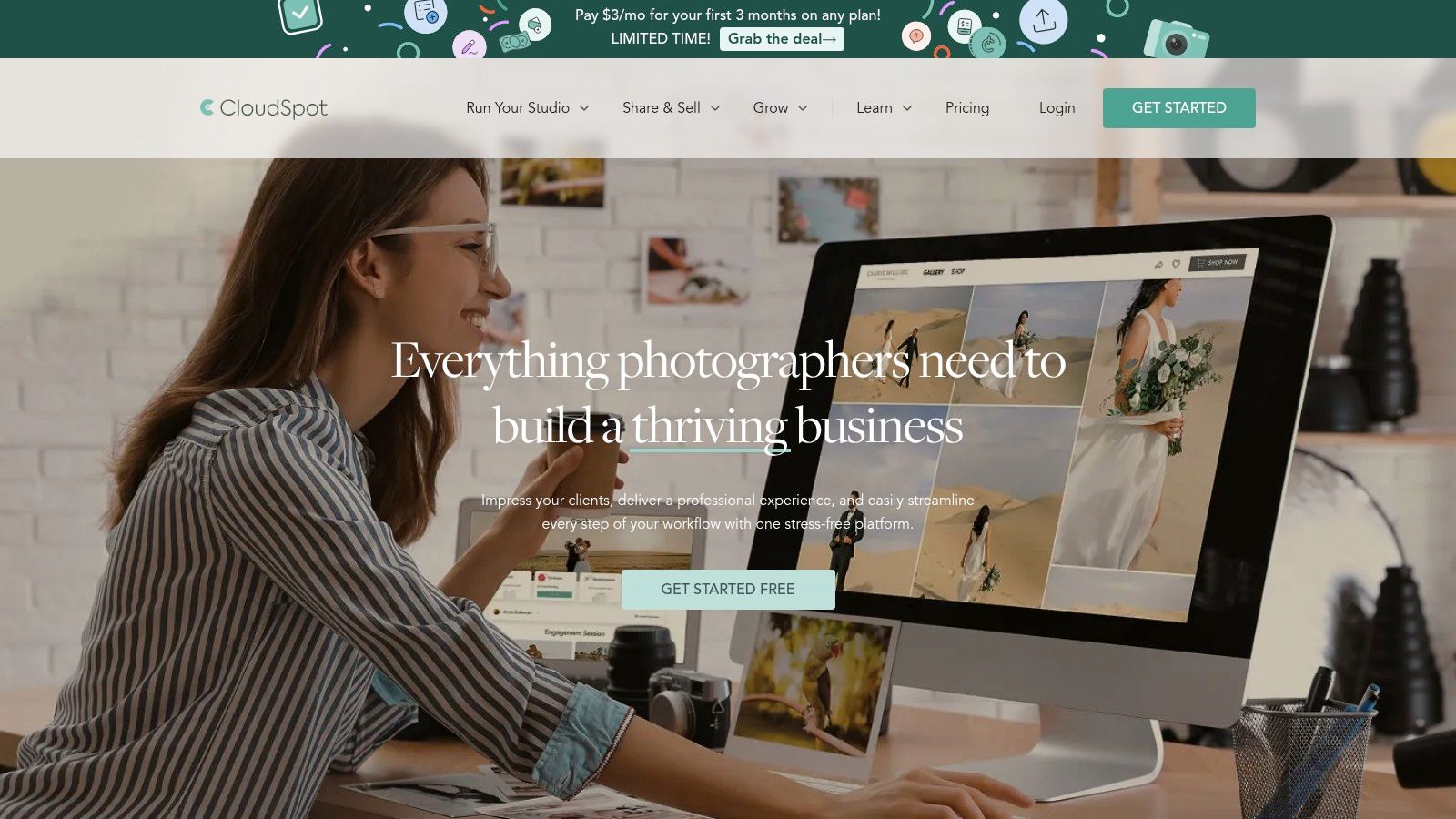
Sending a gallery doesn't tell you whether the client opened it, selected favorites, or downloaded the files. CloudSpot suits photographers who want branded delivery with engagement analytics, rather than treating every sent email as a completed handoff.
Its gallery tools cover favorites, downloads, and print or digital sales. Analytics can include views, downloads, favorites, and captured visitor emails, giving you concrete information for follow-up.
Check the Download Experience
CloudSpot offers a free plan with 5 GB and up to three galleries, while gallery-only Entry is listed at $7/month or $72/year. Higher tiers add storage and broader studio-management capabilities.
The free and Entry plans have file-type and storage restrictions. Check their JPEG support and upload requirements against your actual exports. The free plan also limits download resolution, and free-plan store orders may incur commission.
- For portrait delivery: Test favorites, email capture, and the final download on a client's phone.
- For print sales: Check the store's commission rules and lab expenses before publishing prices.
- For studio expansion: Compare gallery-only service with the contracts, invoices, scheduling, and client-management tools you need.
Analytics are useful when they change your next action. A client who has selected favorites may need album guidance, while a client who hasn't opened the gallery may need a delivery reminder.
Analytics don't replace discovery. They can show engagement with the gallery, but they don't match guests to photographs through a selfie.
Choose CloudSpot for delivery visibility and a path toward broader studio management. For event teams, assess whether organized browsing is sufficient before using it as the main attendee distribution tool.
7. SmugMug
SmugMug is the archive-first choice. If you want old jobs to remain accessible alongside new deliveries, its storage model deserves more attention than a low introductory gallery price.
The platform combines client delivery, Lightroom integration, and privacy settings. You can use unlisted, password-protected, or invitation-limited galleries, depending on the access model the assignment needs.
Unlimited JPEG Storage Isn't Every Feature
SmugMug's plans include unlimited full-resolution JPEG storage, with Direct starting at $20/month billed annually and a 14-day trial. That storage allowance doesn't mean every plan includes the same proofing or commerce tools.
Higher tiers add capabilities such as client favoriting, pricing controls, print and digital sales, and fulfillment. Pro lists QR-code generation, so don't select Direct expecting the full selling and event-distribution feature set.
For an event archive, create a clear hierarchy by assignment, date, and session. For private clients, test both the gallery's visibility and its download permissions. Hiding a gallery from public browsing and restricting who can open it are separate decisions.
- Best reason to choose it: A growing JPEG archive that you want to keep available for client delivery.
- Main plan trap: Storage is included broadly, but favorites, QR generation, and sales tools require the appropriate tier.
- Event limitation: Gallery distribution doesn't identify which images feature each attendee.
Keep an independent backup even when your gallery subscription includes generous storage. A delivery platform shouldn't be the only place your finished photographs exist.
Choose SmugMug when archive capacity and access controls outweigh the need for attendee matching. For occasional private proofs, a lighter gallery service may fit better.
How the leading client gallery options compare on price, free access, and attendee photo matching
| Item | Starting Price | Free Plan | Selfie Photo Matching | Best For |
|---|---|---|---|---|
| Saucial | Not stated | Not stated | Yes | Event photo sharing with attendee selfie search |
| Pic-Time | $7/month, billed annually | Yes | Yes, on Professional and Advanced plans | Client galleries, print sales, and marketing |
| Pixieset | $8/month, billed annually | Yes, 3 GB | No | Client delivery, proofing, and print sales |
| Zenfolio | $7/month, billed annually | Not stated | No | High-volume school, sports, and event photography |
| ShootProof | $9.99/month | Yes, limited to 100 photos | No | Client galleries with studio-management tools |
| CloudSpot | $7/month | Yes, 5 GB and up to 3 galleries | No | Gallery delivery and engagement analytics |
| SmugMug | $20/month, billed annually | No; 14-day trial | No | Long-term photo storage and private galleries |
Match the Gallery to the Job, Not the Hype
The best client gallery for photographers is the one that handles your recipient's next task. A couple choosing album images, a parent ordering a sports print, and a conference guest finding a portrait shouldn't have to follow the same delivery process.
For weddings and portraits, start with a proofing-first gallery. Choose Pixieset for conventional selections and delivery, Pic-Time for a sales-led print and album workflow, or ShootProof when contracts and invoices belong beside the gallery. CloudSpot is a sensible choice when engagement analytics will guide your follow-up.
Decide by the Recipient
- School and organized sports work: Choose Zenfolio when subject organization, QR workflows, and ordering are central.
- Long-running client archives: Choose SmugMug when retaining full-resolution JPEG galleries is the priority.
- Galas, fundraisers, and open tournaments: Choose an attendee-matching option like Saucial when guests need a find my photos experience rather than a shared folder.
Before committing, upload a complete representative job. Aftershoot's 2024 survey of more than 500 professional photographers found that 43.9% deliver 500–1,000 images per project, which makes a small demonstration gallery a poor substitute for testing your actual delivery volume.
Check storage against both new work and retained archives. Confirm the platform commission, payment fees, lab costs, shipping, and refund responsibilities. For attendee sales, agree with the organizer who owns the customer relationship and who handles support.
Finally, open the gallery on a phone as an unfamiliar guest. Test passwords, permissions, full-resolution downloads, and the purchase flow. If you enable facial matching, review consent, retention, deletion, and a manual alternative before publishing.
Measure success by completed tasks: clients submit selections, guests retrieve photographs, and buyers finish orders without emailing you for help. That's a more useful buying standard than the gallery's cover design.
Saucial turns uploaded event photographs into a browser-based “Find My Photos” experience, with selfie matching and distribution through a shareable link or QR code. Visit Saucial to explore an attendee-first delivery workflow for your next gala, fundraiser, tournament, or conference.