Top 12 Photography Website Builders for 2026: top photography website builders

In the competitive field of photography, a professional website is no longer a luxury; it's an essential business tool. It serves as your digital storefront, your portfolio, and your primary connection to potential clients. But with countless platforms available, selecting the right one can feel overwhelming. This guide is designed to cut through the noise and provide a clear, actionable comparison of the top photography website builders available today.
We've analyzed the leading options, from all-in-one platforms to specialized portfolio hosts, to help you make an informed decision based on your specific needs. Whether you're a wedding photographer requiring robust client-proofing galleries, an event organizer needing seamless e-commerce integration, or a fine art photographer looking for a visually stunning portfolio, this resource covers it all.
Inside, you will find a detailed breakdown of each builder, including:
- In-depth feature analysis: We go beyond the marketing copy to examine gallery options, client management tools, e-commerce capabilities, and SEO features.
- Practical use-cases: Discover which platform is best suited for different specializations, such as weddings, commercial work, or event photography.
- Honest pros and cons: Every builder has its strengths and weaknesses. We provide a balanced view to help you understand the real-world trade-offs.
- Pricing and value: A clear comparison of subscription tiers to determine which option offers the best return on your investment.
Furthermore, we'll explore how each builder can be enhanced with specialized tools like Saucial for streamlined event photo delivery and enhanced guest engagement. Our goal is to equip you with the knowledge to choose a platform that not only showcases your work beautifully but also helps grow your business. Let's find the perfect foundation for your online presence.
1. Squarespace
Squarespace is the go-to platform for photographers seeking a polished, all-in-one solution without a steep learning curve. It excels at creating visually stunning portfolio websites quickly, thanks to its extensive library of photography-first templates and the intuitive Fluid Engine drag-and-drop editor. This focus on high-quality design ensures your work looks exceptional on both desktop and mobile devices right out of the box.
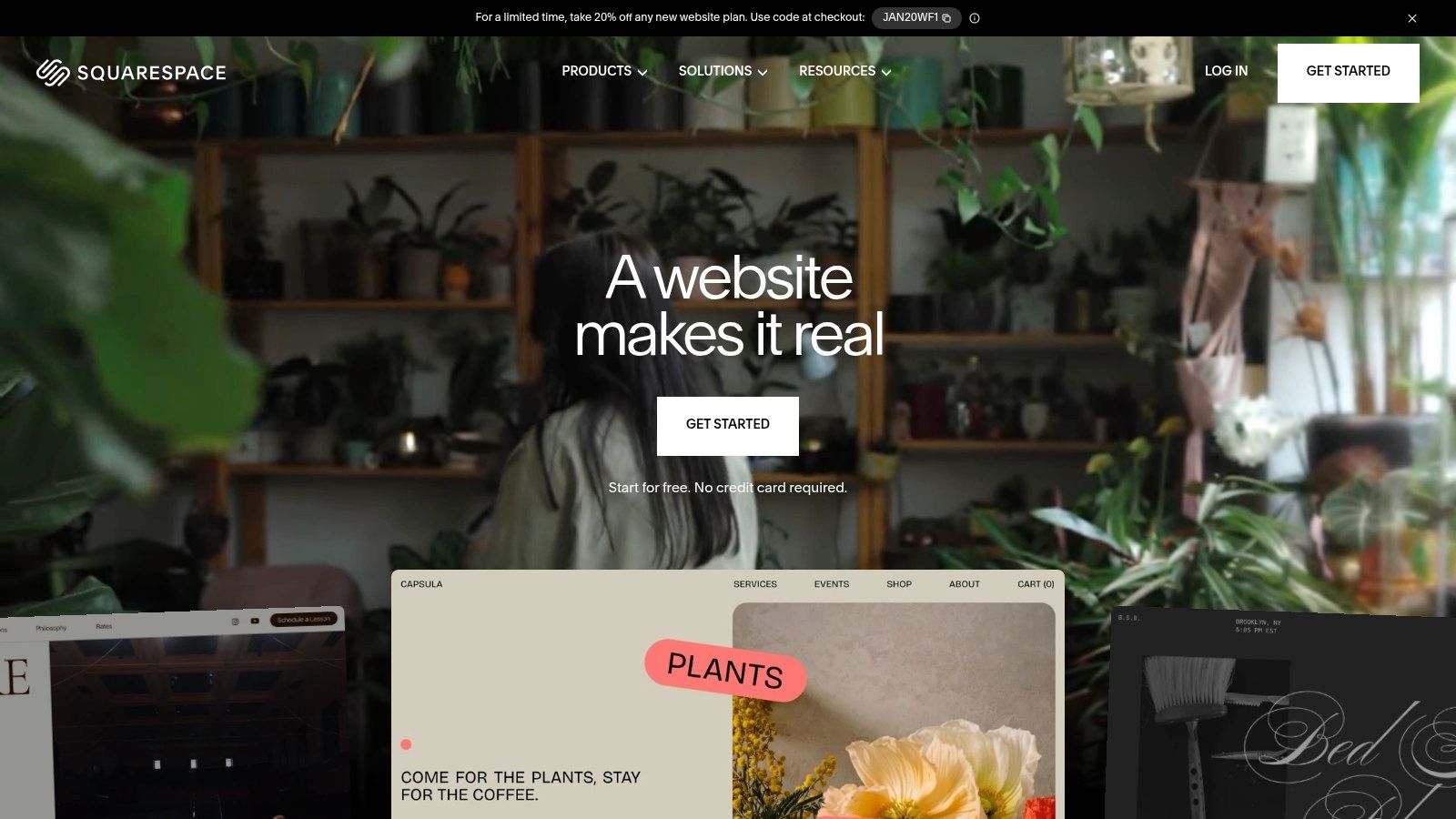
Its strength lies in its seamless integration of essential business tools. Squarespace Scheduling (formerly Acuity) is built-in, allowing clients to book sessions, pay deposits, and manage appointments directly from your site. The platform also offers robust, though basic, e-commerce capabilities for selling prints, digital downloads, or gift cards, making it a comprehensive choice for managing your entire business.
Key Features & Use Cases
- Best For: Solo photographers, wedding/portrait artists, and studios needing a professional portfolio with integrated booking and sales.
- Portfolio Galleries: Utilizes elegant, pre-built gallery blocks (grids, carousels, slideshows) that are easy to configure and display high-resolution images beautifully.
- Client Bookings: Squarespace Scheduling is a powerful native tool for managing your calendar, client intake forms, and automated reminders without needing a third-party service.
- E-commerce: Simple setup for selling physical prints, digital products, and even running email marketing campaigns to your client list.
Pro Tip: While Squarespace is excellent for portfolios and sales, event photographers can enhance client experience by pairing it with a specialized delivery tool. For large-scale events like weddings or conferences, you can use a service like Saucial to easily upload and share event galleries, keeping your main site clean and portfolio-focused while delivering thousands of images efficiently.
| Feature | Rating | Notes |
|---|---|---|
| Ease of Use | ★★★★★ | The Fluid Engine editor is intuitive for non-technical users. |
| Template Design | ★★★★★ | Industry-leading designs tailored specifically for photographers. |
| Client Proofing | ★★☆☆☆ | Lacks dedicated, professional-grade client proofing features. |
| E-commerce | ★★★★☆ | Excellent for basic print/digital sales; less robust for complex stores. |
| SEO & Marketing | ★★★★☆ | Strong built-in SEO tools, analytics, and email campaign features. |
Website: https://squarespace.com
2. Wix
Wix stands out as one of the most flexible and beginner-friendly top photography website builders, offering immense creative freedom through its unstructured drag-and-drop editor. It appeals to photographers who want granular control over every pixel on their page. With a massive library of hundreds of templates and an extensive App Market, Wix allows for near-infinite customization to match any brand identity or business need.
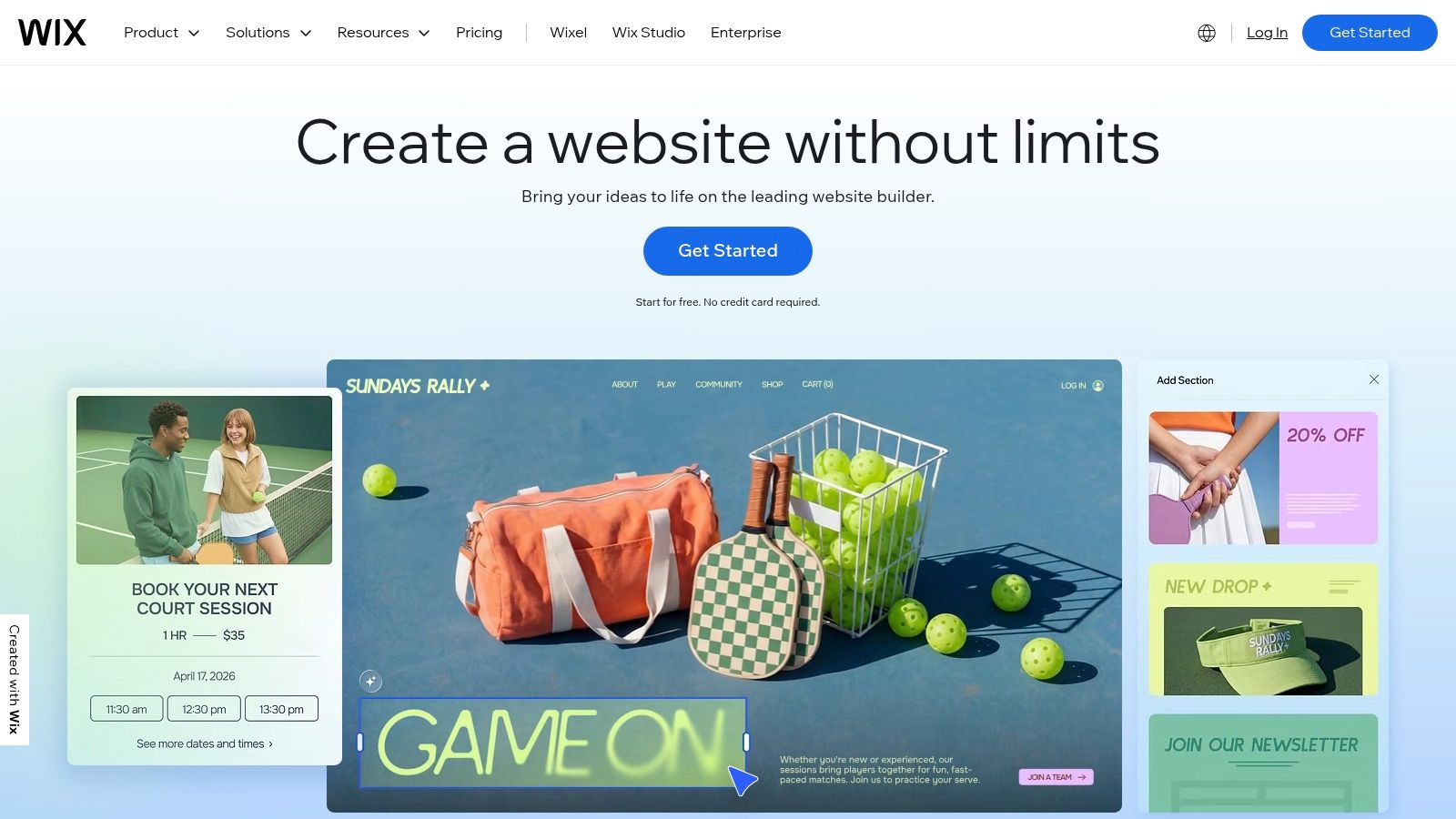
Its core advantage is its all-in-one ecosystem. Photographers can manage client bookings, create password-protected client areas, and sell prints or services directly through the platform's native tools. The Wix App Market further extends functionality, offering integrations for everything from advanced contact forms to specialized print-on-demand services, making it a powerful hub for a growing photography business.
Key Features & Use Cases
- Best For: Photographers who want maximum design flexibility and access to a wide range of third-party apps for specialized functions.
- Design Freedom: The unstructured editor lets you place any element anywhere on the page, offering unparalleled creative control.
- Client Management: Includes Wix Bookings for appointments, private client pages for proofing, and a built-in CRM to manage contacts.
- App Market: Provides hundreds of apps to add features like live chat, social media feeds, advanced galleries, and more.
Pro Tip: While Wix offers robust tools, event photographers delivering large galleries can streamline their workflow by using a specialized platform for delivery. You can create a branded gallery in Saucial and easily configure custom settings for a seamless guest experience, keeping your main Wix site focused on marketing and bookings.
| Feature | Rating | Notes |
|---|---|---|
| Ease of Use | ★★★★☆ | Very intuitive, but the total freedom can be overwhelming for some. |
| Template Design | ★★★★☆ | Huge variety of templates, though not always as refined as competitors. |
| Client Proofing | ★★★☆☆ | Possible with private pages but lacks dedicated pro-level features. |
| E-commerce | ★★★★☆ | Strong native e-commerce and extensive app support for print sales. |
| SEO & Marketing | ★★★★☆ | Comprehensive built-in SEO tools (Wix SEO Wiz) guide you through optimization. |
Website: https://wix.com
3. Format
Format is a portfolio platform built from the ground up with photographers and visual artists in mind. It strikes an excellent balance between a polished portfolio showcase and the essential back-end tools needed to run a photography business, such as client galleries, contracts, and even a light CRM. This integration makes it a strong contender among the top photography website builders for professionals who want to manage their workflow within a single ecosystem.
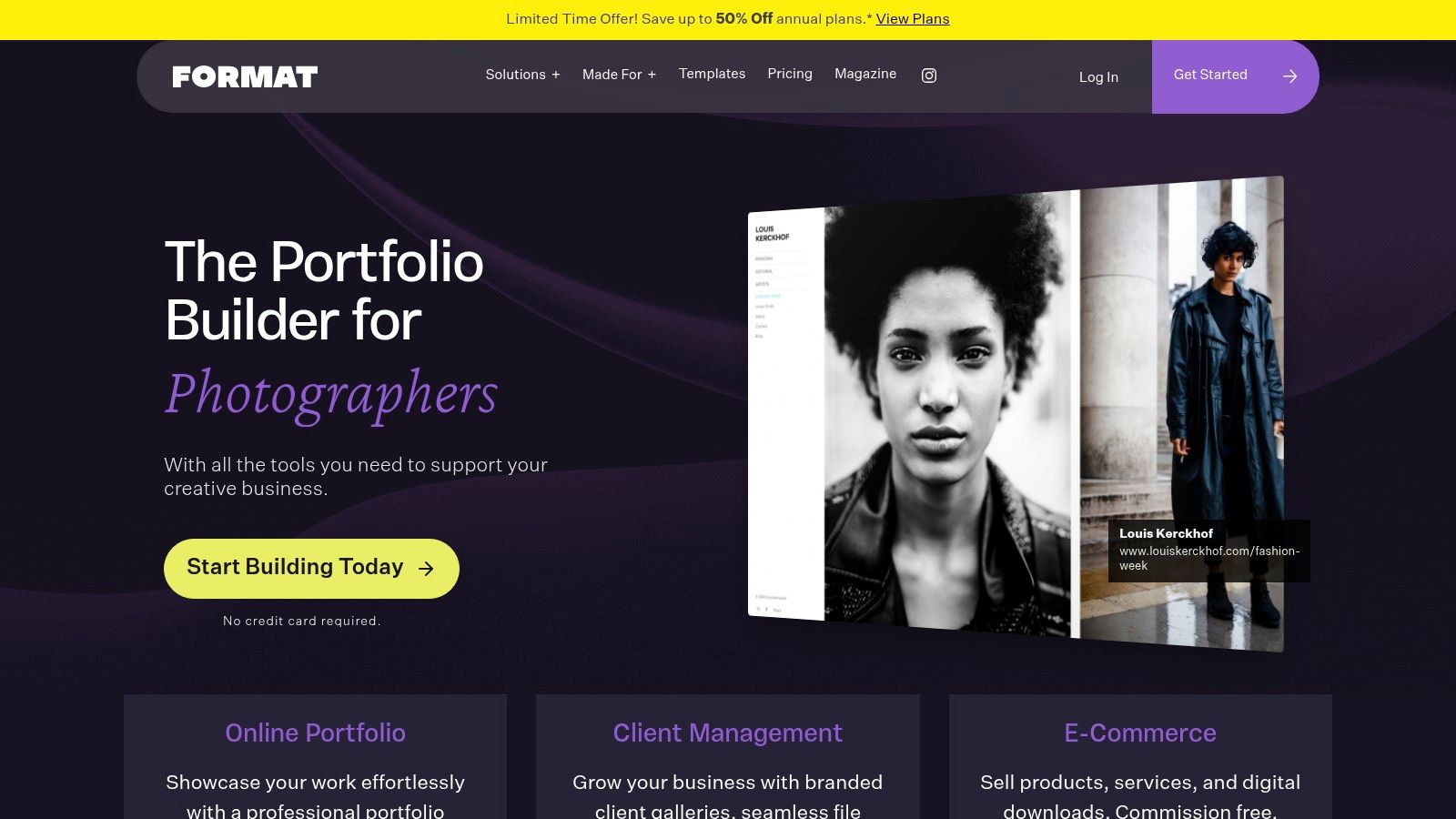
The platform’s key differentiator is its focus on the complete client lifecycle. You can present your work beautifully using its clean, photography-centric templates, then transition seamlessly to delivering photos through private, password-protected proofing galleries. Higher-tier plans add valuable integrations like Adobe Lightroom and Capture One plugins, streamlining the process of getting images from your editor to your client’s screen.
Key Features & Use Cases
- Best For: Freelance photographers and small studios wanting an all-in-one portfolio, client proofing, and delivery system.
- Client Proofing Galleries: Offers professional, password-protected galleries for clients to review, favorite, and download their photos directly.
- Workflow Integration: Direct plugins for Lightroom and Capture One (on Pro and Pro Plus plans) simplify the image uploading and gallery management process.
- Business Tools: Includes features like an online store for prints, contracts, and basic client management tools to consolidate your workflow.
Pro Tip: Format is excellent for delivering galleries to individual clients, but for large-scale events, a dedicated platform is more effective. You can manage your main portfolio on Format and use a service like Saucial for mass photo distribution, allowing guests to easily find and access their photos from weddings or corporate functions without cluttering your professional site.
| Feature | Rating | Notes |
|---|---|---|
| Ease of Use | ★★★★☆ | The interface is clean and straightforward for its target audience. |
| Template Design | ★★★★☆ | Modern and minimalist designs that put the focus on the images. |
| Client Proofing | ★★★★★ | A core strength, with robust features for professional delivery. |
| E-commerce | ★★★☆☆ | Good for basic print sales but lacks the power of dedicated e-commerce platforms. |
| SEO & Marketing | ★★★☆☆ | Provides essential SEO tools, but less comprehensive than all-in-one builders. |
Website: https://format.com
4. Pixieset
Pixieset is a modern, all-in-one platform built from the ground up specifically for photographers. It masterfully combines a website builder, client proofing galleries, an online store, and a studio management suite into one cohesive system. This integrated approach is its greatest strength, making it ideal for wedding, portrait, and event photographers who want a single vendor to handle their online portfolio, client delivery, and business operations.
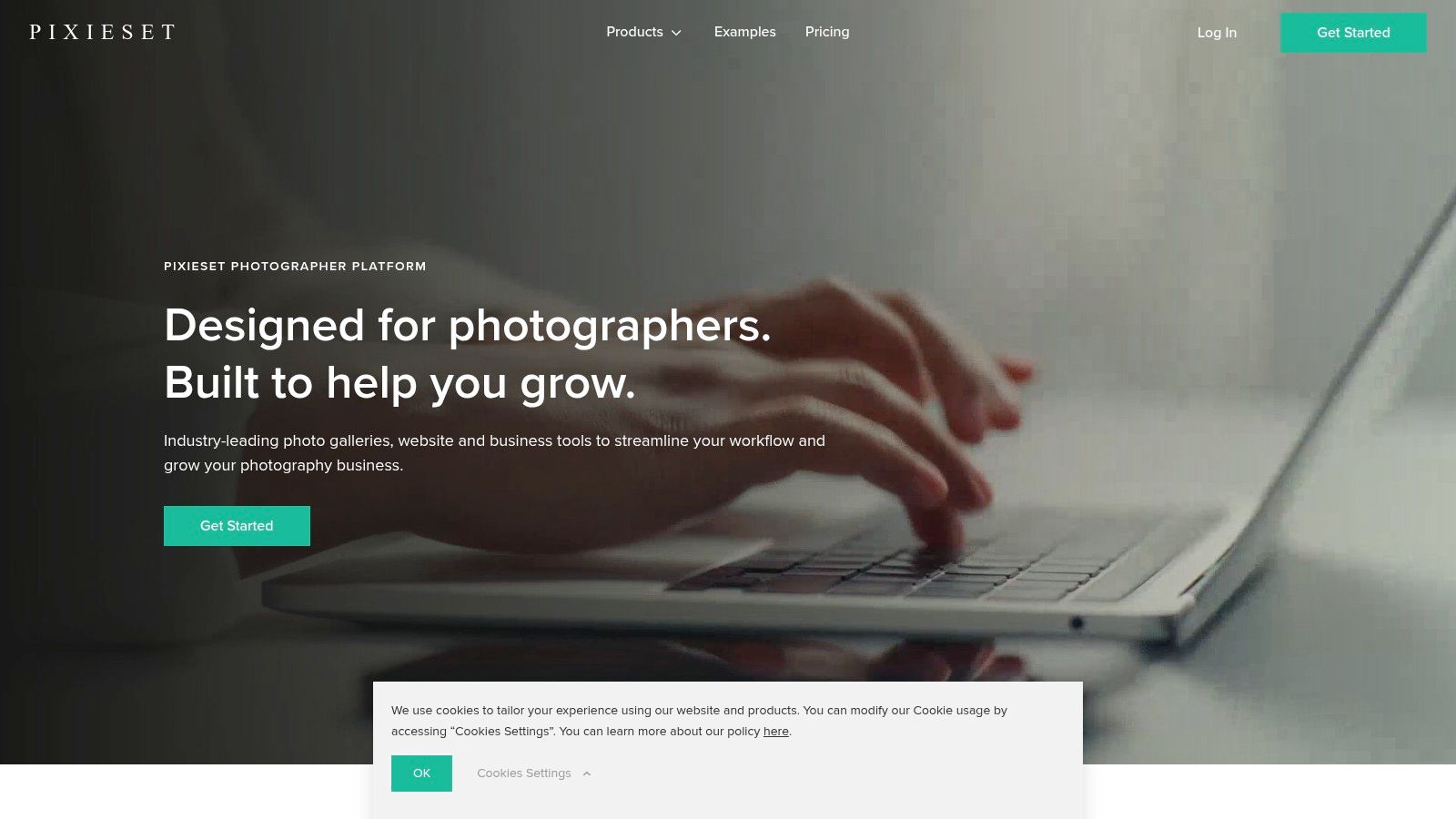
The platform shines by streamlining the entire client workflow. You can build a beautiful, mobile-first website using its elegant templates, then seamlessly deliver private client galleries from the same dashboard. The built-in store allows clients to order prints directly from their galleries, and the Studio Manager tool handles contracts, invoices, and questionnaires, creating a professional and efficient experience from booking to final delivery.
Key Features & Use Cases
- Best For: Wedding, portrait, and family photographers who need an integrated system for their portfolio, client gallery delivery, and business management.
- Client Galleries: Offers elegant, feature-rich private galleries with proofing, favoriting, and direct-to-lab print ordering capabilities.
- Studio Manager: A built-in CRM that manages bookings, contracts, invoices, and client questionnaires without needing separate software.
- Integrated Store: Sell prints and digital downloads directly through client galleries with automated fulfillment options, with 0% commission on paid plans.
Pro Tip: Pixieset is fantastic for delivering private galleries to a primary client, like a wedding couple. For large-scale events where you need to deliver photos to hundreds or thousands of guests, a specialized tool can be more effective. Consider using a service like Saucial for delivering event photos at scale, which allows guests to easily find their own pictures while keeping your main client galleries private and uncluttered.
| Feature | Rating | Notes |
|---|---|---|
| Ease of Use | ★★★★☆ | Very intuitive for photographers, with a clean and logical interface. |
| Template Design | ★★★★☆ | Modern and elegant templates, though less customizable than Squarespace. |
| Client Proofing | ★★★★★ | A core strength, with professional-grade proofing and commenting. |
| E-commerce | ★★★★★ | Excellent, deeply integrated print store with automated lab fulfillment. |
| SEO & Marketing | ★★★☆☆ | Basic SEO tools are included, but it's less advanced than other platforms. |
Website: https://pixieset.com
5. SmugMug
SmugMug is a photography-centric platform built for volume, storage, and sales. It stands out by offering unlimited, full-resolution photo storage, making it an ideal choice for event, sports, and portrait photographers who shoot thousands of images and need a reliable place to host and sell them. The platform is less about cutting-edge web design and more about providing a robust, secure, and highly functional backend for your photography business.
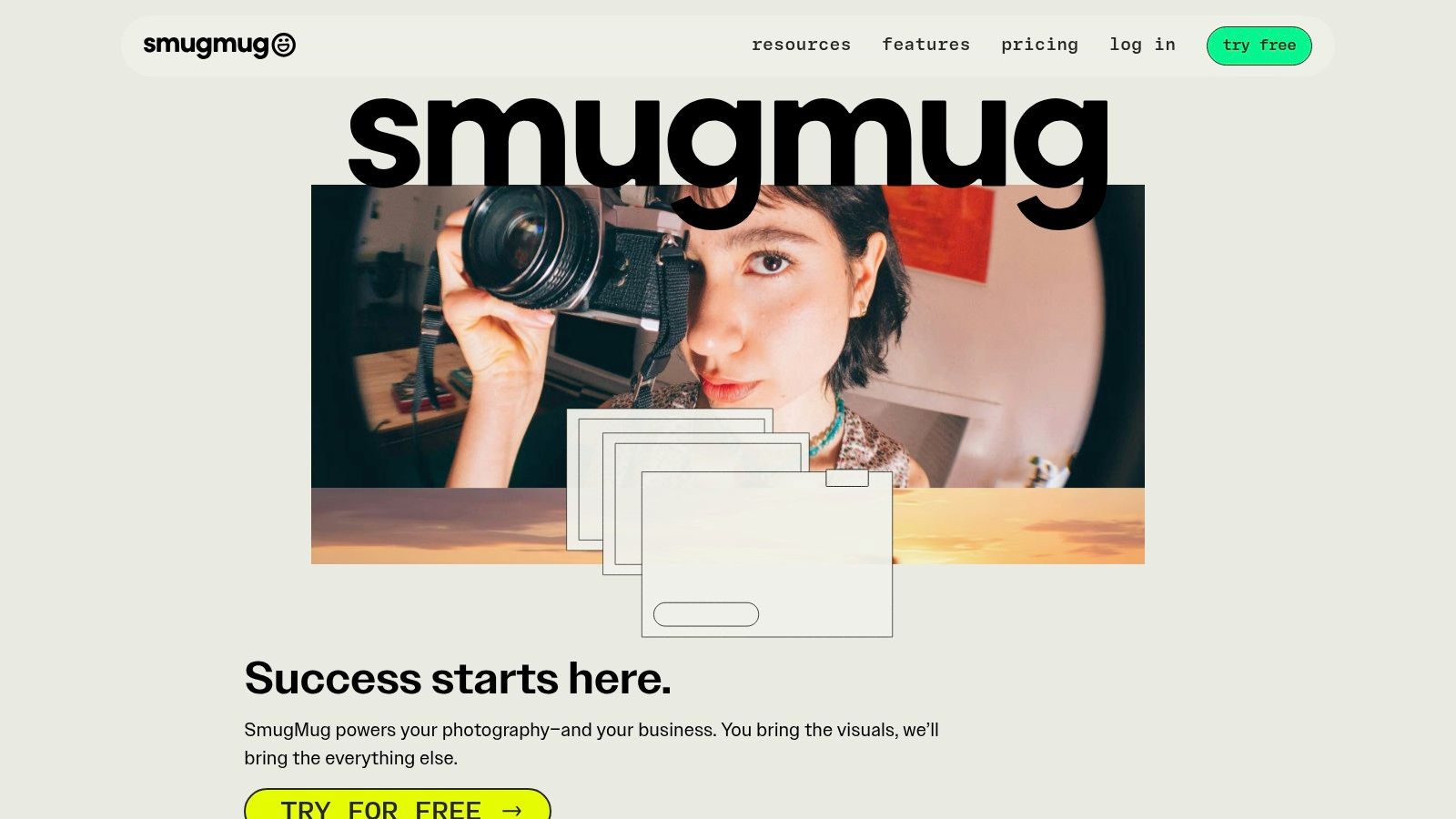
Its core strength is the seamless integration with professional print labs like Bay Photo and WHCC. This allows photographers to set their own prices for prints, canvases, and other photo products, while SmugMug handles the printing, shipping, and customer service. This hands-off fulfillment model, combined with powerful gallery privacy controls and a Lightroom plugin for easy uploading, makes it one of the top photography website builders for managing a high-volume sales operation.
Key Features & Use Cases
- Best For: High-volume event, sports, and school photographers focused on selling prints and digital downloads at scale.
- Unlimited Storage: Store unlimited full-resolution JPEGs without worry, with options to add RAW file storage.
- E-commerce & Lab Fulfillment: Create custom price lists, offer packages and coupons, and let integrated labs handle all printing and shipping logistics for you.
- Security & Privacy: Extensive gallery controls, including password protection, private sharing links, and watermarking to protect your work.
Pro Tip: SmugMug excels at selling photos after an event, but what about discovery during it? For live events like conferences or festivals, you can use SmugMug for your post-event print store and pair it with a tool like Saucial. This allows you to instantly share photos with attendees onsite, generating buzz while saving your SmugMug galleries for monetized, high-resolution sales later.
| Feature | Rating | Notes |
|---|---|---|
| Ease of Use | ★★★★☆ | Simple for basic setup; advanced customization can be complex. |
| Template Design | ★★★☆☆ | Functional and clean, but less design-forward than Squarespace. |
| Client Proofing | ★★★★☆ | Strong gallery features with favoriting and commenting options. |
| E-commerce | ★★★★★ | Industry-leading print lab integration and sales tools. |
| SEO & Marketing | ★★★☆☆ | Basic SEO tools are available, but marketing features are limited. |
Website: https://smugmug.com
6. Zenfolio
Zenfolio positions itself as a comprehensive business hub, merging a portfolio website builder with powerful client management and sales tools. It is designed for photographers who need an end-to-end solution that handles everything from showcasing work and booking clients to delivering galleries and selling prints. The platform's integrated system streamlines workflows, saving time on administrative tasks.
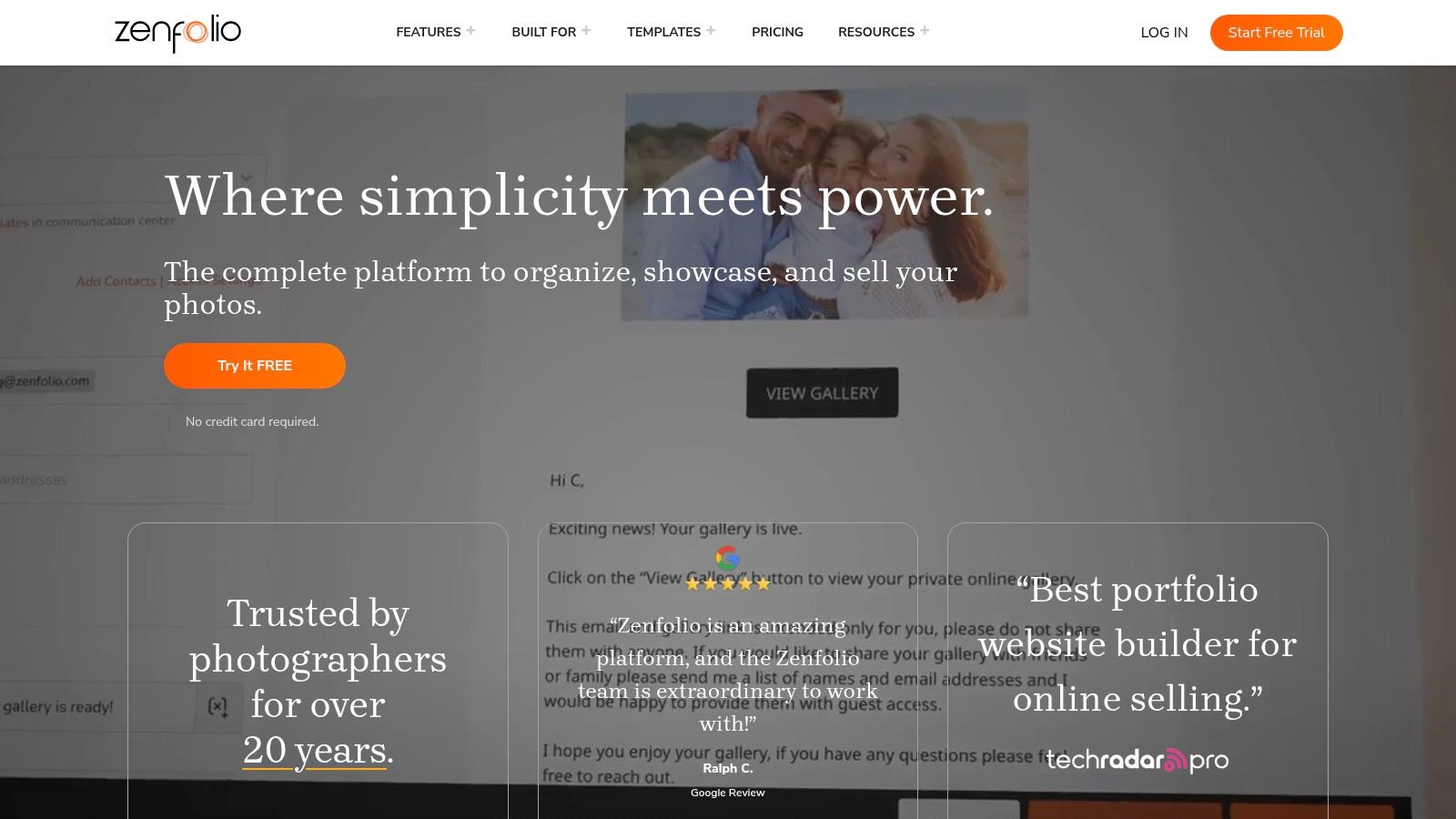
Its key differentiator is the deep integration of business management features directly within the platform. Users can create invoices, manage bookings, and automate email campaigns without relying on external services. Zenfolio also offers unique tools like smart pricing suggestions and QR code workflows, making it particularly useful for event photographers managing large volumes of images and clients.
Key Features & Use Cases
- Best For: Event, school, and portrait photographers who need an all-in-one system for client booking, proofing, and automated print sales.
- Integrated Business Suite: Provides built-in tools for scheduling, invoicing, and creating contracts, consolidating the entire client lifecycle in one place.
- Automated E-commerce: Features include smart pricing to help you set profitable rates, coupons, and automated order fulfillment through partner labs like Mpix.
- Event Workflows: Supports QR code systems (plan dependent) for efficient photo delivery at large-scale events, simplifying the process for guests to find their pictures.
Pro Tip: Zenfolio's built-in tools are robust for direct client interaction. For events aiming for maximum social sharing and brand reach, you can use its QR code workflow to get photos to attendees, then upload the best shots to a public-facing Saucial gallery. This lets you track social shares and engagement, turning your event photos into a measurable marketing asset.
| Feature | Rating | Notes |
|---|---|---|
| Ease of Use | ★★★☆☆ | More complex than simple builders due to its extensive feature set. |
| Template Design | ★★★☆☆ | Functional and professional, but less design-forward than competitors. |
| Client Proofing | ★★★★★ | Excellent proofing, watermarking, and lab fulfillment options. |
| E-commerce | ★★★★★ | A core strength with automated fulfillment and smart pricing tools. |
| SEO & Marketing | ★★★☆☆ | Basic SEO tools are available, but marketing is focused on sales automation. |
Website: https://zenfolio.com
7. PhotoShelter for Photographers
PhotoShelter for Photographers is a professional-grade platform designed for serious photographers who need more than just a portfolio; they need a robust business and archiving tool. It excels in secure cloud storage, client delivery, and advanced e-commerce, with a specific focus on stock photography and licensing. This makes it one of the top photography website builders for commercial, editorial, and fine art photographers managing large archives and complex client workflows.
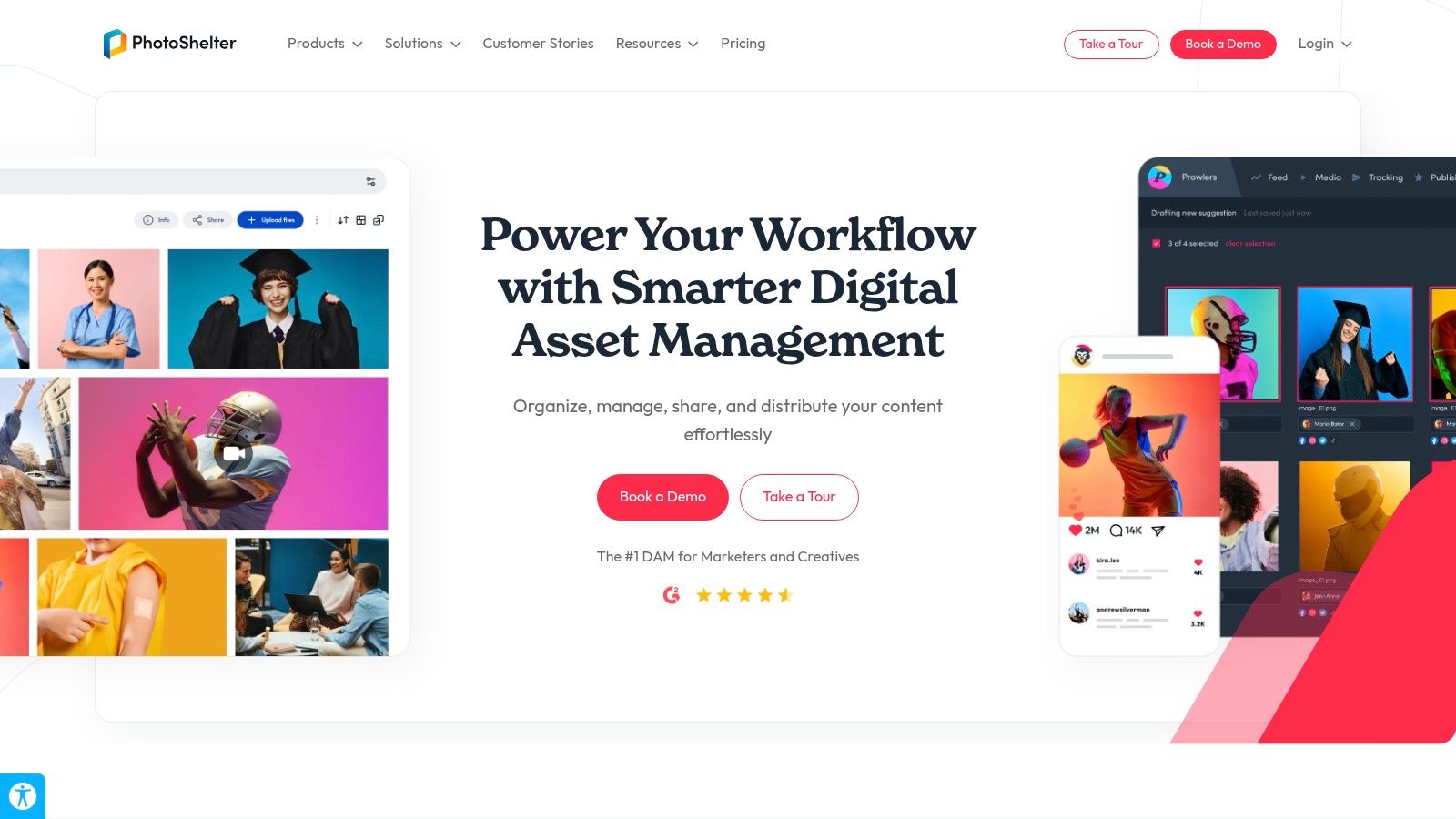
Its core strength lies in its sophisticated sales and client collaboration features. Photographers can sell prints through integrated labs like WHCC, offer digital downloads, and create specific licenses (royalty-free or rights-managed) using the integrated fotoQuote engine. Client-facing tools like private galleries, lightboxes for collaborative selections, and mobile delivery via the FileFlow app streamline high-touch professional workflows, setting it apart from more design-focused builders.
Key Features & Use Cases
- Best For: Commercial, editorial, and stock photographers, as well as photo agencies needing powerful archiving, licensing, and client-proofing tools.
- Licensing & E-commerce: Granular control over selling prints, digital files, and packages, with built-in tools for rights-managed and royalty-free image licensing.
- Client Collaboration: Features like password-protected galleries and shareable lightboxes allow clients to view, comment on, and select their favorite images for projects.
- Archiving & Delivery: Provides a secure, searchable cloud archive for your entire body of work, with efficient delivery options for clients on the go.
Pro Tip: PhotoShelter is built for professional delivery, but for large-scale social or corporate events where guest engagement is key, it can be overpowered. For events like conferences or weddings, supplement your PhotoShelter archive by using a tool like Saucial. You can upload event photos for instant guest access, driving social sharing and engagement while keeping your primary professional archive organized and secure.
| Feature | Rating | Notes |
|---|---|---|
| Ease of Use | ★★★☆☆ | More complex than drag-and-drop builders; geared toward pros. |
| Template Design | ★★★☆☆ | Functional and clean, but less design-forward than competitors. |
| Client Proofing | ★★★★★ | Excellent professional tools with lightboxes and commenting. |
| E-commerce | ★★★★★ | Industry-leading tools for print sales and complex image licensing. |
| SEO & Marketing | ★★★★☆ | Strong SEO options are available for galleries and images. |
Website: https://www.photoshelter.com/photographers
8. Pixpa
Pixpa positions itself as an affordable, all-in-one platform specifically for photographers and creatives, bundling a portfolio website, client galleries, e-commerce, and blogging into a single subscription. It stands out with a clear, value-driven approach, offering plans based on storage limits and, crucially, taking zero commission on sales from its paid tiers. This makes it a highly attractive option for emerging photographers looking to grow their business without sacrificing a percentage of their revenue.

The platform’s strength is its integrated workflow. You can build a portfolio, deliver private client galleries with proofing and download capabilities, and sell prints through automated lab fulfillment all within one dashboard. While its template customization isn't as free-form as some competitors, the selection of over 200 professional designs provides a solid foundation for building a functional and elegant site quickly. It's one of the top photography website builders for those prioritizing cost-effectiveness and integrated features over ultimate design flexibility.
Key Features & Use Cases
- Best For: Photographers on a budget, artists needing integrated client proofing and sales, and creatives who want a straightforward, commission-free platform.
- Client Galleries: Offers dedicated, feature-rich client galleries with tools for proofing, favoriting, commenting, and secure digital downloads.
- Integrated E-commerce: Sell prints with automated fulfillment through partner labs, create digital products, and manage coupons and shipping rules without any sales commissions on paid plans.
- Pricing Structure: Simple, storage-based tiers make it easy to choose a plan. Optional add-ons are available for those who need more capacity or specific features.
Pro Tip: Pixpa's client galleries are excellent for controlled proofing and small-scale delivery. For large events like festivals or corporate functions where you need to deliver hundreds of photos to a diverse audience, a specialized tool can be more effective. Use a service like Saucial to create a central hub for all event photos, allowing guests to easily find and share their images without cluttering your professional proofing workflow.
| Feature | Rating | Notes |
|---|---|---|
| Ease of Use | ★★★★☆ | Intuitive for core functions; some advanced settings require a learning curve. |
| Template Design | ★★★☆☆ | Good selection of clean templates, but less design freedom than builders like Webflow. |
| Client Proofing | ★★★★★ | A core strength, with robust, built-in features for professional client workflows. |
| E-commerce | ★★★★☆ | Excellent value with no commissions and auto-fulfillment; great for photographers. |
| SEO & Marketing | ★★★☆☆ | Provides fundamental SEO tools, but lacks the advanced marketing suites of larger platforms. |
Website: https://pixpa.com
9. Adobe Portfolio
For photographers already embedded in the Adobe ecosystem, Adobe Portfolio is a powerful and cost-effective tool for creating a clean, minimalist online portfolio. Included with most Adobe Creative Cloud plans (including the popular Photography plan), it eliminates the need for a separate website subscription, making it one of the most efficient options on the market. It's designed for one purpose: showcasing your best work with speed and simplicity.
Its greatest strength is its seamless integration with Lightroom and Behance. You can create and update galleries directly from your Lightroom collections, a workflow that saves immense time and ensures your portfolio is always current. While it lacks built-in e-commerce or client booking tools, its focus on pure portfolio presentation makes it an excellent choice for artists and photographers who need a professional, no-fuss digital business card.
Key Features & Use Cases
- Best For: Photographers who subscribe to Adobe Creative Cloud and need a simple, fast, and elegant portfolio to complement their primary business tools.
- Lightroom Integration: Directly sync photo albums from Lightroom to your portfolio, enabling instant updates and effortless gallery management.
- Minimalist Design: Focuses on clean, grid-based layouts that put your images front and center without distracting design elements.
- Behance Sync: Automatically syncs your projects with your Behance profile, expanding your creative network reach.
Pro Tip: Adobe Portfolio is ideal for your curated, high-level work. For large-scale client delivery, such as weddings or corporate events, you can keep your main portfolio pristine by using a dedicated platform. A tool like Saucial lets you share event photos instantly in a separate, branded gallery, ensuring a smooth delivery experience without cluttering your professional site.
| Feature | Rating | Notes |
|---|---|---|
| Ease of Use | ★★★★★ | Extremely intuitive, especially for existing Adobe users. |
| Template Design | ★★★☆☆ | Clean and effective, but lacks the variety of dedicated builders. |
| Client Proofing | ★☆☆☆☆ | No native client proofing or selection features are available. |
| E-commerce | ★☆☆☆☆ | Not an e-commerce platform; requires third-party integrations. |
| SEO & Marketing | ★★☆☆☆ | Basic SEO settings are available but lacks advanced marketing tools. |
Website: https://portfolio.adobe.com
10. WordPress.com
WordPress.com offers a powerful, managed hosting environment that brings the legendary flexibility of WordPress to users without the technical overhead of self-hosting. It provides a guided site-builder experience with a vast selection of photography-centric themes, making it one of the most scalable top photography website builders. While simpler plans are great for blogging, the real power for photographers is unlocked on the Business and Commerce plans.
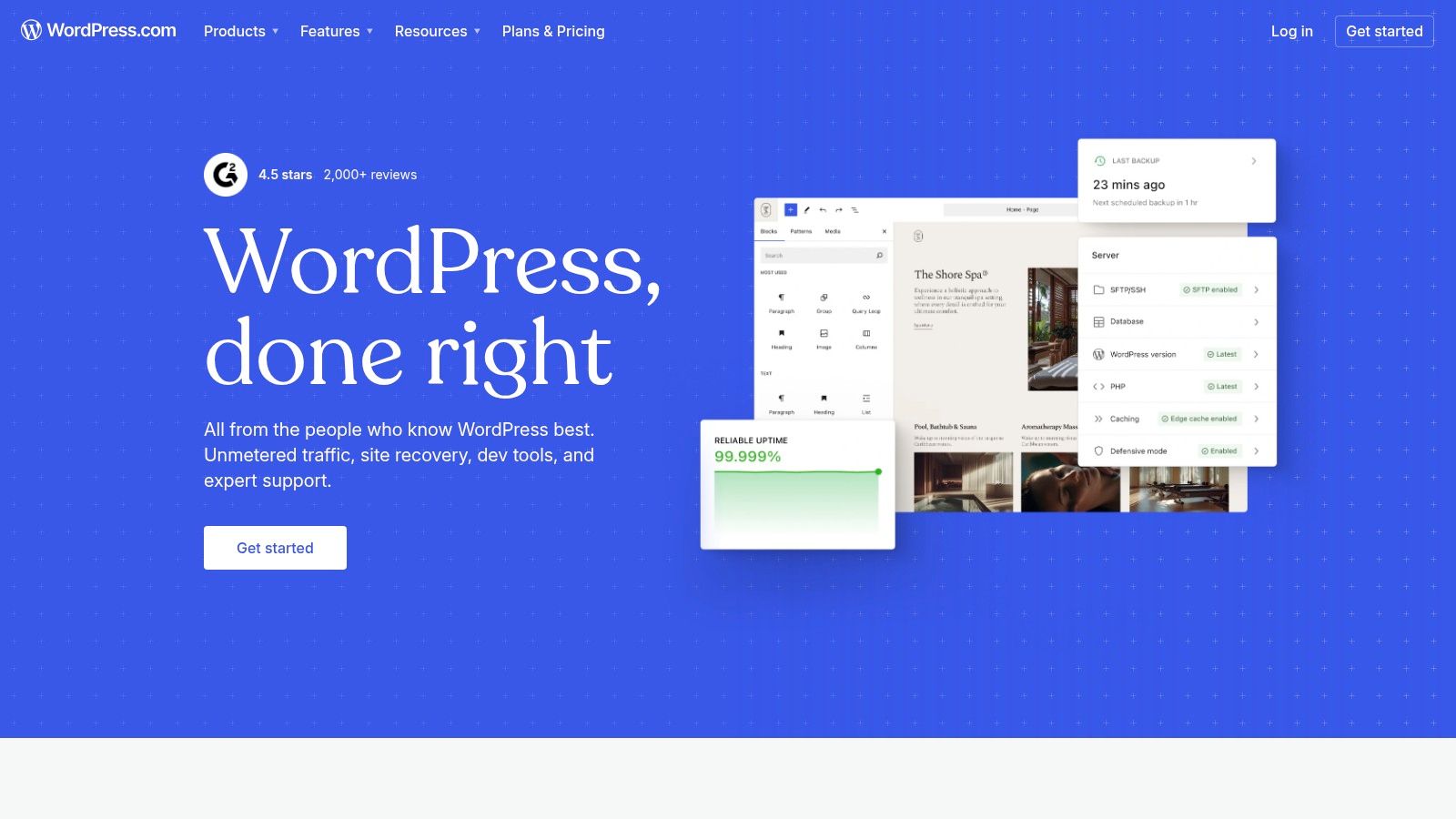
This platform stands out for its near-limitless extensibility. On higher-tier plans, you can install third-party plugins for virtually any function imaginable, from advanced client proofing systems to robust e-commerce storefronts powered by WooCommerce. This makes it an ideal choice for photographers who anticipate their business needs growing significantly over time, allowing them to scale from a simple portfolio to a full-featured business hub.
Key Features & Use Cases
- Best For: Photographers and creative agencies who want unlimited customization potential and plan to scale their website's functionality over time.
- Ultimate Extensibility: Access to thousands of themes and plugins (on Business/Commerce plans) lets you add any feature, including dedicated gallery, booking, or proofing systems.
- Managed Hosting: Handles security, backups, and performance optimization for you, removing the technical burden of managing your own server.
- Powerful E-commerce: Integrate WooCommerce to build a fully customizable store for prints, digital downloads, workshops, and merchandise with endless payment gateways.
Pro Tip: The flexibility of WordPress.com is its greatest strength. For event photographers, this means you can create a branded client portal right on your site. To streamline photo delivery for large events, you can create a page that links directly to a dedicated Saucial gallery, where guests can easily browse, download, and share their photos, keeping heavy traffic off your main server and providing a superior user experience.
| Feature | Rating | Notes |
|---|---|---|
| Ease of Use | ★★★☆☆ | More of a learning curve than all-in-one builders; setup is involved. |
| Template Design | ★★★★☆ | Thousands of free and premium themes available for any style. |
| Client Proofing | ★★★★☆ | Not built-in, but can be added via powerful third-party plugins. |
| E-commerce | ★★★★★ | WooCommerce integration offers unparalleled e-commerce flexibility. |
| SEO & Marketing | ★★★★★ | Excellent SEO potential with plugins like Yoast; strong content tools. |
Website: https://wordpress.com
11. Shopify
Shopify is the undisputed king of e-commerce, making it the best choice for photographers whose primary goal is to sell products at scale. While many platforms add commerce as a feature, Shopify builds its entire ecosystem around a powerful sales engine, perfect for managing large inventories of prints, framed art, merchandise, or digital downloads. It offers a mature, enterprise-grade solution for checkout, payments, tax calculations, and global shipping.

Its core strength lies in its vast app marketplace. Photographers can integrate directly with print-on-demand labs, digital download delivery services, and advanced marketing platforms. This extensibility allows you to build a sophisticated and automated business operation, from order fulfillment to customer relationship management, far beyond what most portfolio-first builders can offer.
Key Features & Use Cases
- Best For: Photographers and studios focused on high-volume print sales, merchandise, or building a scalable e-commerce brand.
- E-commerce Engine: Features a best-in-class checkout experience, multicurrency support, and robust management for taxes and international shipping.
- App Integrations: Connects seamlessly with print-on-demand services (like Printful or Prodigi) and digital delivery apps (like SendOwl) to automate your entire workflow.
- Scalability: From your first sale to thousands of orders, the platform is built to grow with your business without performance issues.
Pro Tip: Shopify excels at the point of sale, but its portfolio capabilities can be limited without theme customization. For event photographers using Shopify to sell prints, complement it with a dedicated delivery platform. You can use a tool like Saucial to instantly deliver live event photos, then direct guests back to your Shopify store to purchase high-quality prints and products from the event.
| Feature | Rating | Notes |
|---|---|---|
| Ease of Use | ★★★☆☆ | More complex than simple portfolio builders due to its e-commerce depth. |
| Template Design | ★★★☆☆ | Good options, but often require paid themes or customization for a high-end portfolio look. |
| Client Proofing | ★☆☆☆☆ | Lacks native client proofing; requires third-party app integrations. |
| E-commerce | ★★★★★ | The industry standard. Unmatched in power, scalability, and integrations. |
| SEO & Marketing | ★★★★★ | Excellent built-in SEO, blogging, and integrations with all major marketing tools. |
Website: https://shopify.com
12. Webflow
Webflow is a designer’s dream, offering unmatched creative freedom for photographers who want a completely custom website without writing code. It bridges the gap between simple drag-and-drop builders and full-stack development, providing pixel-perfect control over every element, interaction, and animation. This makes it one of the top photography website builders for agencies or photographers with a strong design vision who refuse to be limited by a template.
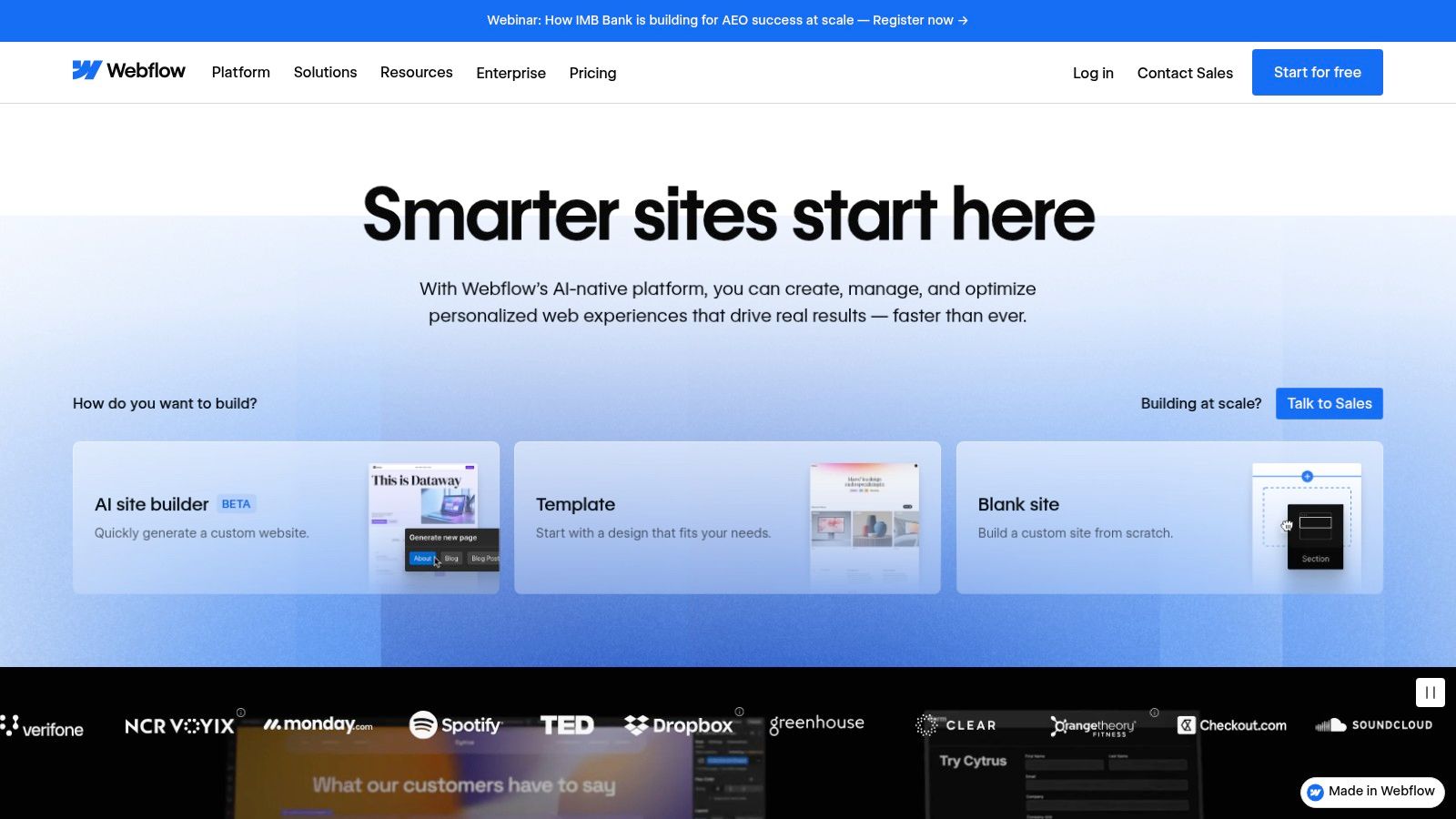
Its core strength is the powerful combination of a visual canvas and a dynamic Content Management System (CMS). This allows you to design unique gallery layouts and then easily populate them with new projects, case studies, or blog posts. While its power comes with a steeper learning curve than other platforms, the result is a truly bespoke, high-performance site that can scale with your creative ambitions and business needs.
Key Features & Use Cases
- Best For: Design-focused photographers, creative agencies, and studios demanding complete visual control and custom functionality.
- Design & Layout Control: Offers unparalleled, pixel-level control over layouts, animations, and interactions for a truly unique portfolio.
- Powerful CMS: Easily manage and scale portfolio projects, event categories, and blog content without touching the core site design.
- E-commerce: Optional e-commerce plans support sales of prints or digital goods with Stripe and PayPal integrations.
Pro Tip: Webflow is ideal for creating a stunning, brand-centric main website. For large-scale event photography, complement its design prowess by using a dedicated gallery delivery tool. A service like Saucial allows you to share event photos instantly with thousands of guests, preserving your main site's curated feel while handling high-volume image distribution.
| Feature | Rating | Notes |
|---|---|---|
| Ease of Use | ★★☆☆☆ | Steep learning curve; requires understanding of web design principles. |
| Template Design | ★★★★☆ | High-quality templates are available, but its strength is custom builds. |
| Client Proofing | ★☆☆☆☆ | No native client proofing or gallery selection features. |
| E-commerce | ★★★☆☆ | Capable but requires higher-tier plans and is less integrated than others. |
| SEO & Marketing | ★★★★★ | Excellent, granular control over all on-page SEO elements. |
Website: https://webflow.com
Top 12 Photography Website Builders — Feature Comparison
| Platform | Core features | Event workflow fit (UX & "find my photos") ★ | Value & Pricing 💰 | Best for 👥 | Unique selling point ✨/🏆 |
|---|---|---|---|---|---|
| Squarespace | Photography‑first templates, scheduling, commerce, analytics | ★★★★ — Clean galleries & shareable event photo sharing link; no native selfie/face‑match | 💰 Mid — no permanent free plan; fast to launch | 👥 Portfolio photographers & organizers who value design | ✨ Polished templates + integrated scheduling |
| Wix | Hundreds of templates, bookings, app market, AI site builder | ★★★★ — Flexible: add QR code photo gallery & plugins for distribution | 💰 Flexible plans — pricing structure can be confusing | 👥 Beginners & event teams wanting many integrations | ✨ Large app ecosystem for print/QR/add‑ons |
| Format | Portfolio + client proofing, Lightroom integration, stores | ★★★ — Good proofing & password galleries for attendee delivery; manual matching | 💰 Mid — photographer workflow tools, some upload limits | 👥 Solo photographers/lean studios | ✨ Photographer‑centric proofing + Lightroom flow |
| Pixieset | Sites, client galleries, integrated store, Studio Manager | ★★★★ — Cohesive delivery + galleries; easy event gallery links (no face‑match) | 💰 Tiered — free with branding; paid plans remove fees | 👥 Wedding/event photographers scaling studio ops | 🏆 All‑in‑one photographer stack (site + delivery + sales) |
| SmugMug | Unlimited storage, print labs, privacy controls, lab fulfillment | ★★★★ — Scales for high‑volume events; strong private galleries & links | 💰 Mid‑high — great value for volume + fulfillment | 👥 High‑volume event/sports shooters | 🏆 Unlimited full‑res storage + integrated labs |
| Zenfolio | Site builder, client galleries, booking, QR workflows, AI tools | ★★★★ — Built‑in QR code workflows useful for large events; good sales tools | 💰 Competitive — often promos; storage tiers on lower plans | 👥 Event photographers needing end‑to‑end stack | ✨ QR workflows + booking/invoicing integrated |
| PhotoShelter | Licensing/sales, lightboxes, mobile delivery, agency features | ★★★ — Strong pro workflows; less focused on instant attendee retrieval | 💰 Mid‑high — pro features + transaction fees on some plans | 👥 Editorial/commercial photographers & agencies | 🏆 Licensing tools + granular rights management |
| Pixpa | Affordable templates, client galleries, e‑commerce, proofing | ★★★ — Straightforward galleries & proofing; limited face‑match UX | 💰 Low — clear, storage‑based tiers; no commission on paid plans | 👥 Budget‑conscious creatives & small studios | ✨ Low entry price with integrated e‑commerce |
| Adobe Portfolio | Simple galleries, Behance sync, Lightroom/Photoshop integration | ★★ — Fast portfolio publishing but not built for event distribution | 💰 💰 Included with Adobe CC Photography (effectively free if subscribed) | 👥 Photographers already in Adobe ecosystem | ✨ Tight Lightroom/Behance workflow |
| WordPress.com | Managed WP, themes, plugin support, WooCommerce on higher tiers | ★★★★ — Extremely extensible: add event photo sharing link, QR, face‑match via plugins | 💰 Variable — pay for Business/Commerce to enable plugins | 👥 Users needing full flexibility & plugins | 🏆 Most extensible hosted option (plugins & WooCommerce) |
| Shopify | Enterprise commerce, checkout, payments, print/digital apps | ★★★ — Best for selling prints/downloads; not centered on attendee selfie matching | 💰 Higher — commerce focused; strong ROI for sales | 👥 Photographers prioritizing e‑commerce & fulfillment | 🏆 Best‑in‑class commerce + app integrations |
| Webflow | Pixel‑level design, CMS, interactions, performance hosting | ★★★★ — Custom workflows: can build QR/photo link experiences but needs setup | 💰 Mid‑high — design freedom with steeper costs/time | 👥 Designers/agencies or photographers needing custom sites | ✨ Designer‑grade control + CMS for scalable event galleries |
Final Thoughts
Navigating the crowded market of top photography website builders can feel overwhelming, but the perfect platform for your vision is within reach. We've journeyed through twelve distinct options, from all-in-one powerhouses like Squarespace and Wix to photographer-centric specialists like Pixieset and SmugMug. Each offers a unique blend of creative control, business management tools, and client-facing features.
The key takeaway is that there is no single "best" builder for everyone. The right choice hinges entirely on your specific goals, technical comfort level, and business model. Your decision-making process should be a reflection of your professional identity. Are you building a simple, elegant portfolio to attract high-end clients? Or do you need a robust, all-in-one system to manage bookings, deliver galleries, and sell prints?
Your Path Forward: Choosing the Right Builder
To crystallize your decision, revisit your core needs. Let’s distill the selection process into a few actionable steps:
- Define Your Primary Goal: Identify the single most important function your website must perform. Is it lead generation (portfolio focus), e-commerce (print sales), or client service (proofing and delivery)? Your primary goal will immediately narrow the field. For instance, if print sales are your main revenue stream, platforms like SmugMug, Pixieset, or even Shopify deserve a closer look.
- Assess Your Technical Skill: Be honest about how much time you want to spend on website design and maintenance. If you desire a fast, beautiful result with minimal fuss, template-driven platforms like Squarespace or Format are excellent. If you crave granular control and have the patience to learn a more complex system, Webflow offers unparalleled creative freedom.
- Map Out Your Client Workflow: Think about the entire client journey, from initial contact to final photo delivery. A platform like Pixieset or Zenfolio, which integrates contracts, invoices, and client galleries, can streamline this entire process. If your workflow is simpler, a more general builder paired with specialized third-party tools might suffice.
- Consider Your Long-Term Vision: Where do you see your business in three to five years? If you plan to expand into video, workshops, or extensive blogging, a scalable platform like WordPress.com or Wix offers greater flexibility for future growth. Choosing a builder that can grow with you prevents the headache of a future migration.
Final Considerations for Implementation
Once you've made your choice, remember that your website is a living entity. It's not a one-and-done project. SEO is an ongoing effort, your portfolio should be refreshed with your best new work, and your client galleries are a direct reflection of your brand's professionalism.
Ultimately, the best of the top photography website builders is the one that empowers you to showcase your art beautifully while simplifying the business side of your craft. It should feel less like a chore and more like a natural extension of your brand. Use the free trials offered by nearly every platform on this list. Upload some photos, test the gallery creation process, and click through the user interface. This hands-on experience is the final, crucial step in finding the perfect digital home for your photography.
Ready to elevate your event photo delivery beyond what your website builder can offer? Saucial seamlessly integrates with any website, creating a dynamic, real-time gallery where event guests can instantly find and share their photos via facial recognition. Drive organic social media reach and turn every attendee into a brand advocate by visiting Saucial to see how it can supercharge your client experience.


