The 12 Best Photo Sharing Sites for Wedding Guests in 2026

Your wedding day is a whirlwind of unforgettable moments, many of which are captured not just by your professional photographer, but also by your beloved guests. From candid selfies on the dance floor to heartwarming group shots, these photos offer a unique and personal perspective on your celebration. The challenge, however, is collecting all these scattered images. Relying on a simple hashtag often means photos get lost in the social media void or remain siloed on individual phones.
This is where dedicated photo sharing sites for wedding guests become essential. These platforms provide a centralized, private, and easy-to-use hub for everyone to upload and view photos from your special day. They solve the logistical nightmare of chasing down pictures, ensuring you have a complete and cherished collection of memories from every angle.
This comprehensive guide is designed to help you navigate the many options available. We'll dive deep into the best platforms, from simple, free solutions to advanced systems with features like QR code access and AI-powered face matching. You'll find a detailed analysis of 12 top contenders, including Saucial, Waldo Photos, and even familiar tools like Google Photos, to help you make an informed decision.
We've broken down each option with a focus on practical use cases, highlighting key features, potential drawbacks, and ideal scenarios. For each platform, you'll find screenshots for a clear visual reference and direct links to get started. Our goal is to equip you with all the information needed to choose the perfect photo sharing solution that fits your wedding's size, budget, and privacy requirements.
1. Saucial
Best For: Frictionless Guest Experience and Photographer Monetization
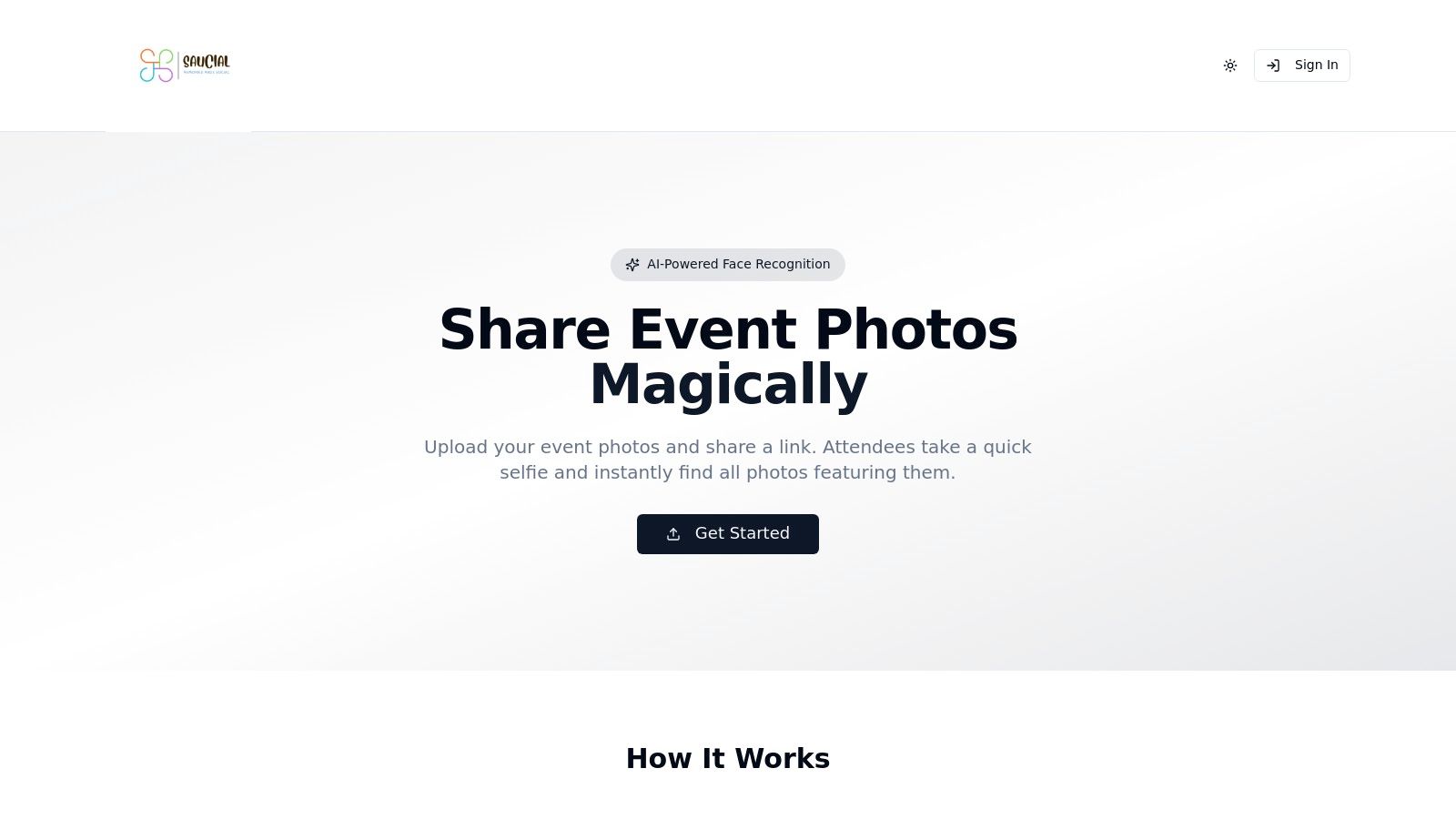
Saucial stands out as a premier choice among photo sharing sites for wedding guests, engineered to solve the most common post-event headache: helping guests find their photos instantly. It replaces cumbersome, manually sorted gallery folders with a sophisticated, AI-powered system that delivers a seamless experience. The platform’s core innovation is its selfie-based face recognition, allowing guests to find every photo they’re in simply by taking a quick selfie on their own device.
This "find my photos" workflow requires no app download and typically no account creation, removing significant friction for attendees. The entire gallery is accessed via a single, shareable event link or a QR code that can be displayed on tables, in the wedding program, or on a welcome sign. This modern approach not only delights guests but also dramatically reduces the administrative burden on the couple or their photographer.
Key Features and Workflow
Saucial is built with a workflow-first design. The photographer or a designated organizer simply drags and drops all the event photos into the platform. The system’s AI gets to work in the background, processing faces and preparing the gallery for instant matching. This efficiency is a game-changer for professionals looking to speed up their post-wedding delivery.
- AI-Powered Selfie Matching: The platform’s signature feature. Guests use their phone’s camera to snap a selfie and are immediately presented with a curated collection of photos where they appear.
- Simple Distribution: A single event link and QR code are generated, making it effortless to share the gallery via email, text, or printed materials at the venue.
- Organizer-Controlled Privacy: Couples and photographers retain full control over photo visibility, guest access, and sharing permissions, ensuring a secure and private experience.
- Direct-to-Guest Monetization: For professional photographers, Saucial opens up powerful revenue streams. They can sell digital downloads, prints, premium edits, or even offer sponsored frames directly to guests within their personal galleries.
Pricing and Access
Saucial does not publicly list its pricing plans. Interested couples, planners, or photographers must contact their team directly for a demo and customized quote. This model suggests a focus on tailored solutions for professional event workflows rather than a one-size-fits-all consumer package. You can explore the platform's features further on their website.
Pros:
- Unmatched Guest Convenience: The selfie-matching feature is fast, intuitive, and eliminates the need for guests to scroll through hundreds of photos.
- Professional Workflow: Drag-and-drop uploads and automated processing save photographers significant time.
- Built-in Monetization: Creates direct upsell opportunities for photographers, turning photo delivery into a revenue generator.
- Centralized Control: Organizers manage all aspects of photo access and distribution from one dashboard.
Cons:
- Lack of Public Pricing: The need to request a quote adds a step for those wanting to compare costs quickly.
- Reliance on Face Recognition: May not be suitable for all crowds; couples should communicate how the technology is used to ensure guest comfort.
2. Google Photos (Shared Albums)
Google Photos earns its spot as one of the most practical photo sharing sites for wedding guests due to its sheer ubiquity. Since many attendees already have a Google account, the barrier to entry is exceptionally low. Couples can create a "Shared Album" and invite guests via email or a shareable link, allowing anyone with access to upload their photos and videos directly from their phone or computer.
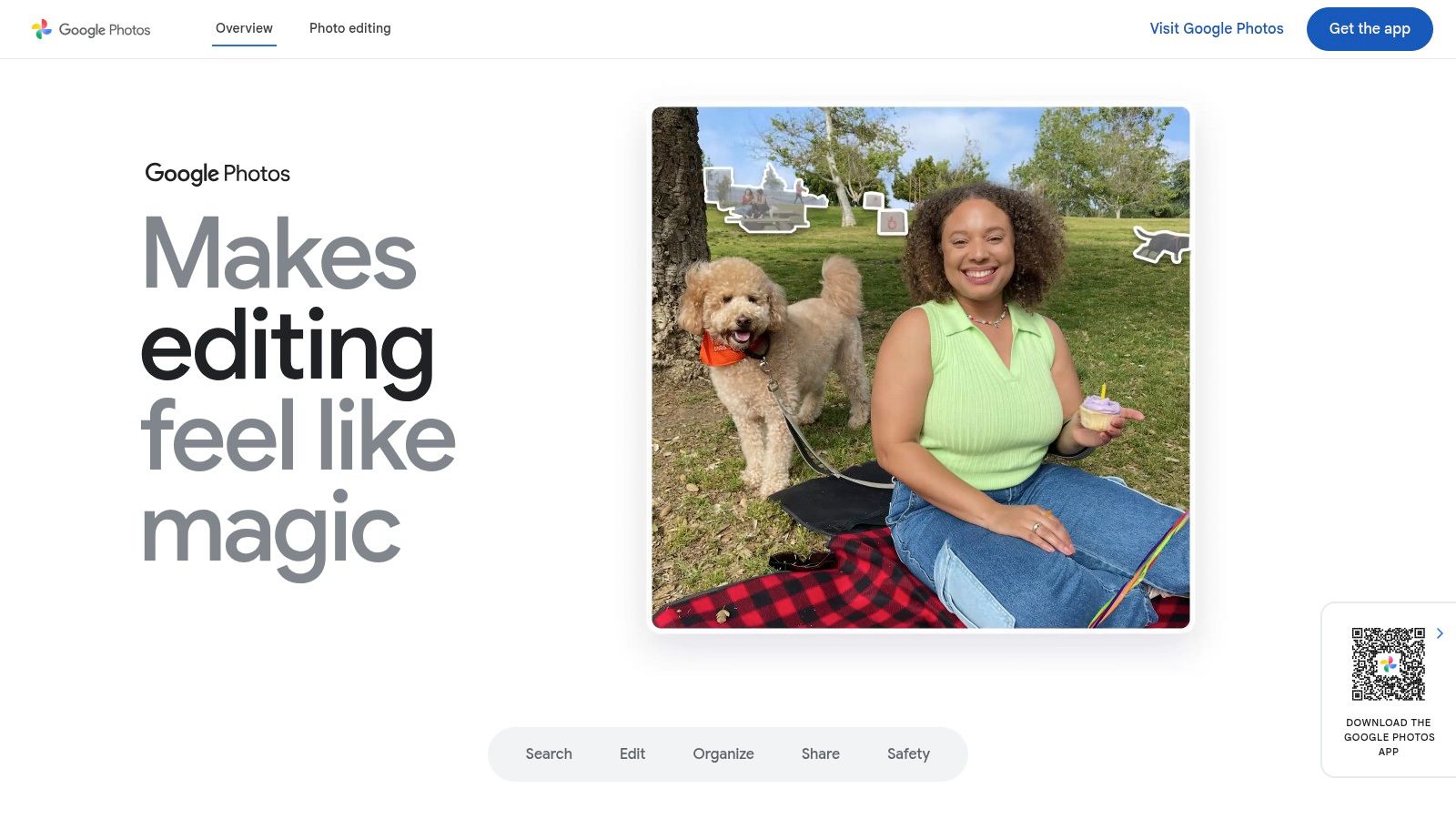
The platform’s real power lies in its backend processing. Google's machine learning automatically tags faces, allowing you to search for photos of specific people like "Aunt Carol" or "the flower girl" without any manual effort. This makes it incredibly easy to find key moments after the event. The interface is clean and familiar, providing a smooth user experience for both uploading and browsing.
Key Features and Considerations
| Feature | Details & Implementation Tips |
|---|---|
| Pricing | Free up to 15 GB of shared storage across all Google services. Paid plans are available for more storage. |
| Best Use Case | Ideal for couples seeking a cost-effective and straightforward solution where most guests are already familiar with the Google ecosystem. |
| Setup | Create an album, click the "Share" icon, and either invite specific Google accounts or generate a shareable link. Tip: Use the link option for QR codes on tables. |
| Guest UX | Very intuitive for those with Google accounts. Guests without an account may face a small hurdle signing up, but it is a one-time process. |
- Pros: No cost for most weddings, powerful AI-driven search to find specific people and moments, and a familiar interface for the majority of guests.
- Cons: Link sharing permissions can be confusing (e.g., anyone with the link can add photos), which may raise privacy concerns. The 15 GB free storage limit is shared with your Gmail and Google Drive.
Website: https://photos.google.com
3. Apple Photos – Shared Albums (iCloud)
For weddings where most guests are part of the Apple ecosystem, Apple Photos' Shared Albums feature is one of the most seamless photo sharing sites for wedding guests. Integrated directly into the Photos app on iPhone, iPad, and Mac, it provides a native, frictionless experience. Couples can create a "Shared Album" and invite guests using their Apple ID, allowing them to view, like, comment, and add their own photos and videos with just a few taps.
The standout benefit is that photos and videos added to a Shared Album do not count against your personal iCloud storage limit, making it a genuinely free solution regardless of how many pictures are uploaded. While the experience is best on Apple devices, a public website option can be enabled, generating a link for Android or Windows users to view the collection, though they cannot contribute without an Apple ID.
Key Features and Considerations
| Feature | Details & Implementation Tips |
|---|---|
| Pricing | Completely Free. Shared Albums have their own limits but do not consume your personal iCloud storage. |
| Best Use Case | Excellent for weddings with a high concentration of iPhone users, offering a native and incredibly simple user experience. |
| Setup | In the Photos app, create a new Shared Album, invite subscribers via their Apple ID contact info, and enable the "Public Website" setting to generate a link for non-Apple guests. |
| Guest UX | Effortless for Apple users who receive a notification and can contribute directly from their photo library. Non-Apple guests have a view-only experience via a web link. |
- Pros: No cost and does not use personal iCloud storage, extremely intuitive for iPhone users, and provides a clean, ad-free interface.
- Cons: Guests must have an Apple ID to upload photos, which excludes Android users from contributing. There is a limit of 5,000 photos/videos per shared album.
Website: https://www.icloud.com/photos
4. Guestpix
Guestpix is engineered from the ground up as a dedicated solution for events, making it one of the most streamlined photo sharing sites for wedding guests. Its core strength is simplicity: there's no app for guests to download and no account creation required. Attendees simply scan a QR code or click a link to start uploading photos and videos instantly, removing virtually all friction during the celebration.
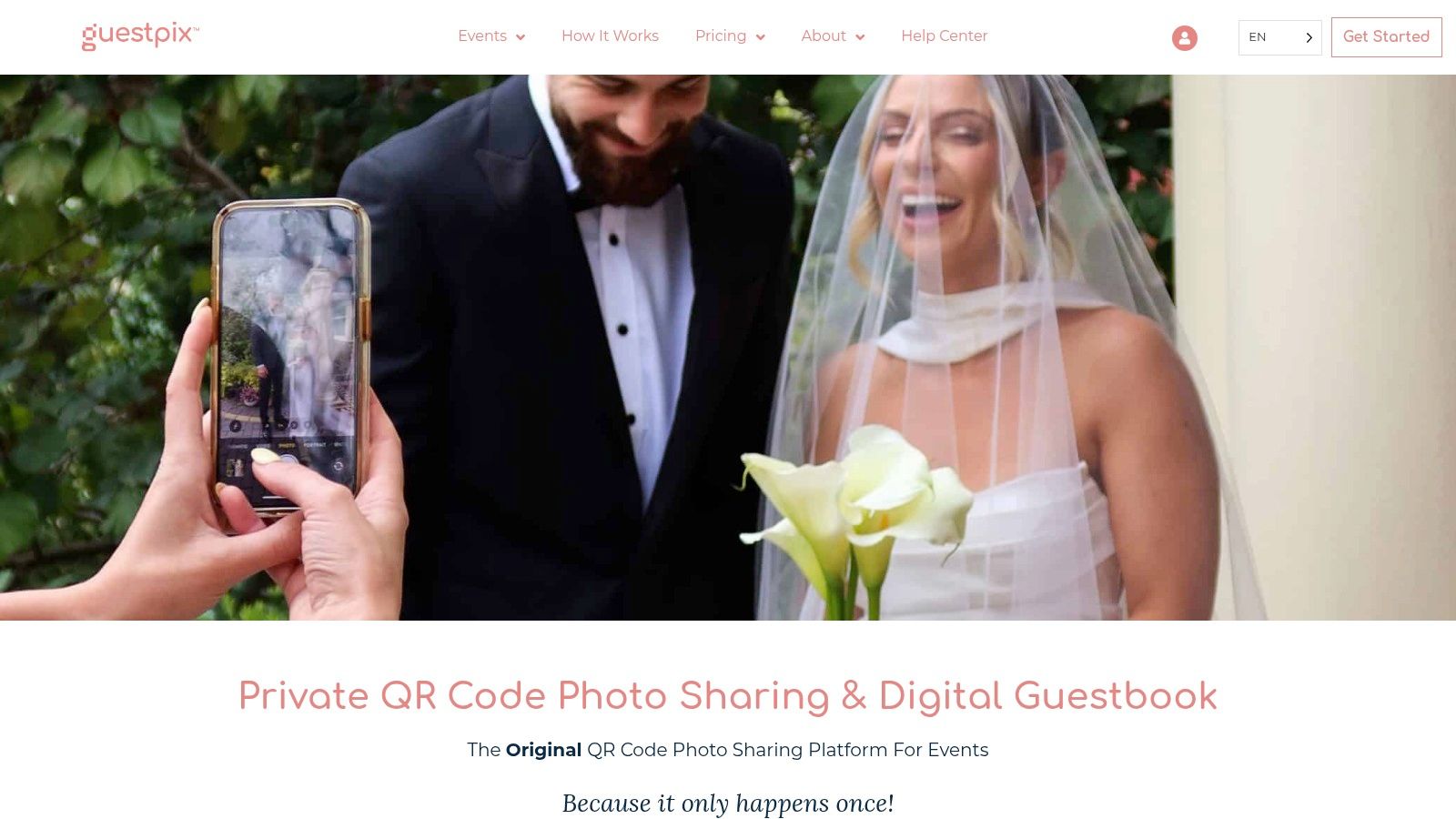
The platform is packed with wedding-specific features that enhance the guest experience, such as a live slideshow that can be projected during the reception, a digital guestbook, and customizable gallery themes. After the event, couples can easily download all the high-resolution photos and videos in a single ZIP file. This focused, event-first approach makes it an excellent choice for couples who want a purpose-built tool rather than a general cloud storage solution.
Key Features and Considerations
| Feature | Details & Implementation Tips |
|---|---|
| Pricing | One-time payment packages based on event size and features. Packages start around $29 and offer long-term hosting. |
| Best Use Case | Perfect for couples wanting an extremely simple, app-free experience for guests with event-centric features like live slideshows. |
| Setup | Sign up, create your event gallery, and share the unique QR code or link. Tip: Print the QR code on table cards or include it in your welcome sign for easy access. |
| Guest UX | Exceptionally easy. Guests scan a code and are taken directly to the upload page on their mobile browser. No downloads or sign-ups are needed. |
- Pros: Purpose-built for weddings with relevant features, incredibly simple for guests of all technical abilities, and clear one-time pricing with no recurring fees.
- Cons: It's a web-first platform with no native mobile app for long-term community engagement. Advanced features for businesses may require separate pricing.
Website: https://guestpix.com
5. Waldo Photos (Waldo Gold/Plus)
Waldo Photos introduces a high-tech, personalized approach to photo sharing sites for wedding guests by leveraging artificial intelligence. Its standout feature is facial recognition, which automatically finds and delivers photos to each individual guest. Attendees simply upload a selfie, and the platform scours all the event’s albums-including those from the professional photographer and other guests-to find their pictures, sending them directly via text message.

This "selfie to find my photos" experience eliminates the need for guests to manually sift through hundreds or thousands of images to find themselves. The platform supports QR codes for easy uploading and offers robust moderation controls for the hosts. With plans designed for single events (Waldo Gold) and ongoing use, it’s a sophisticated solution for merging professional and guest-submitted content into one seamless, smart gallery.
Key Features and Considerations
| Feature | Details & Implementation Tips |
|---|---|
| Pricing | Paid plans are required for key event features. Waldo Gold is a one-time fee per event, while Waldo Plus is a subscription. |
| Best Use Case | Excellent for large weddings or events where automating photo delivery and combining professional and guest photos is a top priority. |
| Setup | Create an event, choose a plan, and share the event join code or QR code. Tip: Encourage guests to upload a selfie early to get real-time photo alerts. |
| Guest UX | Incredibly simple and magical for guests. The automated delivery system is a major 'wow' factor that reduces post-wedding photo requests. |
- Pros: Powerful AI face-matching delivers a personalized experience, seamlessly combines professional and guest photos, and reduces manual photo sorting.
- Cons: Paid plans are a necessity for the best features, and there's a slight learning curve during setup compared to a simple shared album.
Website: https://waldophotos.com
6. Joy (WithJoy)
Joy stands out by integrating guest photo sharing directly into a comprehensive wedding planning suite. It isn't just one of the many photo sharing sites for wedding guests; it's an all-in-one platform where your event schedule, RSVP management, and guest photo album live together seamlessly. Guests can upload photos to a shared "Moments" feed, which can even be displayed as a live slideshow during the reception, creating an interactive and engaging experience.

This consolidation is Joy's biggest advantage. By having guests use the same app or website for event details and photo uploads, you significantly reduce friction and increase participation. The platform allows for high-resolution photo storage and provides privacy controls, including password-protecting your entire wedding website and its associated photo gallery. The native app enhances the experience, making uploads simple and immediate for attendees.
Key Features and Considerations
| Feature | Details & Implementation Tips |
|---|---|
| Pricing | Free for all core wedding website, planning, and photo sharing features. Joy is committed to keeping its platform free for couples. |
| Best Use Case | Perfect for couples who want a single, integrated platform for all wedding-related communication, from RSVPs to photo collection. |
| Setup | Build your free wedding website on Joy, and the "Moments" photo sharing feature is automatically included. Share your website URL with guests. |
| Guest UX | The experience is smoothest for guests who download the Joy app, which integrates the schedule, travel info, and photo uploading in one place. |
- Pros: Entirely free for core features, combines event planning tools and photo sharing into one unified platform, and offers a live slideshow feature for receptions.
- Cons: Some features and the best user experience are tied to the native app, which not all guests may want to download. Users have occasionally reported minor UI quirks.
Website: https://withjoy.com
7. WeddingWire for Guests (WeddingWire Photo App)
For couples already immersed in the WeddingWire ecosystem, the platform’s integrated photo sharing tool is a natural extension of their planning process. WeddingWire for Guests allows attendees to contribute photos and videos directly into a centralized album linked to the couple's wedding website. This integration streamlines the experience by keeping guest photos alongside other essential event details like the schedule, registry, and RSVPs.
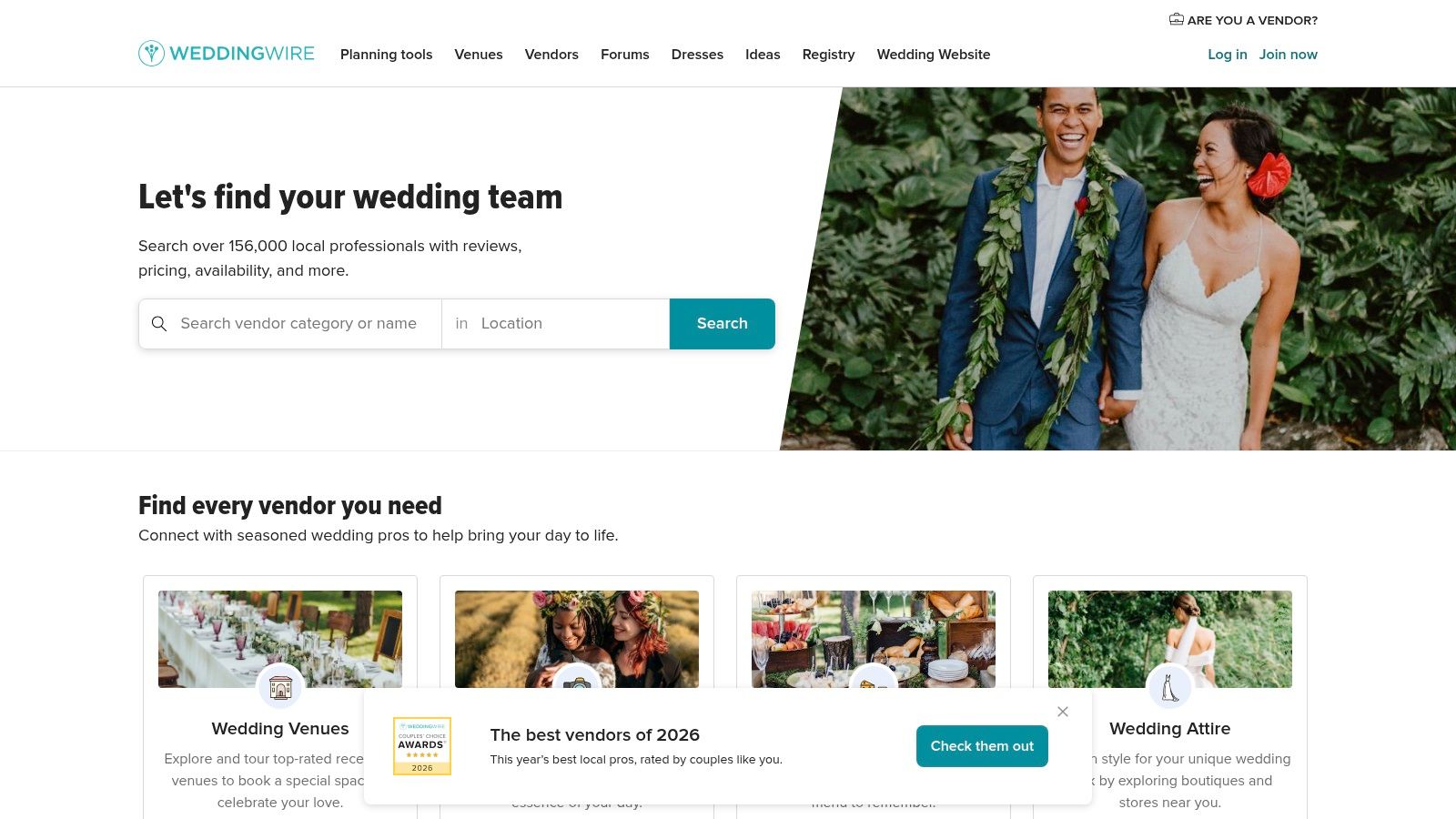
The primary advantage is convenience for the couple, as it eliminates the need to manage a separate service. Once guests are invited to the event via WeddingWire, they can download the companion "WeddingWire for Guests" app to start uploading their captured moments. The platform consolidates all guest-submitted media into one primary album, making it a straightforward repository for candid shots from the big day.
Key Features and Considerations
| Feature | Details & Implementation Tips |
|---|---|
| Pricing | Free with the use of WeddingWire's free wedding website and planning tools. |
| Best Use Case | Best for couples who are already using WeddingWire for their wedding website, RSVPs, and overall planning and want a fully integrated solution. |
| Setup | The photo album is automatically created with your wedding website. You just need to direct guests to download the companion app and find your event. |
| Guest UX | The main friction point is the requirement for guests to download a specific app. Once installed, the process is simple, but it is an extra step. |
- Pros: Seamless integration with WeddingWire's planning suite, a familiar and trusted brand for couples, and centralizes all guest-facing information in one place.
- Cons: Requires guests to download a dedicated app, which can be a barrier for some. The photo organization is limited to a single album per event.
Website: https://www.weddingwire.com
8. PhotoCircle
PhotoCircle excels at creating private, contained photo-sharing environments, making it a strong contender among photo sharing sites for wedding guests who prioritize privacy and simplicity. The platform operates on the concept of "Circles," which are essentially invite-only albums. Couples can generate a unique QR code or a shareable link, allowing guests to join their specific wedding Circle and start uploading photos and videos from any device without needing to create a complex account.
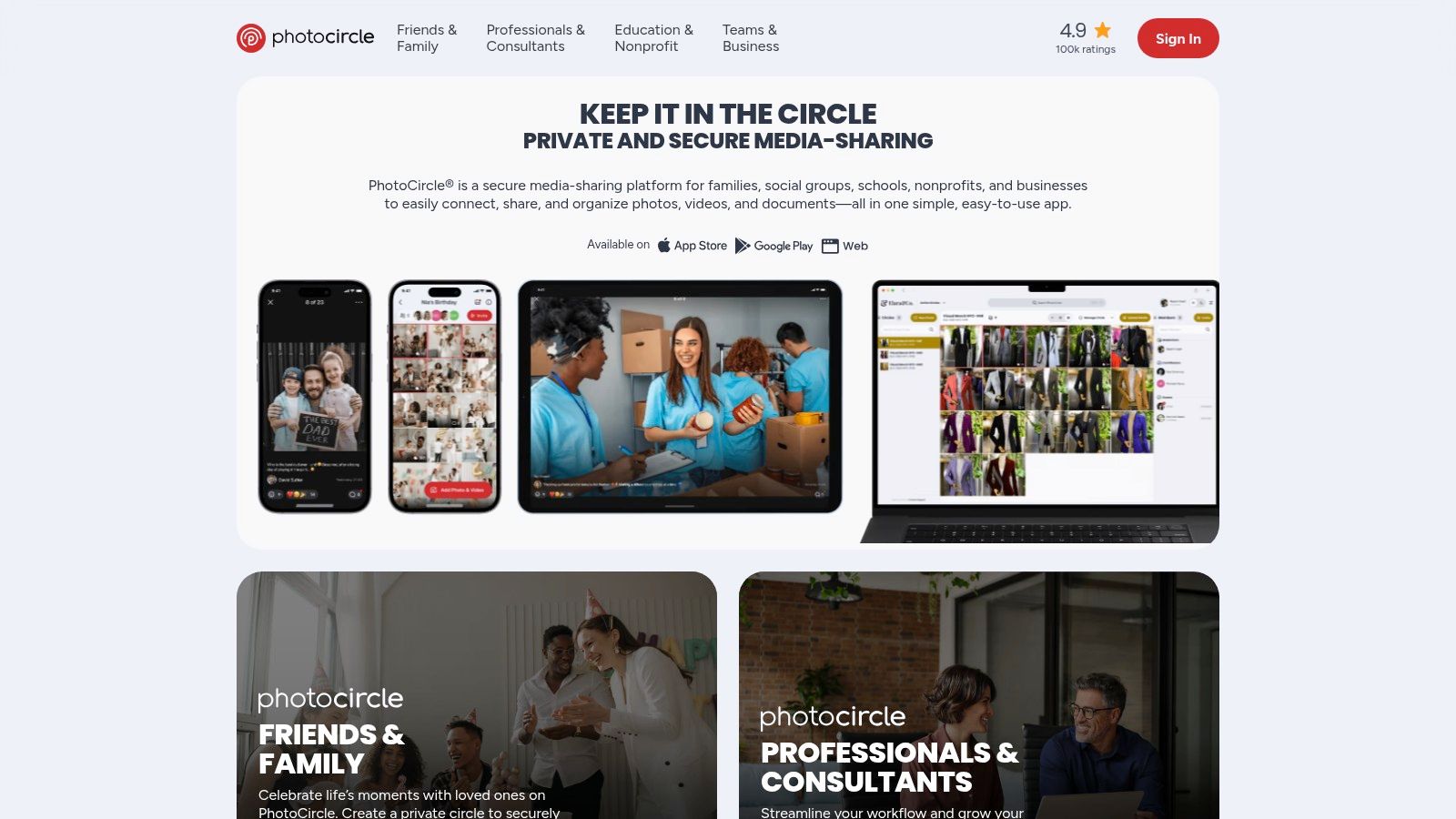
The platform is praised for its user-friendly mobile experience on both iOS and Android, which is crucial for capturing in-the-moment snapshots. Unlike more generic cloud storage services, PhotoCircle is built for group events, offering features like comments and reactions that encourage guest interaction. Its straightforward, secure approach ensures that your wedding memories are shared only with the people you invite, providing peace of mind.
Key Features and Considerations
| Feature | Details & Implementation Tips |
|---|---|
| Pricing | Free for basic use. Premium tiers are available for features like higher-resolution media, increased video length, and branding, often aimed at organizations. |
| Best Use Case | Excellent for couples who want an easy-to-use, private, and mobile-first solution without the bells and whistles of dedicated wedding websites. |
| Setup | Create a Circle, and share the invite via QR code on event signage or a direct link in digital communications. Tip: The QR code makes it incredibly simple for guests to join on the spot. |
| Guest UX | Very smooth and intuitive. The onboarding process is quick, allowing guests to contribute photos within seconds of scanning the QR code, which is a significant advantage during a busy event. |
- Pros: Highly private and secure, exceptionally easy for guests to join and contribute, and a clean, well-reviewed mobile and web experience.
- Cons: Lacks wedding-specific themes and features compared to competitors. Advanced options like high-resolution downloads may require a paid plan.
Website: https://www.photocircleapp.com
9. Cluster
Cluster stands out as a privacy-first platform among photo sharing sites for wedding guests, making it an excellent choice for couples who want to create a completely enclosed, invite-only digital space. Instead of a public-facing gallery, Cluster operates on the principle of private groups. You create a group for your wedding weekend, and only people you explicitly invite can view, comment on, or add photos and videos.
This model is ideal for sharing moments from multiple events, like the bridal shower, rehearsal dinner, and the main ceremony, all within one secure hub. The platform supports both web and mobile app access, ensuring that even less tech-savvy family members can participate easily. Engagement features, such as likes and notifications when new content is added, help create a sense of community and keep the excitement going long after the wedding day.
Key Features and Considerations
| Feature | Details & Implementation Tips |
|---|---|
| Pricing | Free to create private groups and invite members. The service is supported by its photo book printing offerings. |
| Best Use Case | Best for privacy-conscious couples who want a secure, members-only space for all wedding-related events, from showers to the big day. |
| Setup | Create a group, give it a name, and start inviting members via a private link. Guests will need to sign up to join the group. |
| Guest UX | Straightforward. Guests receive an invite, join the group, and can immediately start uploading. The interface is clean and social media-like. |
- Pros: High level of privacy with invite-only access, simple interface suitable for all ages, and consolidates multiple wedding events into one shared album.
- Cons: Not specifically designed for weddings, so it lacks event-specific features like QR codes or live slideshows. Requires all guests to sign up for an account.
Website: https://cluster.co
10. Pixieset
Pixieset is a professional-grade platform primarily used by wedding photographers to deliver final images to their clients. While not a guest-upload tool, it earns a spot on this list for its exceptional post-event guest viewing experience. Once the professional photos are ready, the couple can share a link to a stunning, branded gallery where guests can view, favorite, download high-resolution images (with permission), and even order professional prints directly.
The platform excels at creating a polished, premium feel that mirrors the quality of the professional photography itself. Features like Mobile Gallery Apps allow guests to save a branded app icon to their phone for easy access to the photos. The integrated storefront, with automatic lab fulfillment, makes it seamless for family and friends to purchase prints and other photo products, removing that burden from the couple. This makes it one of the best photo sharing sites for wedding guests when the goal is to distribute official photos elegantly.
Key Features and Considerations
| Feature | Details & Implementation Tips |
|---|---|
| Pricing | Free plan with 3 GB of storage. Paid photographer plans start around $8/month for more storage and features. |
| Best Use Case | Ideal for distributing the official photographer's photos to all guests in a beautiful, high-end gallery with print-ordering capabilities. |
| Setup | Typically managed by the photographer. They upload the final gallery, set download permissions and watermarks, and provide the couple with a shareable link. |
| Guest UX | Extremely high-quality and intuitive. Guests enjoy a clean, ad-free browsing experience optimized for viewing and purchasing professional photos. |
- Pros: Polished and professional guest viewing experience, integrated storefront makes print sales easy, and scales well for large photo libraries.
- Cons: Not designed for guest photo uploads. The full feature set requires a paid plan, which is usually managed by the photographer.
Website: https://pixieset.com
11. Pic-Time
Pic-Time is less of a casual guest upload tool and more of a professional gallery delivery platform that excels at controlled, post-wedding photo sharing. It's often the system a wedding photographer uses to deliver final images. Couples can then grant specific permissions to guests, allowing them to view, download, or purchase high-quality prints directly from the gallery, making it one of the more sophisticated photo sharing sites for wedding guests.
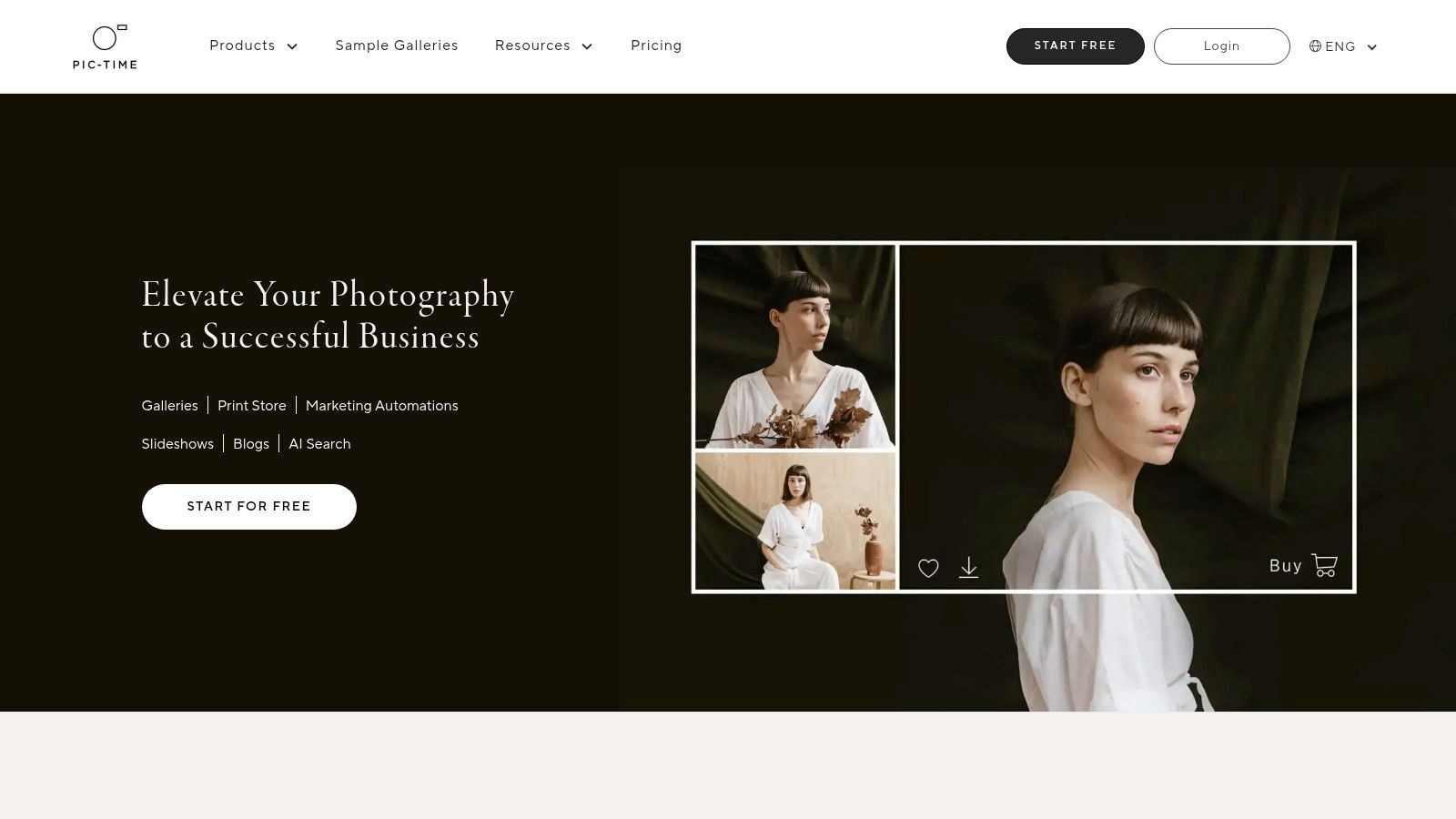
The platform is built around a beautiful, modern interface and a powerful e-commerce engine. Its strength lies in post-event monetization and engagement. Photographers or couples can set up automated print sales, create tiered download packages, and manage access for different user groups like family, vendors, and general guests. This creates a seamless and elegant experience for viewing and acquiring professional photos.
Key Features and Considerations
| Feature | Details & Implementation Tips |
|---|---|
| Pricing | Photographer plans start from $21/month. Couples typically gain access through their photographer's subscription. |
| Best Use Case | Ideal for couples who want to share their professional photo gallery in a polished way and offer guests easy access to purchase high-quality prints. |
| Setup | The photographer sets up the gallery and shares it with the couple. The couple can then share the guest-facing link. Tip: Ask your photographer to create a "guest" access role with specific download or purchase permissions. |
| Guest UX | Extremely high-quality and visually impressive. The interface is clean and modern, focusing on browsing and purchasing professional images rather than guest uploads. |
- Pros: Excellent for post-event monetization and print sales, beautiful gallery presentation, and robust permission controls for different user types.
- Cons: Not designed for guests to upload their own photos. The admin interface is built for professional photographers, not casual users, and premium features require a paid subscription.
Website: https://www.pic-time.com
12. ShootProof
ShootProof is a professional-grade platform primarily used by wedding photographers to deliver, share, and sell their work. While it doesn't allow guests to upload their own photos, it excels as one of the best photo sharing sites for wedding guests who want to view, download, and order prints from the official photographer's collection. Couples receive a beautifully designed, branded gallery link from their photographer to share with family and friends.
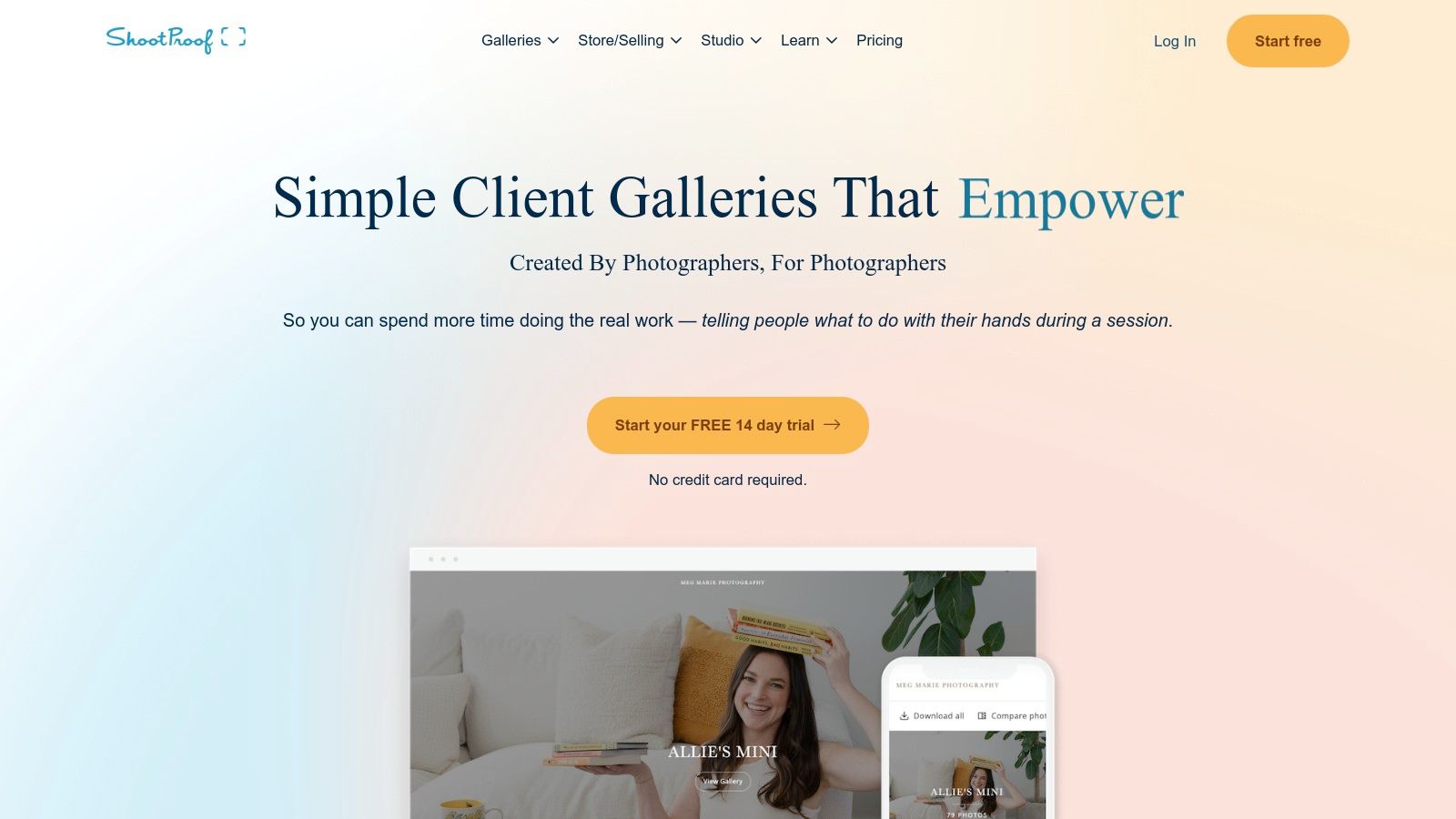
The platform is designed around the professional workflow, giving photographers immense control over the guest experience. They can set download permissions, add watermarks, and enable a storefront for purchasing high-quality prints and other products directly from the gallery. This creates a seamless, high-end experience for guests looking to own a professional memento from the day, distinguishing it from collaborative, guest-driven albums.
Key Features and Considerations
| Feature | Details & Implementation Tips |
|---|---|
| Pricing | Pricing is for the photographer, not the couple or guests. Plans start from $10/month, with higher tiers for more storage and features. |
| Best Use Case | Best for sharing the official, professional photos in a polished gallery where guests can easily view, download (if allowed), and purchase prints. |
| Setup | The photographer handles all setup. The couple simply needs to share the final gallery link provided by their photographer. |
| Guest UX | Very straightforward and elegant. Guests enter a password (if required), browse images, "favorite" their top picks, and can purchase prints easily. |
- Pros: Professional and polished presentation, integrated print and digital sales, and a simple, high-quality viewing experience for guests.
- Cons: Not a collaborative tool; guests cannot upload their own photos. The experience and features (like free downloads) depend entirely on the photographer's settings.
Website: https://www.shootproof.com
12 Wedding Guest Photo-Sharing Platforms — Feature Comparison
| Product | Core features (✨) | Experience & Quality (★) | Value / Pricing (💰) | Target audience (👥) | Unique strength (✨/🏆) |
|---|---|---|---|---|---|
| Saucial 🏆 | Selfie photo matching; single event photo sharing link + QR; drag‑drop upload; organizer controls | ★★★★★ fast “find my photos”; no app; quick turnaround | 💰 Contact for plans; supports print/download sales & upsells | 👥 Event organizers, photographers, venues, fundraisers, sports tournaments | ✨ Instant selfie-to-gallery matching; organizer-controlled distribution; workflow-first 🏆 |
| Google Photos (Shared Albums) | Shared/collaborative albums; ML people clustering; cross-platform | ★★★★ excellent ML search; ubiquitous access | 💰 Free (Google account); storage limits apply | 👥 Casual users, couples, guests | ✨ Powerful ML search & people clustering; easy link sharing |
| Apple Photos – Shared Albums | Shared Albums; public web link; iCloud integration; cross-device | ★★★★ seamless for Apple users; simple UI | 💰 Free shared albums (storage costs for iCloud) | 👥 iPhone-heavy guest lists, Apple ecosystem users | ✨ Native iOS integration; low-friction for Apple guests |
| Guestpix | No-app uploads via QR/link; live slideshow; wedding themes; full-res ZIPs | ★★★★ fast guest participation; wedding-focused UX | 💰 One-time pricing tiers per event | 👥 Wedding couples, reception hosts | ✨ Wedding-centric features (slideshow, themes) and long hosting |
| Waldo Photos (Gold/Plus) | Face-matching delivery; QR uploads; moderation; optional print fulfillment | ★★★★ selfie-to-find experience; mixes pro + guest content | 💰 Paid plans (event & ongoing options) | 👥 Event photographers, organizers, large events | ✨ AI face-matching + moderation and print fulfillment |
| Joy (WithJoy) | Wedding website + Moments uploads; RSVP, schedule, slideshow | ★★★ integrated planning + photo gathering | 💰 Free core features; paid extras | 👥 Couples planning weddings | ✨ All-in-one wedding planning + guest photo collection |
| WeddingWire for Guests | Auto-created couple album; guest uploads via app; planning integration | ★★★ familiar brand; app-dependent UX | 💰 Free to couples; guests may need app | 👥 US couples using WeddingWire ecosystem | ✨ Integrated with planning tools, RSVPs, and websites |
| PhotoCircle | Private “Circles” with QR/link invites; high-res uploads; permissions | ★★★★ private, well-reviewed mobile experience | 💰 Free/basic; paid org features | 👥 Families, schools, events, community groups | ✨ Invite-only Circles with contributor controls and higher-res media |
| Cluster | Private group albums; member-only posting; web + apps | ★★★★ privacy-first, simple for extended family | 💰 Free/basic; optional upgrades | 👥 Families, private groups, small communities | ✨ Member-only privacy and straightforward UX |
| Pixieset | Branded client galleries; mobile apps; storefront + lab fulfillment | ★★★★ polished pro delivery; strong guest shopping | 💰 Paid plans; built-in commerce & lab pricing | 👥 Professional photographers, couples | ✨ Pro-grade galleries + integrated print store and fulfillment |
| Pic-Time | Unlimited galleries (plan-dep); tiered download pricing; e‑commerce | ★★★★ robust monetization for photographers | 💰 Paid tiers; revenue tools & automations | 👥 Photographers, studios seeking sales automation | ✨ Advanced commerce, tiered downloads, automation |
| ShootProof | Client galleries; print & digital sales; studio tools (contracts/invoicing) | ★★★★ proven studio workflow; configurable galleries | 💰 Paid subscriptions; Unlimited photo option | 👥 Wedding photographers, studios | ✨ Studio business tools + client-facing sales flow |
Bringing It All Together: Your Wedding's Visual Story, Told by Everyone
Navigating the world of photo sharing sites for wedding guests can feel as complex as planning the seating chart. We've explored a wide spectrum of platforms, from the familiar simplicity of Google and Apple Photos to the professional-grade galleries of Pixieset and Pic-Time, and the specialized, guest-centric experiences offered by Saucial, Waldo Photos, and Guestpix. Your final decision hinges not on finding a single "best" platform, but on identifying the one that aligns perfectly with your wedding's specific needs, budget, and desired guest experience.
The core takeaway is this: the right tool does more than just collect photos. It actively enhances the guest experience, preserves precious memories that might otherwise be lost, and simplifies the post-wedding chaos of chasing down images from a hundred different phones. It transforms your guests from passive observers into active participants in documenting your celebration.
Final Considerations Before You Choose
Before you make your final selection, revisit your core priorities. This simple exercise will clarify which platform is your ideal match.
- Guest Experience vs. Professional Control: Are you prioritizing an incredibly simple, no-app-required upload process for your guests (like Saucial or Guestpix)? Or do you need the robust gallery management and print sales features that a professional photographer would demand (like Pixieset or ShootProof)? The answer will quickly narrow your options.
- Privacy as a Priority: If keeping your wedding photos completely private is non-negotiable, platforms like PhotoCircle and Cluster, which are built around invite-only groups, offer peace of mind. For a more open but still controlled environment, tools with password protection and unique gallery links are essential.
- Budget and Monetization: Your budget is a significant factor. Free options like Google Photos are viable for smaller, tech-savvy groups. However, for a more seamless experience, a modest investment in a dedicated service often pays for itself in convenience and features. For photographers, platforms with built-in sales tools are not just a cost but a revenue-generating opportunity.
- Technology and Implementation: Think about your guests. Will they embrace a QR code? Are they likely to download an app? The success of any of these photo sharing sites for wedding guests depends on how easy it is for everyone, from your tech-savvy cousins to your grandparents, to participate. Clear instructions and on-site signage (like a card with a QR code at each table) are crucial for maximizing participation.
Your Actionable Next Steps
With this comprehensive analysis complete, your path forward should be clear.
- Shortlist Your Top 3: Based on the priorities you just defined, select the three platforms from our list that seem like the best fit.
- Run a Small Test: Don't wait until the wedding day. Sign up for a free trial or a basic plan for your top choice. Create a test event, invite a few friends from your wedding party, and ask them to upload some photos. This real-world test will reveal any potential friction points in the user experience.
- Plan Your Communication: Once you've chosen your platform, create a simple, clear communication plan. Include the link or QR code in your wedding website, on your invitations, and on signage at the reception. The easier you make it for guests to find and use, the more photos you'll receive.
Ultimately, choosing one of these platforms is an investment in your memories. It’s about creating a single, beautiful, and collaborative tapestry of your wedding day, woven from the unique perspectives of every single person who came to celebrate with you. You're not just collecting files; you're building a complete visual legacy.
If you're looking for a platform that perfectly balances a frictionless guest experience with powerful organizational features, consider giving Saucial a try. It’s designed specifically to make it incredibly easy for every guest to contribute their photos and videos via a simple QR code, creating a complete and authentic gallery of your special day. Explore how Saucial can help you capture every moment, from every angle.


