The 12 Best Wedding Photo Sharing Apps of 2026: A Complete Guide
The confetti has settled, and the last dance is over, but the memories are just beginning to be shared. In a world of fleeting social media stories, how do you collect, organize, and relive every candid moment from your special day? Standard hashtags on platforms like Instagram often lead to a scattered, low-quality mess of photos, making it impossible for guests to find themselves or for you to gather a complete collection. The real challenge is consolidating every precious image from your professional photographer, your family's smartphones, and your friends' cameras into one secure, accessible place.
The solution lies in dedicated platforms designed for seamless, private sharing. This guide dives deep into the 12 best wedding photo sharing apps for 2024, moving beyond simple uploads to explore powerful features that truly enhance your experience. We will analyze tools with AI-powered face recognition, effortless QR code access for guests, and private, high-resolution galleries that preserve the quality of your memories. This isn't just a list; it's a comprehensive resource to help you find the perfect system for your specific needs.
We'll break down the pros, cons, and ideal use cases for each application, helping you find the perfect tool to consolidate every cherished photo into one beautiful, organized collection. Each entry includes detailed analysis, screenshots, and direct links to get you started. Whether you're a couple wanting a simple way for guests to contribute, a photographer delivering a final gallery, or a planner managing multiple events, this guide will help you select the right platform to effortlessly capture and share every angle of your celebration.
1. Saucial
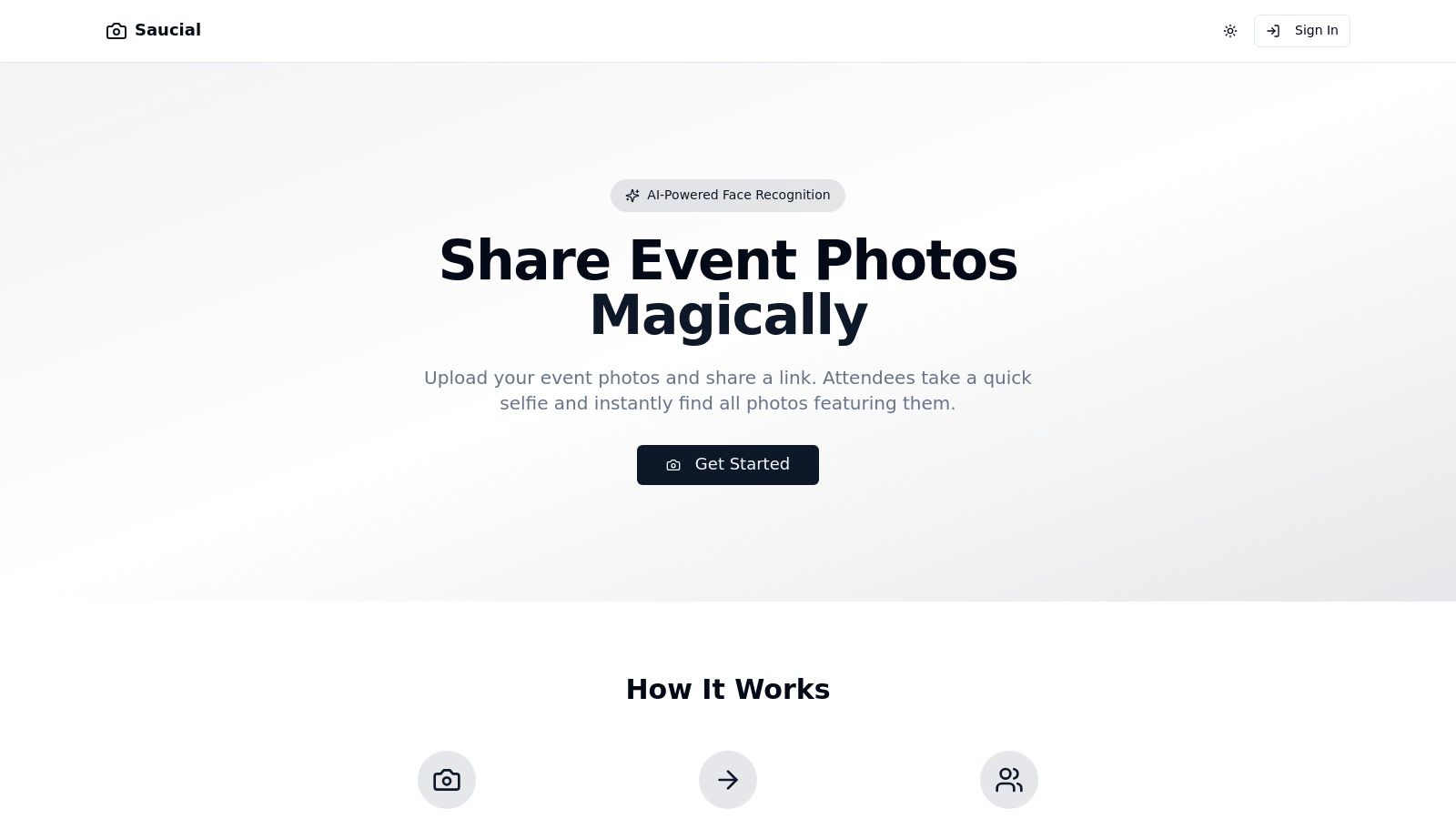
Saucial earns its place as our featured choice by fundamentally rethinking how wedding photos are distributed and enjoyed. Instead of asking guests to sift through massive galleries or download yet another app, it uses powerful AI face recognition to deliver a personalized experience with almost zero effort from attendees. This innovative approach makes it one of the best wedding photo sharing apps for couples and photographers focused on guest experience and rapid engagement.
The process is remarkably streamlined. The wedding host or photographer simply uploads the entire photo collection to the platform and receives a single, shareable link. Guests click the link, take a quick selfie, and Saucial’s AI instantly curates a personal gallery containing every photo they appear in. This selfie-driven discovery eliminates manual tagging and endless scrolling, ensuring every guest finds their moments effortlessly.
Why Saucial Excels for Weddings
What sets Saucial apart is its focus on removing friction for everyone involved. For guests, there are no accounts to create or apps to install, which significantly increases the number of people who will actually view and share the photos. For photographers and couples, it automates the tedious task of sorting and distributing images, saving valuable time while boosting the visibility of the professional photos. The link-based system is versatile, allowing for distribution via QR codes at the reception, email, or text messages.
Key Features & Considerations
- AI-Powered Selfie Search: Guests find all their photos instantly by taking a selfie, providing an immediate and personalized experience.
- No App Required: The entire process is web-based, accessible via a simple link, which maximizes guest participation.
- Bulk Upload & Simple Sharing: A drag-and-drop interface and a single shareable link streamline the entire distribution workflow.
- Organizer Control: Hosts maintain control over the master gallery, deciding which photos are included in the AI-powered search.
While the AI-driven workflow is a major advantage, organizers should be transparent with guests about the use of face recognition to ensure comfort and consent. Public pricing information is not listed on the website; interested couples or photographers will need to contact the company directly through its "Get Started" portal. You can explore a deeper dive into how Saucial’s platform works and its various applications on their site.
Best for: Photographers and tech-savvy couples who want to provide a modern, high-engagement photo experience for their guests with minimal administrative work.
Website: https://saucial.com
2. Google Photos
For couples seeking a familiar, no-frills solution, Google Photos is an excellent contender among wedding photo sharing apps. Its primary advantage is ubiquity; a significant portion of your guests likely already have a Google account and the app installed, eliminating the need for them to download and learn a new, wedding-specific platform. This lowers the barrier to participation, increasing the odds you’ll collect a wide range of guest photos.
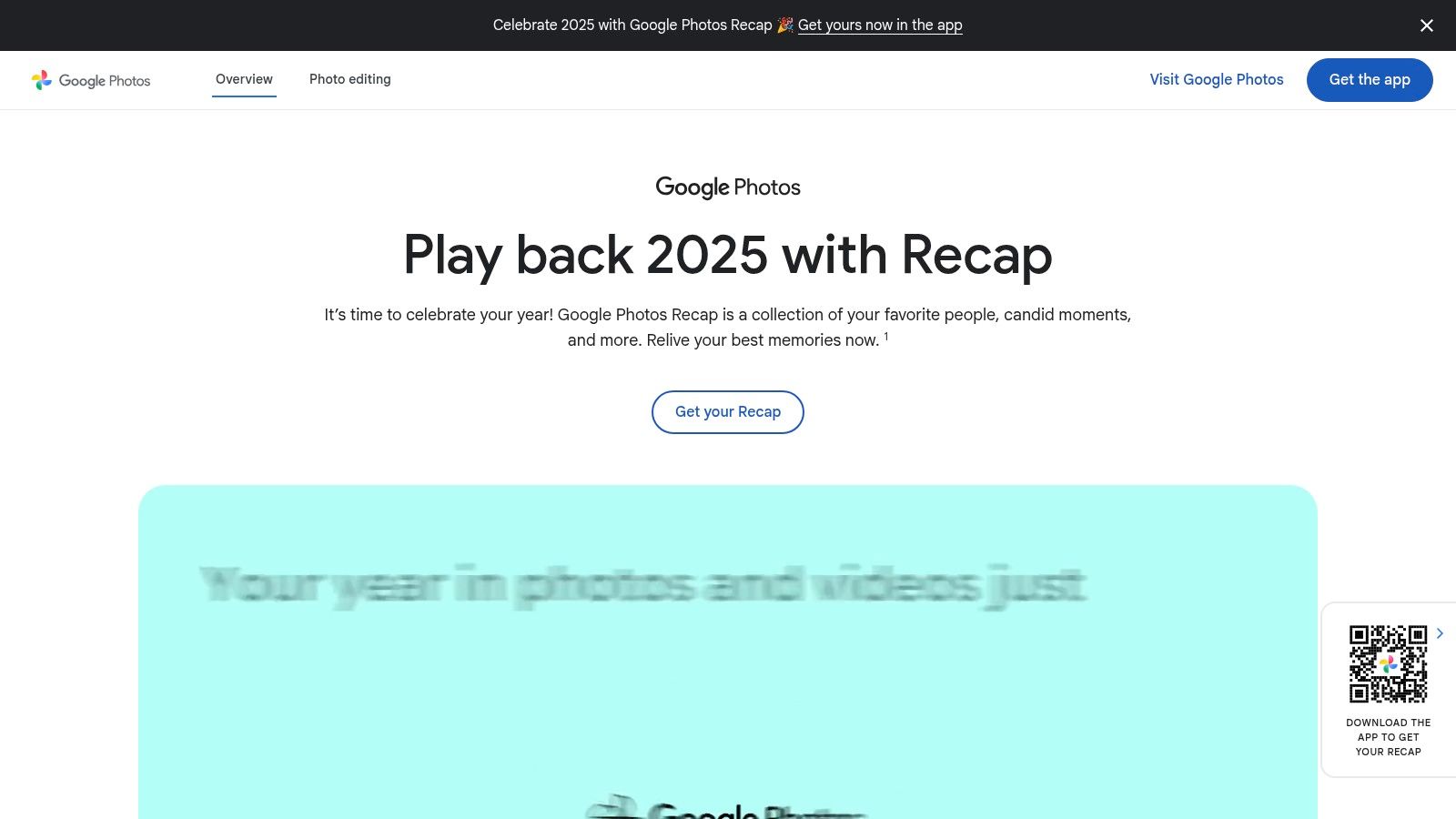
The platform’s strength lies in its powerful, yet straightforward, Shared Albums feature. Guests can easily add their photos and videos, and recent updates allow you to generate a simple QR code that links directly to the album for instant access.
Why Google Photos Stands Out
Google’s powerful AI-driven search is a major benefit. After the wedding, you can search for "hugs," "dancing," or even a specific person's face, making it incredibly easy to find key moments. It's a cross-platform powerhouse available on iOS, Android, and the web, ensuring everyone can contribute regardless of their device.
Practical Tip: Create your wedding Shared Album well in advance. Generate a QR code and include it on your wedding website, in the printed program, and on small signs placed on tables at the reception. This proactive approach maximizes guest contributions.
Limitations and Pricing
While highly functional, Google Photos is not a dedicated wedding app. It lacks features like a live photo wall for receptions or themed event branding. The sharing interface can also undergo changes, which might briefly confuse less tech-savvy guests.
Pricing is tied to Google One storage. Users get 15 GB for free, which is shared across Gmail and Drive. For high-resolution photos and videos from many guests, you will likely need to upgrade to a paid plan, which starts at around $1.99/month for 100 GB.
- Best For: Couples who prioritize ease of use and high guest participation over wedding-specific features.
- Website: photos.google.com
3. Apple Photos – Shared Albums (iCloud)
For couples with a predominantly iPhone-using guest list, Apple's built-in Shared Albums feature is one of the most seamless wedding photo sharing apps available. The key benefit is its native integration into the Photos app on every iPhone, iPad, and Mac. This eliminates the need for guests to download anything new, significantly reducing friction and encouraging more people to contribute their snapshots from your big day.
The system works by creating a specific "Shared Album" and inviting guests via their Apple ID. Once they accept, they can upload photos and videos directly from their photo library. It's a clean, private, and straightforward way to centralize memories without navigating a third-party service.
Why Apple Photos Stands Out
The biggest advantage is the zero-effort experience for Apple users. It supports native iOS features like Live Photos and videos, preserving the full context of a moment. Guests can also comment on and "like" photos, creating a fun, interactive social feed of the wedding memories. For non-Apple users, you can create a public website link for viewing, though they cannot contribute.
Practical Tip: Curate your invite list to include your most tech-savvy iPhone users first. Ask them to start adding photos early on the wedding day to encourage others. For Android users, pair this solution with another option or simply provide them the public viewing link post-wedding.
Limitations and Pricing
Apple Photos is not a dedicated wedding platform. It lacks event-specific features like a live slideshow or QR code joining. The most significant limitation is that shared photos are downscaled (long edge up to 2048px), and each shared album has a cap of 5,000 photos and videos.
A major plus is that photos in Shared Albums do not count against your personal iCloud storage. The service is free for anyone with an Apple ID, making it a cost-effective choice.
- Best For: Couples and families deeply integrated into the Apple ecosystem who want a simple, private sharing solution.
- Website: www.icloud.com
4. Joy (withjoy.com)
For couples looking for an all-in-one solution, Joy offers a comprehensive wedding platform where photo sharing is a seamlessly integrated feature, not just an afterthought. It combines your wedding website, guest list management, RSVPs, and a shared photo album into a single, cohesive experience. This centralization is its biggest strength, as guests only need to visit one place for all wedding-related information and to contribute their pictures.
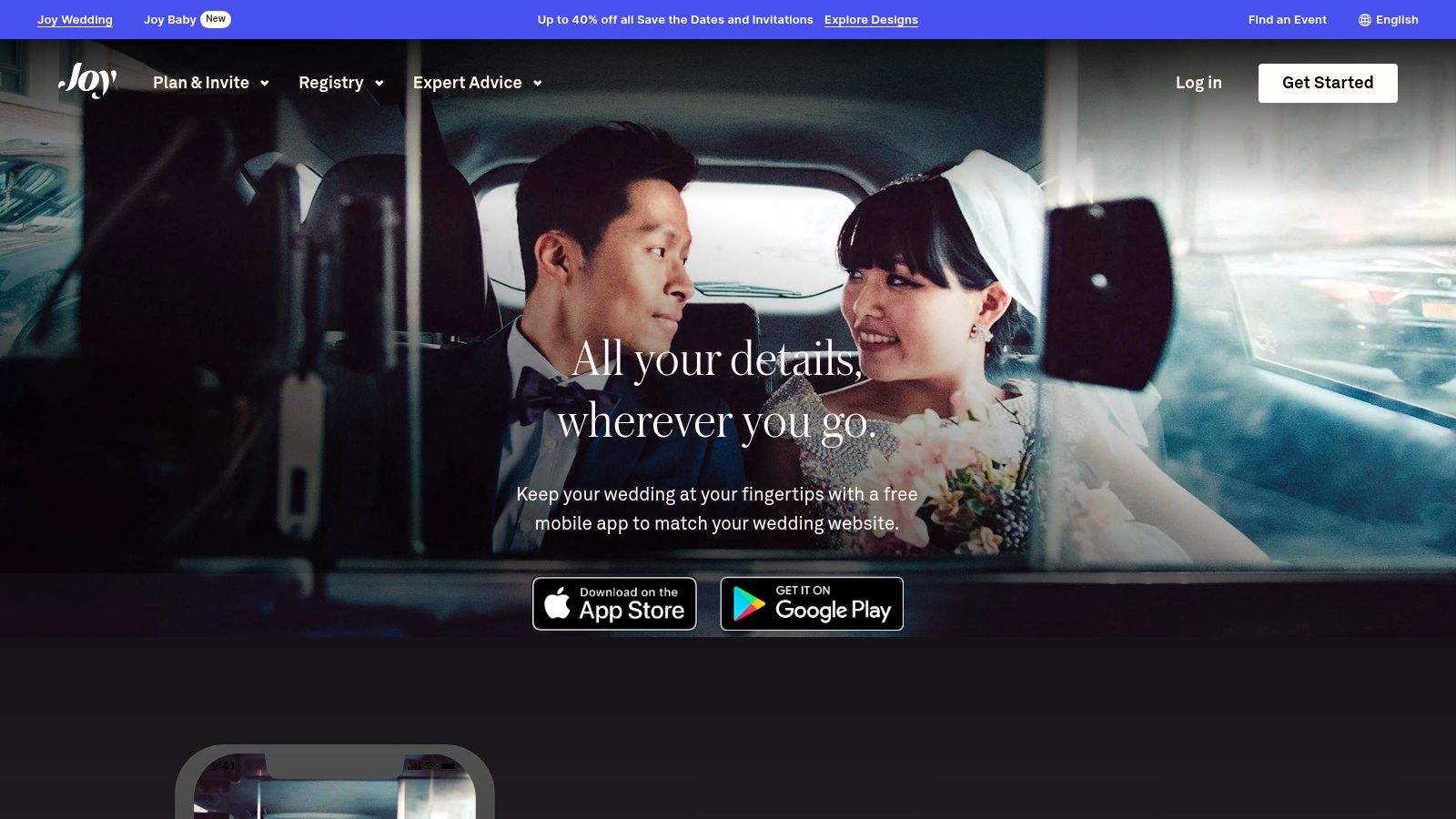
The platform allows you to create unlimited shared albums and provides guests with a unique link and QR code for easy, account-free uploads. Joy also includes a virtual guestbook that merges photos with messages and offers a live slideshow feature, making it a powerful contender among the best wedding photo sharing apps.
Why Joy Stands Out
Joy’s main advantage is its holistic approach. Guests who are already using your Joy website to RSVP and check the schedule will find it natural to upload photos to the same platform. The system is designed specifically for weddings, with a clean interface that feels more curated and event-centric than a general-purpose photo app.
Practical Tip: Enable the "Moments" feature within your Joy app and website. This creates the shared photo stream. Heavily promote the single QR code that directs guests to your app, as it’s the gateway for them to view schedules, get details, and upload their photos.
Limitations and Pricing
While the integration is excellent, the photo-sharing features aren't as specialized as dedicated tools. The live slideshow is functional but may lack the advanced customization and real-time moderation found in other services. Also, while guests can upload via the web, the best user experience is often through the Joy app, which some guests may be hesitant to download.
Amazingly, Joy’s comprehensive suite of tools, including unlimited photo uploads and storage, is completely free. There are no hidden fees or storage limits for the photo-sharing features.
- Best For: Couples who want a single, free platform to manage their entire wedding, from RSVPs to photo collection.
- Website: https://withjoy.com/app/
5. Cluster
For couples who prioritize privacy and a more intimate sharing experience, Cluster offers a compelling solution among wedding photo sharing apps. It functions as a private, invite-only social network for your event, ensuring only your approved guests can view, comment on, and add photos. This creates a secure, family-style digital album perfect for multi-day wedding events or for couples who prefer to keep their celebration off public platforms.
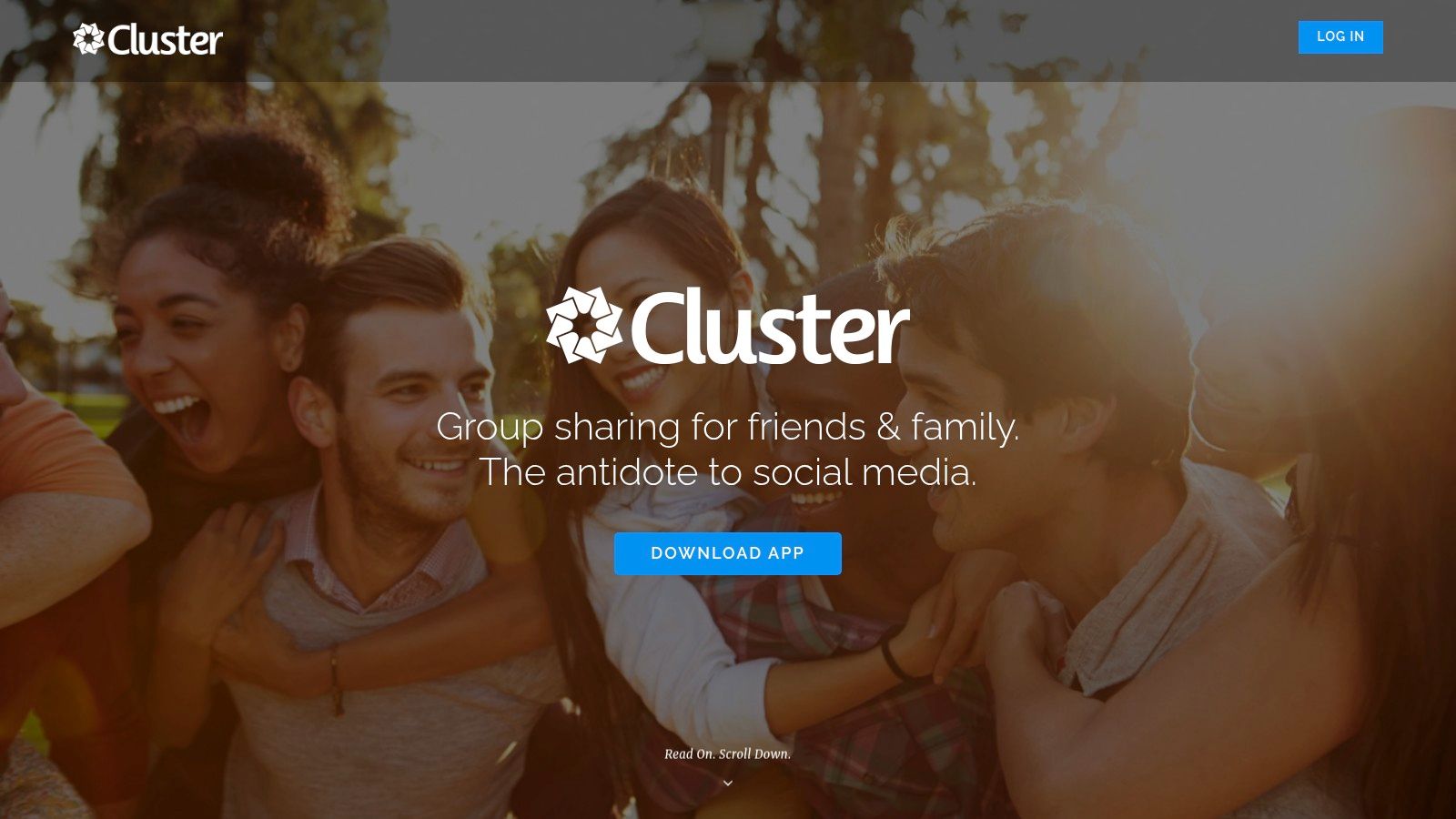
The platform is built around creating dedicated "spaces" or groups. You invite guests via a private link, and once they join, they can contribute photos and videos from their phone or computer. The interface is clean and user-friendly, focusing on the content and the community conversations around it.
Why Cluster Stands Out
Cluster’s primary strength is its unwavering focus on privacy. Unlike more open platforms, access is strictly controlled by your invitation list, giving you complete peace of mind. Its availability on iOS, Android, and the web ensures all guests can participate easily. The app also sends notifications when new photos are added, keeping guests engaged and encouraging them to revisit the album after the wedding day.
Practical Tip: Create separate albums within your main wedding Cluster group for different events, like "Rehearsal Dinner," "Getting Ready," and "Reception." This helps organize the photos chronologically and makes browsing easier for guests.
Limitations and Pricing
Cluster is not a wedding-specific app, so it lacks features like custom QR code generation for table signs or live slideshows. The free version is fully functional for most users' needs. However, advanced admin features, such as the ability to download all photos in a single zip file, require a "Cluster Club" subscription, which is a one-time fee per group.
- Best For: Couples who want a secure, private, and simple space for a trusted group of guests to share memories.
- Website: https://cluster.co/
6. Wedbox
Wedbox is a dedicated wedding photo sharing app designed specifically for the big day, offering a suite of features tailored to the modern wedding experience. It provides a private, centralized hub where guests can easily upload their photos and videos from the event via user-friendly iOS and Android apps. The platform emphasizes ease of use for both the couple and their guests, especially in an international setting.

The app simplifies the collection process with QR code invites and supports event categorization, allowing you to create separate albums for the rehearsal dinner, ceremony, and reception. This keeps your entire wedding weekend organized in one place, a feature many generic platforms lack.
Why Wedbox Stands Out
Wedbox shines with its engaging, reception-focused features like a live slideshow, which displays guest photos in real-time for everyone to enjoy. It also includes a DIY photo booth mode, letting you set up a dedicated station using a phone or tablet. Its multilingual user interface makes it an excellent choice for international weddings, ensuring all guests can participate without language barriers.
Practical Tip: Promote the live slideshow feature before the reception begins. Announce that guest photos will appear on screen as they are uploaded to the Wedbox app. This gamifies the experience and significantly boosts participation.
Limitations and Pricing
While the app offers a robust free version, accessing its best features, such as unlimited storage for original quality photos and videos, requires a one-time in-app purchase. The primary limitation is that, like most dedicated apps, it requires guests to download a specific application to contribute, which can be a hurdle for some attendees.
Pricing is straightforward with a one-time fee for premium access, typically around $45, which unlocks all features and unlimited storage.
- Best For: Couples hosting international guests or those wanting interactive features like a live slideshow and photo booth mode.
- Website: https://wedbox.com
7. Wedding Photo Swap
Wedding Photo Swap is a dedicated platform designed specifically for collecting guest photos, making it a strong contender among the best wedding photo sharing apps. Its core appeal lies in its simplicity and singular focus on the wedding experience. The setup is straightforward, allowing couples to create private, password-protected albums for various events like the rehearsal dinner, ceremony, and reception.
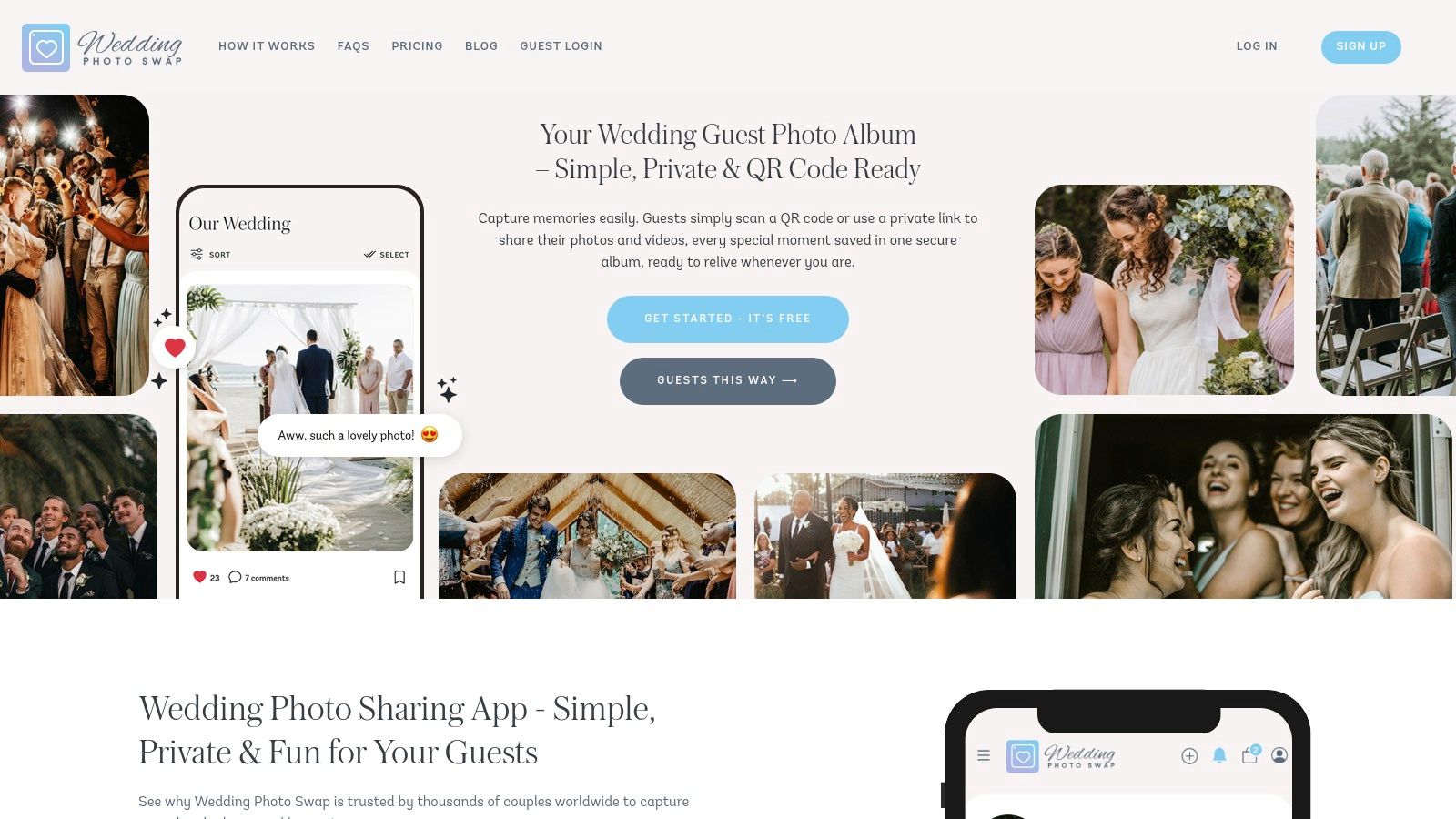
The app streamlines the process for everyone involved. Guests join the event using a unique password and can begin uploading their photos and videos immediately. This simplicity removes common technical hurdles, encouraging more guests to share their candid shots from your special day.
Why Wedding Photo Swap Stands Out
The standout feature is its real-time live feed, which can be projected onto a screen at your reception. As guests upload photos, they appear in a live slideshow, creating an interactive and engaging experience that captures the celebration as it unfolds. This feature adds a fun, modern touch that keeps guests entertained and involved throughout the event.
Practical Tip: Promote your unique event password heavily. Include it on table cards, cocktail napkins, or a dedicated sign near the bar or guest book to ensure maximum visibility and participation in the live feed.
Limitations and Pricing
The platform's primary limitation has historically been its iOS-first development; couples with a large number of Android users should verify current app availability and functionality before committing. While a free version exists, unlocking the most valuable features, such as unlimited photo uploads and the ability to download all original, high-resolution files, requires a premium subscription. Pricing for a one-time event package is typically required for a full-scale wedding.
- Best For: Couples looking for a simple, wedding-centric app with an engaging live slideshow feature.
- Website: https://www.weddingphotoswap.com
8. Snap the Knot
For couples focused on maximum guest participation with zero hassle, Snap the Knot offers a refreshingly simple, app-free solution. The platform is designed around a single, powerful idea: remove every possible barrier for guests to share their photos. There are no apps to download, no accounts to create, and no complex instructions to follow, making it one of the most accessible wedding photo sharing apps available.
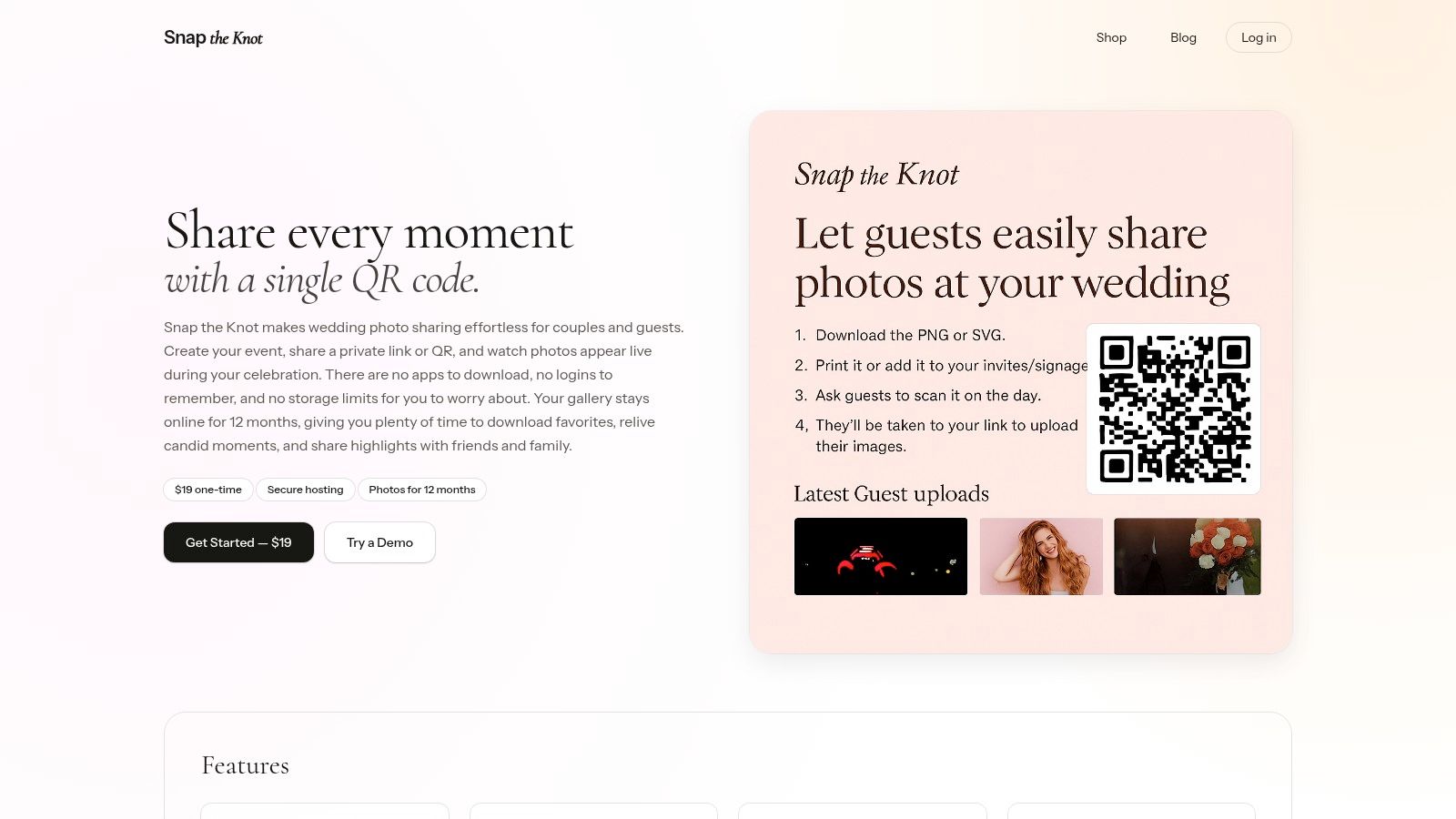
Guests simply scan a QR code with their phone, which opens a private upload page directly in their web browser. Photos are then added to a live, instantly updating gallery that the couple and other guests can view, creating a real-time feed of the celebration from everyone's perspective.
Why Snap the Knot Stands Out
The platform’s greatest strength is its sheer simplicity. It is an ideal choice for weddings with a diverse guest list, including older relatives who may be less tech-savvy. The live gallery feature adds an engaging element to the reception, as guests can see their photos appear on screen moments after taking them, encouraging more people to contribute. The entire experience is private and controlled by the couple.
Practical Tip: Print your unique Snap the Knot QR code on everything. Include it on table number cards, at the bar, and near the guest book. The more visible it is, the more photos you will collect throughout the event.
Limitations and Pricing
Snap the Knot is a focused tool, so it lacks the broader social features of other platforms, like comments or reactions on photos. The standard service includes gallery hosting for 12 months, after which you would need to renew to maintain online access, though you have unlimited downloads during that year.
Pricing is straightforward, with a one-time fee for the event. This single payment provides unlimited photo uploads and guest access for the 12-month hosting period, which is a clear and simple value proposition.
- Best For: Couples who want the easiest possible photo collection experience for their guests, especially those with a wide age range.
- Website: https://snaptheknot.com
9. Snapeen
Snapeen is designed for ultimate simplicity and live event engagement, making it one of the best wedding photo sharing apps for couples who want a seamless guest experience. Its core function revolves around a QR code and a web link, completely removing the need for guests to download an app or create an account. This app-free approach significantly reduces friction, encouraging more guests to share their candid moments from your big day.
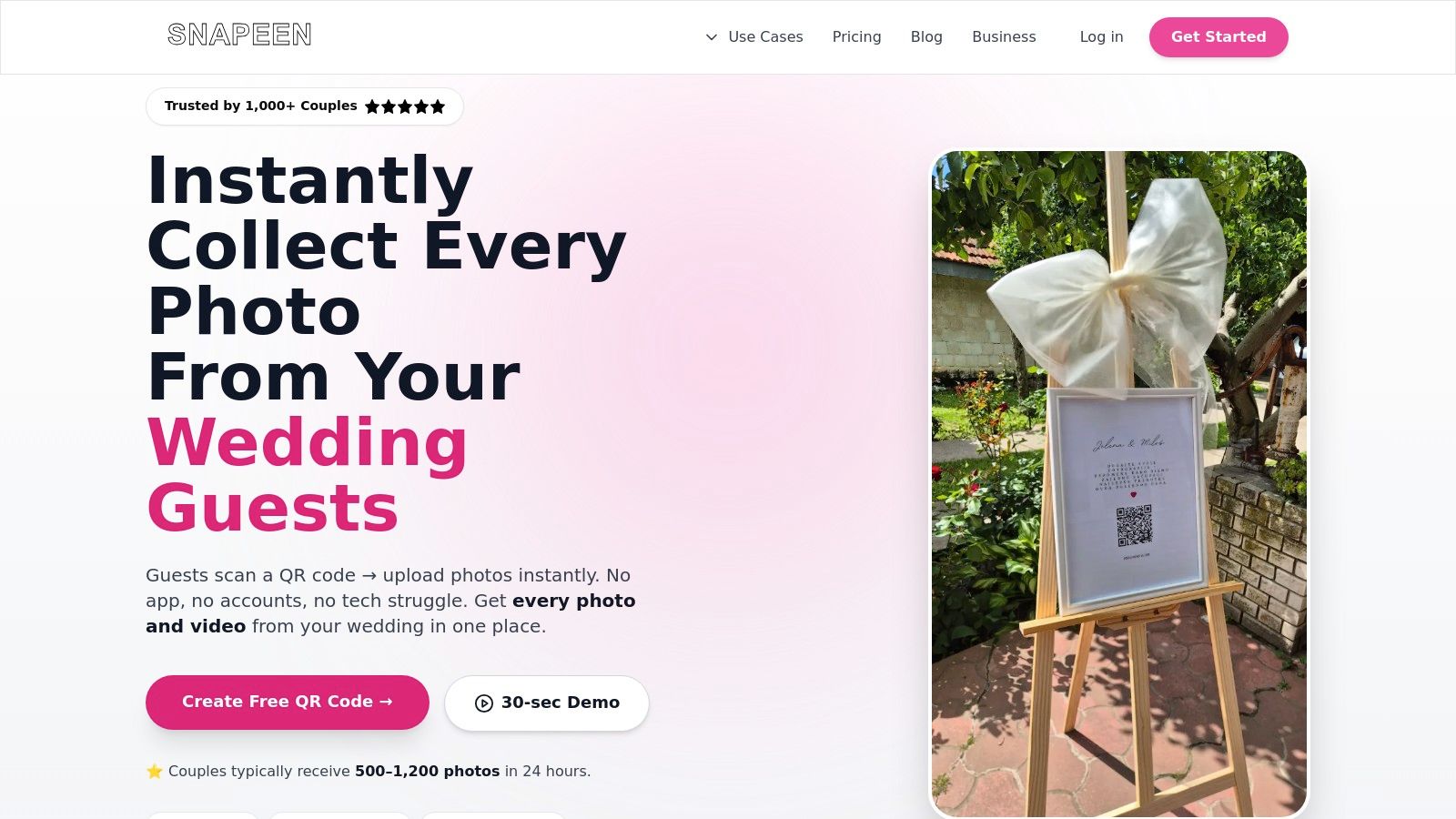
The platform's standout feature is its live Photo Wall, a real-time slideshow of guest-submitted photos. This can be projected onto a screen at your reception, creating an interactive and dynamic backdrop that evolves as the celebration unfolds.
Why Snapeen Stands Out
Snapeen excels at in-the-moment photo collection. It supports unlimited high-resolution photo uploads and downloads, so you don't have to worry about quality loss. The system also includes optional moderation and NSFW filters, giving you control over what appears on the live slideshow, which is a crucial feature for a live event setting.
Practical Tip: Display your Snapeen QR code prominently at the entrance, on cocktail napkins, or as part of your table centerpieces. Announce it during the reception to encourage a steady stream of photos for the live slideshow, keeping the energy high.
Limitations and Pricing
Snapeen is highly focused on photo collection and the live slideshow feature, so it lacks broader event management or social feed functionalities found in other apps. It's a specialized tool rather than an all-in-one wedding platform. Be sure to confirm the duration your gallery will remain active post-event when signing up.
Pricing is event-based, starting at $129 for a single event, which includes unlimited photos and guests, the live photo wall, and a full year of photo hosting and downloads.
- Best For: Couples who want a simple, app-free photo collection system with an engaging live slideshow for their reception.
- Website: https://snapeen.com
10. Capsule
For couples looking for a reliable and straightforward photo collection tool without a hefty price tag, Capsule is a long-standing player among wedding photo sharing apps. It offers a classic approach focused on a single goal: gathering all your guest photos into one place. Guests can contribute via dedicated iOS and Android apps or a simple web uploader, ensuring broad device compatibility.
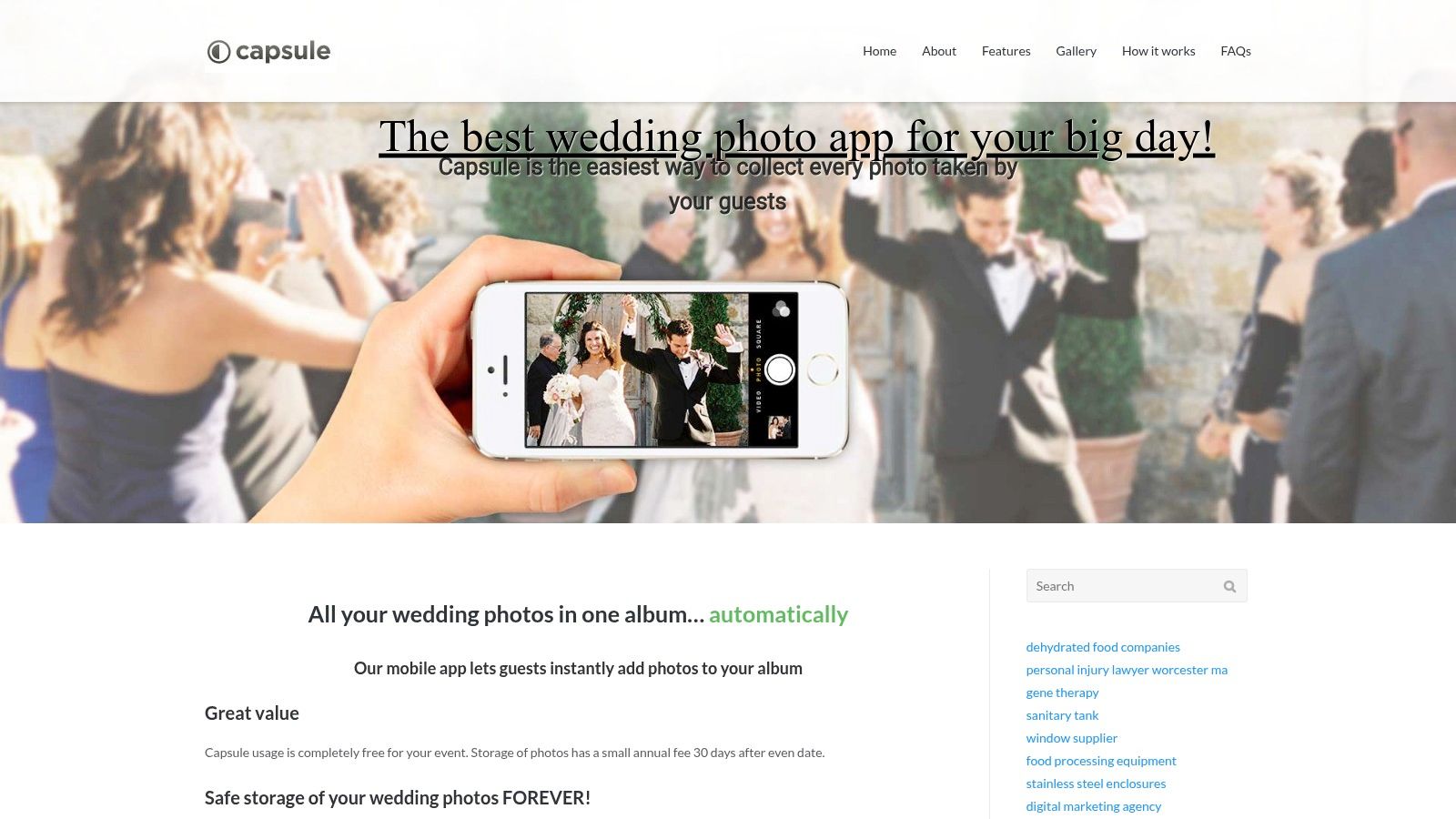
The platform supports both direct camera uploads and photos pulled from guests' Instagram feeds. Once the event is over, the couple can easily download all the collected media in a single, high-resolution batch, streamlining the process of creating a personal archive.
Why Capsule Stands Out
Capsule's key advantage is its budget-friendly model for long-term photo hosting. While many platforms require a subscription for continued access, Capsule provides a free window for collection around your event date, followed by an inexpensive annual fee to keep the album online. This makes it a great choice for couples who want to create an album and revisit it for years without a significant recurring cost.
Practical Tip: Because Capsule supports uploads after the event, it's a great tool for post-wedding photo collection. Send out a link in your thank you emails to catch any photos guests forgot to share on the day of the celebration.
Limitations and Pricing
The platform's user interface feels more dated compared to newer, more feature-rich apps. It lacks modern elements like live slideshows or advanced event branding. While it excels at collection and storage, it doesn't offer the same interactive experience as other dedicated wedding platforms.
Capsule is free to use for a 30-day period around your event. To keep the album hosted after this window, there is a low annual fee (check the site for current pricing, but historically around $45/year), which is significantly less than many subscription-based competitors.
- Best For: Budget-conscious couples who prioritize low-cost, long-term photo hosting over modern features.
- Website: https://www.trycapsule.com/
11. Event Roll
Event Roll is a powerful choice for couples who want fine-grained control over their wedding's digital photo feed. It offers a flexible photo-sharing experience where guests can upload via a dedicated app or a simple web browser link, eliminating the need for everyone to download an app. Its core strength is its moderation capability, ensuring every photo is reviewed before it goes live.
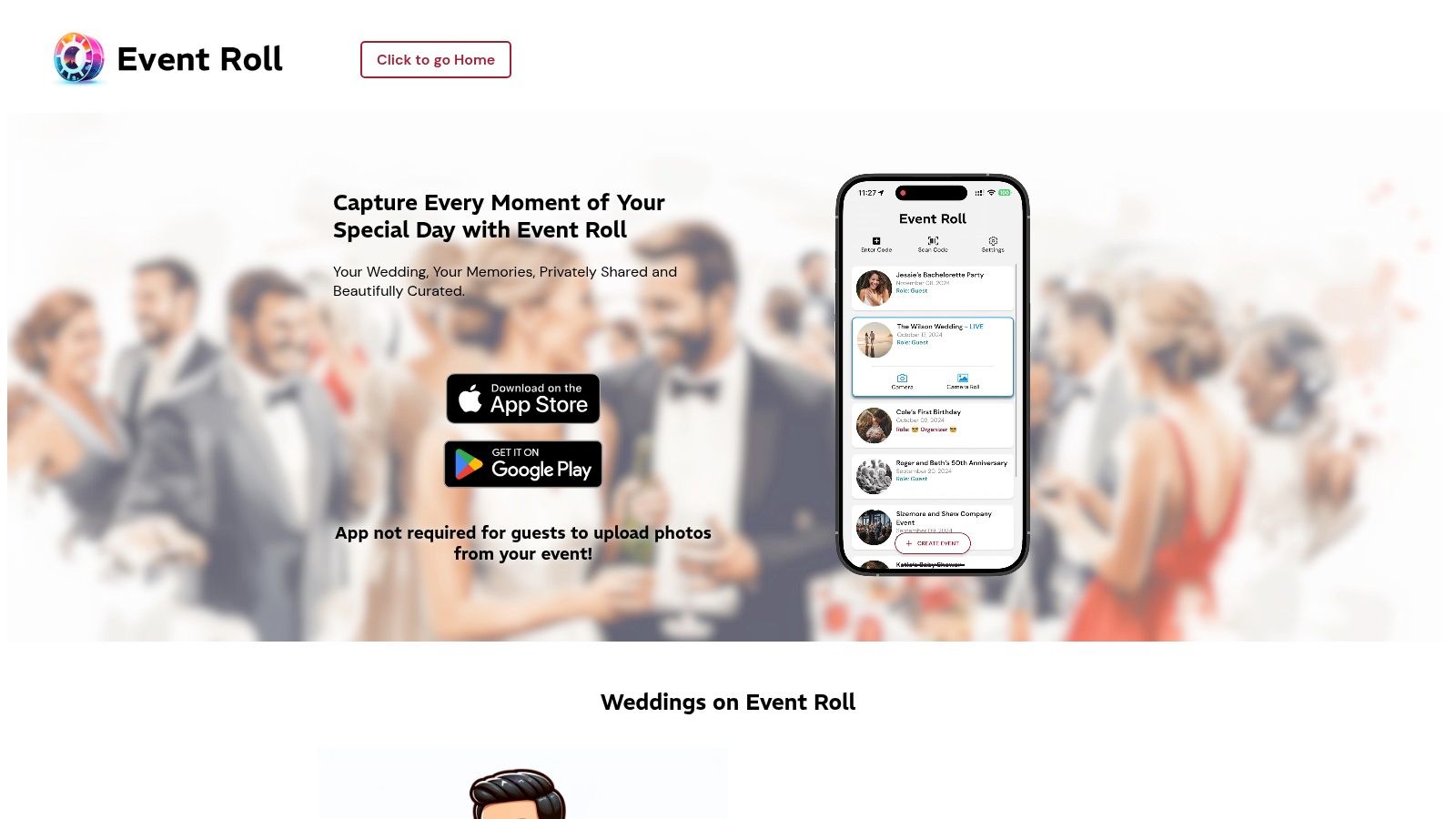
This platform allows couples to create a curated, high-quality stream of memories. Guests can join easily using a QR code, link, or a simple text code, making the contribution process smooth and accessible for everyone, regardless of their tech comfort level.
Why Event Roll Stands Out
The standout feature is the Organizer moderation panel. You or a designated "reviewer" (like a member of the bridal party) can approve or deny photos before they appear in the shared feed or live slideshow. This prevents any accidental or inappropriate shots from being displayed publicly. It also ensures all downloaded photos are in their original, high-resolution format, perfect for printing.
Practical Tip: Delegate the "reviewer" role to a trusted friend or family member who isn't in the main wedding party. This allows them to manage the photo feed in real-time without missing key moments themselves.
Limitations and Pricing
While excellent for photo curation, Event Roll lacks the comprehensive wedding planning tools found in all-in-one platforms. The main drawback is its token-based pricing model. You purchase "event tokens" in packs, which can make budgeting slightly more complex than a simple subscription. A single event token, covering one event for up to 500 guests, costs around $49.
- Best For: Couples who want complete control over their live photo feed and need high-resolution downloads for prints.
- Website: https://eventrollapp.com/wedding
12. Recap (OurWeddingRecap.com)
Recap is a purpose-built solution that focuses on one thing: centralizing guest photos and videos across your entire wedding journey without requiring anyone to download an app. It offers a simple, elegant web-based gallery that guests access via a unique link or QR code, making it one of the most frictionless options on our list of wedding photo sharing apps.
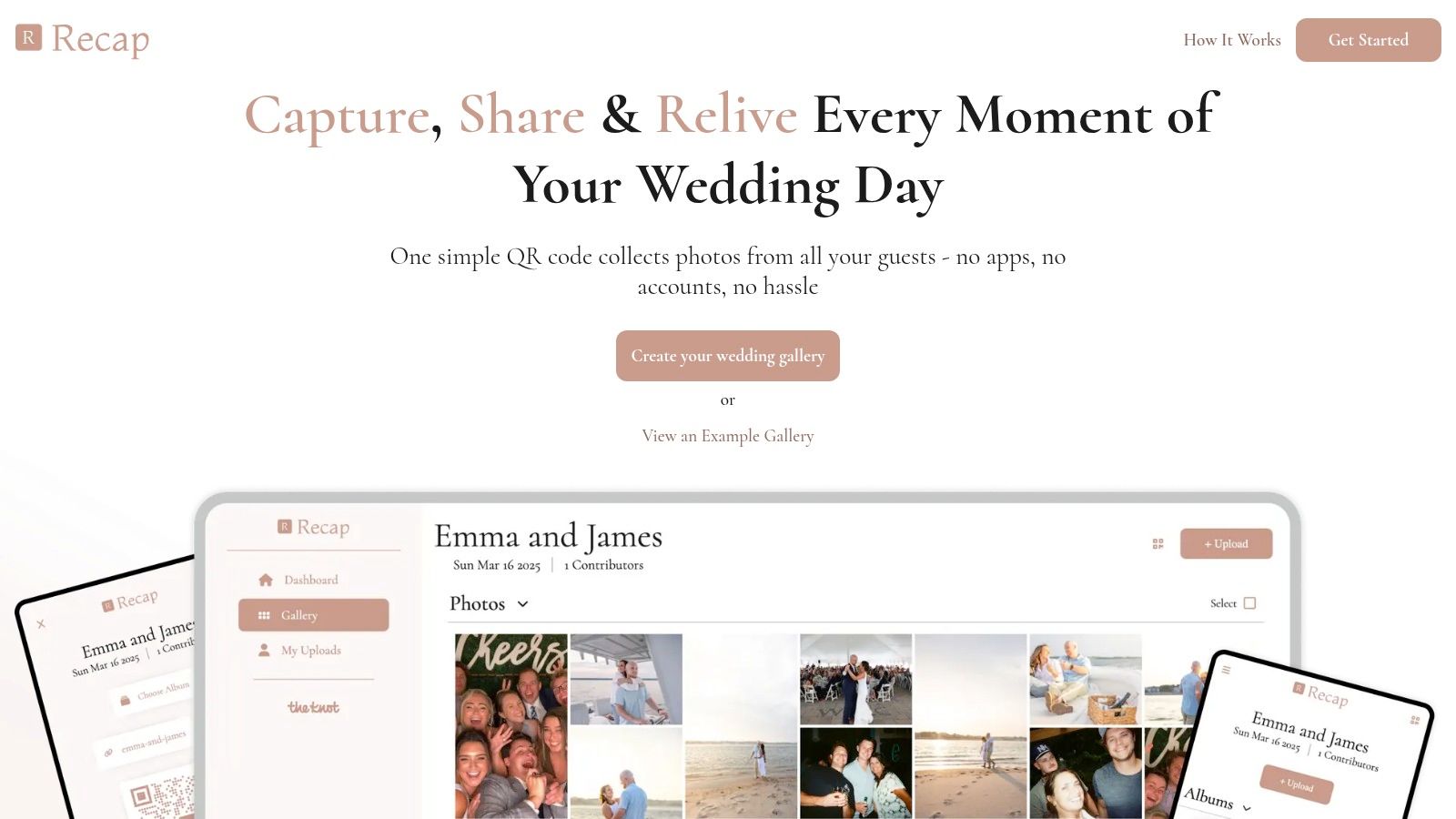
The platform is designed to integrate seamlessly with existing wedding websites like The Knot or Zola. Its smart album feature allows you to create separate, organized galleries for every event, from the rehearsal dinner and ceremony to the reception and honeymoon, creating a complete visual narrative.
Why Recap Stands Out
Recap’s primary strength is its app-free, no-account-needed approach. This simplicity significantly boosts guest participation by removing the most common technical hurdles. Couples can also set up optional automated text notifications to gently remind guests to upload their photos after the events, which is a unique and effective feature.
Practical Tip: Use the smart album feature to its full potential. Create a distinct QR code for each event (e.g., one for the welcome party, another for the reception) and display it prominently. This helps automatically sort photos and makes the final collection much easier to navigate.
Limitations and Pricing
As a specialized tool, Recap is laser-focused on media collection and lacks broader wedding planning features. Its main purpose is to be a gallery, not an all-in-one wedding management platform. Before committing, couples should review the specific hosting terms and duration to ensure it aligns with their needs.
Recap is a premium service with a one-time fee structure, typically starting around $99. This covers hosting for a set period and all its features, including unlimited guest uploads and high-resolution downloads.
- Best For: Couples who want a dedicated, user-friendly gallery that works alongside their main wedding website without requiring guests to install an app.
- Website: https://www.ourweddingrecap.com
Top 12 Wedding Photo Sharing Apps — Comparison
| Product | Core features | User experience | Best for | Unique selling points | Pricing notes |
|---|---|---|---|---|---|
| Saucial (Recommended) | AI face recognition; drag‑and‑drop uploads; link‑based galleries | Selfie-driven instant personal galleries; no app installs; private on-device retrieval | Event organizers, photographers, weddings, conferences, schools | Automatic face-matching; instant selfie-to-gallery discovery; organizer content control | Pricing not publicly listed; "Get Started" CTA |
| Google Photos | Shared albums; QR sharing; AI search; cross-platform | Familiar UX; easy bulk downloads; many guests already use it | General users; large guest lists | Deep Google integration; powerful search and storage options | Free tier; Google One for additional storage |
| Apple Photos – Shared Albums (iCloud) | Private shared albums; comments/likes; Live Photo support; web link option | Frictionless for iPhone users; simple moderation via invites | Apple-heavy guest lists, family sharing | Built into iOS/macOS; supports Live Photos | Uses iCloud; Shared Album limits and item cap (5,000) |
| Joy (withjoy.com) | Wedding website + shared albums, QR upload, guestbook, slideshow | Centralized planning + media; guest uploads without accounts | Couples wanting all‑in‑one wedding site | Combines RSVPs, schedules and photos in one place | Free core features; paid upgrades available |
| Cluster | Invite-only groups; apps + web; notifications and comments | Private, family-style albums; mature and stable UX | Families, multi-day events, private groups | Strong privacy controls; user-friendly group sharing | Free basic use; optional paid admin (Cluster Club) |
| Wedbox | Unlimited original uploads; QR invites; live slideshow; photo booth mode | Wedding-tailored flows; app recommended for guests | Weddings with international guests and receptions | Wedding-specific features: multilingual UI, live slideshows | In-app purchases / subscription for full features |
| Wedding Photo Swap | Live feed of guest uploads; unlimited event albums; passworded access | Simple setup with real-time viewing during events | Couples seeking focused, easy wedding workflow | Emphasis on originals and real-time viewing | Free tier with premium/subscription tiers for best experience |
| Snap the Knot | App-free QR uploads; live gallery; private hosting (12 months) | Very low friction for guests; instant live gallery | Table QR cards and all-age guest lists | App-free uploader; clear pricing and workflow | Gallery hosted 12 months; renew to extend |
| Snapeen | QR/link uploads; Photo Wall live slideshow; unlimited high-res downloads; moderation | Fast setup; great for reception slideshows and multi-day events | Receptions and multi-day wedding weekends | Live Photo Wall slideshow; optional moderation/NSFW filter | Paid plans; verify long-term hosting terms |
| Capsule | Apps + web uploads; Instagram support; one-click bulk download | Familiar workflow; budget-friendly long-term hosting | Couples wanting low-cost long-term storage | Free during event; inexpensive ongoing hosting | Free for event window; annual storage fee after |
| Event Roll | QR/link/text join; organizer moderation; push notifications; original exports | Curated feeds with moderator control; flexible upload options | Events needing tight content control and prints | Fine-grained moderation; high-res exports for prints | Token-based pricing (packs) |
| Recap (OurWeddingRecap.com) | App-free uploads; smart albums per event; notifications; full downloads | Wedding-focused, structured album UX; easy guest participation | Couples who want smart albums and website integrations | Smart albums for rehearsal/ceremony/reception; wedding site links | Paid service; check hosting and retention details |
Making the Perfect Choice for Your Wedding Album
Navigating the landscape of wedding photo-sharing solutions can feel as complex as finalizing your guest list. We’ve explored a dozen of the best wedding photo sharing apps, from comprehensive platforms like Saucial and Joy to familiar, accessible options like Google Photos and Apple Photos. Each tool offers a unique approach to a universal goal: to collect, organize, and relive the countless precious moments captured by you, your photographer, and your guests. The final decision isn't about finding a single "perfect" app; it's about identifying the perfect fit for your specific celebration, your guests' technical comfort, and your post-wedding priorities.
A beautiful, comprehensive wedding album is no longer just the curated collection from your professional photographer. It's a vibrant, multi-angle story told through the eyes of everyone who celebrated with you. The challenge lies in making participation effortless.
Key Takeaways: From App Downloads to AI Magic
After evaluating each platform's features, pricing, and user experience, several core themes emerge. Understanding these will guide you to a confident choice.
- Participation is Paramount: The most feature-rich app is useless if no one uses it. The biggest barrier to guest participation is friction. Requiring app downloads, account creation, or complex uploads will significantly reduce the number of photos you receive. Solutions that offer simple, browser-based uploads via QR codes (like Saucial or Wedbox) consistently see higher engagement.
- The Guest Experience Matters Most: Think beyond simple collection. How will your guests find their own photos? Sending them a link to a folder with 1,000 unorganized images creates a new task for them. This is where modern tools shine. AI-powered face recognition, as implemented by our top pick, Saucial, completely transforms the post-event experience. Instead of forcing guests to hunt for their photos, it delivers a personalized gallery directly to them, creating a moment of surprise and delight.
- Privacy is Non-Negotiable: Your wedding photos are intimate memories. Ensure the platform you choose provides robust privacy controls. Look for options like password-protected galleries, control over who can view and download images, and clear policies on data usage. Avoid platforms that make albums public by default or have confusing privacy settings.
Your Actionable Next Steps: A Decision-Making Framework
Feeling ready to choose? Use this simple framework to match your needs with the right tool.
Define Your Primary Goal: What is the single most important outcome you want from a photo-sharing app?
- Is it maximum photo collection? Prioritize QR-code and app-free solutions like Saucial or Wedding Photo Swap for the lowest barrier to entry.
- Is it an all-in-one wedding hub? Choose a platform like Joy, which integrates photo sharing with your wedding website, RSVPs, and guest communications.
- Is it a simple, private archive for a small group? A familiar tool like Google Photos or a dedicated private app like Cluster might be sufficient.
Assess Your Guests' Tech Savviness: Be realistic about your audience. An older or less tech-savvy crowd will struggle with app downloads and sign-ups. In these cases, a QR-code-to-upload system is almost mandatory for success. For a younger, more connected group, an app-based platform may be perfectly fine.
Consider Your Post-Wedding Time: How much time are you willing to spend organizing photos after the wedding?
- If you want a "set it and forget it" solution: An AI-powered platform is your best investment. The automated tagging and personalized gallery delivery will save you dozens of hours.
- If you enjoy the curation process: A tool like Google Photos or even a basic shared album gives you full manual control to organize, edit, and create albums yourself.
Ultimately, the best wedding photo sharing apps do more than just collect pictures. They enhance the experience for everyone involved, from the moment a guest snaps a photo to the day they receive a personalized gallery of their best moments. By prioritizing a frictionless, engaging, and private experience, you ensure that the story of your wedding day is captured completely and cherished for a lifetime. Choose the tool that will not only build your album but also amplify the joy of the occasion itself.


