The 12 Best Websites to Share Photos for Events in 2026

Sharing photos after an event should be simple, but it rarely is. Whether you’re an event organizer trying to boost post-event engagement or a photographer delivering galleries to hundreds of attendees, the process is often a bottleneck. Clunky download links, endless scrolling through massive folders, and a constant stream of “can you find my photo?” requests waste time and kill the excitement of the moment. The right platform can transform this experience, turning a tedious task into a seamless, engaging, and even profitable part of your workflow.
This guide cuts through the noise to showcase the 12 best websites to share photos, specifically tailored for event organizers and professional photographers. We move beyond generic feature lists to provide a practical, comparative analysis of each tool, complete with screenshots and direct links for easy evaluation. You’ll learn which platforms excel at different use cases, from corporate galas and trade shows to weddings, school events, and sports tournaments.
Our in-depth review breaks down the critical factors for each service, including:
- Key Features: What makes each platform stand out?
- Best Use Cases: Is it built for a conference, a wedding, or a festival?
- Privacy & Sharing: Who sees the photos and how do they get them?
- Pros & Cons: An honest look at strengths and limitations.
We evaluate key features, pricing models, privacy controls, and real-world pros and cons to help you choose the perfect solution for your next event. This comprehensive resource is designed to help you find the ideal photo-sharing solution quickly and confidently.
1. Saucial
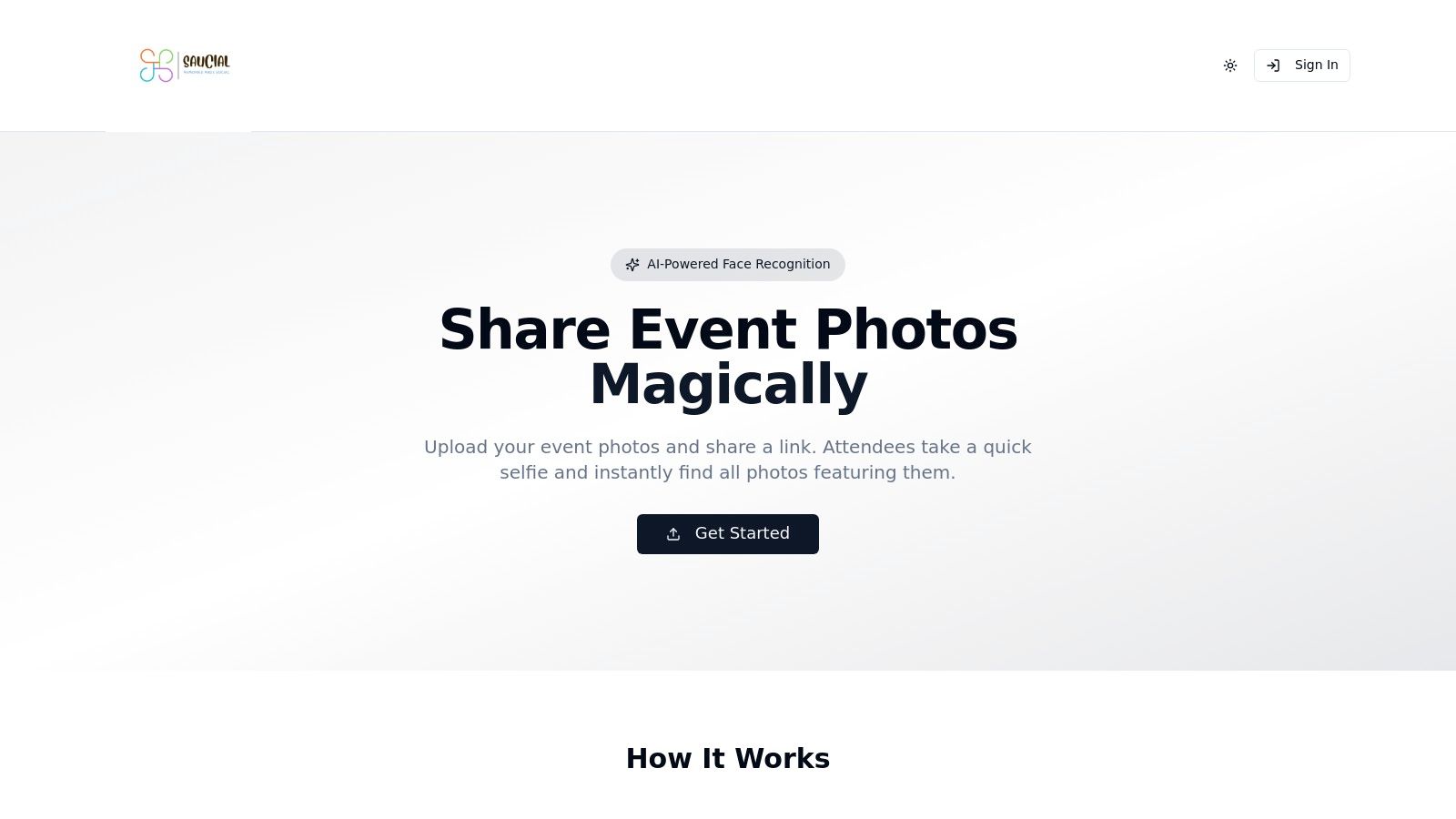
Saucial emerges as a standout solution among the best websites to share photos, specifically engineered for the high-volume, high-engagement nature of events. It masterfully solves the post-event photo delivery problem by transforming a typically chaotic process into a streamlined, private, and engaging experience for attendees. The platform's core innovation is its "Find My Photos" feature, which uses AI-powered face recognition and selfie matching to give guests instant access to their images.
This workflow-first approach is a significant advantage for event organizers and professional photographers. Instead of manually tagging or fielding endless requests, you simply drag-and-drop entire photo sets. The system processes everything in the background, creating a single, shareable gallery link or QR code. Attendees can then scan the code or click the link, take a quick selfie, and are immediately presented with every photo they appear in, creating a powerful "wow" moment that boosts post-event engagement.
Key Features & Use Cases
Saucial is built with practical event needs in mind, offering a robust feature set that goes beyond simple storage.
- AI-Powered "Find My Photos": The cornerstone feature uses facial recognition and selfie matching for instant, private photo retrieval. This is ideal for weddings, conferences, fundraisers, and festivals where hundreds of attendees want their photos quickly.
- Organizer-Controlled Workflow: You maintain complete control over what is shared, when, and how. This includes setting galleries to be free, paid, or a mix, ensuring alignment with your event's goals.
- Built-in Monetization: Photographers can turn photo delivery into a direct revenue stream. The platform supports print sales, digital downloads, premium edits, featured sets, and even sponsored frames for brand activations.
- Privacy-First Design: Unlike public-facing galleries, Saucial uses its technology for findability, not exposure. Organizers control the privacy settings, and the selfie-match system ensures attendees primarily see their own content.
Pricing and Access
Saucial does not publicly list its pricing details or customer testimonials on its website. To get specific cost information and explore detailed case studies, prospective users are encouraged to sign up or contact the sales team directly for a personalized consultation. You can start exploring the platform's features by signing in.
Pros and Cons
| Pros | Cons |
|---|---|
| Instant, Attendee-First Retrieval: Selfie matching delivers a true “find my photos” experience via a link or QR code, with no app or guest account typically required. | No Public Pricing: Cost is not transparent on the website, requiring direct contact with the company for details. |
| Workflow Efficiency: Drastically reduces admin time for organizers and photographers with bulk uploads, background processing, and simple distribution methods. | Reliance on Face Recognition: May raise privacy questions for some attendees. Organizers should ensure clear communication and opt-in processes are in place. Accuracy can be limited in certain edge cases. |
| Direct Monetization Opportunities: Built-in tools for prints, downloads, and premium content allow photographers to generate revenue directly from their event deliverables. | |
| Privacy and Permission-Focused: Organizers retain full control over sharing and access, preventing unnecessary public exposure of attendee photos. | |
| Versatile for Many Event Types: Effectively serves a wide range of events, from professional conferences and trade shows to community fundraisers, weddings, and sports tournaments. |
Website: https://saucial.com
2. Google Photos
Google Photos is a ubiquitous and powerful tool for photo storage and sharing, making it one of the best websites to share photos for personal events, schools, and community groups. Its deep integration with the Google ecosystem and its presence on nearly every smartphone make it an incredibly accessible choice for collecting and distributing images without requiring guests or participants to sign up for a new service.
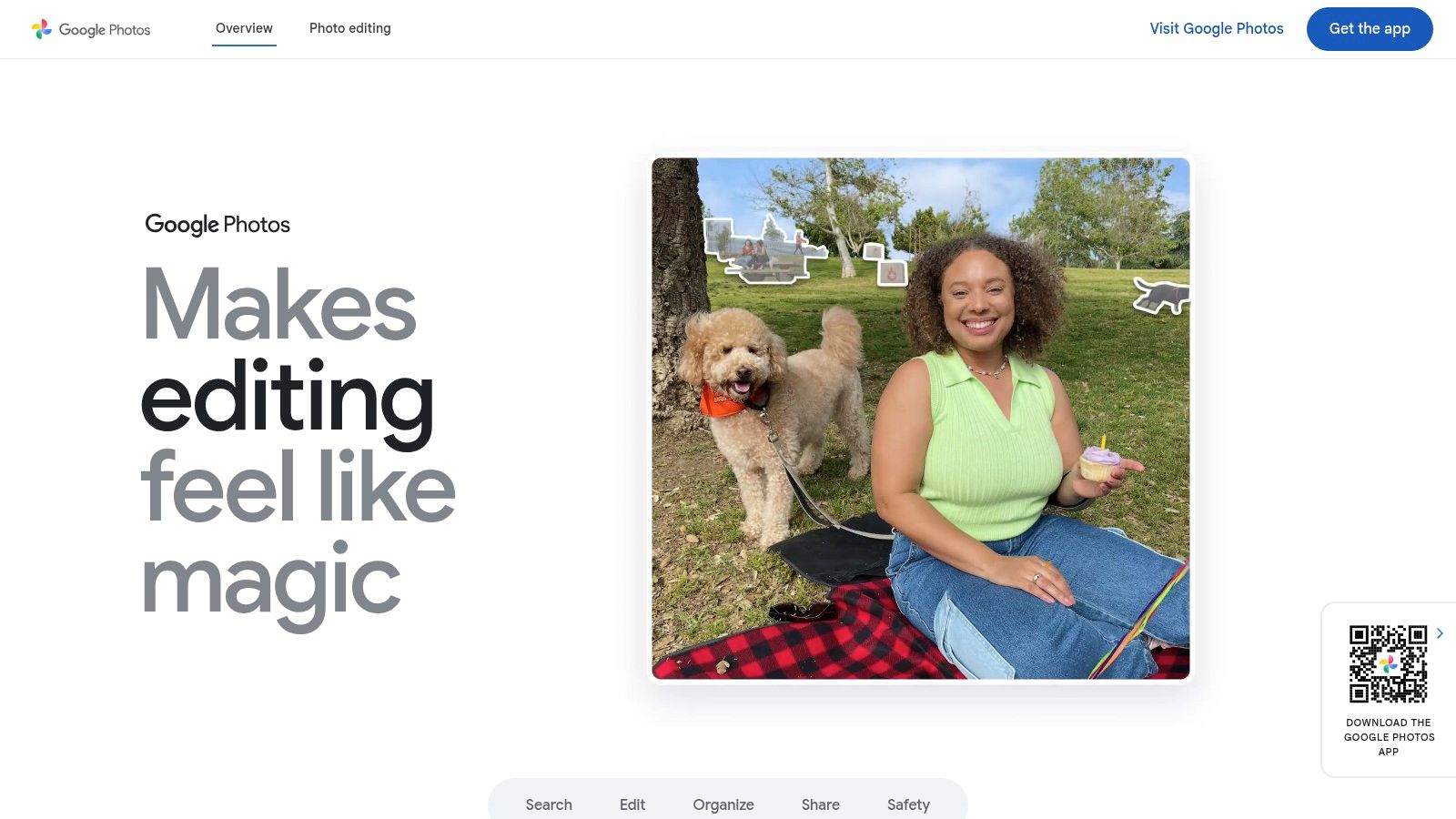
The platform excels at simplifying the user experience. Creating a shared album takes just a few clicks, and a single link can be sent out to hundreds of people, allowing them to view, add their own photos, and leave comments. For events like a school field trip or a family reunion, this collaborative feature is invaluable.
Key Features and Use Cases
- Pricing: Starts with a generous 15 GB of free storage, which is shared across your Google account (Gmail, Drive). Paid plans under Google One start at $1.99/month for 100 GB.
- Best For: Family reunions, school events, small community gatherings, and informal corporate outings where ease of use is paramount.
- AI-Powered Search: Google’s impressive AI automatically tags photos, allowing you to search for people, places, or objects (like "beach" or "birthday cake") without manual tagging. This makes finding specific moments from a large event incredibly efficient.
Pros and Cons
| Pros | Cons |
|---|---|
| Effortless Sharing: Nearly everyone has a Google account, simplifying access. | Limited Branding: Lacks professional customization options for event branding. |
| Automatic Backup: Mobile apps can automatically back up photos from devices. | Shared Storage: The 15 GB free tier fills up quickly with video and email. |
| Collaborative Albums: Guests can easily add their own photos and comments. | Privacy Concerns: Requires careful management of link sharing permissions. |
For event organizers who need a fast, free, and universally understood platform, Google Photos is a top contender. While it lacks the professional branding of a service like Saucial, its simplicity and powerful search features make it an excellent choice for internal or informal events where the main goal is simply to gather and share memories.
Website: https://photos.google.com
3. Apple iCloud Photos
For events where the majority of attendees are Apple users, iCloud Photos offers a deeply integrated and seamless way to share photos. Its strength lies in its native functionality within the iOS and macOS ecosystems, making it one of the best websites to share photos for Apple-centric family gatherings, school trips, or small group events. The platform is built for effortless sharing among iPhone, iPad, and Mac users without any third-party app installations.
Creating a Shared Album is incredibly simple, allowing event organizers to invite participants directly from their contacts. Invited members can view, like, comment, and contribute their own photos and videos. While designed for the Apple ecosystem, a public website link can be generated, allowing non-Apple users to view the album, though they cannot contribute.
Key Features and Use Cases
- Pricing: Every Apple ID comes with 5 GB of free iCloud storage. Shared Album photos and videos do not count against this storage limit, which is a major benefit. Upgraded iCloud+ plans start at $0.99/month for 50 GB.
- Best For: Family events, school groups, and informal gatherings where most participants use Apple devices.
- Seamless Integration: Photos can be added to Shared Albums directly from the Photos app on any Apple device, making the user experience incredibly smooth and intuitive for iPhone users.
Pros and Cons
| Pros | Cons |
|---|---|
| No App Needed for Apple Users: Sharing is built directly into the OS. | Resolution Limits: Photos are downscaled to 2048px on the long edge; videos to 720p. |
| Generous Album Allowances: Shared items don't consume iCloud storage. | Album Caps: Limits exist, such as 5,000 photos and videos per shared album. |
| Strong Privacy Controls: Owner has full control over who can view and add. | Limited for Non-Apple Users: View-only access and a less intuitive experience for guests. |
Apple iCloud Photos is an excellent choice when you can be confident your audience primarily uses Apple products. Its effortless integration and no-cost album sharing make it a convenient tool for personal events. However, for professional events requiring high-resolution images or broader accessibility, a more platform-agnostic solution is a better fit.
Website: https://www.apple.com/icloud/photos
4. Amazon Photos
For those already subscribed to Amazon Prime, Amazon Photos is a hidden gem and one of the best websites to share photos, especially for families and individuals. The service leverages the existing Amazon ecosystem to provide unlimited, full-resolution photo storage as a bundled perk, making it a highly cost-effective solution for personal events and family memory-keeping without any extra fees.
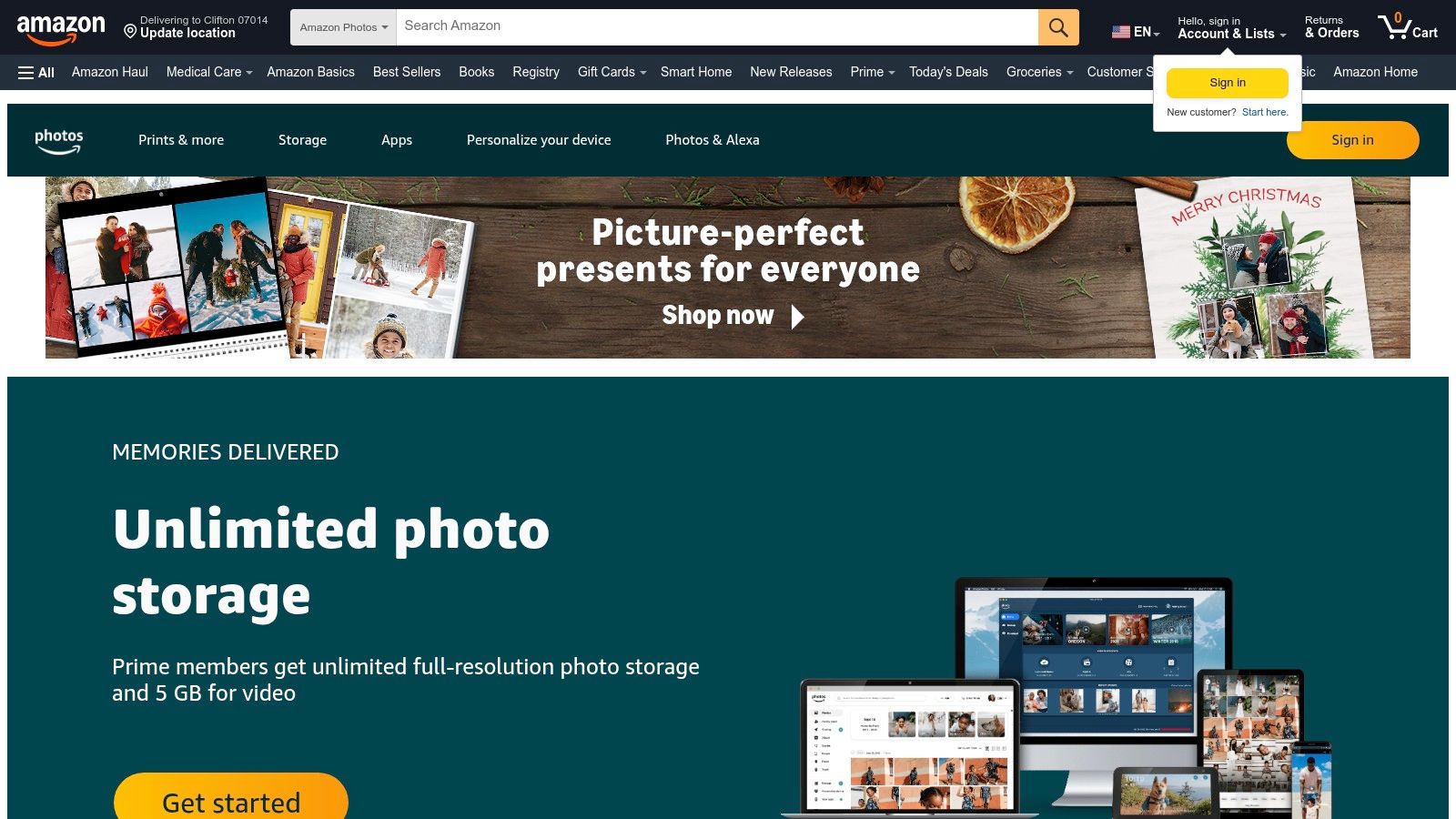
The platform is designed for simplicity. Sharing photos is straightforward, typically done by creating an album and sharing a link. Its "Family Vault" feature is particularly useful, allowing up to six family members to contribute to a collective photo library, making it perfect for centralizing memories from holidays, birthdays, or vacations in one accessible place.
Key Features and Use Cases
- Pricing: Free with an Amazon Prime membership (unlimited photos, 5 GB video). Non-Prime users get 5 GB total. Additional storage plans start at $1.99/month for 100 GB.
- Best For: Prime-subscribing families, personal events, and as a primary backup solution for individuals who value full-resolution storage without extra costs.
- Full-Resolution Storage: Unlike some services that compress images, Amazon Photos stores your original, high-quality files, which is a significant benefit for anyone serious about photo preservation.
Pros and Cons
| Pros | Cons |
|---|---|
| Incredible Value for Prime Members: Unlimited full-res photo storage is a huge perk. | Limited for Non-Prime Users: The 5 GB free tier is not competitive. |
| Family Vault Feature: Simplifies collaborative photo collection within a family. | Video Storage is Limited: Only 5 GB of video is included; more requires payment. |
| Automatic Mobile Backup: Apps seamlessly save photos from your phone. | Lacks Advanced Event Features: Not built for professional or large-scale event branding. |
While Amazon Photos lacks the professional, event-centric tools of a platform like Saucial, its value proposition for Amazon Prime members is undeniable. It's an excellent choice for an automatic, high-quality backup and a simple way to share family and personal event photos with other Prime users.
Website: https://www.amazon.com/photos
5. Flickr
Flickr is a long-standing and respected community for photographers, making it one of the best websites to share photos for public-facing events, photography clubs, and alumni groups. Unlike platforms focused solely on private storage, Flickr combines robust organizational tools with powerful social and discovery features, allowing event photos to reach a broader audience.
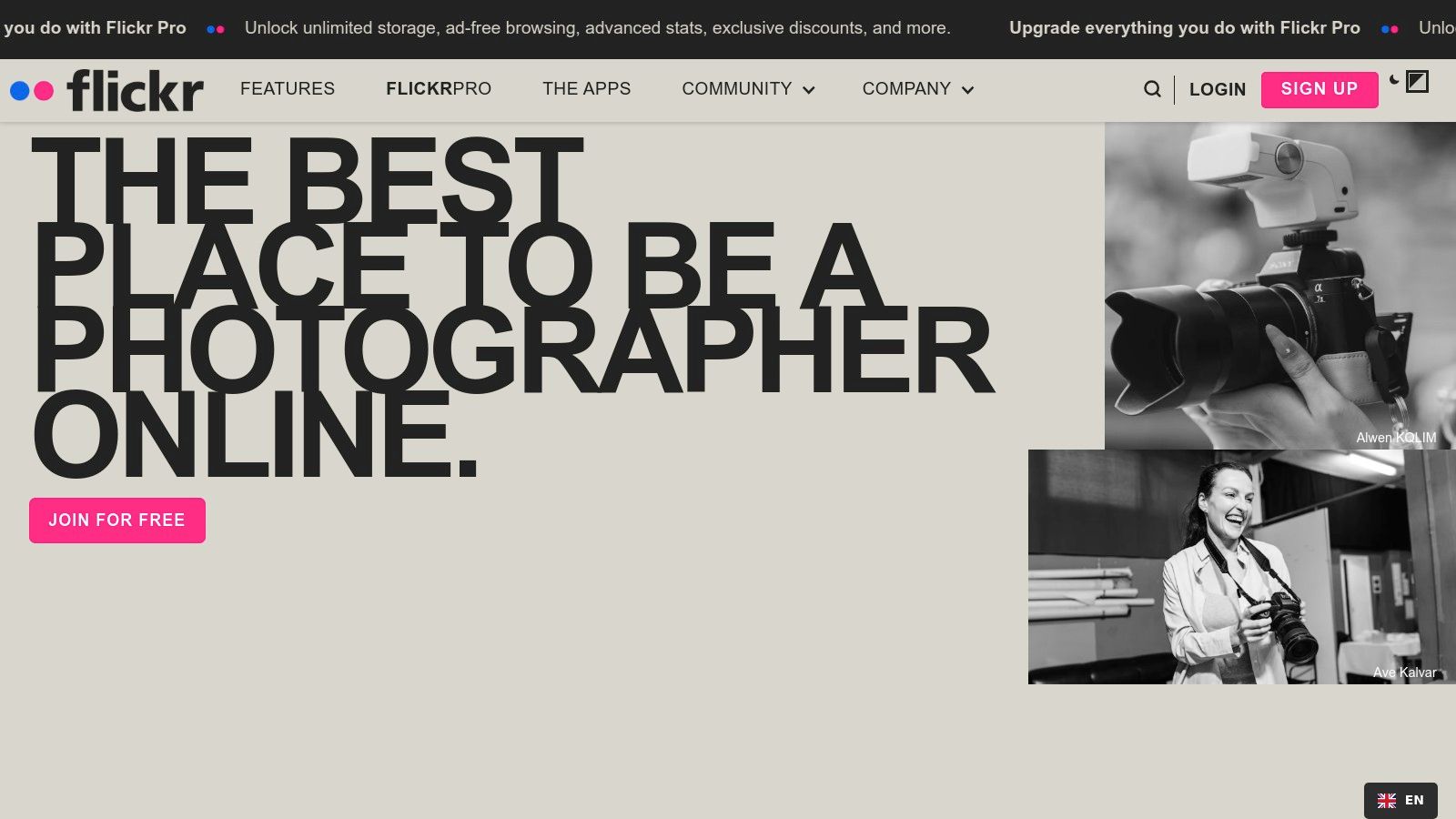
The platform is designed for high-quality image presentation and community engagement. You can create themed albums, known as "galleries," and contribute to public groups centered around specific topics or events. Its integrated print fulfillment service also allows attendees or members to easily order professional prints directly from an event album.
Key Features and Use Cases
- Pricing: Free accounts are available with a cap of 1,000 photo uploads. The Flickr Pro plan offers unlimited storage, ad-free browsing, and advanced stats, with pricing starting around $8.25/month.
- Best For: Photography clubs, public art festivals, university alumni associations, and community workshops where public discovery and high-quality prints are a priority.
- Community and Discovery: Photos can be tagged and submitted to relevant groups, increasing their visibility beyond your immediate network. This is ideal for showcasing work from a public conference or festival.
Pros and Cons
| Pros | Cons |
|---|---|
| Strong discovery and community features. | Free accounts face strict upload and download limits. |
| Established platform with print fulfillment and global shipping. | Interface can feel less modern than newer competitors. |
| Robust privacy controls for individual photos or albums. | Primarily a public-facing platform, less ideal for private events. |
For event organizers who want to build a community around their photography and offer tangible products like prints, Flickr provides a time-tested solution. While its free tier has become more restrictive, the Pro plan offers serious value for organizations that need unlimited, high-resolution storage and want their images to be discovered by a global audience of photography enthusiasts.
Website: https://www.flickr.com
6. SmugMug
SmugMug is a professional-grade platform designed for photographers who need a portfolio, client gallery, and e-commerce solution in one package. It stands out as one of the best websites to share photos for event photographers who want to monetize their work through a branded, secure storefront. The platform offers unlimited photo storage, ensuring that professionals never have to worry about running out of space for their high-resolution images.
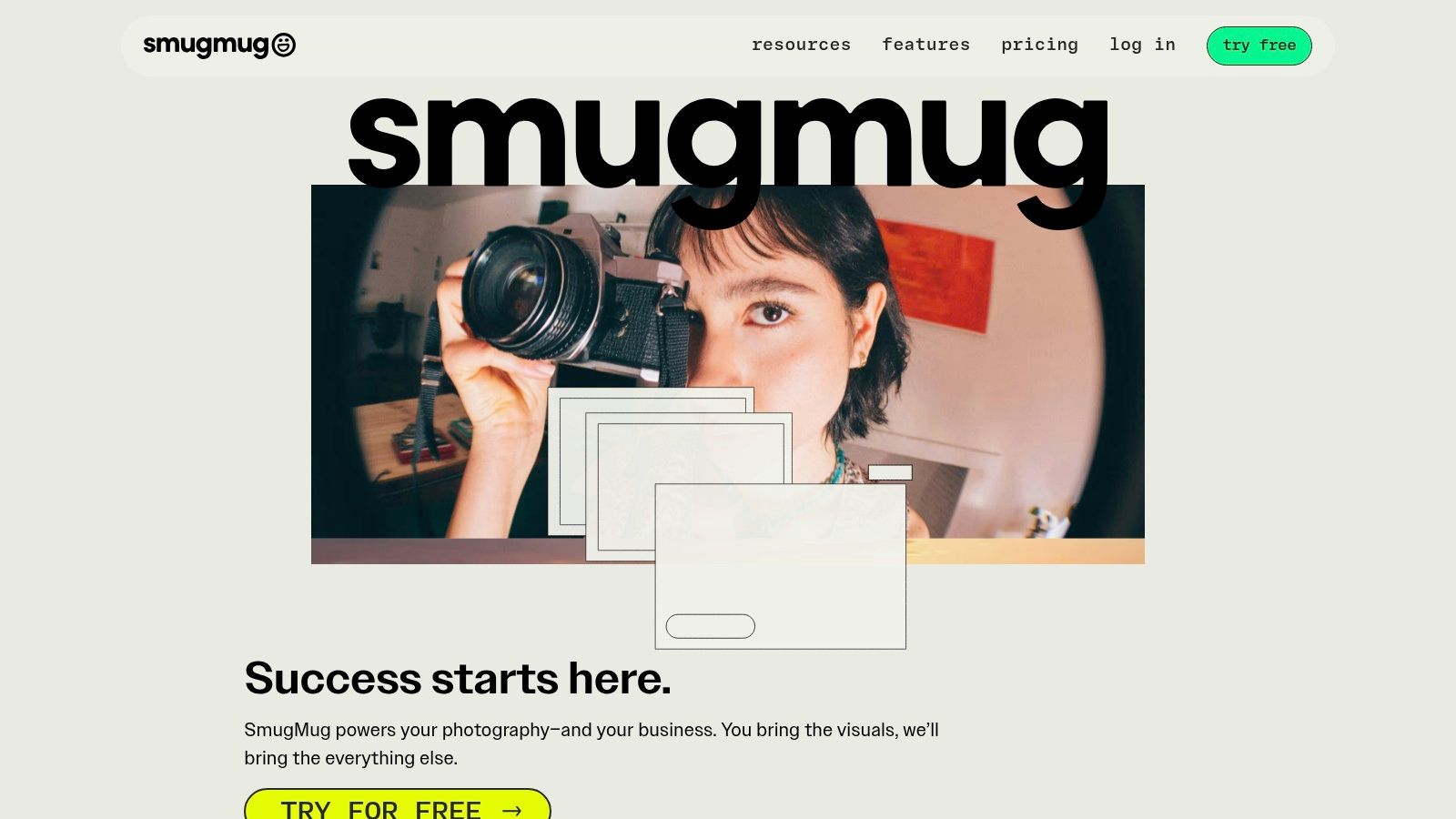
The platform empowers photographers to create fully customizable websites and client galleries that align with their branding. Event attendees can browse photos, purchase prints, and order products directly from the gallery, thanks to integrated lab fulfillment. This streamlined process removes the hassle of managing orders and shipping for the photographer.
Key Features and Use Cases
- Pricing: Plans start at $13/month for the Basic plan. The Portfolio plan at $32/month adds more customization, and the Pro plan at $50/month includes full e-commerce and marketing tools.
- Best For: Professional wedding photographers, corporate event photographers, and any visual artist needing a robust platform to showcase, share, and sell their photos.
- Integrated E-commerce: SmugMug’s built-in storefront allows photographers to set their own prices and sell prints, digital downloads, and photo products from top-tier labs without managing inventory or shipping.
Pros and Cons
| Pros | Cons |
|---|---|
| Unlimited Storage: No limits on photo and video uploads on any plan. | Higher Cost: Pricing is geared toward professionals and is higher than consumer platforms. |
| Full Customization: Create a unique portfolio site with your own branding. | Learning Curve: The extensive features can be overwhelming for new users. |
| Proven Reliability: An established platform trusted by professionals for years. | No Free Tier: Lacks a free plan for casual sharing or testing purposes. |
For professional event photographers, SmugMug offers a powerful and reliable solution that combines a beautiful portfolio with a functional sales platform. While services like Saucial are designed for instant, collaborative photo collection from guests, SmugMug excels as the professional’s post-event delivery and sales hub, providing a polished and profitable experience.
Website: https://www.smugmug.com
7. Zenfolio
Zenfolio is a comprehensive, all-in-one business platform designed for professional photographers who need more than just a place to share photos. It combines elegant portfolio websites with powerful client proofing galleries, integrated e-commerce for selling prints, and automated business tools, making it an excellent solution for photographers managing events like school picture days, sports leagues, or studio sessions.
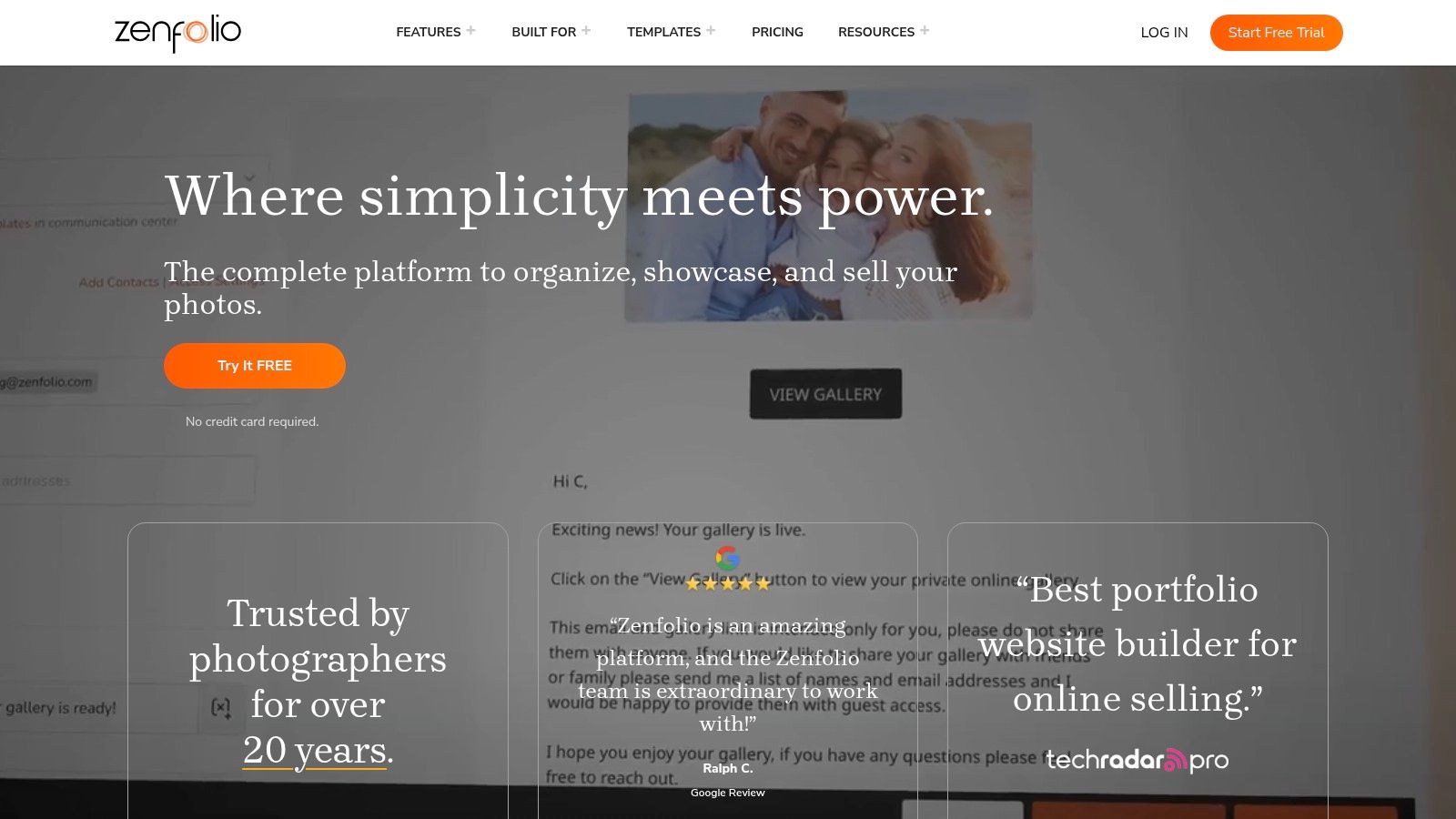
The platform stands out by creating a seamless workflow from shoot to sale. Photographers can upload photos to private client galleries, allow clients to select their favorites, and then fulfill orders for prints or digital downloads directly through the site. This integration with print labs and automated marketing makes it a robust tool for monetizing event photography.
Key Features and Use Cases
- Pricing: Plans start with Portfolio ($9/month) for basic websites and galleries. PortfolioPlus and ProSuite plans add commerce, booking, and marketing features, with ProSuite offering unlimited photo storage.
- Best For: Professional wedding photographers, school and sports photographers, and photography studios that require an integrated system for proofing, sales, and client management.
- Integrated Commerce: Zenfolio handles the entire sales process, from setting custom price lists to fulfilling orders through integrated professional labs. This automation is a major time-saver for busy photographers.
Pros and Cons
| Pros | Cons |
|---|---|
| All-in-One Business Suite: Combines portfolio, client galleries, and e-commerce. | Commerce Fees: A 7% platform fee applies to sales, in addition to payment processing fees. |
| Streamlined Client Proofing: Makes it easy for clients to view and select images. | Cost Can Increase: Add-ons and higher-tier plans can increase the overall cost significantly. |
| Automated Lab Fulfillment: Simplifies the process of selling and delivering prints. | Learning Curve: More complex than simple photo-sharing sites due to its business focus. |
For photographers running a business, Zenfolio is one of the best websites to share photos because it transforms a gallery into a storefront. While a service like Saucial is built for live event engagement and collecting guest photos, Zenfolio excels at the post-event sales and client management cycle, making it ideal for professionals focused on monetization.
Website: https://zenfolio.com
8. Pixieset
Pixieset is a favorite among professional photographers for a reason, offering an elegant and seamless way to deliver client galleries. It combines beautiful, modern templates with powerful business tools, making it one of the best websites to share photos when the goal is not just sharing but also selling prints and digital downloads directly to clients from a branded storefront.
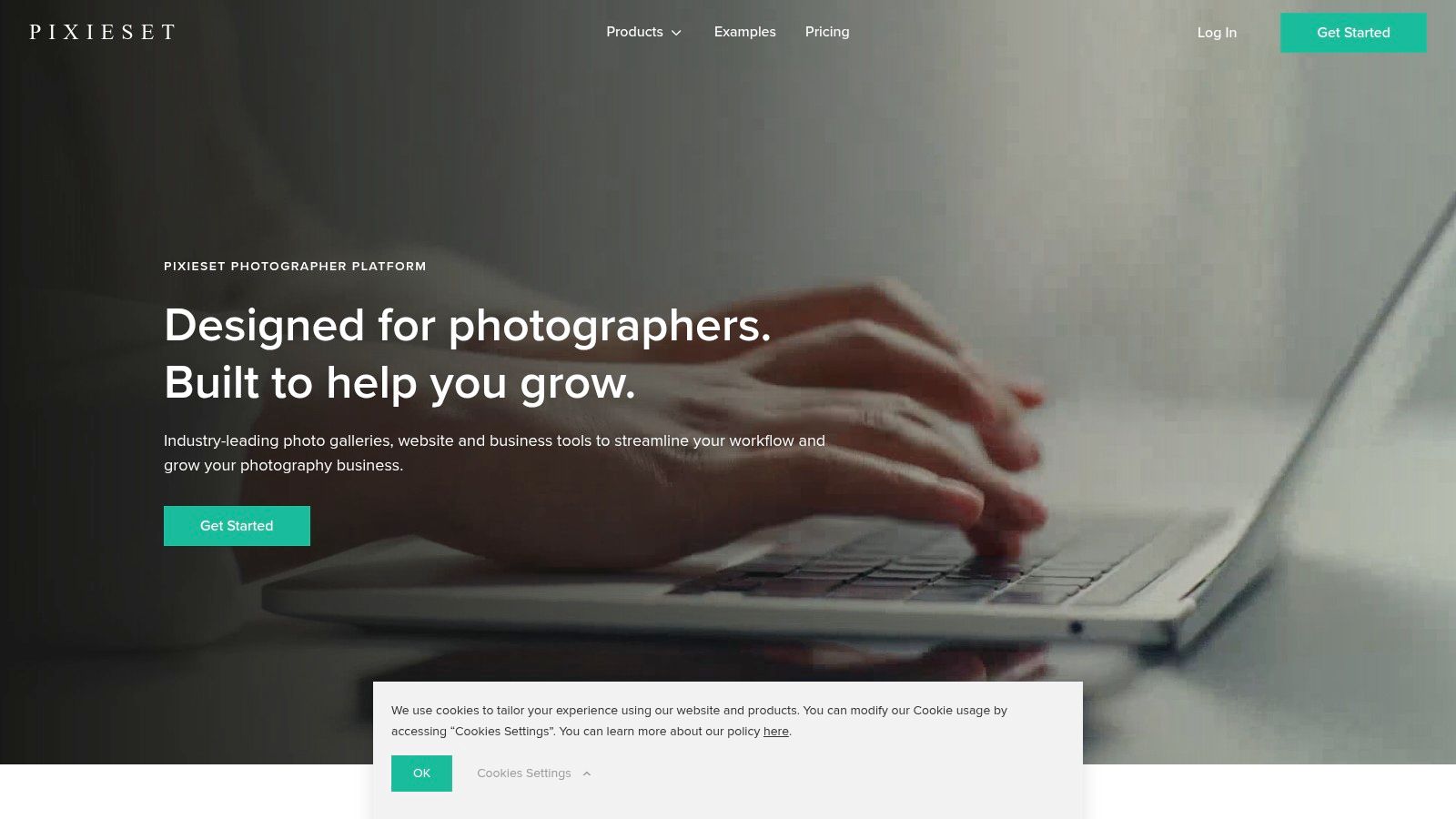
The platform is designed to elevate the client experience from delivery to purchase. For a wedding photographer or a corporate event shooter, this means providing clients with a polished, mobile-friendly gallery that looks professional and makes ordering prints incredibly simple, with options for automated lab fulfillment.
Key Features and Use Cases
- Pricing: A free plan is available with a 15% commission on sales. Paid plans start at $8/month (billed annually) for 0% commission and more features.
- Best For: Wedding photographers, portrait photographers, and event professionals who need a sophisticated client-proofing and sales platform.
- Integrated Storefront: Connect your galleries directly to an e-commerce store. Offer prints, canvases, and digital downloads with automated lab fulfillment or self-fulfillment, and create discounts or coupon codes to drive sales.
Pros and Cons
| Pros | Cons |
|---|---|
| Excellent Client Experience: Polished galleries create a premium feel. | Commission on Free Plan: The 15% commission can significantly reduce margins. |
| Strong E-commerce Tools: Integrated store with coupons is a major asset. | Transaction Fees Still Apply: Payment processor fees (Stripe, PayPal) are separate. |
| Scales Well: Supports custom domains and branding for growing studios. | Less Suited for Collaboration: Primarily a delivery tool, not for gathering guest photos. |
For photographers and event professionals focused on monetization and brand presentation, Pixieset is an industry-standard tool. While Saucial is built for live event engagement and collecting guest-generated content, Pixieset excels at the post-event delivery and sales process, making it a critical part of a professional's workflow.
Website: https://pixieset.com
9. ShootProof
ShootProof is a robust online gallery and sales platform designed for professional photographers who need to deliver, proof, and sell their work. It stands out as one of the best websites to share photos for business-minded creatives, particularly wedding, portrait, and volume event photographers, by combining client-facing galleries with powerful backend management tools like contracts and invoicing.
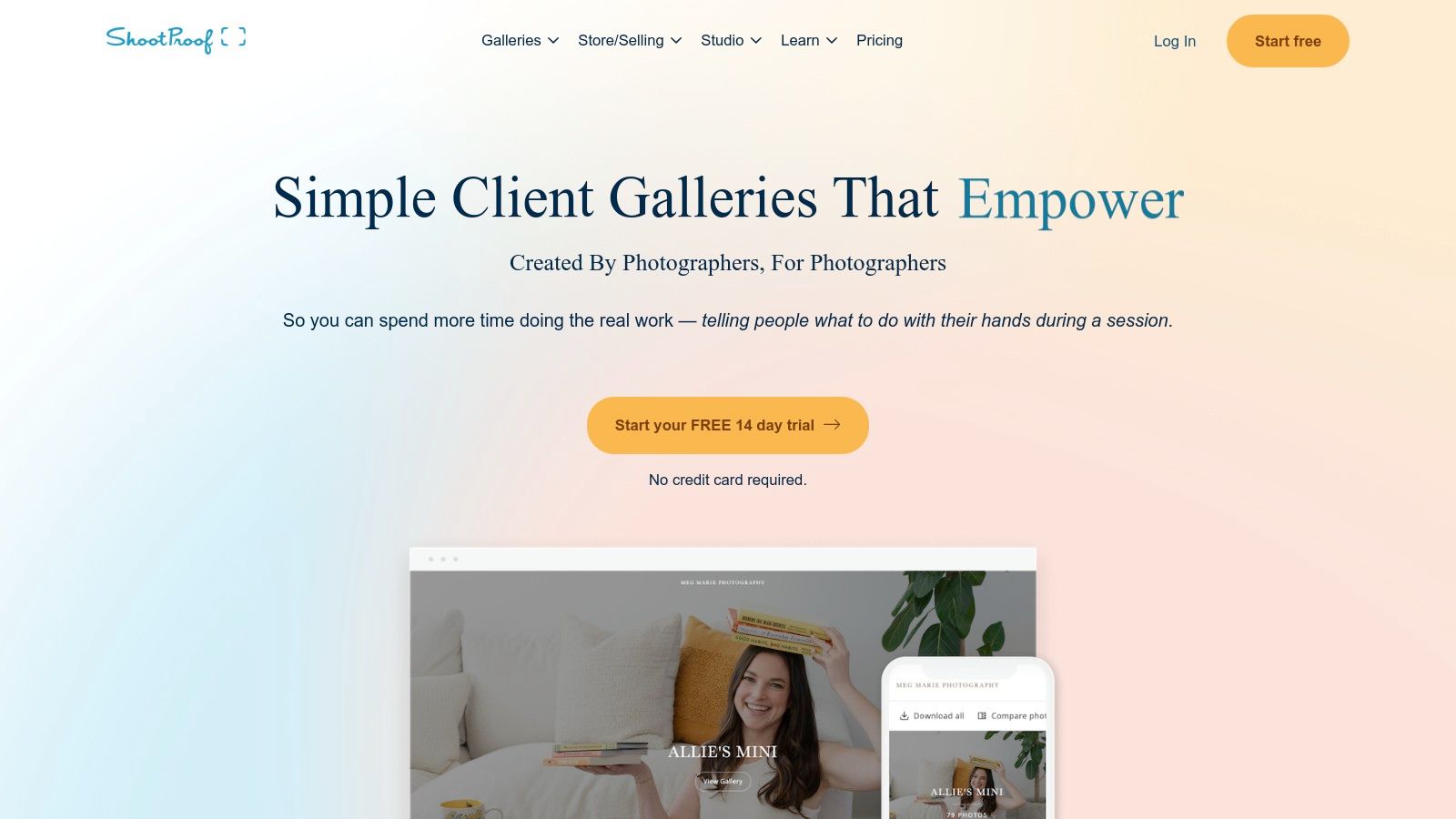
The platform's core strength is its sales-focused model. Photographers can create beautiful, branded client galleries and enable direct print sales through integrations with professional labs, or sell digital downloads. Its unique pricing structure is based on the number of photos hosted, not on sales volume, making it a predictable and scalable solution.
Key Features and Use Cases
- Pricing: Starts at $10/month for 1,500 photos. Plans scale based on photo count, and all paid plans include 0% commission on sales. A 14-day free trial is available.
- Best For: Wedding photographers, school and sports volume photographers, and portrait studios needing an all-in-one solution for gallery delivery, proofing, and sales.
- Commission-Free Sales: A major differentiator is that ShootProof takes no commission on your print or digital sales, allowing you to keep more of your revenue (standard payment processor fees still apply).
- Integrated Business Tools: The platform supports digital contracts, invoicing, and an optional booking add-on, helping photographers manage their entire client workflow in one place.
Pros and Cons
| Pros | Cons |
|---|---|
| No Platform Commission: Maximize profit with 0% commission on sales. | Add-On Costs: Key features like a booking site are paid add-ons. |
| Professional Lab Integration: Offers seamless, high-quality print fulfillment. | Photo-Based Pricing: Can become costly for photographers with large archives. |
| All-in-One Workflow: Combines galleries, contracts, and invoicing. | Learning Curve: More complex than simple sharing sites like Google Photos. |
For professional event photographers who need to monetize their work, ShootProof provides an exceptional toolkit. While it's more complex than a simple sharing service, its focus on commission-free sales and integrated business management makes it an invaluable asset for running a photography business efficiently and profitably.
Website: https://www.shootproof.com
10. Pic-Time
Pic-Time is a sophisticated client gallery and storefront platform designed for professional photographers who need to deliver photos and drive post-event sales. It’s one of the best websites to share photos for events like weddings, galas, and conferences where attendee-centric discovery and print sales are a priority. Its powerful automation and AI features create a seamless experience for both the photographer and the event guests.
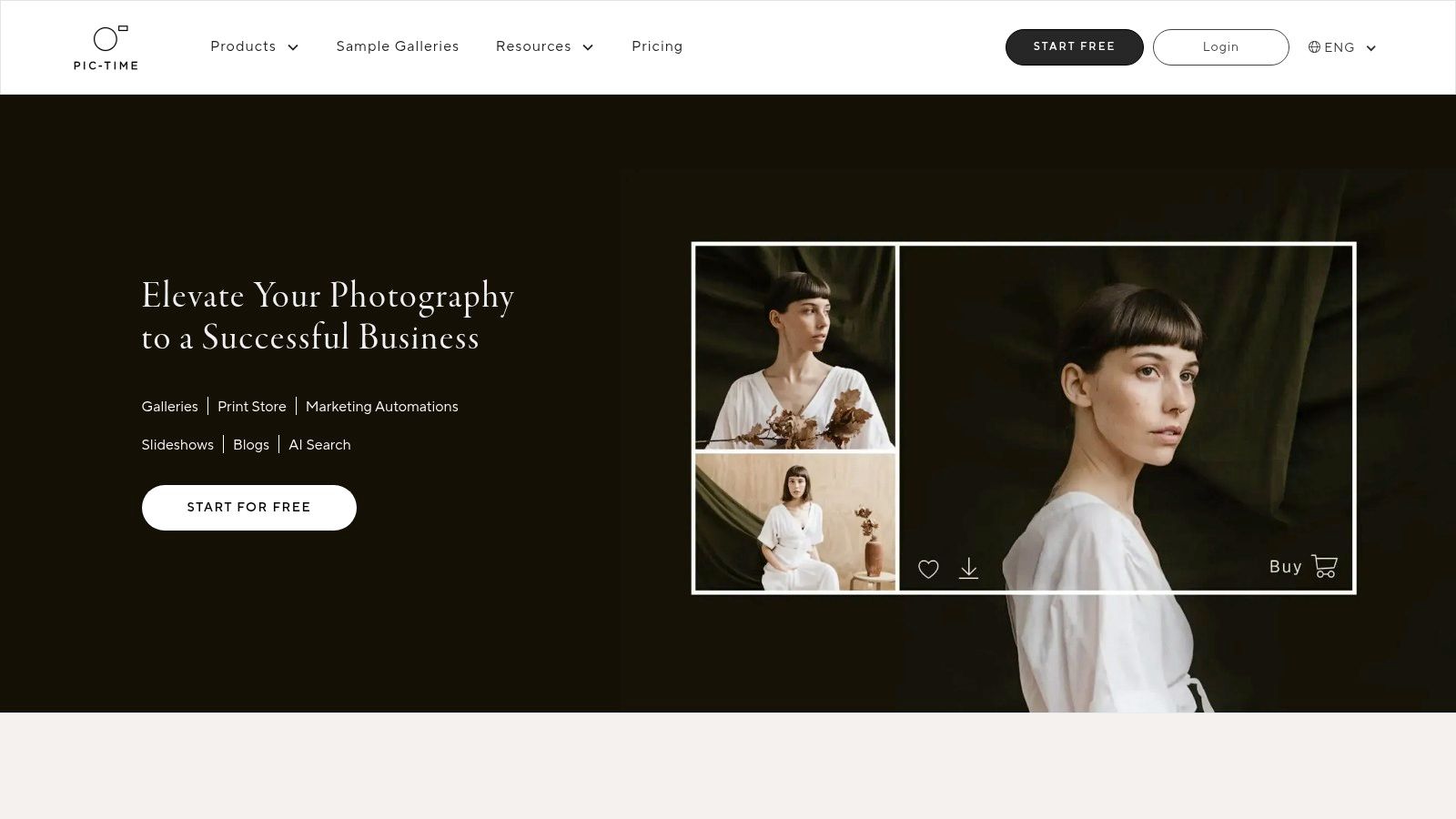
The platform's standout feature is its intelligent search functionality, including a "Selfie Search" that allows guests to upload a selfie to instantly find all photos they appear in. This transforms a large event gallery from a passive collection into an interactive and highly personal experience, boosting engagement and potential print sales.
Key Features and Use Cases
- Pricing: Offers a free plan with limited storage. Paid plans start at $21/month and offer more storage, video hosting, and advanced sales automation features.
- Best For: Wedding photographers, corporate event photographers, and any professional looking to monetize their event galleries through an elegant and automated storefront.
- Sales Automation & Storefront: Features automated email campaigns, personalized coupons, and gift cards to encourage print and product purchases directly from the gallery. It integrates with over 30 global printing labs.
Pros and Cons
| Pros | Cons |
|---|---|
| Powerful revenue and automation tools: Excellent for post-event sales. | AI setup requires guest prompts: Selfie Search isn't fully automatic. |
| Advanced attendee discovery: AI search makes finding photos easy for guests. | Video storage limits: Video hosting capabilities vary significantly by plan. |
| High-quality client experience: Galleries are beautifully designed and user-friendly. | Higher price point: More expensive than basic photo-sharing platforms. |
For photographers who want to provide a premium client experience while maximizing their revenue potential, Pic-Time is an exceptional choice. While it may be more complex than a simple sharing site, its combination of beautiful galleries, AI-powered search, and robust e-commerce tools makes it a powerhouse for professional event photography.
Website: https://www.pic-time.com
11. PhotoShelter for Photographers
PhotoShelter for Photographers is a professional-grade platform designed for photographers who need robust tools for archiving, client delivery, licensing, and sales. It moves beyond simple sharing to provide a comprehensive business solution, making it one of the best websites to share photos when monetization and rights management are critical. It’s ideal for commercial, editorial, and event photographers who require granular control over how their work is distributed and sold.
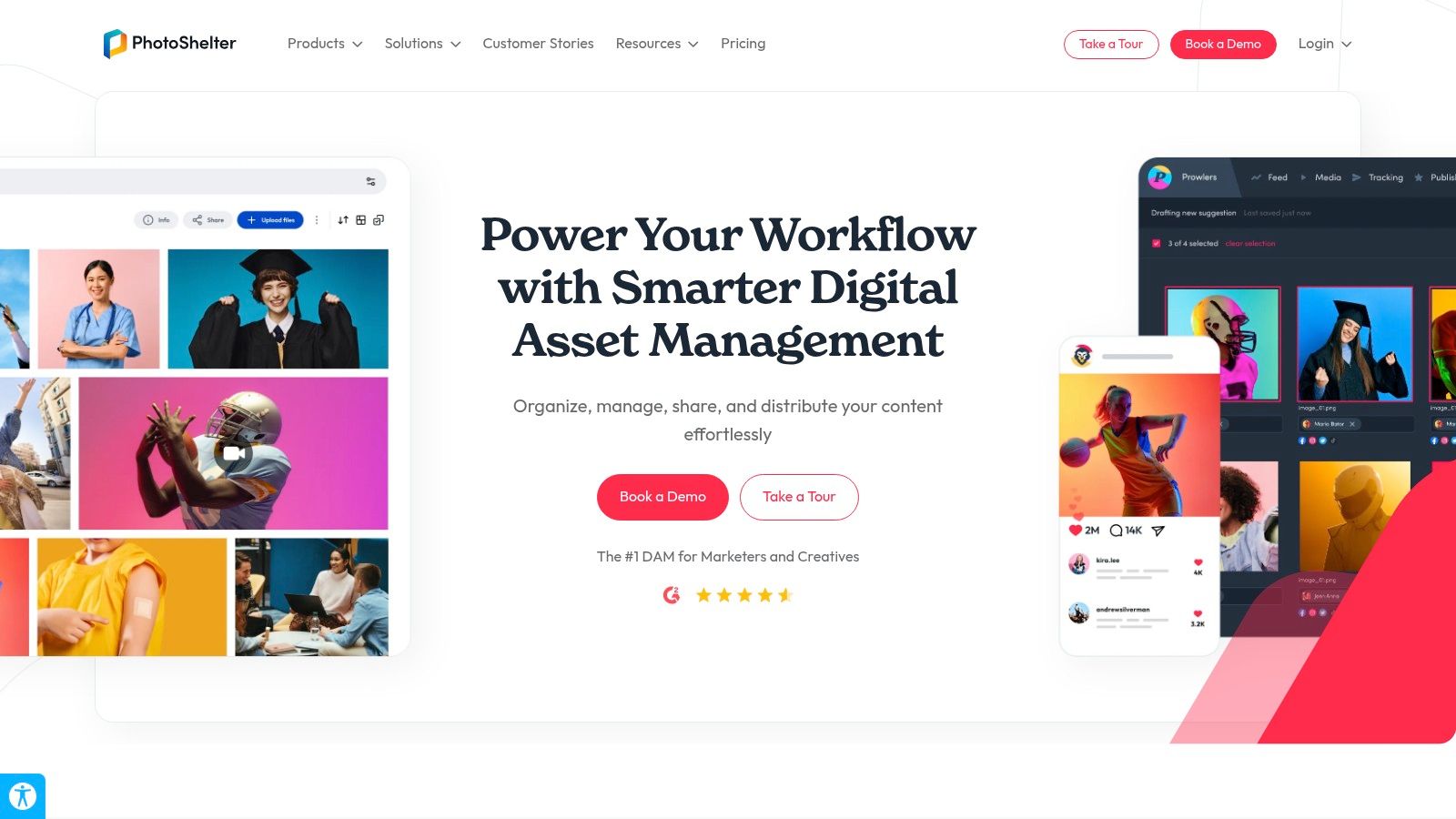
The platform’s strength lies in its deep e-commerce and licensing features. Photographers can create detailed pricing profiles for prints, downloads, and both rights-managed and royalty-free licenses. This allows for complex sales workflows tailored to different client types, from corporate buyers licensing images for a campaign to wedding guests purchasing prints.
Key Features and Use Cases
- Pricing: Plans start at $12.99/month for the Basic tier, with transaction fees that decrease on higher-tier plans.
- Best For: Professional event photographers, commercial studios, and editorial photographers who need advanced tools for client proofing, sales, and image licensing.
- Advanced Licensing and Sales: Offers unparalleled control over pricing for prints, digital downloads, and specific usage rights, acting as the merchant of record for transactions. It's a full-fledged business tool, not just a gallery.
Pros and Cons
| Pros | Cons |
|---|---|
| Deep Configurability: Extensive options for licensing and sales workflows. | Utilitarian Interface: Templates and UI can feel dated compared to newer rivals. |
| Scalable Solution: Path to upgrade to PhotoShelter for Brands for larger DAM needs. | Transaction Fees: The platform charges transaction fees that vary by subscription tier. |
| Professional Toolset: Robust features for archiving, proofing, and client delivery. | Learning Curve: The extensive features can be complex for new users. |
For the professional photographer, PhotoShelter provides a powerful engine to run their business. While its interface may lack the modern polish of platforms focused purely on aesthetics, its functional depth in sales and licensing is unmatched. It is less suited for casual sharing and better for professionals who need a centralized hub for their entire photo business workflow.
Website: https://www.photoshelter.com
12. Waldo Photos
Waldo Photos is an event-focused platform built to solve the "find my photos" problem for attendees at large-scale events like graduations, camps, and sports leagues. It leverages AI facial recognition and streamlined distribution methods to deliver personalized galleries directly to participants, making it one of the best websites to share photos when individual delivery is key. The platform is designed around attendee convenience, using QR codes and SMS for easy gallery access.
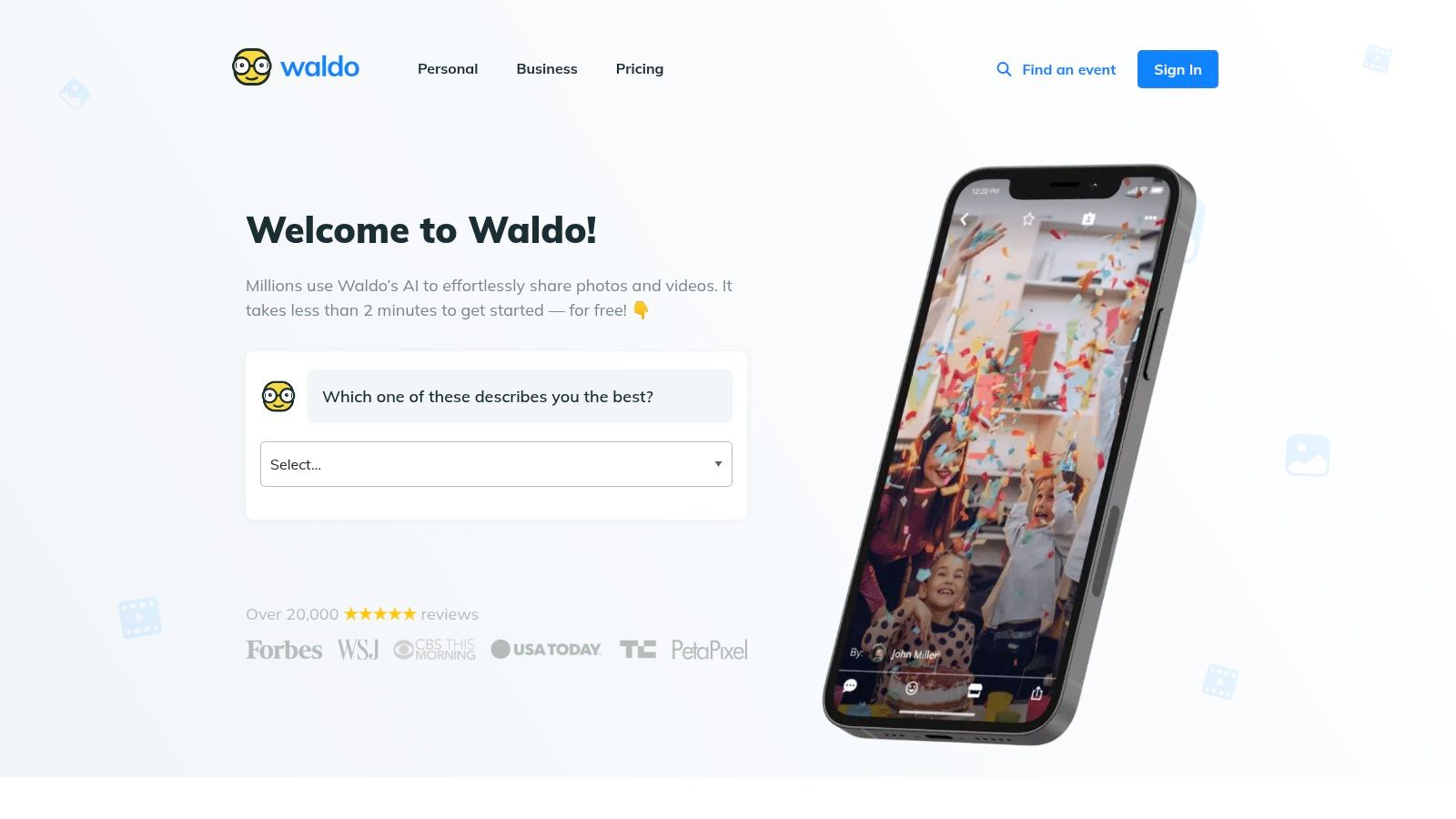
Instead of forcing guests to scroll through thousands of images, Waldo Photos allows them to submit a selfie. The AI then automatically finds and delivers all photos they appear in via text message. This attendee-centric approach significantly enhances the event experience and ensures that memories are easily found and shared.
Key Features and Use Cases
- Pricing: Offers various plans, including per-event pricing and subscriptions for ongoing needs (WaldoPro). Pricing is tailored to event size and features.
- Best For: School picture days, sports tournaments, summer camps, marathons, and corporate events where attendees want to find their specific photos instantly.
- AI Face Matching: The core feature allows guests to find every photo of themselves with a simple selfie, eliminating manual searching and gallery browsing.
- QR Code & SMS Joins: Organizers can display QR codes or text-to-join numbers, allowing attendees to opt-in for photo delivery quickly and without downloading an app.
Pros and Cons
| Pros | Cons |
|---|---|
| Effortless for Attendees: Selfie matching removes the need to hunt for photos. | Storage Caps: Higher-tier event plans may have limits on photo storage. |
| Streamlined Onboarding: QR code and SMS joins make it simple for guests to connect. | Niche Focus: Less suited for simple, collaborative family-style albums. |
| Event-Centric Workflows: Designed specifically for large-scale event photography needs. | Priced Separately: Advanced professional and business features are add-ons. |
Waldo Photos excels in environments where the primary goal is to efficiently connect individuals with their own pictures. While it might be overkill for a small family gathering, it provides a professional, high-tech solution for event organizers who need to deliver a personalized and modern photo experience to a large audience.
Website: https://waldophotos.com
Top 12 Photo-Sharing Sites Comparison
| Product | Core features | UX & Quality (★) | Price / Value (💰) | Target audience (👥) | Unique selling points (✨) |
|---|---|---|---|---|---|
| Saucial 🏆 | AI face recognition, selfie photo matching, event photo sharing link, QR code gallery, drag‑and‑drop upload | ★★★★★ — fast retrieval, privacy controls | 💰 Contact / custom (no public pricing) | 👥 Event organizers, pro photographers, venues | ✨ “Find my photos” selfie flow, organizer-controlled sharing, photographer monetization |
| Google Photos | Cloud backup, shared albums, AI search, cross‑platform links | ★★★★ — ubiquitous, smooth search | 💰 Free tier (15 GB) + Google One upgrades | 👥 Families, schools, community groups | ✨ Strong AI search, cross‑device integration, easy link sharing |
| Apple iCloud Photos | Shared Albums, iCloud Shared Library, web sharing for guests | ★★★★ — seamless for Apple users | 💰 Starts at $0.99/mo (50 GB) | 👥 Apple-centric groups, families | ✨ Deep Apple ecosystem integration, strong privacy defaults |
| Amazon Photos | Unlimited full‑res for Prime, auto‑save apps, simple sharing | ★★★ — good value for Prime members | 💰 Included with Prime (or paid tiers) | 👥 Prime households, casual users | ✨ Unlimited photo storage for Prime, easy family vault |
| Flickr | Community galleries, discovery, print fulfillment | ★★★ — social & discovery focus | 💰 Free (limits) + Pro subscription | 👥 Photographers, clubs, alumni groups | ✨ Community discovery, integrated prints/store |
| SmugMug | Unlimited storage, custom sites, client galleries, e‑commerce | ★★★★ — pro galleries & sales tools | 💰 Paid plans (higher tiers for pros) | 👥 Professional photographers, event studios | ✨ Branded galleries, lab fulfillment, storefront tools |
| Zenfolio | Portfolio + commerce, booking, proofing, lab fulfillment | ★★★ — photographer business suite | 💰 Tiered plans; transaction/commerce fees | 👥 Studios, school & sports photographers | ✨ Built‑in proofing, booking and marketing tools |
| Pixieset | Polished client galleries, mobile app, integrated store | ★★★★ — excellent client UX | 💰 Free → paid plans; 0% commission on paid plans | 👥 Wedding & event photographers, studios | ✨ Clean client experience, couponing, lab fulfillment |
| ShootProof | Photo-count plans, client galleries, lab fulfillment, invoices | ★★★★ — clear pricing model for volume | 💰 Photo‑count tiers; 0% platform commission | 👥 Wedding & volume event photographers | ✨ No platform commission, invoice/contract support |
| Pic-Time | AI Selfie Search, automations, 30+ lab integrations | ★★★★ — event discovery + sales automations | 💰 Free → advanced plans; storefront fees vary | 👥 Event photographers wanting automation | ✨ Selfie Search, post‑event sales automations, labs |
| PhotoShelter | Licensing, archiving, client delivery, merchant options | ★★★ — enterprise sales & DAM focus | 💰 Paid tiers; transaction fees by tier | 👥 Editorial, commercial, event photographers | ✨ Rights‑managed licensing, deep pricing controls |
| Waldo Photos | AI face‑matching, QR joins, SMS distribution, live slideshows | ★★★★ — event-centric, quick joins | 💰 Event packages / WaldoPro plans | 👥 Graduations, sports, camps, single events | ✨ QR/SMS joins, selfie matching, live slideshow features |
Choosing the Right Platform for Your Event Workflow
Navigating the landscape of the best websites to share photos can feel overwhelming, but the journey to the perfect solution starts with a clear understanding of your core objective. As we've explored, the ideal platform isn't a one-size-fits-all answer; it's a strategic choice that aligns with your specific workflow, audience, and end goals. The right tool transforms photo sharing from a logistical headache into a powerful asset for engagement, marketing, and monetization.
This comprehensive review has highlighted the distinct strengths of various platforms. For simple, personal sharing among trusted friends and family, the seamless integration of Google Photos, Apple iCloud, and Amazon Photos into existing digital ecosystems makes them convenient and cost-effective choices. They excel at straightforward storage and private album creation.
For professional photographers building a client-facing business, the choice becomes more nuanced. Platforms like SmugMug, Zenfolio, Pixieset, ShootProof, and Pic-Time are designed as all-in-one business hubs. They offer sophisticated client galleries, powerful e-commerce storefronts for selling prints and digital downloads, and crucial tools for proofing, contracting, and invoicing. Their focus is on empowering the photographer's brand and streamlining the client delivery and sales process.
Aligning Your Choice with Your Primary Goal
The critical takeaway is to match the platform's core purpose with your own. Ask yourself: what is the primary problem I need to solve?
- For personal archiving and casual sharing: Your best bet is a consumer cloud storage service like Google Photos or iCloud. They are built for ease of use and are often already integrated into the devices your family and friends use.
- For professional photography client management: Look to specialized platforms like Pixieset or ShootProof. Their feature sets are tailored to managing client relationships, from gallery delivery to print sales, which is essential for running a sustainable photography business.
- For high-volume event photo distribution and engagement: This is where a purpose-built event photography platform shines. If your main challenge is delivering photos instantly to hundreds or thousands of guests at a conference, festival, or wedding, you need a tool designed for that scale.
The Event-Centric Workflow Advantage
When your focus is on the event experience itself, the criteria for the best websites to share photos shift dramatically. The priority is no longer just about storage or print sales; it's about immediacy, guest experience, privacy, and brand amplification. This is the specific niche where solutions like Saucial and Waldo Photos excel, by tackling the unique pain points of event organizers and on-site photographers.
They solve the "how do I find my photos?" problem for attendees with innovative delivery mechanisms like QR codes and facial recognition. More importantly, they give event organizers control over the entire process, turning a gallery of images into a valuable, engaging, and brandable touchpoint. This workflow-centric approach ensures that photos don't just get delivered; they create a lasting positive impression and extend the life and reach of the event. By selecting a tool that is laser-focused on your specific event workflow, you are not just sharing photos, you are strategically enhancing the overall event experience for everyone involved.
Ready to transform your event photo sharing from a post-event task into a powerful engagement tool? Discover how Saucial simplifies photo distribution for events of any scale, providing guests with instant access to their memories while giving you full control. See why it’s one of the best websites to share photos for event professionals by visiting Saucial to learn more.


