Best Way to Share Event Photos: A Guide for Planners and Professionals

The confetti has settled, the thank-you notes are sent, but the life of your event lives on through its photos. Yet, distributing hundreds or thousands of images from a gala, conference, or tournament often creates more headaches than highlights. Guests endlessly scroll through disorganized folders, organizers field constant requests for specific shots, and valuable marketing opportunities are lost in a sea of generic cloud links. The challenge isn't just about delivery; it's about creating a seamless, engaging, and professional post-event experience for everyone involved.
Finding the best way to share event photos from any large-scale gathering means moving beyond basic file-sharing. It requires a system that empowers attendees to instantly find their own pictures, allows organizers to manage distribution efficiently, and provides photographers with a powerful platform for sales and branding.
This guide cuts directly to the solutions. We will compare seven leading platforms designed for modern event photo sharing, from private AI-powered galleries to professional client-delivery systems. Each review includes practical workflows, screenshots, and direct links to help you identify the perfect fit for your specific needs, whether you're a planner for a corporate convention, a photographer at a fundraiser, or an organizer coordinating a large celebration.
1. Saucial: AI-Powered 'Find My Photos' for High-Engagement Events
For event organizers, photographers, and venue coordinators managing large-scale events like galas, conventions, and alumni gatherings, Saucial presents a sophisticated, workflow-first solution. It moves beyond simple storage folders to create a high-engagement "Find My Photos" experience for every attendee. The core premise is powerful yet simple: guests use a quick selfie to instantly access a personalized gallery of every photo they appear in, eliminating the need to scroll through hundreds of images.
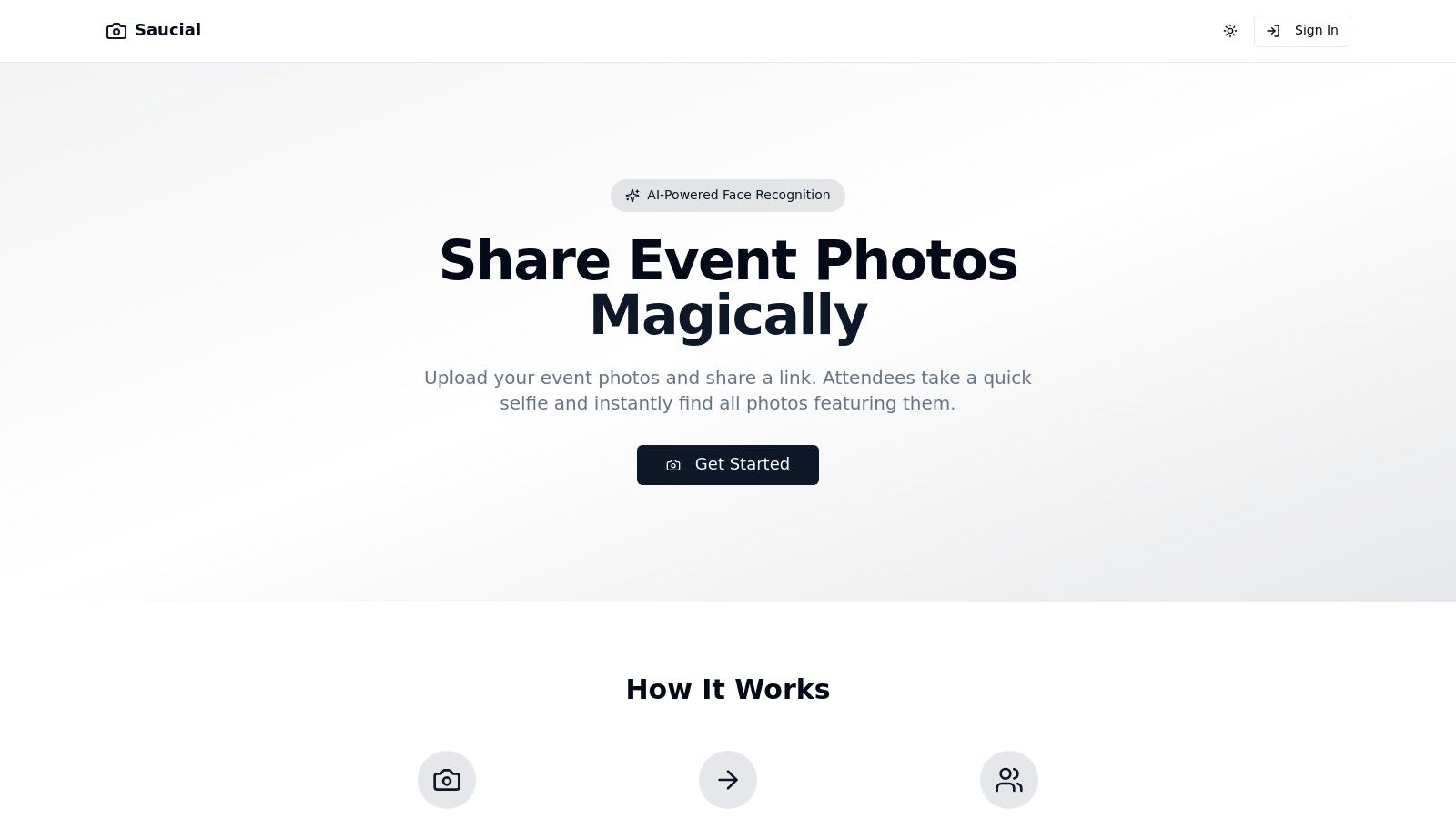
This AI-driven approach is the best way to share event photos when speed, engagement, and professional control are critical. Instead of sending guests a chaotic link to a cloud drive, organizers provide a single, branded event link or QR code. Guests access it from their phones without needing to download an app or create an account, ensuring a frictionless experience that boosts post-event sharing and brand visibility.
Key Strengths and Organizer Benefits
Saucial is engineered to solve the practical challenges of photo distribution at high-volume events. The drag-and-drop upload and background facial processing significantly reduce administrative work, freeing up event teams to focus on other priorities. You can learn more about their simple photo upload process.
- Centralized, Frictionless Access: A single link or QR code, shareable via email, social media, or on-site signage, gives all attendees a direct path to their photos.
- Enhanced Guest Engagement: The "wow" factor of selfie-based retrieval encourages guests to find, download, and share their memories, extending the event's reach long after it concludes.
- Monetization for Professionals: Photographers can transform photo delivery into a revenue stream by offering print sales, digital downloads, premium edits, or sponsored frames directly to attendees.
- Complete Organizer Control: You manage privacy and permissions, deciding what’s shared, how it's distributed, and whether access is free, curated, or requires purchase.
Practical Use and Considerations
While Saucial offers a powerful system, its use of facial recognition requires clear communication with attendees. Organizers must be mindful of guest consent and local privacy regulations like GDPR, which may influence its suitability for certain audiences or regions. Furthermore, detailed pricing and enterprise-level features are not publicly listed; interested parties will need to contact Saucial directly for a consultation.
| Feature Analysis | Saucial's Approach |
|---|---|
| Guest Experience | No-app, no-account selfie matching for instant photo retrieval. High engagement and ease of use. |
| Organizer Workflow | Simple drag-and-drop upload with automated AI processing. Distribute via a single link or QR code. |
| Monetization Tools | Built-in e-commerce for photographers to sell prints, downloads, and premium edits directly to attendees. |
| Privacy & Control | Organizer-managed permissions and access controls. Requires attention to guest consent and local regulations. |
| Best For | Galas, fundraisers, trade shows, sports tournaments, alumni events, and brand activations. |
Website: https://saucial.com
2. Google Photos
For event organizers seeking a ubiquitous and user-friendly platform, Google Photos is an exceptional choice for collecting and distributing event imagery. Its strength lies in its simplicity and the fact that a vast majority of attendees already have a Google account, drastically lowering the barrier to entry for photo contributions and viewing. This makes it a powerful tool for consolidating photos from a corporate gala, an alumni reunion, or a multi-day conference into one central, accessible hub.
The platform’s shared album feature is the core of its utility for events. Organizers can create an album and generate a shareable link or even a QR code to display at the venue. This allows guests, staff, and official photographers to instantly add their photos and videos, creating a rich, multi-perspective archive of the event as it happens.
Key Features and Use Cases
- Collaborative Albums: Enable the "Collaborate" setting so attendees can add their own photos. This is perfect for crowdsourcing content from different angles during a tournament or convention.
- Simple Distribution: Share the album via a direct link in post-event emails or by displaying a QR code on event signage and screens. This provides an immediate and easy way to share event photos.
- Cross-Platform Accessibility: Guests can access and contribute from any device (iOS, Android, web browser), ensuring no one is left out.
- Integrated Storage: Albums are tied to your Google account storage. While 15 GB is free, storage can be affordably expanded with Google One plans, making it scalable for large or recurring events.
Pro Tip: Create a dedicated Google account for your organization or major event series. This keeps event photos separate from personal files and allows for easier handover of management duties between team members.
Platform Breakdown
| Feature | Details |
|---|---|
| Pricing | Free for up to 15 GB of storage. Paid Google One plans start around $1.99/month for 100 GB. |
| Best For | Internal team events, community gatherings, and situations where crowdsourcing content is a primary goal. |
| Limitations | Not a professional client gallery. It lacks features like print sales, advanced branding, or watermarking. |
Google Photos excels as a low-friction, collaborative tool. While it's not a substitute for a professional photographer's branded gallery, it serves as the best way to share event photos when your goal is community engagement and comprehensive, informal photo collection.
Website: https://photos.google.com
3. Apple iCloud Shared Albums
For events where the majority of attendees are Apple users, such as a corporate retreat or an alumni gathering, iCloud Shared Albums offer a deeply integrated and frictionless method for photo sharing. This native iOS and macOS feature allows organizers to create a collaborative space directly within the Photos app, which attendees already know and use. Its seamless integration makes it an excellent, no-cost option for collecting and sharing highlights from an event.
The primary strength of an iCloud Shared Album is its simplicity. Organizers can invite attendees via their Apple ID, and once accepted, the album appears natively in their Photos app. Guests can then easily add their own photos and videos, as well as comment on and like others' contributions, creating a lively and interactive gallery of the event.
Key Features and Use Cases
- Native Integration: Perfect for Apple-centric environments like company off-sites or school events, as no new app or login is required for iPhone users.
- Cost-Free Storage: Photos and videos added to a Shared Album do not count against your personal iCloud storage quota, making it a truly free solution.
- Public Website Option: You can enable a public website for the album, generating a URL that non-Apple users can view, expanding access for a diverse audience.
- Simple Curation: Best used for sharing a curated selection of highlights from a conference or tournament, rather than every single high-resolution image.
Pro Tip: Before the event, create the Shared Album and send out invites. Post a few "welcome" photos to get it started. At the event, use a QR code linking to the album's public URL to make it easy for everyone to find.
Platform Breakdown
| Feature | Details |
|---|---|
| Pricing | Completely free. Shared Album content does not use your iCloud storage. |
| Best For | Internal team events, school functions, and small to medium-sized gatherings with a high percentage of iPhone users. |
| Limitations | Limits of 100 subscribers and 5,000 photos per album. Photos are resized (2048px on the long edge), and videos are compressed to 720p. |
Apple iCloud Shared Albums are an unbeatable choice for casual, collaborative photo sharing within the Apple ecosystem. While its resolution and capacity limits make it unsuitable as a primary archive for professional photography, it serves as an excellent, user-friendly tool for engaging attendees and collecting candid moments.
Website: https://www.icloud.com/photos
4. Pixieset Client Gallery
For professional event photographers and organizers who require a sophisticated, branded, and commercially-enabled delivery system, Pixieset Client Gallery is a top-tier solution. It elevates the photo-sharing experience from a simple link to a polished, online storefront. This platform is ideal for delivering high-quality images from a corporate gala, a sponsored tournament, or a professional conference where brand consistency and the option for print sales are paramount.
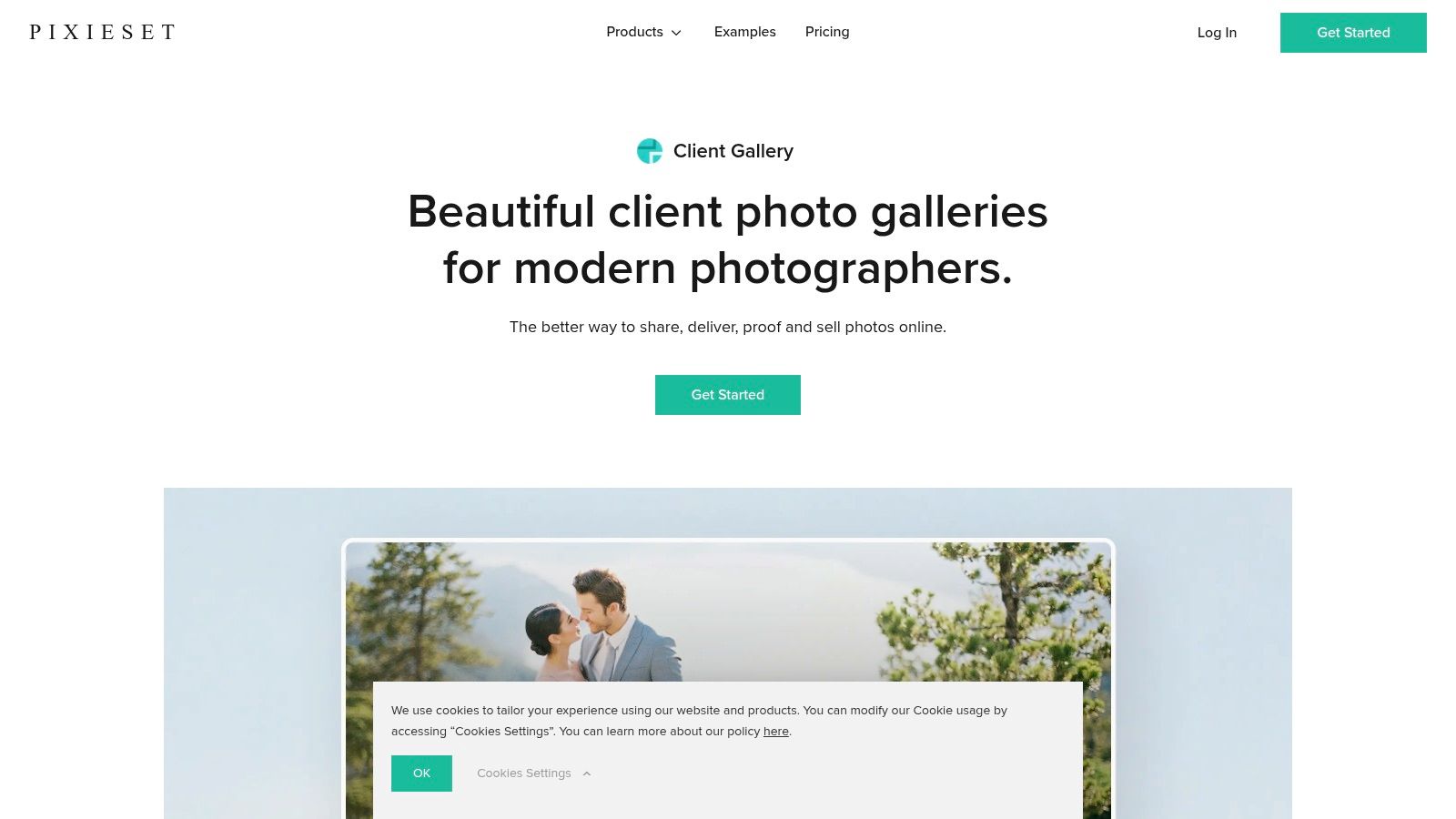
Pixieset's strength lies in its seamless integration of photo delivery and e-commerce. Organizers or their designated photographers can create stunning, password-protected galleries that reflect the event's branding. Guests, sponsors, and attendees can not only view and download images but also easily order professional prints and products directly from the gallery, creating a new revenue or fundraising stream for the event.
Key Features and Use Cases
- Branded Client Galleries: Customize galleries with your organization's logo and colors, ensuring a cohesive brand experience. Use password or PIN protection for exclusive access.
- Integrated Print Store: The built-in store allows attendees to purchase prints and other photo products. Auto-fulfillment with professional labs handles printing and shipping, minimizing administrative work.
- Advanced Download Controls: Manage who can download photos and in what resolution. This is perfect for controlling image distribution, such as providing low-res images for social sharing and high-res for sponsors.
- Client Proofing Tools: The "Favorites" feature allows marketing teams or VIPs to select their preferred shots from a large collection, streamlining the post-event content selection process.
Pro Tip: Use the integrated store to sell branded prints from a charity gala or alumni reunion as a fundraising tool. The automated fulfillment means you can offer products without managing inventory or shipping.
Platform Breakdown
| Feature | Details |
|---|---|
| Pricing | Free plan with 3 GB of storage and 15% commission on sales. Paid plans start around $8/month with more storage and lower or 0% commission fees. |
| Best For | Professional photographers, large-scale corporate events, and any occasion requiring a branded, monetized gallery experience. |
| Limitations | Setup is more involved than consumer platforms. The free plan has significant storage and commission limitations. |
Pixieset provides the best way to share event photos when professionalism, branding, and monetization are key objectives. It transforms a simple photo gallery into a professional asset that enhances the event's value and provides a seamless experience for attendees and stakeholders.
Website: https://pixieset.com/client-gallery/
5. Pic-Time
For event marketing teams and professional photographers managing high-volume events like conferences or awards galas, Pic-Time offers a sophisticated and commerce-driven solution. It moves beyond simple photo sharing by integrating an elegant client gallery with a powerful sales platform. This makes it an ideal choice for monetizing event photography or providing a premium, branded experience for attendees and stakeholders.
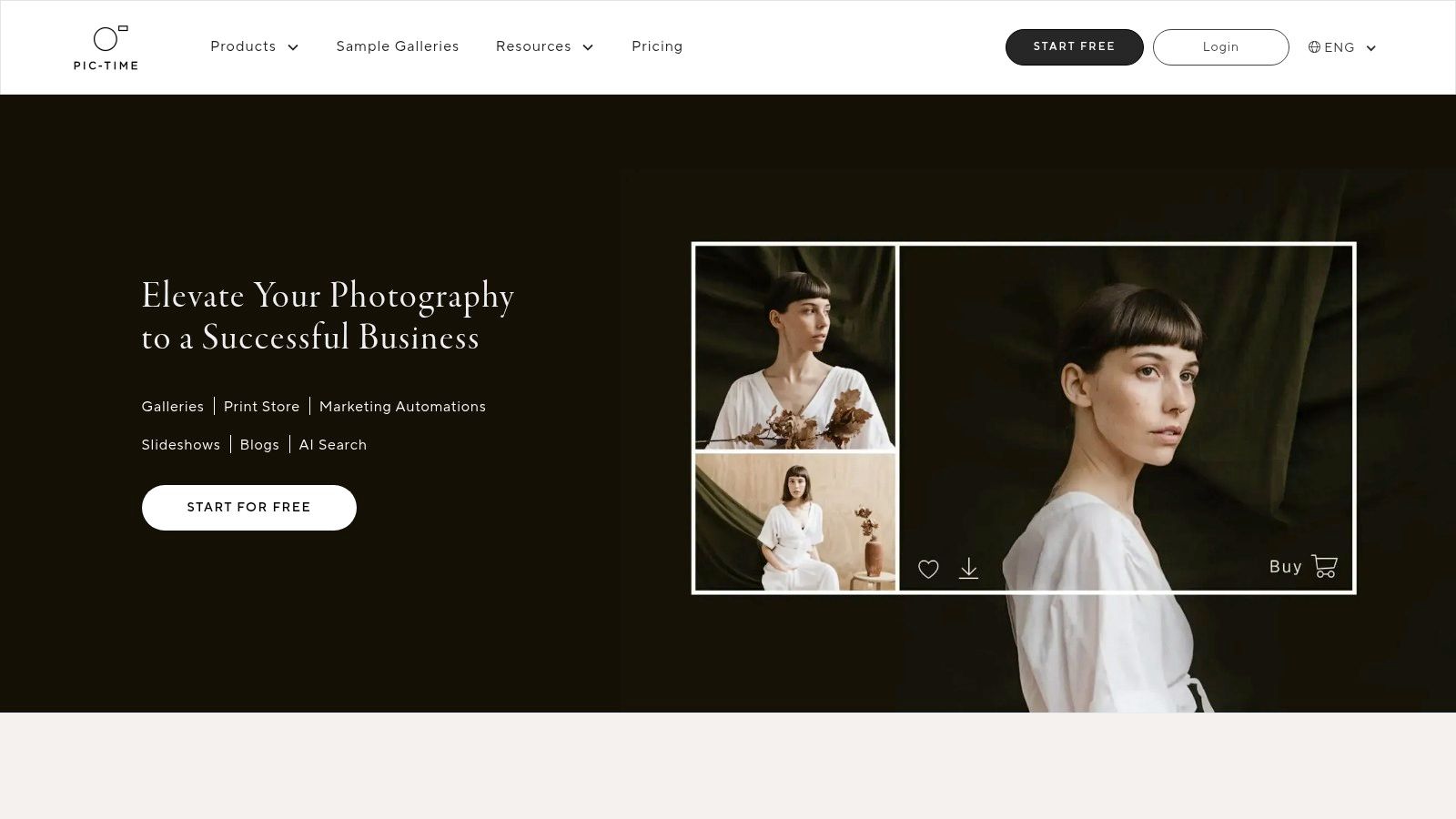
The platform’s core strength is its ability to create stunning, modern galleries that not only showcase photos and videos but also facilitate print and digital product sales through a global network of labs. For an alumni reunion or a multi-day festival, this provides attendees with a seamless way to purchase high-quality keepsakes, while automated marketing campaigns help drive engagement and revenue long after the event concludes.
Key Features and Use Cases
- Integrated Print Store: Attendees can order prints, albums, and other photo products directly from the gallery, with fulfillment handled by over 30 global labs. This is perfect for offering memorabilia from a tournament or fundraiser.
- Sales Automations: Set up automated email campaigns with custom coupons and discounts to drive post-event sales, maximizing the return on your professional photography investment.
- Premium Gallery Experience: Use elegant templates, create beautiful slideshows, and manage user permissions to deliver a polished and professional viewing experience for corporate clients or VIPs.
- Scalable Storage: Pic-Time offers various storage tiers, including unlimited photo storage on advanced plans, ensuring it can handle the large volume of images from major conferences and festivals.
Pro Tip: Use the gallery's user-permission settings to create different access levels. You can provide a public gallery for general attendees while creating a private, curated selection for event sponsors or keynote speakers.
Platform Breakdown
| Feature | Details |
|---|---|
| Pricing | Free plan with limited storage and features. Paid plans for photographers and businesses start around $17/month (billed annually). |
| Best For | Professional event photographers, marketing teams, and organizations looking to monetize event imagery or provide a premium gallery experience. |
| Limitations | The learning curve is steeper than simple sharing tools. The full feature set is primarily on paid tiers, and it's overkill for purely collaborative or internal sharing needs. |
Pic-Time is the best way to share event photos when a professional presentation and commerce are top priorities. While it is more complex than a basic cloud storage link, its powerful sales and gallery features provide a level of sophistication and revenue potential that other platforms cannot match.
Website: https://www.pic-time.com
6. ShootProof
For event photographers and organizers who need a professional, branded solution for photo delivery and sales, ShootProof offers a robust and streamlined platform. It bridges the gap between simple cloud storage and complex studio management software, providing elegant, customizable galleries perfect for delivering photos from a corporate gala, charity fundraiser, or multi-day conference. Its primary strength lies in creating a polished, professional experience for clients and attendees to view, download, and purchase images.
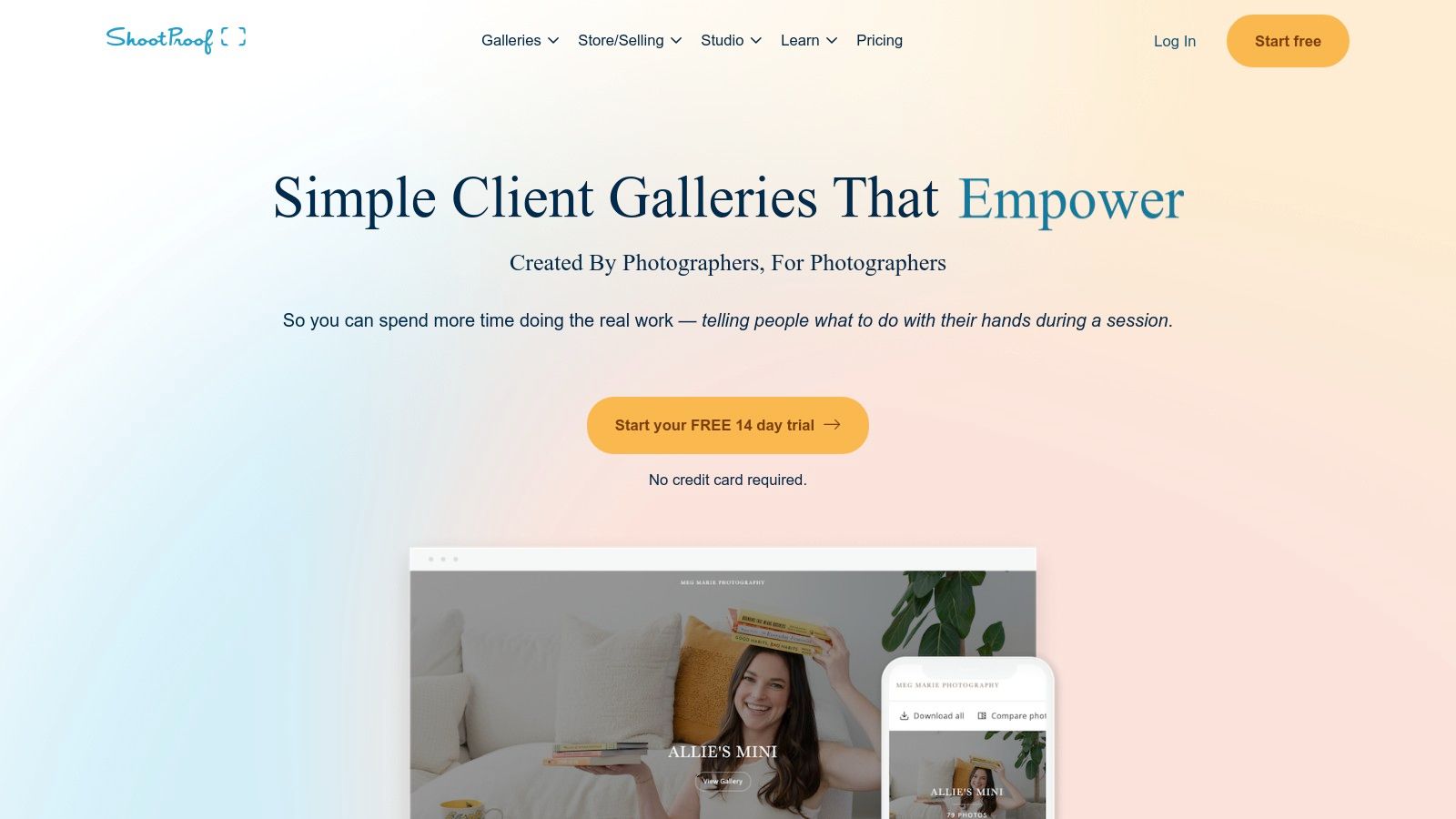
ShootProof allows organizers to create unlimited client galleries, even on its entry-level plans, which can be branded with custom logos and colors to match the event's theme. This makes it an excellent choice for maintaining a consistent brand identity when sharing images with sponsors, stakeholders, or attendees. The platform is built with commerce in mind, enabling direct print and digital sales from within the gallery.
Key Features and Use Cases
- Branded Client Galleries: Create unlimited, beautiful galleries that feature your event's or company's branding, providing a professional touchpoint for guests and clients.
- Print and Digital Sales: Sell photos directly to attendees with integrated lab fulfillment. This is ideal for sporting events, award ceremonies, or school functions where participants may want to purchase prints.
- Flexible Access Control: Set up password protection, watermarks, and specific download permissions for each gallery to control how images are distributed.
- Simple Proofing Tools: Allow clients or marketing teams to create "Favorites" lists to select the best images for a press release, social media campaign, or annual report.
Pro Tip: Use the "Packages" feature to bundle different types of digital downloads or print collections. For a corporate conference, you could offer a free, low-resolution "social media pack" for all attendees and sell high-resolution team photos or prints of keynote speakers.
Platform Breakdown
| Feature | Details |
|---|---|
| Pricing | Plans are based on photo count, starting from $10/month for 1,500 photos. All plans include unlimited galleries. |
| Best For | Professional event photographers, corporate event planners, and organizations needing a branded portal for photo delivery and sales. |
| Limitations | The platform is heavily focused on gallery delivery and sales. Full-suite studio management tools like invoicing and contracts may require higher-tier plans. |
ShootProof provides a professional and commercially focused way to share event photos. It empowers organizers not just to distribute images but to create a high-quality, branded experience that can also serve as a revenue stream.
Website: https://www.shootproof.com
7. SmugMug
For event professionals who require a robust, scalable, and secure platform for long-term photo archiving and distribution, SmugMug offers a powerful solution. It moves beyond simple sharing to provide a professional-grade hosting service with unlimited storage, making it ideal for large-scale events like annual conventions, multi-day festivals, or corporate galas where thousands of high-resolution images are generated. Its strength lies in its archival capabilities and professional presentation.

SmugMug allows organizers to create beautifully branded, password-protected galleries that reflect the event's professional image. This is a significant step up from standard cloud storage, offering a dedicated, customizable space to house an organization's visual history securely. The platform's commerce features also open up opportunities for fundraising or merchandise sales at charity tournaments or alumni reunions.
Key Features and Use Cases
- Unlimited Storage: Upload and store an infinite number of full-resolution photos and videos. This is perfect for archiving years of conference materials or an entire season of tournament photography without worrying about space.
- Branded Galleries: Customize galleries with your organization's logo, colors, and a custom domain to create a seamless brand experience for attendees and stakeholders.
- Advanced Security: Utilize password protection, private galleries, and right-click protection to control who sees and downloads your event's valuable visual assets.
- E-commerce Integration: Sell prints, digital downloads, or custom photo products directly from the gallery. This is an excellent feature for monetizing photos from a fundraiser or sporting event.
Pro Tip: Use SmugMug's Lightroom plugin to streamline your post-event workflow. Photographers can sync, organize, and upload photos directly from their editing software to the event gallery, saving significant time.
Platform Breakdown
| Feature | Details |
|---|---|
| Pricing | Paid plans start around $13/month. E-commerce and advanced features are available in higher-priced tiers. |
| Best For | Large corporate events, professional photographers, and organizations needing a long-term, secure archive with branding and sales capabilities. |
| Limitations | Lacks the instant, collaborative crowdsourcing features of other platforms. It is more of a one-way distribution and archival tool. |
SmugMug is the best way to share event photos when professionalism, security, and long-term storage are the highest priorities. It serves as a permanent, branded home for your organization's most important visual memories, offering a polished alternative to basic file-sharing services.
Website: https://www.smugmug.com
Top 7 Event Photo-Sharing Platforms Compared
| Platform | Implementation complexity | Resource requirements | Expected outcomes | Ideal use cases | Key advantages |
|---|---|---|---|---|---|
| Saucial | Moderate — drag‑and‑drop setup plus face‑recognition and consent handling | Low–Moderate — web upload, background processing for face matching; paid plans for scale | Faster delivery, higher attendee engagement, direct attendee monetization | High-sharing events: galas, fundraisers, sports, trade shows, brand activations | Selfie-based “find my photos”, QR/event link galleries, organizer privacy controls, built‑in monetization |
| Google Photos | Low — consumer-ready, minimal setup | Low — free account; optional Google One for extra storage | Simple centralized albums, easy guest contributions and sharing | Internal teams, community gatherings, alumni groups crowdsourcing photos | Very low friction, ubiquitous cross-platform access, easy link/QR sharing |
| Apple iCloud Shared Albums | Low — built into iOS/macOS, simple invites | Low — iCloud account; subject to resolution and item/subscriber limits | Curated highlights viewable by Apple users and web link viewers | Apple-centric corporate events and curated highlight sets | Tight iOS integration, free sharing that doesn’t count against host iCloud quota |
| Pixieset Client Gallery | Moderate — branded gallery setup and proofing workflows | Moderate — photographer subscription; Lightroom integration; commission on free plan | Professional delivery with proofing and integrated sales/fulfillment | Professional photographers delivering to corporate clients & selling prints | Branded galleries, proofing tools, built-in store and auto lab fulfillment |
| Pic-Time | Moderate — gallery design plus commerce automation setup | Moderate–High — full features on paid tiers; multi-lab fulfillment options | Increased post-event sales through automations and templates | Marketing teams focused on commerce, automated marketing, and scaling galleries | Strong commerce/automation, multi-lab fulfillment, scalable storage on advanced plans |
| ShootProof | Low–Moderate — quick gallery setup with business tools | Low–Moderate — subscription; some advanced features/add-ons | Fast delivery and straightforward sales/packaging workflows | Photographers seeking easy setup, clear pricing, and client sales | Unlimited client galleries, simple pricing, accessible live support |
| SmugMug | Moderate — customization and commerce configuration | Moderate–High — subscription tiers, evaluate commerce limits and commissions | Scalable hosting, long-term archiving, reliable print sales | Large-scale events, long-term archival needs, organizations selling prints | Unlimited storage, high-quality lab integrations, mature selling tools |
Choosing Your Platform: Match the Tool to the Event's Goal
After exploring the unique strengths of platforms from Saucial to SmugMug, the path to finding the best way to share event photos becomes much clearer. The optimal choice isn't about finding a single "best" tool, but about strategically selecting the platform that aligns perfectly with your event's specific objectives, audience, and desired outcomes. The right photo-sharing strategy transforms your images from a simple post-event deliverable into a powerful asset for engagement, marketing, and creating lasting value.
Recapping the Core Strengths
Let's distill our findings into a simple framework. Your choice hinges on your primary goal:
- For Maximum Guest Engagement & Brand Reach: If your priority is making it effortless for guests at a large-scale event like a gala, conference, or tournament to find and share their photos, an AI-powered solution is unparalleled. Saucial excels here, using facial recognition to instantly deliver personalized galleries, which dramatically increases social sharing and extends your event's organic marketing reach. It solves the "needle in a haystack" problem for guests.
- For Professional Sales & Client Management: For photographers and event professionals focused on monetization, a dedicated client gallery platform is non-negotiable. Pixieset, Pic-Time, and ShootProof offer robust, beautiful storefronts designed to maximize print and digital sales. They provide a professional, branded experience with integrated tools for proofing, ordering, and client communication.
- For Simple, Collaborative Archiving: When the goal is straightforward, internal sharing among a smaller, defined group, such as an alumni committee or a corporate team, familiar tools are often sufficient. Google Photos and Apple iCloud Shared Albums offer low-friction, collaborative environments perfect for collecting and archiving memories without the complexity of a sales-focused platform.
Your Actionable Next Steps
To move forward, don't just pick a platform; define your purpose first. Ask yourself these critical questions:
- What is my primary objective? Is it guest satisfaction, social media buzz, print sales, or simply creating a shared digital archive?
- Who is my audience? Are they tech-savvy conference attendees who will appreciate an instant AI-powered experience, or a small group that just needs a simple, shared link?
- What is the desired guest experience? Do you want guests to feel catered to with personalized galleries, or are they comfortable browsing a large, unorganized folder?
By answering these questions, your decision becomes simple. A fundraiser aiming to maximize social media impressions will benefit most from a tool like Saucial. A professional photographer delivering a gallery to a corporate client for their marketing assets needs the control and branding of a platform like ShootProof or SmugMug.
Ultimately, the best way to share event photos is the one that enhances the attendee experience and serves your organization's goals long after the lights go down. By matching the tool to the objective, you ensure your event's visual legacy is not only preserved but also amplified.


